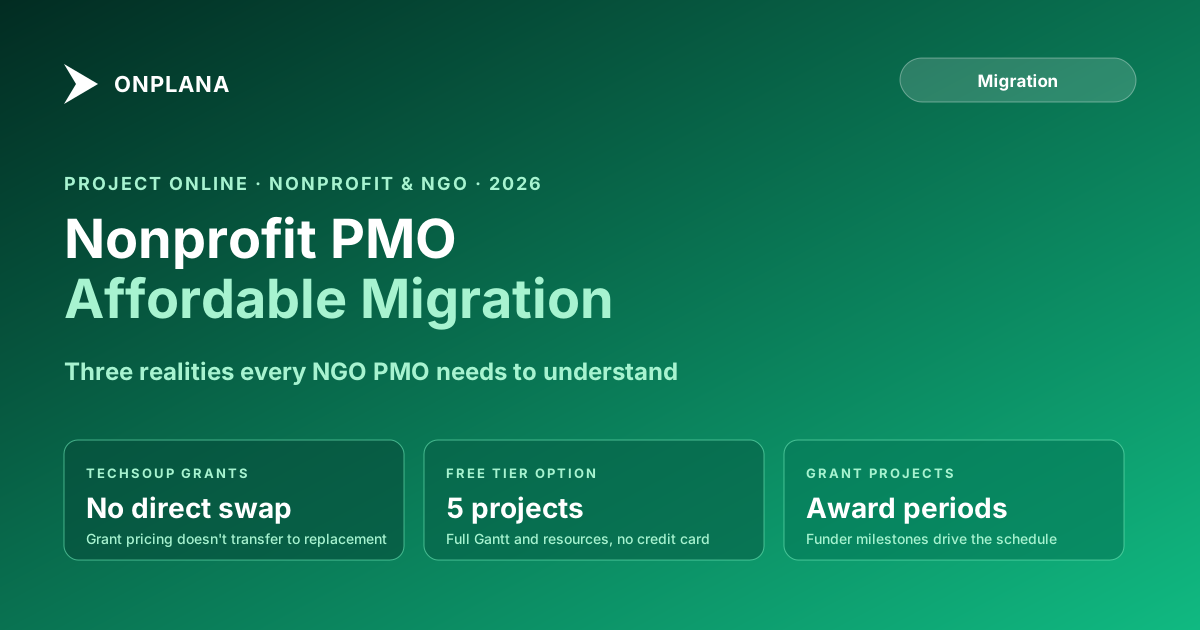
Nonprofit Project Online Migration: Affordable Alternatives
Project Online nonprofit PMOs face pricing shocks when TechSoup grants don't transfer. Here are the most affordable alternatives and what the migration costs.
The pricing shock hits when the TechSoup quote request comes back. A Project Online nonprofit organization that has been running the tool through Microsoft grant pricing or a discounted TechSoup agreement discovers that the replacement carries market-rate pricing. Project Online came as part of the Microsoft bundle. Modern project management alternatives are standalone products priced per user, per month, without the grant discount.
September 30, 2026 is the date Microsoft Project Online retires. For a commercial PMO, this is a tool migration. For a nonprofit with ten project managers and a six-figure operating budget, this is a procurement conversation that did not exist six months ago.
Nonprofits and NGOs that have relied on TechSoup-subsidized Microsoft licensing for Project Online face a more constrained version of the standard migration problem: the replacement needs to be affordable, the team is smaller than enterprise PMOs, the projects are funded by external grants with their own reporting requirements, and available migration resources are limited. None of these constraints make migration impossible. They make it different.
TL;DR Microsoft Project Online retires September 30, 2026. Nonprofits and NGOs with TechSoup-discounted licenses do not have a free replacement waiting in their Microsoft agreement. Microsoft Planner Premium is available but limited to 3,000 tasks and 10 custom fields per plan. Modern alternatives at $0 to $12 per seat per month are available, including permanently free tiers. Use the Migration Cost Calculator to model what a replacement costs for your team, and the Project Online Inventory Checklist to plan your export before the tenant goes dark.
Why the Project Online Retirement Hits Nonprofit PMOs Harder
The retirement affects every organization the same way technically: the tenant goes read-only on September 30, 2026, and dark shortly after. But the impact on nonprofits is disproportionate for three reasons.
Subsidized licensing creates false baselines. A nonprofit running Project Online at zero cost or eight dollars per user through a TechSoup grant has no reliable cost comparison for alternatives. Market pricing for capable PM tools runs $12 to $30 per seat per month. That is a step change from a subsidized cost, and the sticker shock often delays action until the timeline is tight.
Smaller operations, fewer migration resources. A 10-person PMO at an NGO does not have a dedicated migration project manager. The IT director, the PMO lead, and the COO are often the same person. Migration work competes directly with program delivery. The migration has to be simpler and faster than what a 500-seat enterprise PMO can execute.
Grant funding cycles complicate the timeline. Nonprofit project managers are often funded by grants that restrict how staff time is allocated. If the grant funding the PMO director's position does not allow administrative IT migration time, the migration has to be funded differently or done outside normal program hours. Plan for this constraint explicitly.
TechSoup and the Microsoft Grant Question
TechSoup is the primary channel through which nonprofits access Microsoft products at reduced or zero cost. For Project Online, qualifying nonprofits have been able to access the tool through Microsoft's product donation program via TechSoup.
Microsoft's product donation program covers specific products and versions. Project Online retirement does not result in an automatic replacement product in the TechSoup catalog at similar pricing. The closest alternative currently available through Microsoft's nonprofit channels is Microsoft Planner Premium, which is included in Microsoft 365 Business Premium and qualifying nonprofit plans at no additional per-seat charge.
Planner Premium has the same structural limits that affect higher education institutions: 3,000-task cap per plan, 10 custom fields per plan, no enterprise resource pool, no multi-baseline support, and no .mpp file import. For an NGO managing three to four straightforward projects with simple task lists, Planner Premium may be adequate. For an NGO managing complex capital programs, multi-funder grant portfolios, or international programs with matrix resource models, it will not be enough.
Evaluate Planner Premium for your specific use case before assuming it solves the problem. The structural limits are hard limits, not soft defaults.
What "Free" Actually Means: The Genuine Free Tier Reality
Several PM tools offer free tiers. Not all are genuinely free in practice. The distinctions that matter for nonprofit decision-making:
Free trials are typically 14 to 30 days. Useful for evaluation; not a migration destination.
Freemium tiers with feature locks stay free indefinitely but gate specific capabilities behind a paid plan. What matters is which capabilities get locked. A tier that locks task dependencies or file import cannot hold a migrated Project Online schedule at all, because the schedule logic has nowhere to land. A tier that locks a view, such as the Gantt timeline, still holds the schedule and its dependency network; you are paying later for how you look at it, not for whether the data survives.
Genuinely free tiers with project count limits keep the schedule model intact and cap how many projects run at once. Onplana's free tier supports up to two active projects with all four dependency types and lag, milestones, native .mpp import, Kanban and calendar views, and status reporting, with no time limit and no credit card required. The Gantt timeline with critical path and baseline overlay, and resource capacity planning, unlock at Pro at $12 per seat per month.
For an NGO with one or two active complex projects and a tight operating budget, a genuinely free PM tool is a real option: the schedule imports intact and the dependency logic is all there before any budget is committed. For an organization with three or more simultaneous projects, the free tier is a useful starting point for evaluation rather than the final destination, and Starter at $7 per seat per month raises the cap to 25 projects.
The diagram below shows which path fits based on portfolio size and project complexity.
Grant Projects: Tracking Deliverables and Funder Compliance
Nonprofits and NGOs manage grant-funded projects differently from commercially funded projects. Three differences affect the PM tool requirements.
Grant period constraints. Grant funding has a defined period. Project timelines tie to grant-period end dates rather than natural project completion dates. The PM tool needs to enforce hard deadline constraints at the project level and track milestone completion against grant deliverables, not just calendar dates.
Funder reporting. Grant funders expect progress reports: what milestones completed, what was spent, and what is the plan for the remaining period. These reports have formats that funders specify. The PM tool's status reporting capability needs to output data that program staff can format for each funder's template without manual re-entry from two systems.
Multi-funder portfolios. Large NGOs often run simultaneous projects funded by different organizations, each with different reporting cadences and deliverable definitions. A project portfolio mixing USAID-funded programs, foundation grants, and government contracts requires project-level tracking of which funder owns which deliverable and which reporting format applies.
These requirements are not exotic. They are standard project management with grant-period constraints instead of profit-margin constraints. Most modern PM tools handle them with appropriate project configuration. Verify that your candidate tool supports project-level deadline enforcement and exportable status data before committing.
Resource Management on a Nonprofit Budget
Project Online's enterprise resource pool is one of the features nonprofits use least but benefit most from when they do use it. Volunteer coordination, consultant tracking, and managing staff allocation across multiple grant-funded projects are resource management problems that a shared resource pool helps solve.
The resource management question in migration is whether the replacement tool provides equivalent capability at nonprofit pricing. The answer depends on what you were actually using in Project Online.
If your resource management in Project Online consisted primarily of assigning named staff to tasks in individual project files, almost any modern PM tool replicates this. If you were using the enterprise resource pool to manage volunteer availability across projects, track consultant utilization, or build capacity forecasts for multi-year programs, verify explicitly that the replacement tool handles cross-project resource visibility before committing.
The Nonprofit Migration Process: Simpler by Design
Nonprofit migrations should be simpler than enterprise migrations because the stakes of over-engineering are high: a migration that consumes six months of staff time may cost more in lost program capacity than the tool itself. The principle: export what you need, validate what you import, train as you go.
Step 1: Inventory. Use the Project Online Inventory Checklist to document what is in the tenant. Focus on active projects, any custom fields used for grant tracking, and resource pool definitions. For most nonprofits, this takes half a day.
Step 2: Identify grant projects with export obligations. Any grant project with funder audit requirements needs its full schedule history exported before the tenant closes. Export as .mpp or OData and store the exports where program staff can access them independently of the PM tool.
Step 3: Select the tool. Match portfolio size and complexity to the path in the decision tree above. If budget is the primary constraint, evaluate the genuinely free tiers before assuming a paid tool is necessary. If you need more than two simultaneous projects, or resource capacity planning and portfolio rollup, budget for a paid tier and check for nonprofit pricing.
Step 4: Pilot with a real project. Import one complex grant project and one simple project. Validate that grant milestone dates import correctly and that status reporting produces output your program staff recognize.
Step 5: Wave migration. Migrate completed projects to archive first. Migrate active grant projects next, validating grant-period constraints in the new tool before moving to the next batch.
Per Microsoft's lifecycle documentation, the retirement date is September 30, 2026. For most nonprofits, the migration can complete in eight to ten weeks with available staff if it starts now. The Project Online migration guide covers the general governance and wave sequencing framework.
Model the cost for your organization The free Migration Cost Calculator estimates what a Project Online replacement will cost at your team's license scale. At nonprofit scale, the difference between tool options is often smaller than the sticker shock suggests. No signup required. → Open the Migration Cost Calculator
Microsoft Project Online™ is a trademark of Microsoft Corporation. Onplana is not affiliated with Microsoft.
Frequently asked questions
Does Project Online retirement affect nonprofits with TechSoup licenses?
Yes. Project Online retires September 30, 2026 for all organizations, including nonprofits with TechSoup-discounted Microsoft licenses. TechSoup provides access to Microsoft products at reduced cost but does not change the product retirement date.
Is there a free replacement for Project Online for nonprofits?
Microsoft Planner Premium is included in qualifying Microsoft 365 plans at no additional cost, but it has a 3,000-task cap and no enterprise resource pool. Onplana's free tier supports up to two projects with all four dependency types, milestones, native .mpp import, and Kanban and calendar views, permanently free with no credit card required. The Gantt timeline and resource capacity planning unlock at Pro.
What does a nonprofit Project Online replacement cost at different team sizes?
At 10 users, Onplana Professional at $12 per seat runs $120 per month. At 20 users, $240 per month. Many nonprofits qualify for additional discounts. The Migration Cost Calculator at /tools/migration-cost-calculator models the cost for your specific team size.
Can grant-funded projects be tracked in Onplana?
Yes. Onplana supports project-level budget tracking, milestone-to-grant-deliverable mapping, and status reporting for funder reporting. Grant period constraints can be set as project-level hard deadlines.
Do nonprofits need compliance documentation for the Project Online migration?
For most nonprofits, no specific regulatory compliance documentation is required for the migration itself. The exception is healthcare nonprofits subject to HIPAA or research nonprofits subject to federal grant data requirements.
How do we export grant project history from Project Online before the retirement date?
Use the OData export or the .mpp per-project export to capture schedule data and cost fields. Store exports where program staff and auditors can access them. The Project Online Inventory Checklist at /tools/project-online-inventory-checklist helps structure the export scope.
Ready to make the switch?
Start your free Onplana account and import your existing projects in minutes.