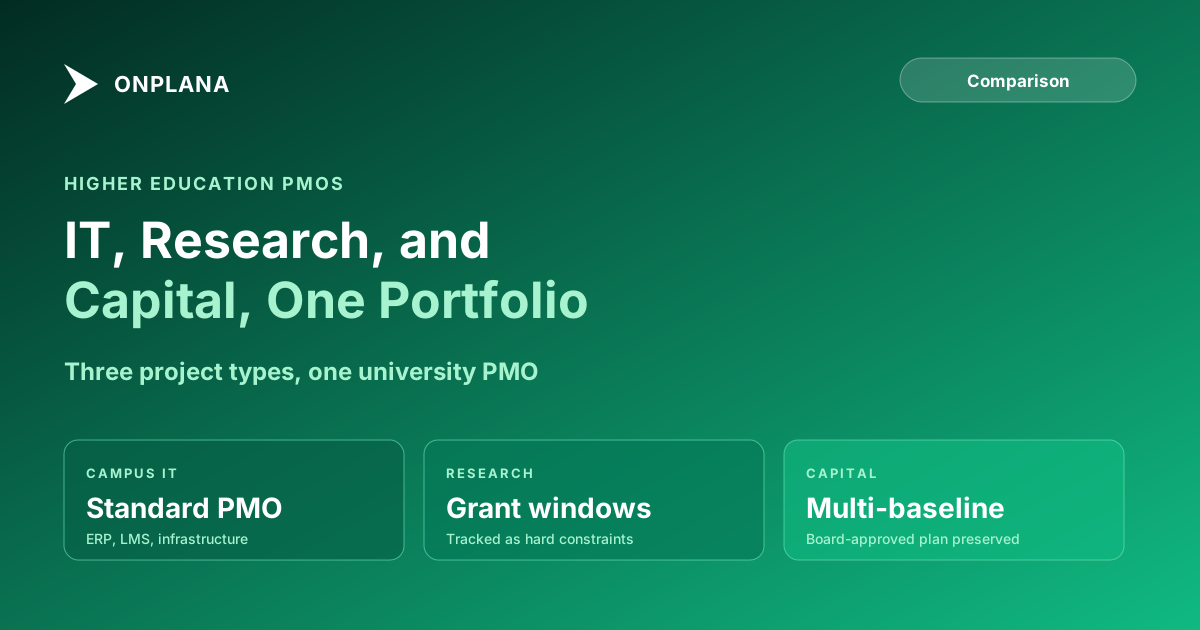
Higher Education Project Management Software: IT, Research
Higher education project management software has to run campus IT, grant-funded research, and multi-year capital construction projects in one tool, not three.
Here is the higher education project management pattern that shows up at almost every university IT PMO managing more than a handful of active projects. A campus ERP upgrade, a faculty-led research grant, and a new academic building are all tracked as "projects" in the institution's portfolio, and someone tries to manage all three in the same tool built around one of those shapes, usually the IT initiative. The research grant's milestone dates get forced into a template meant for a software rollout, so the grant's actual funding-period constraint never shows up as a real schedule risk. The capital project's multi-year timeline and its board-level baseline comparisons do not fit the tool at all, so facilities keeps its real schedule in a separate system nobody else in the PMO ever opens. The portfolio view the CIO presents to the board technically includes all three projects, but only one of them is actually being managed by the tool showing it.
Generic project management software and even most commercial PPM tools assume a homogeneous project population: similar stakeholders, similar funding sources, similar governance. A university runs three genuinely different project types on the same PMO roster, each with its own funding model and its own decision-making body, and that heterogeneity is the actual tooling problem higher education PMOs face.
TL;DR. Higher education project management software has to handle three things a generic PM tool skips: academic IT initiatives with standard enterprise scheduling needs, grant-funded research projects constrained by a specific funding period, and multi-year capital construction projects that need baseline comparison at defined stage gates. Audit where your current schedules already carry hidden risk with the free Schedule Health Check.
Why Higher Education PMOs Need a Different Kind of Tool
A corporate PMO manages projects that mostly share a funding source, a decision-making structure, and a timeline horizon. A university PMO manages an ERP migration funded by central IT's operating budget and governed by IT leadership, a research initiative funded by an external grant and governed by the principal investigator and the sponsor's terms, and a new academic building funded by a capital campaign and governed by the board of trustees, sometimes all in the same portfolio review.
Three questions define the evaluation that a generic corporate PM tool checklist never surfaces. Does the tool handle standard enterprise IT project management well, since that is still the largest share of most higher ed PMOs' active work? Does it track a research grant's funding period as an explicit, non-negotiable schedule constraint? And does it support the multi-year, multi-baseline scheduling a capital project needs to report honestly to a board that approved a specific original plan years earlier?
Academic IT Initiatives: The Familiar Part of the Portfolio
Campus IT projects, an ERP upgrade, an LMS migration, a network infrastructure refresh, look structurally like enterprise IT projects anywhere: defined scope, internal stakeholders, a project team drawn from central IT and department liaisons. This is the part of a higher ed PMO's portfolio that a well-built generic or enterprise PM tool handles competently, and it is usually the largest single category of active work by project count.
The complication specific to higher education is stakeholder breadth. An LMS migration affects every faculty member and every student, and shared governance means faculty senate committees frequently have a formal advisory or approval role in a decision a corporate IT project would make unilaterally. The scheduling mechanics do not change, but the stakeholder communication and approval-gate structure needs to accommodate a slower, broader decision cycle than a comparable commercial IT project would need.
Research Projects: Why the Grant Period Is a Hard Schedule Constraint
A research project's funding runs within a specific period set by the grant agreement, and work that slips past that period risks becoming unreimbursable even if the research itself remains valid and valuable. This is structurally the same problem a nonprofit's grant-funded project faces: an external, non-negotiable deadline the institution did not set and cannot easily move.
The failure mode is treating a grant's funding period the way a generic PM tool treats any project deadline, as a target that can slip if a milestone runs long. A multi-year research study that runs one quarter over its grant period because a data-collection phase took longer than planned is not a minor internal delay. It is a funding-eligibility question that needs to surface as a real risk months before the period ends, not a note discovered at close-out.
The diagram below shows how a research project's milestones need to be tracked explicitly against the grant's funding window, distinct from how an internal IT project's milestones get tracked.
A PM tool that can explicitly represent the grant's funding window, and flag a milestone slip against that window rather than against a generic internal target, gives the principal investigator and the sponsored programs office months of runway to react instead of a close-out surprise.
Capital Projects: Why Multi-Baseline Scheduling Matters to a Board
A campus capital project, a new building, a major renovation, runs for years and changes scope as design development proceeds. A board of trustees approved a specific budget and timeline at the outset, and the honest question at every board update is how the current schedule compares to that original approved baseline, not just to the most recently revised one.
A schedule tool that only shows the current plan, with no preserved record of the baseline the board actually approved, cannot answer that question credibly. Facilities and capital-projects offices that manage this well keep multiple baselines: the original board-approved plan, the baseline at each major stage gate (schematic design, design development, construction documents), and the current working schedule, with clear variance reporting between them. Losing that baseline history is one of the most common reasons capital-project reporting to a board loses credibility over a multi-year project.
Coordinating Across Portfolio Types Without Three Separate Tools
The structural risk in higher education PMOs is not any single project type individually; each one, handled in isolation, has known scheduling patterns. The risk is running IT, research, and capital projects in three separate systems because no single tool comfortably fits all three, which means the CIO or PMO director presenting a unified portfolio view to leadership is stitching together exports from three places by hand before every board or cabinet meeting.
A PM tool that can represent all three project types, standard IT scheduling, grant-window-constrained research milestones, and multi-baseline capital schedules, in one portfolio with one reporting layer removes that manual stitching entirely, and it is the single biggest efficiency gain available to a higher ed PMO evaluating new tooling, more than any feature specific to one project type alone.
Higher Education Project Management Software Compared
The table below compares three common tooling approaches across the dimensions that matter most for a university or college PMO.
| Dimension | Generic PM tools (Asana, Monday) | Legacy enterprise PPM (Project Online) | Onplana |
|---|---|---|---|
| Standard enterprise IT project scheduling | Yes, adequate | Yes, strong | Yes, with AI-assisted planning |
| Grant funding-window as a hard constraint | Not modeled | Manual, custom field | Explicit grant-window tracking |
| Multi-baseline capital project scheduling | Not supported | Up to 11 baselines per project | Multiple named baselines with variance |
| Unified cross-type portfolio reporting | Manual export per tool | Portfolio Analyzer, heavy setup | Native cross-project dashboard |
| Shared-governance approval workflows | Not built in | SharePoint workflows, deprecated | Configurable multi-stage gates |
| Setup time for a single department pilot | Fast | Slow, requires PWA administration | Fast, AI-assisted project setup |
| Pricing | $10-25/user/month | $30-55/user/month plus M365 | Free to $29/user/month |
Legacy enterprise PPM tools like Project Online covered most of this ground, including strong baseline support for capital projects, but that option has closed for every institution regardless of EDU licensing: Project Online retired on September 30, 2026, per Microsoft's own lifecycle documentation. Institutions researching the retirement timeline specifically, including FERPA implications for student-data-adjacent projects, should see the dedicated Project Online migration guide for higher education, which covers that transition in depth. Generic PM tools are faster to roll out for a single-department pilot but do not model grant funding windows or multi-baseline capital scheduling.
Making the Call
A higher education project management software decision comes down to three questions a generic feature list never asks. Does the tool handle standard enterprise IT project scheduling well, since that remains the largest share of active work in most higher ed PMOs? Does it track a research grant's funding period as an explicit, hard schedule constraint, so eligibility risk surfaces months out instead of at close-out? And does it support multi-baseline scheduling for capital projects, so a board update compares the current schedule against the plan the board actually approved? A PMO that can answer yes to all three has a tool built for how a university portfolio actually looks, not one that forces three different project types into a shape built for only one.
For a broader look at where a modern, AI-native PM tool stands against the legacy Microsoft ecosystem many institutions inherited through EDU licensing, the Microsoft Project alternatives overview covers the wider replacement landscape, and the pricing page has the line-item math for a department evaluating a pilot against a limited discretionary budget.
Run the free Schedule Health Check Upload a real project schedule, IT, research, or capital, and get a per-finding breakdown of dangling dependencies, missing baselines, and unflagged hard-date conflicts. No signup required. → Run the Schedule Health Check
Microsoft Project Online™ is a trademark of Microsoft Corporation. Onplana is not affiliated with Microsoft.
Frequently asked questions
What makes higher education project management different from a corporate PMO?
A university PMO runs three structurally different project types at once, academic IT initiatives, grant-funded research, and multi-year capital construction, each with its own stakeholder model, funding source, and governance cycle. A generic PM tool built around one project type does not fit all three.
How does a research project's grant period affect scheduling?
A research grant funds work within a specific, non-negotiable period. The project schedule has to track milestones against that period explicitly, since work that slips past the grant's end date may not be reimbursable, regardless of whether the research itself is still valuable.
Why do campus capital projects need multi-baseline scheduling?
A capital construction project spans years, changes scope through design development, and gets rebaselined at defined stage gates. Comparing the current schedule against the original approved baseline, not just the most recent one, is what shows a board of trustees whether the project is actually on track.
Why does higher education procurement take longer than commercial procurement?
Shared governance structures, faculty senate input, multiple stakeholder committees, and public-institution procurement rules add review cycles a commercial buyer does not have. Budgeting nine months from evaluation to signed contract is realistic for most public and many private institutions.
Does a Microsoft EDU agreement include a free Project Online replacement?
No. Microsoft EDU agreements do not include a direct replacement for Project Online. Institutions researching the retirement timeline, FERPA implications, and available alternatives should see the dedicated guide on Project Online migration for higher education.
What does Onplana cost for a university PMO?
Onplana's free tier supports 2 projects with full features, enough to pilot the tool on a real schedule before committing budget. Paid plans start at $12 per seat per month with no seat minimums, well below typical enterprise PPM licensing.
Ready to make the switch?
Start your free Onplana account and import your existing projects in minutes.