Project Online Healthcare (+ Pharma) Migration: HIPAA, FDA
Project Online healthcare migrations carry HIPAA, FDA 21 CFR Part 11, and CSV validation burdens. Here's a compliance checklist for regulated PMOs.
Microsoft Project Online retires on September 30, 2026. For a commercial PMO, that date means a tool migration. For a Project Online healthcare or pharma PMO, it means a regulated system decommission with validation obligations that extend weeks past the final shutdown.
Every healthcare and pharma organization running Project Online for clinical project management, regulatory submission tracking, or study portfolio management faces the same core question: what does compliance require during this migration, and where do those requirements add time?
The answer has three parts. First, HIPAA, if your project data touches protected health information. Second, FDA 21 CFR Part 11, if your environment is validated for regulated electronic records. Third, an audit trail export that captures everything regulators might ask for before the tenant goes read-only.
This post maps all three. If you know what is coming, you can plan around it. If September 30 catches you mid-validation, you will need a contingency for regulated activities that the commercial migration timeline does not include.
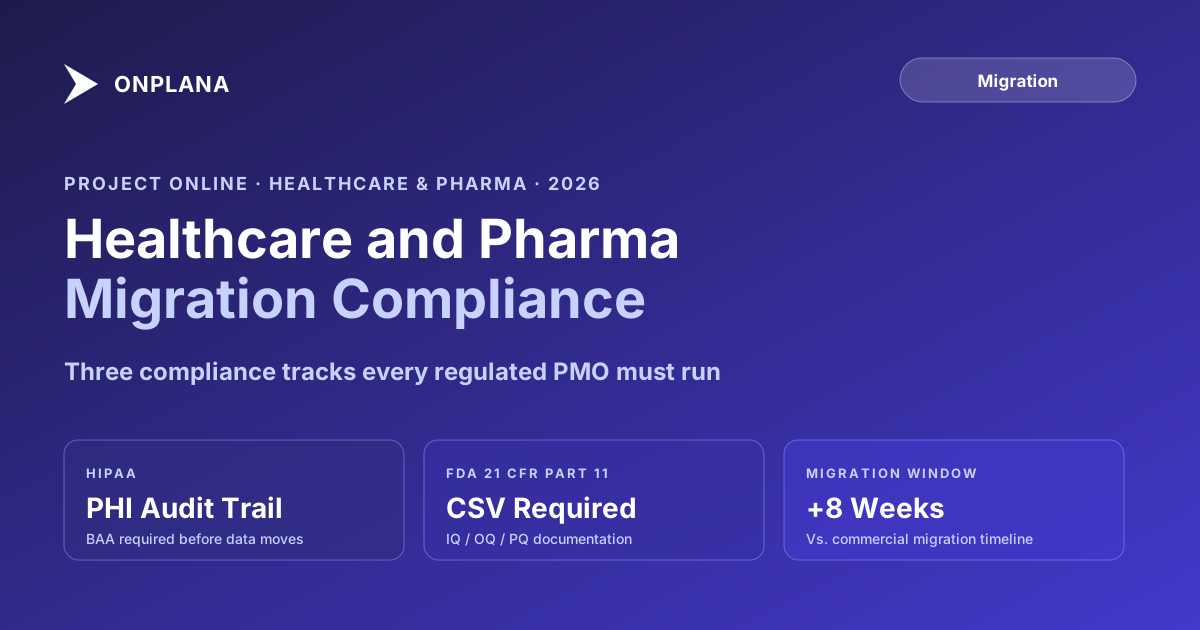
TL;DR Healthcare and pharma PMOs migrating from Project Online need six to eight additional weeks beyond a standard commercial migration timeline for compliance validation. Key deliverables: a HIPAA-compliant data handling plan and business associate agreement with your replacement vendor, an audit trail export from Project Online before shutdown, and a validation package (IQ/OQ/PQ) for your replacement system if 21 CFR Part 11 applies. Start the inventory now with the free Project Online Inventory Checklist so your compliance team knows what they are validating.
What makes Project Online healthcare and pharma migrations different
Every Project Online migration shares the same mechanical challenges: exporting project data, rebuilding custom fields and views, retraining users, and managing the cutover window. Regulated-industry migrations add three obligations on top of that.
HIPAA applies when project data touches protected health information. In healthcare PMOs, this is more common than it sounds. Project notes reference patient population characteristics. Resource assignments map staff to clinical departments. Milestone dates align to patient-facing events. When data moves between systems, the transfer is a covered operation under the HIPAA Security Rule.
Computer system validation applies when your environment is operated under FDA's 21 CFR Part 11. If your PMO tracks clinical trial timelines, regulatory submission milestones, or gate approvals for product development in a validated system, migrating that system requires decommissioning the old one with documentation and validating the replacement before using it for regulated activities.
Audit trail requirements apply in both contexts. Healthcare accreditors and FDA auditors expect access to project records going back years. If those records live in a Project Online tenant that goes dark on October 1, 2026, without a proper export and archive in place, you may not be able to produce them on request.
These three obligations do not eliminate the commercial migration work. They add to it, and they add time.
HIPAA compliance during a Project Online migration
HIPAA's Security Rule requires administrative, physical, and technical safeguards for protected health information. During a Project Online migration, three specific obligations surface.
Access control continuity. Project Online's permission model does not transfer to your replacement tool automatically. Before migration, document who has access to which projects in Project Online. During migration, verify that access in the replacement tool matches what was authorized in the source system, and that no user gains access to PHI-adjacent project data they did not have before. Your privacy officer should review and sign off on the access mapping before data moves.
Business associate agreement. If your replacement PM tool will store or process PHI, the vendor must sign a Business Associate Agreement before data migration begins. Microsoft includes Project Online in its HIPAA BAA for qualifying Microsoft 365 customers, per Microsoft's HIPAA compliance documentation. Your replacement vendor must provide equivalent coverage. Verify this before you start moving data.
Audit log export. Project Online writes audit records to SharePoint: who accessed what project, and when. Before shutdown, export these logs into a HIPAA-compliant archive with retention schedules matching your organization's policies. Seven years is a common retention period for clinical project records. Your compliance team defines the requirement; your IT team executes the export before the retirement window closes.
For a deeper look at what compliant PM tool deployments look like, the Onplana security and compliance overview covers audit trails, access controls, encryption at rest, and customer-managed keys relevant to regulated industries.
FDA 21 CFR Part 11: validation during migration
FDA's 21 CFR Part 11 governs electronic records and signatures used in regulated activities. It applies to your PM environment when the system stores records your organization uses as evidence for FDA submissions or inspections. Clinical trial project management, regulatory submission tracking, and product development gate records all potentially qualify.
Migrating a Part 11-relevant system involves two things: decommissioning Project Online with a validation summary, and validating your replacement system before using it for regulated activities. The decommissioning documentation typically includes a change control record, a system retirement summary, and evidence that data was transferred and archived appropriately.
The validation cycle for your replacement system follows three stages.
Installation Qualification (IQ) confirms the system is installed in your environment with correct configuration, access controls set per your security requirements, and infrastructure meeting specification.
Operational Qualification (OQ) confirms the system functions per its requirements. For a PMO tool, this means scripted testing of the features your regulated workflows use: approval routing, record locking, audit trail capture, and if applicable, electronic signature controls.
Performance Qualification (PQ) confirms the system performs correctly under representative real-world conditions. For a PMO, this means running actual project workflows with actual team members before go-live for regulated activities.
The diagram below shows how the two migration tracks run in parallel for a healthcare or pharma PMO.
The practical consequence: if your data migration targets September 30, 2026, your regulated go-live on the new system arrives in late November or early December. For PMOs with active clinical programs, plan for a gap where regulated project management runs on interim processes while validation completes.
What to export from Project Online before shutdown
Project Online stores several categories of audit-relevant data that need extraction and archiving before the tenant goes dark. The most critical categories:
Project status history. Each PM's task status updates with timestamps. For clinical project management, this log is often the record of who confirmed milestone completion and when.
Approval workflow records. Gate review decisions, approval chains, and outcome timestamps. Note that SharePoint 2013 workflows retired on April 2, 2026; if your governance relied on those workflows, their records need to be archived now from existing SharePoint logs.
Baseline comparison data. Baseline start, finish, and work versus actuals for every project. This is the schedule discipline evidence auditors request.
Resource assignment logs. Who worked on what project, at what allocation level. In clinical operations, this maps personnel to specific study phases.
Run the Project Online Inventory Checklist before designing your export strategy. The checklist surfaces every project workspace, resource pool, and custom field set in your tenant, giving your compliance team an accurate scope of what needs to be archived and in what format.
Deployment options for regulated healthcare environments
Regulated-industry PMOs have specific requirements about where data can reside. Three configurations are most common:
HIPAA-eligible cloud. Microsoft includes Project Online in its HIPAA BAA for qualifying Microsoft 365 customers. Your replacement SaaS PM tool needs equivalent BAA scope. Verify the vendor's agreement covers the specific product tier you will license, not just the vendor's cloud platform generally.
Deployment in your own cloud tenant. For organizations that need project data to remain within their Azure or AWS tenant, a cloud-agnostic PM tool eliminates third-party BAA negotiation entirely. The vendor provides software; your organization controls data residency. This configuration also simplifies the IQ: your infrastructure is already documented.
Self-hosted for maximum control. Some pharma quality assurance teams require the PM tool to run within the network perimeter, with all vendor access governed by formal change management procedures. Self-hosted deployment gives full control over the validated environment scope, but increases operational overhead significantly.
The realistic compliance migration timeline
If your organization requires a validated replacement environment before go-live for regulated activities, back-calculate from your Validation Summary Report target date:
- Validation Summary Report signed: by August 1, 2026
- IQ/OQ/PQ testing: May through July 2026 (10 weeks)
- System selection and BAA execution: completed by end of March 2026
- Inventory and migration planning: February through March 2026
If you are starting in June 2026, three options remain. First, use vendor-supplied validation documentation. Many SaaS PM tools now provide a CSV package: pre-built IQ/OQ protocols, pre-executed test cases, and a validation summary. This compresses the cycle to four to six weeks if your quality team accepts vendor-supplied documentation under your SOPs. Second, split go-live dates: use the new system for non-regulated project management immediately after data cutover, and complete validation for regulated activities separately. Third, accept a gap period: archive Project Online data, shut down the tenant, and use interim processes for regulated project management while validation completes.
None of these options are ideal. All of them are better than discovering on October 1 that your audit trail is locked in a read-only tenant you can no longer fully access.
Building the migration dossier your auditors will ask for
The migration itself generates audit evidence. Document it with the same discipline you bring to validation packages: who authorized the migration, what was the change control record, how was data integrity verified after transfer, and what validation evidence covers the replacement system.
Build a migration dossier alongside the migration: the inventory scope from the checklist, the export records showing what was extracted and where it was stored, the BAA with the replacement vendor, and the validation summary for the new system. Keep it in the same document management system your other validation records live in.
The Onplana migration overview walks through the steps from inventory to cutover in structured form, and the security and compliance section covers the technical controls regulated organizations should verify before committing to a replacement tool.
Run the free Project Online Inventory Checklist Before your compliance team designs validation protocols, your IT team needs a complete map of what is in the Project Online tenant. The checklist takes about 10 minutes and outputs a structured inventory of projects, resource pools, custom fields, and workflows. No signup required. Open the checklist
Microsoft Project Online™ is a trademark of Microsoft Corporation. Onplana is not affiliated with Microsoft.
Frequently asked questions
Does migrating from Project Online require HIPAA compliance documentation?
If your PMO stores project data touching PHI or clinical workflows, yes. The migration is a system change affecting PHI access controls and requires documentation of data handling, access mapping, and audit trail continuity.
What is computer system validation (CSV) for a PM tool migration?
CSV demonstrates that software meets regulatory requirements with documented evidence. Migrating a validated Project Online environment triggers a new CSV cycle for the replacement: installation qualification (IQ), operational qualification (OQ), and performance qualification (PQ).
Does FDA 21 CFR Part 11 apply to project management software?
It applies when the PM tool stores electronic records required by FDA regulations and used as audit evidence. Clinical development PMOs tracking trial timelines and milestone approvals may fall under Part 11 scope.
How long does a pharma PMO migration take compared to a commercial migration?
Add six to eight weeks beyond a standard commercial migration timeline for validation activities. A 12-week commercial migration typically runs 18 to 20 weeks for a validated pharma environment.
What audit trail data should I export from Project Online before retirement?
Export project status history, task completion logs, baseline comparison data, resource assignment records, and approval workflow logs. Store exports in a compliant archive separate from the replacement PM tool.
When does Microsoft Project Online retire for healthcare and pharma customers?
September 30, 2026. The date applies to all Project Online customers regardless of industry, including healthcare, pharma, and life sciences organizations.
Ready to make the switch?
Start your free Onplana account and import your existing projects in minutes.