Project Online Collaboration vs Onplana: The Real-Time Gap That Costs PMOs
Project Online collaboration routes changes through SharePoint sync that lags minutes behind. Here is what that gap costs distributed PMOs in stale data.
Here's the pattern. Two PMs are both working at 2 PM on connected projects that share resources. One updates a shared resource's allocation in Project Online. Fifteen minutes later, the other opens the resource pool view to check availability. The allocation change hasn't propagated. She books the same resource into a conflicting slot. Both PMs generate their Friday status reports from what the tool shows. The reports contradict each other on resource availability, and nobody catches the contradiction until the Monday steering committee.
This is not a rare edge case. It is what Project Online collaboration looks like in high-activity portfolios: not broken exactly, but consistently behind the actual state of the project. For PMOs where multiple PMs update connected data through the day, the gap between what the system shows and what is actually true is where schedule surprises come from.
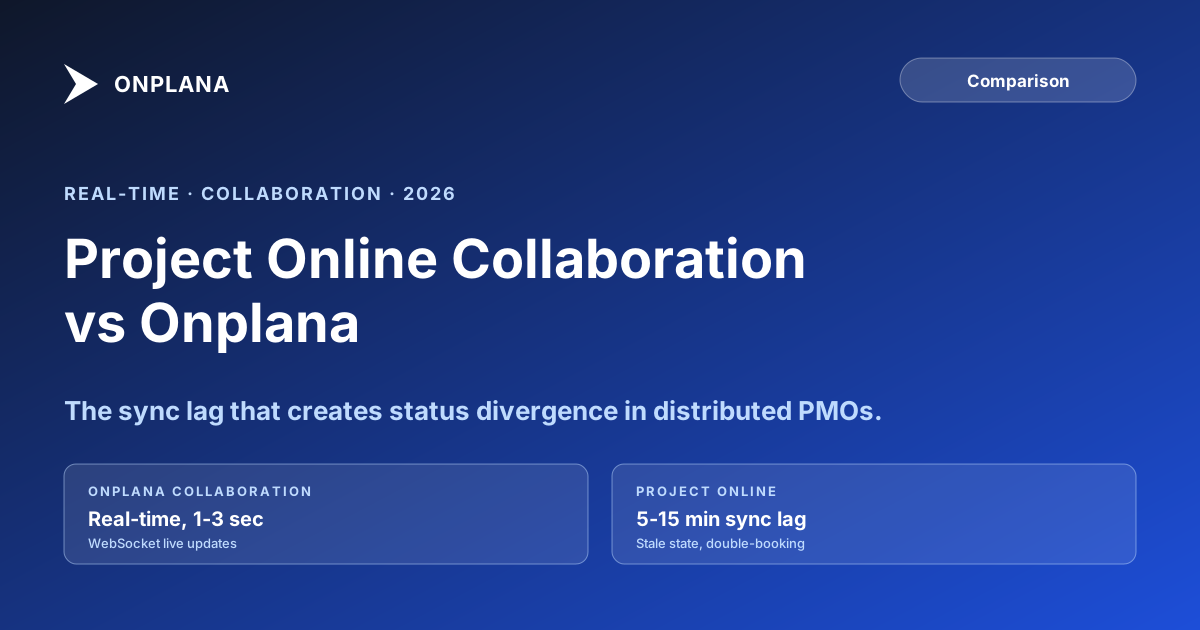
Project Online's collaboration model routes changes through SharePoint sync, which can lag minutes behind the actual schedule state. Onplana uses WebSocket-based real-time updates: changes appear to other active users within seconds. For collocated, low-update-frequency PMOs, the lag is rarely a problem. For distributed teams, high-activity portfolios, and PMOs with concurrent resource booking, the gap between system state and ground truth is where status divergence comes from.
How Project Online collaboration actually works
Project Online stores project data in a structured SQL-based reporting database, but surfaces that data through SharePoint. When a PM saves changes in the schedule, those changes are written to the Project Online data store, then synced to SharePoint's content database, then made available through the reporting layer that feeds dashboards and views.
That sync is not instantaneous. Depending on tenant load and the size of the changes, propagation can take anywhere from a few seconds to several minutes. In practice, many organizations see a five-to-fifteen-minute lag between when a change is saved and when it is visible to another user querying the same data.
The lag exists by design. SharePoint's sync model was built to handle document collaboration, not real-time schedule updates. When Microsoft built Project Online on top of SharePoint infrastructure, it inherited that collaboration model.
For most Project Online tenants, this is not a daily crisis. Most project data does not change frequently enough for the lag to cause visible problems. The issues emerge in specific contexts: high-frequency resource allocation in large portfolios, concurrent editing during crunch periods, and distributed teams who need to hand off accurate project state across time zones.
What breaks when project data runs minutes behind
The collaboration lag in Project Online creates three distinct failure modes. For context on the broader Project Online timeline, Microsoft's Project Online retirement announcement covers what changes on September 30, 2026 and what PMOs need to plan for before that date.
Resource double-booking. When two PMs check the same resource's availability within minutes of each other, both may see the resource as free because the other PM's allocation hasn't propagated yet. Both book the resource. The conflict surfaces when someone runs a resource utilization report or the resource manager reviews the pool, sometimes days later.
Status report divergence. A PM writing a Friday afternoon status report assembles data from Project Online views. If another PM on a connected project updated their schedule two hours earlier, the update may or may not have propagated by the time the first PM runs her report. Two reports covering the same portfolio period may show different resource states, different milestone dates, or different completion percentages for shared tasks. Neither report is wrong about what the tool showed; they're just showing different snapshots.
Concurrent edit conflicts. When two users edit the same project simultaneously, Project Online's last-write-wins behavior resolves the conflict silently. The user who saved second overwrites the user who saved first, without notification. In a tool with real-time updates, both users would see the other's changes as they happen and could coordinate. In Project Online, one set of edits disappears with no warning.
These failure modes are documented in discipline around milestones and status reporting as a core reason why status reports often don't reflect the actual project state: the data behind them is a snapshot from an indeterminate moment in the past.
What real-time collaboration looks like in a PM tool
Real-time collaboration in a project management context means that changes made by one user are visible to other active users without a page refresh, typically within one to three seconds. This is delivered via WebSocket connections: the server pushes updates to all connected clients as soon as a change is committed to the database.
Onplana uses this model. When a PM updates a resource allocation, reassigns a task, or changes a milestone date, other users viewing connected data see the change appear on their screen immediately. There is no sync delay to wait out, no need to refresh, and no possibility of two users operating on stale versions of the same data simultaneously.
The practical consequences for collaboration:
Concurrent editing without conflicts. Two PMs can work on connected projects at the same time. When one makes a change that affects a shared resource, the other sees the updated availability state immediately. Double-booking is caught before it happens.
Accurate status reporting. A status report generated from Onplana reflects the current committed state of the project, not the state as of the last sync. For high-activity portfolios, this is a meaningful difference in the accuracy of the report.
Real-time indicators of who is working. Active presence indicators show which team members are viewing or editing a project. This prevents the "I didn't know you were in there" concurrent edit that leads to lost changes.
Project Online collaboration vs Onplana: feature comparison
The table below compares collaboration behavior across the dimensions that affect high-activity and distributed PMO workflows.
| Capability | Project Online | Onplana |
|---|---|---|
| Change propagation model | SharePoint sync (minutes lag) | WebSocket real-time (seconds) |
| Concurrent editing behavior | Last-write-wins, silent overwrite | Real-time visibility, no silent overwrite |
| Resource availability accuracy | Sync-dependent (can be stale) | Live (reflects committed state) |
| Active presence indicators | No | Yes |
| Automatic page refresh on change | No (manual refresh required) | No (push update, no refresh needed) |
| Cross-project dependency updates | Sync-dependent | Real-time propagation |
| Status report data freshness | Last-synced state | Current committed state |
| Conflict notification | None | Change highlighted on affected views |
The diagram below shows what the data flow looks like under each model when two PMs are working concurrently.
When the lag doesn't matter and when it does
The Project Online collaboration model is not uniformly problematic. For many PMO configurations, the sync lag is a negligible issue.
When the lag rarely matters:
- Small portfolios (under twenty projects) with low daily change frequency
- PMOs where a single PM owns each project and cross-project dependencies are minimal
- Teams where all PMs work the same hours in the same office and project updates happen at defined points (Monday morning, Friday afternoon)
- Administrative updates that are directional rather than time-sensitive (phase transitions, budget approvals)
When the lag creates real problems:
- Large portfolios with shared resource pools where multiple PMs book the same resources daily
- Distributed teams across time zones where the incoming shift expects an accurate handoff from the outgoing shift
- High-change-frequency periods: project kickoffs, crunch before a milestone, post-change-request reschedules where many tasks update simultaneously
- PMOs that use Project Online views as the live source for status dashboards shown to executives: if a stakeholder refreshes a dashboard fifteen minutes before a data sync, they see old data
If your PMO operates in the first category, the migration consideration for collaboration is low priority. If it operates in the second, the collaboration model should be a primary evaluation criterion when selecting a Project Online replacement.
Distributed teams and the real-time advantage
The collaboration gap is largest for teams operating across time zones. A distributed PMO where London hands off to New York, which hands off to Singapore, depends on each shift starting from an accurate picture of where the portfolio stands. If the London team's end-of-day updates are still in a sync queue when New York opens the tool, New York starts from an hours-old snapshot.
This handoff problem is compounded by the fact that the stale data is not labeled as stale. Project Online doesn't show a "last synced at 5:47 PM London time" indicator. A PM opening a project view in New York sees what looks like current data but may be seeing the state as of several hours ago.
Onplana's real-time model means the handoff is always from committed current state. The last thing London wrote is the first thing New York sees. There is no sync window to worry about, no need to refresh before starting work, and no ambiguity about whether the resource pool reflects today's bookings or yesterday's.
For PMOs evaluating tools specifically for distributed team support, this is worth testing directly rather than taking on trust. The Status Report Writer can help distributed teams structure their handoff documentation even when the underlying tool has sync lag, but it works better when the source data is accurate.
How the collaboration model affects migration workflow design
When migrating from Project Online to a tool with real-time collaboration, the workflow design changes in ways that are not always obvious in advance:
Approval workflows become faster. In Project Online, an approval workflow routes through SharePoint and may take minutes to reflect the result. In a real-time tool, the approver's action is visible to the requesting PM immediately.
Concurrent editing conventions change. In Project Online, the safest practice is to avoid editing a project while another PM is in it, because silent overwrite is the failure mode. In Onplana, concurrent editing is supported and changes are visible in real-time, so the convention can relax.
Status meeting preparation changes. When the tool reflects live state, the pre-meeting data pull becomes unnecessary. The status report can be generated at the moment of the meeting rather than the night before, which reduces the "stale since yesterday" problem common in high-activity PMOs.
Redesigning these workflows is worth doing in the pilot phase rather than after full cutover. The guide on why Project Online migrations fail covers how workflow design gaps surface during pilot and why catching them there is critical.
Use the free Status Report Writer If your distributed team struggles with status divergence across time zones, the Status Report Writer generates consistent, structured status reports that reduce the reliance on every PM summarizing from different tool snapshots. No signup required. Open the Status Report Writer
Microsoft Project Online™ is a trademark of Microsoft Corporation. Onplana is not affiliated with Microsoft.
Frequently asked questions
Does Project Online support real-time collaboration?
No. Project Online's collaboration model depends on SharePoint sync, which can lag minutes behind the actual schedule state. Two users editing connected projects simultaneously will see stale data until the next sync completes.
How does Onplana handle concurrent edits?
Onplana uses WebSocket-based real-time updates. When one team member updates a task or resource, other active users see the change within seconds without refreshing the page.
Why does collaboration latency matter for distributed PMOs?
Distributed teams working across time zones often hand off project state at the boundary of a working day. If the outgoing team's updates have not propagated, the incoming team starts from stale data and makes decisions on the wrong baseline.
What causes Project Online's collaboration lag?
Project Online stores project data in a structured database but surfaces it through SharePoint, which has its own caching and sync layer. Changes written by one user are not immediately visible to others until sync completes.
Does the collaboration model affect status report accuracy?
Yes. Status reports assembled from Project Online data reflect the last-synced state, not the current live state. For high-activity portfolios, the delta between the two can be significant by the time a weekly report is generated.
Is real-time collaboration necessary for smaller PMOs?
Not always. For PMOs where project updates happen infrequently and team members work in the same office, the sync lag is rarely a problem. The cost shows up in high-frequency, distributed workflows.
Ready to make the switch?
Start your free Onplana account and import your existing projects in minutes.