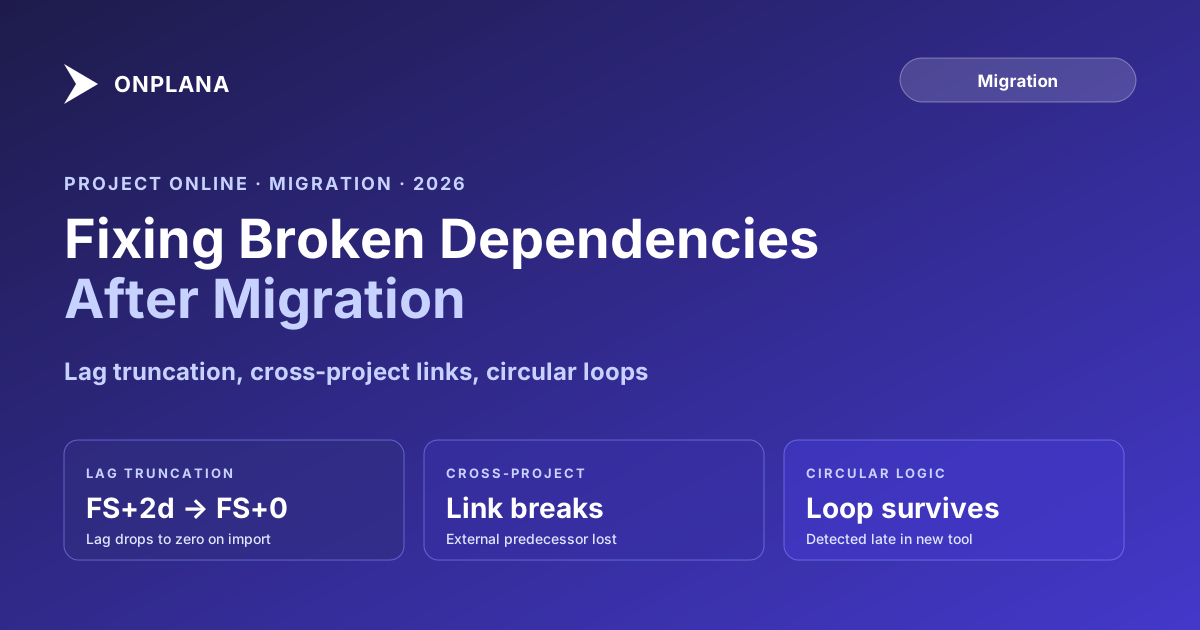
Fixing Broken Dependencies After a Project Online Migration
Project Online dependencies broken after migration go unnoticed until a deadline slips. Diagnose lag truncation, cross-project failures, and circular links.
The most dangerous assumption after any Project Online migration is that the import log looked clean, so the dependencies must be intact. Project Online dependencies broken by migration almost never produce an error in the import tool. They produce wrong critical path calculations weeks later, after a milestone has already slipped.
This is not a fringe problem. A migration tool can report 100 percent import success while quietly dropping lag values, severing cross-project links, and ignoring dependency types it does not support. The PM running the validation check on Monday morning sees the right tasks in the right order, but the underlying relationship math is wrong. The schedule appears valid. It is not.
TL;DR. The three most common dependency degradation patterns after a Project Online migration are: lag and lead values truncated to zero, cross-project dependency links silently severed, and circular dependencies that Project Online's constraint overrides were masking now exposed. Each pattern has a diagnostic method and a specific repair approach. Catching them before go-live is straightforward; catching them after PMs have been updating the schedule for two weeks is not.
Why Project Online dependencies get broken during migration
Project Online implements the full set of task dependency types: Finish-to-Start (FS), Start-to-Start (SS), Finish-to-Finish (FF), and Start-to-Finish (SF), each with optional lag (positive delay) and lead (negative delay, expressed as negative lag) values. A schedule with a "FS+3 days" dependency means the successor cannot start until 3 working days after the predecessor finishes.
Most modern PM tools advertise support for "dependencies" or "task links." In practice, many implement only FS-without-lag, the simplest case. They import an FS+3 dependency as FS+0 and report a successful import. The schedule now shows the successor starting the same day the predecessor finishes, which is 3 working days earlier than the source schedule intended.
Compounded across a schedule with dozens of such dependencies, the migration compresses the project finish by weeks. The new tool's Gantt looks similar to the source, nobody flags the discrepancy during the weekend validation, and the first sign of a problem is when a downstream milestone misses because a predecessor finished later than expected.
The critical path method depends on these dependency relationships being accurate. Any degradation in lag or dependency type produces a wrong critical path, which means the PM is watching the wrong tasks, allocating contingency in the wrong places, and reporting the wrong risk profile to the steering committee.
The diagram below shows a simple dependency chain before and after a typical migration with lag truncation.
The diagram shows what a 5-day lag drop does to a three-task chain. Task C appears to finish 6 working days earlier than the source schedule. A PM validating this on Monday sees a project that looks fine. The error is invisible until a milestone misses.
The three most common dependency degradation patterns
Across migrations off Project Online, three patterns account for most of the dependency damage: lag truncation, cross-project link severance, and circular dependency exposure. Each behaves differently and requires a different diagnostic approach.
Pattern 1: Lag and lead values truncated to zero
Lag truncation is the most widespread problem. A migration tool that only implements FS-without-lag will silently convert every FS+N dependency into FS+0. SS, FF, and SF dependency types often fare worse: some tools convert non-FS types into FS, losing both the type and any lag value.
In our experience auditing Project Online schedules before migration, roughly 20 to 30 percent of active schedules use lag or lead values on at least one dependency. These are not edge cases. Engineers use negative lag (lead time) to model parallel work. Construction schedules use positive lag to model curing or drying time. PM schedules use lag to model review-and-response cycles.
A schedule with 15 such dependencies, each carrying 2 to 5 days of lag, can lose 30 to 75 working days of buffer after migration. The new tool shows a project that is three months shorter than the source. The PM does not know what changed.
How to detect: Export the critical path from both the source and the destination for the same project. Compare the finish dates. If the destination shows an earlier finish than the source, lag truncation is the most likely cause. For a more systematic check, the free Schedule Health Check analyzes your imported schedule for zero-lag dependencies where lag was present in the source.
How to fix:
- For small schedules: open in the destination tool's dependency editor and manually restore lag values using the original .mpp file as reference.
- For large schedules: run an OData query against the Project Online source before cutover to extract all dependency lag values by project and task. Use the output as the authoritative reference for restoring lags in the destination.
- For tools that do not support lag: this is a fundamental incompatibility, not a configuration issue. Either select a different destination tool or accept the degradation with a documented decision and compensating workaround (building the lag as an explicit placeholder task).
Pattern 2: Cross-project dependency links silently severed
Project Online supports cross-project dependencies: a task in Project A can have a predecessor in Project B. These links are maintained through the Project Server database. When you export individual project files and import them into a new tool tenant, the cross-project dependency link has no target to resolve against. Most tools silently drop the link without flagging it during import.
This problem is invisible in per-project validation. Project A imports correctly. Project B imports correctly. The dependency between them is gone, and neither project's import log mentions it.
Cross-project dependencies are most common in program-level PMOs where deliverable handoffs between projects are explicitly modeled. The PM running the construction phase depends on a task in the architecture phase. The integration team depends on tasks from both the infrastructure and application teams. These links are often the most business-critical dependencies in the portfolio.
How to detect: Before migration, query /_api/ProjectData/TaskLinks filtered to LinkType eq 2 (external links). This returns all cross-project dependency records in the tenant. Export the list to a spreadsheet: source project, source task, destination project, destination task, link type, and lag. After migration, validate each link by inspection in the destination tool.
How to fix:
- Manually recreate cross-project links in the destination tool using the pre-export link inventory as the authoritative reference.
- For programs with many cross-project dependencies: consider migrating to a tool that supports program-level dependency management, where cross-project links are a first-class feature rather than something to rebuild.
- Prioritize recreating links that affect the critical path of either project. Non-critical cross-project links can be addressed in the weeks after cutover.
The what transfers when you migrate Project Online metadata covers the full inventory and migration procedure for task links in detail.
Pattern 3: Circular dependencies exposed after migration
Project Online uses a combination of constraint overrides and scheduling heuristics to resolve circular dependency loops. A circular loop, where Task A depends on Task B and Task B depends on Task A, can exist in a Project Online schedule for years without causing a visible problem because the scheduling engine finds a way to compute an order despite the logical contradiction.
When the same schedule is imported into a stricter scheduling engine, the tool either flags the circular dependency immediately or enters an infinite recalculation loop. Either way, the project fails to schedule correctly in the new tool, and the team needs to identify and break the cycle.
This is not a migration-caused problem. The circular dependency was always there. Migration just exposes it.
How to detect: Before migration, run the Schedule Health Check against your .mpp files. The analyzer flags circular dependencies and dangling task links, which are the two most common logic errors that surface as migration problems. Fixing them in the source before export is far cheaper than fixing them in the destination after PMs have started updating the schedule.
The 7 hidden killers in MS Project schedules covers circular dependencies and dangling predecessors in detail, including how to locate them in large schedules without manual inspection.
How to fix:
- Identify the cycle using the destination tool's dependency graph or the Schedule Health Check report. The cycle always involves a closed loop of tasks where each task is blocked by the previous one.
- Determine which link in the cycle is logically incorrect (usually it was added by accident or to force a display order rather than to model a real dependency).
- Remove that link. In most cases, one removal is sufficient to break the cycle. Verify that the critical path recalculates correctly after removal.
- Document the change in the project's change log so the PM understands why the dependency structure differs from the source.
How to detect Project Online dependencies broken by migration systematically
A targeted validation pass after import catches most dependency damage before the schedule goes live in the new tool. The pass has three steps.
Step 1: Compare finish dates. Export the finish date for every project from Project Online. After import, export the finish dates from the destination. Any project where the destination shows an earlier finish than the source has dependency degradation. Date compression is the visible symptom of lag truncation.
Step 2: Check dependency type distribution. In Project Online, run /_api/ProjectData/TaskLinks and count the dependencies by type: FS, SS, FF, SF. In the destination, run the equivalent query. If the count of non-FS types dropped to near zero, type conversion happened during import.
Step 3: Spot-check the critical path. For your five most business-critical projects, print the critical path list from both the source and destination. If the critical path tasks differ between the two, something in the dependency structure changed during migration.
This validation pass takes two to four hours for a mid-size PMO. It is the most effective use of time before the team switches over to working in the new tool.
Rebuilding dependencies vs accepting the degradation
Not every broken dependency needs to be fixed immediately. The decision depends on whether the dependency affects the critical path and whether the lag value is business-meaningful.
A lag value added to work around a scheduling display issue (for example, to push a task to the right on the Gantt for presentation purposes) has no operational meaning. Dropping it during migration causes no harm.
A lag value that models a genuine real-world delay, such as a regulatory review period or a procurement lead time, is business-critical. Dropping it during migration means the PM will be told the project can finish 10 days earlier than it actually can.
The right protocol: for every project where finish dates differ between source and destination, have the PM review the lag values in the source and classify each as "operational" or "cosmetic." Fix the operational ones before go-live. Accept the cosmetic ones and document the decision.
Run the free Schedule Health Check Upload your migrated .mpp file and get a diagnostic report covering lag values, dependency types, circular links, and critical path accuracy. No signup required. → Open Schedule Health Check
Microsoft Project Online™ is a trademark of Microsoft Corporation. Onplana is not affiliated with Microsoft.
Frequently asked questions
Why do dependencies break silently during a Project Online migration?
Most migration tools import tasks and dates but do not fully implement all four dependency types with lag and lead values. The tool reports a successful import while quietly dropping the modifiers that make the dependency meaningful.
What percentage of Project Online schedules have lag values on dependencies?
In our schedule audits, roughly 20 to 30 percent of active Project Online schedules use lag or lead values on at least one dependency. These are exactly the dependencies that most migration tools truncate to zero.
How do I tell if dependencies survived migration correctly?
Export the critical path from the source and the destination for the same project. If the finish date differs, or if the critical path contains different tasks, dependencies were altered during the import.
What is lag truncation in a Project Online migration?
Lag truncation is when a migration tool imports a Finish-to-Start dependency but drops the lag value. An FS+3 days dependency becomes FS+0 days, compressing the schedule and making it appear to finish earlier than it actually can.
Can cross-project dependency links survive a Project Online migration?
Only if both projects are migrated to the same destination tenant and the migration tool explicitly supports cross-project links. In most migrations, cross-project links are broken and must be rebuilt manually after cutover.
How do I fix circular dependencies surfaced after a Project Online migration?
Circular dependencies in Project Online are often hidden by constraint overrides that prevented the scheduling engine from resolving the loop. After migration, use the destination tool's dependency graph view to identify the cycle and remove the link that creates it.
Ready to make the switch?
Start your free Onplana account and import your existing projects in minutes.