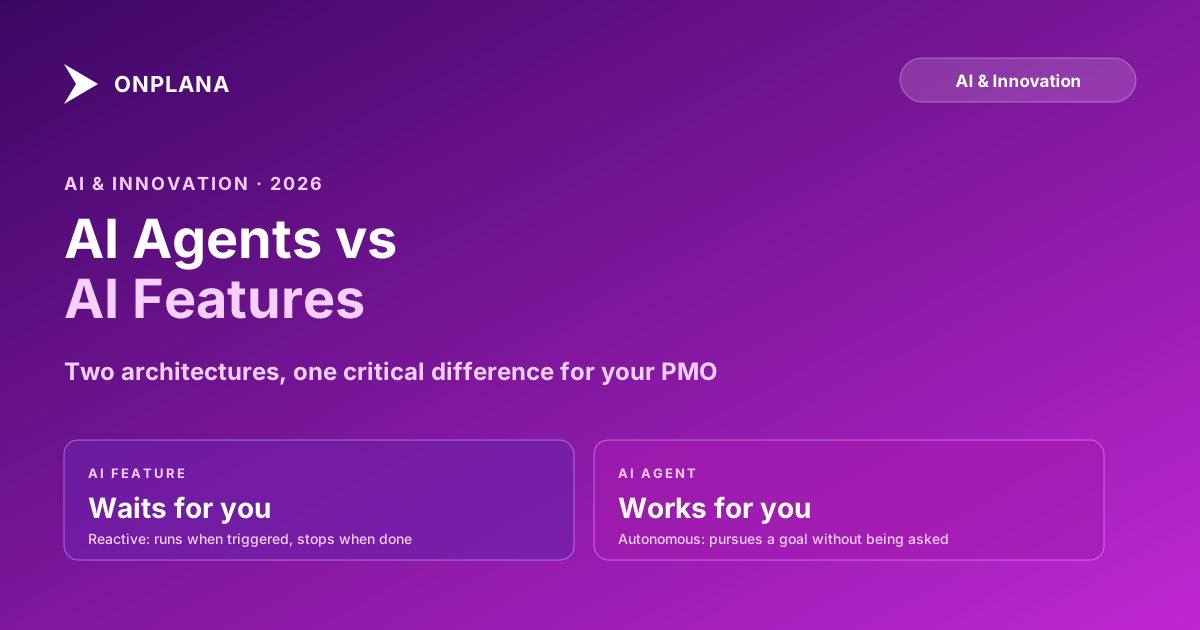
AI Agent vs AI Feature: Why the Distinction Matters
An AI agent in project management pursues goals autonomously. An AI feature waits for a command. The difference determines which tools scale with your PMO.
"AI agent project management" is the phrase on every PM software homepage since early 2026. Open five vendor sites and you will find the phrase on at least four of them. Most mean a chatbot. A few mean an AI feature with a new name. Almost none mean what the phrase actually implies: a system that pursues a goal autonomously over time without waiting for a user to press a button.
This conflation is not harmless. It leads PMOs to overpay for feature-level capability priced as agent capability, or to assume a tool will watch the portfolio continuously when it only responds to requests. Understanding the difference precisely lets you ask vendors the right questions before you sign a contract.
An AI feature does one job when a user triggers it. An AI agent pursues a goal across multiple steps and continues working after the user closes the tab. Most PM tools shipping "agents" in 2026 have rebranded AI features. The diagnostic question is simple: does the AI do work when no one is logged in? If not, you are looking at features.
What Is an AI Feature in Project Management?
An AI feature is a bounded capability that runs when a user explicitly triggers it. You click a button, paste text, or submit a form. The AI processes the input and returns an output. The work stops when the response lands.
Common examples from current PM tools:
- Plan generation. A user describes the project in a text box and clicks Generate. The AI produces a task list and stops.
- Status summarization. A user opens the status screen and clicks Draft. The AI reads recent activity and returns a paragraph.
- Risk detection. A user triggers a scan. The AI surfaces flagged items and waits for the next request.
None of these are bad products. They are genuinely useful. The defining property is that they are reactive: the AI responds to a request and then stops. There is no persistent goal. There is no loop. There is no work happening while the user is away.
This is where most PM AI lives in 2026. That is a reasonable place to start. Features are easier to build, test, and constrain. The failure modes are manageable because the scope is narrow.
The problem is the label. "Agent" should not apply here, but it frequently does.
What Is an AI Agent in Project Management?
An AI agent pursues a goal over time, across multiple steps, using tools and making decisions based on intermediate results. The defining property: the agent continues working after the user closes the browser tab.
The technical definition (from the AI research community, as described in Anthropic's guide to building effective agents) is a system that perceives its environment, takes actions, and adapts based on feedback in pursuit of a goal. Applied to project management, a genuine AI agent project management system would:
- Hold a persistent goal (for example: "maintain schedule integrity across the portfolio")
- Monitor the environment continuously (read task updates, check resource loads, detect slippage)
- Take actions without being triggered (create risk entries, surface findings, queue recommendations)
- Adapt based on results (if a risk type is dismissed repeatedly, deprioritize that signal in future runs)
The diagram below maps the structural difference between these two architectures.
The agent's loop has no natural endpoint. It continues until a human intervenes or the goal is retired. That single structural difference separates the two architectures far more than any capability comparison does.
Why the Distinction Matters for PMO Evaluation
PMOs evaluating tools in 2026 face a marketing problem: every vendor uses "agent" but almost none define what they mean. The word has gone the way of "cloud" in 2012: technically meaningful but commercially stretched to cover everything from a sidebar chat to a background monitoring service.
This creates two failure modes.
First, you overpay for a rebranded feature. If a vendor charges a premium tier for "AI agents" that are actually per-request features with a new name, you pay the agent price for feature-level capability. The product works, but you paid a 40 percent premium for an architecture that does not exist.
Second, you underbuy when you actually needed an agent loop. A PMO managing 45 active projects cannot rely on feature-based AI that only surfaces risk when a PM thinks to run the scan. The gap between on-demand checks is exactly where compounding schedule problems become invisible. By the time someone clicks "detect risks," the slip is already three weeks deep.
The right diagnostic question for any vendor is: does the AI do work when no one is logged in?
If the answer is "you can trigger a scan anytime from the project page" or "our AI assistant is always available in the sidebar," you are looking at features. If the answer is "the risk detection runs on a nightly schedule across your entire portfolio" or "the AI queues findings asynchronously before anyone checks," you have evidence of an agent loop.
Four Patterns That Vendors Call "Agents" But Aren't
Knowing what AI agents are not is as valuable as knowing what they are.
Rebranded chat. A chatbot that answers questions about your project data is not an agent. It is retrieval-augmented generation on top of a chat interface. It is reactive: it waits for a question, it does not pursue anything. Calling it an "AI agent" is a marketing choice, not a product description.
On-demand features with memory. Some tools retain context across sessions or remember past plans when you return to a project. Memory is useful, but memory is not agency. The tool still waits for the user to trigger each step. Knowing what happened last week does not mean the tool acted on it.
Workflow automation with an AI slot in the middle. An automation rule that says "when a task is overdue, ask AI to draft a risk entry" is an automation, not an agent. The trigger is deterministic. The AI is a processing step inside the automation. The orchestration logic is not AI reasoning about a goal.
A copilot sidebar. The copilot pattern (a right-side panel, always available for prompts) is a chat interface with access to project data. Very useful. Not an agent. It responds to prompts; it does not monitor.
None of these are bad products. The problem is labeling them "agents" sets an expectation of autonomous, goal-directed behavior that the product cannot meet.
When AI Features Are the Right Choice
For many PMOs, feature-based AI is the correct fit. Features win in several scenarios.
Small portfolios (under 15 active projects). At this scale, a PM can stay personally aware of each project's health. On-demand features (status summary, risk scan, plan generation) save real time without requiring the overhead of an autonomous monitoring loop that the team rarely reviews.
High-judgment environments. If your PMO's primary work involves politically complex decisions, regulatory negotiation, or novel scope, feature-based AI keeps a human in each loop without introducing autonomous actions that require review. The AI assists; it does not monitor independently.
Teams building AI literacy. Features are the right entry point for teams that are still developing confidence in AI-generated output. They are predictable, bounded, and easy to evaluate. Moving to an agent architecture before teams trust and understand what the AI is doing creates accountability gaps that are hard to close.
Feature-based AI in project management is a solid, practical capability. It should just be sold and evaluated as what it is.
When an AI Agent Project Management Loop Changes the Workflow
Agent-based AI earns its premium at scale and over time. There are two cases where the autonomous loop changes outcomes meaningfully.
Portfolio monitoring at 30-plus projects. When a PM cannot feasibly check every project's health manually, an autonomous loop that scans for baseline drift, overallocation, and dependency failures before the PM looks is the only architecture that catches problems before they compound. How AI runs project management in Onplana covers the specific signals Onplana's nightly detection loop evaluates: overdue tasks with no progress, budget burn rate against remaining work, dependency chains with no attached resources, milestone proximity with no active work.
Feedback accumulation over time. Agents can accumulate evidence that no single on-demand scan would surface. A task with no progress for six days, with a dependency chain backing up behind it, shows up in a weekly monitoring cycle. It would not appear in a per-request scan a PM runs on Monday morning. More importantly, a genuine agent architecture learns from human decisions: if a risk type is dismissed repeatedly, the agent deprioritizes it. Per-request features do not have this; each request starts from scratch.
Onplana's AI-first architecture describes how the agent layer connects to the underlying data model. The key point: agents require the AI to be native to the data model, not bolted on as a sidebar. An agent cannot monitor what it cannot read in real time.
How to Evaluate PM Tools for Genuine AI Agent Capabilities
Ask any vendor these four questions. The answers are diagnostic.
Where does the AI run? A feature runs in-process, triggered by user interaction, in the same session. An agent runs in a background service, asynchronously, on a schedule or event trigger independent of any user session.
What is the AI's goal state? Features have input-output contracts: given this input, produce this output. Agents have persistent goals: "portfolio risk score below threshold," "no unreviewed high-confidence risk older than 48 hours," "flag any project with no update in 7 days."
How does it handle errors? A feature surfaces an error to the user. An agent retries, escalates, logs, or degrades gracefully. The user does not need to be watching for the agent to recover from a failure.
What did the AI do last Tuesday at 2am? If the vendor has an audit log that answers this question with specific actions, you are looking at an agent architecture. If the answer is "nothing, users were not logged in," you are looking at features.
The post on running a project autonomously with an AI agent shows what this looks like in practice. The distinction between "the PM ran a scan" and "the agent surfaced a finding before the PM checked" is small in the interface but large in outcomes when a portfolio has 50 projects.
The Honest Summary
AI agents and AI features are not on the same spectrum with features being "less advanced." They are different architectures built for different use cases. Features are appropriate for bounded, triggered work where the user stays in the loop. Agents are appropriate for continuous monitoring where the PM cannot be personally present for every check.
The marketing conflation serves vendors more than buyers. Vendors benefit from premium pricing with feature-level build cost. Buyers pay agent prices for reactive tools that only work when someone asks them to.
The evaluation question cuts through the marketing: does the AI do work when no one is watching? A direct answer to that question tells you what you are actually buying.
Frequently asked questions
What is the difference between an AI agent and an AI feature in project management?
An AI feature does a specific job when a user triggers it: generate a plan, write a status report, detect risks. An AI agent pursues a multi-step goal, makes decisions across tools, and adjusts when conditions change. The agent continues working after the user closes the tab; the feature stops.
What is AI agent project management?
AI agent project management means a PM tool that pursues project goals autonomously over time: monitoring schedule health, surfacing resource conflicts, and queuing recommendations without the PM requesting each one. The agent holds a goal and works toward it continuously, not just when asked.
Does Onplana use AI agents or AI features?
Both. Onplana's triggered operations (plan kickstart, status drafts, NL task parsing) are AI features: bounded and user-initiated. The nightly risk-detection loop that scans the portfolio, evaluates signals, and surfaces prioritized findings without user input is closer to an agent: it pursues a goal autonomously.
Are AI agents in PM tools reliable enough to act on their own?
For bounded, low-risk operations (scanning for overdue tasks, computing baseline drift) they are reliable enough to run autonomously and queue results for human review. For judgment-heavy decisions, they are not. Good architectures route by risk level: act on low-risk checks, suggest on medium-risk, stay out of high-stakes calls.
How do I tell if a PM tool's AI is a real agent or rebranded features?
Ask: does the AI do work when no one is logged in? If yes, it has an autonomous loop. Also ask: can the AI take multiple steps and make decisions based on intermediate results? A feature does step A. An agent does step A, evaluates the output, and decides whether to proceed or branch.
Should I pick a PM tool based on whether it has AI agents?
Only if the autonomous loop saves real time at your scale. For portfolios under 15 active projects, on-demand AI features are often sufficient. For PMOs managing 30-plus projects, continuous autonomous monitoring catches compounding issues that per-request AI misses because no one thought to run the scan.
Ready to make the switch?
Start your free Onplana account and import your existing projects in minutes.