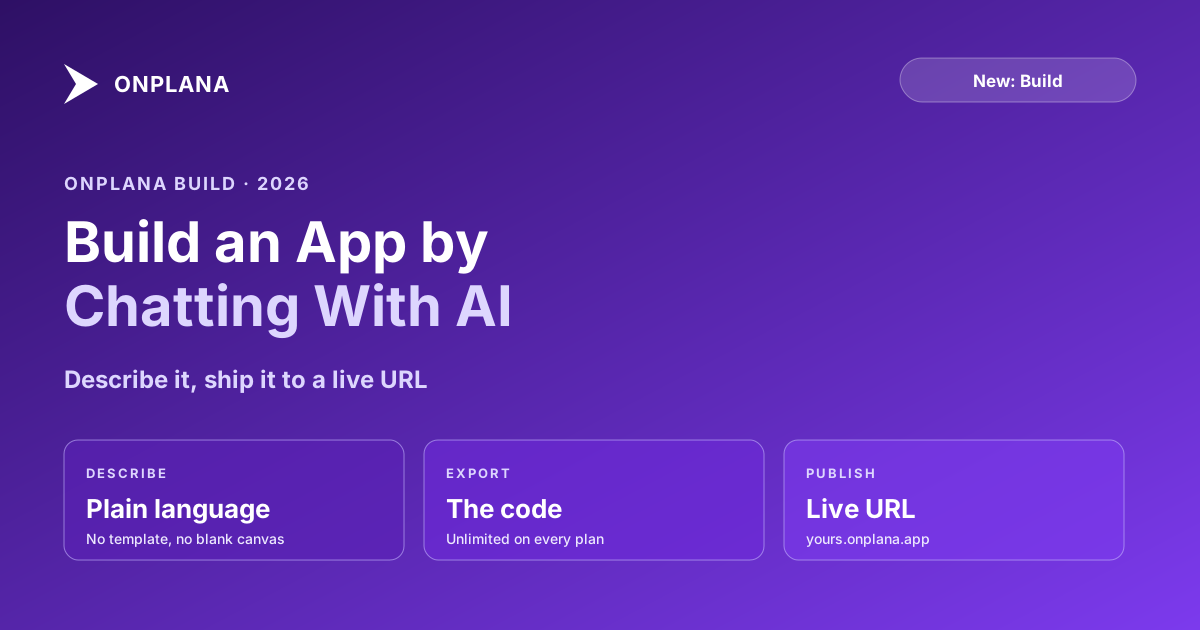
Build and Publish an App by Chatting With AI: Onplana Build
Onplana Build turns a plain-language description into a working app, exports the code, and publishes it to a live URL. Available on every plan, including Free.
Onplana Build lets you create a working app by describing it in plain language. You chat with the AI about what you want, it builds it, and you can export the code or publish the result to a live URL. It is available on every plan, including Free.
This sits naturally next to the rest of the platform. Onplana is where your projects, plans, and portfolio already live; Build is the surface for turning an idea into something you can hand someone a link to, without leaving for a separate tool or standing up your own hosting.
What you can do with Onplana Build
The loop is short: describe, build, refine, ship.
- Describe it in plain language. Tell the AI what the app should do. No template to pick, no blank canvas to stare at.
- Refine by chatting. Adjust the result the same way you described it. This is the "vibe coding" pattern: you steer in words, the AI handles the implementation.
- Export the code. If you want to take what the AI generated and run it elsewhere, code export is unlimited on every plan, including Free. You are not locked in.
- Publish to a live URL. One step puts the app at its own
<slug>.onplana.appaddress, ready to share.
You do not need to be a developer to use it. If you are one, the export path means the generated code is yours to extend.
What you get on each plan
Building and exporting are unlimited on every plan. The only thing that scales with your plan is how many apps you can have published live at the same time:
- Free: 1 published app (carries a small "Made with Onplana" badge)
- Pro: 10
- Business: 25
- Enterprise: 100
- Enterprise Plus: unlimited
The cap is on live apps, not on how much you build. You can build and export as many as you like on any plan; the plan number is how many can be published at once.
How published apps work
Every published app gets a URL at <slug>.onplana.app. A few things to know about how they behave:
- Free-plan apps carry a "Made with Onplana" badge. Paid plans publish without it.
- Published apps are noindex and nofollow by default. They are reachable by anyone with the link, but search engines will not index them unless you host the app somewhere else. This keeps your published apps private-by-default rather than accidentally public in search results.
- They show up in the gallery if you want. The Built with Onplana gallery is a public showcase of published apps, each card linking to the live app. It is the crawlable window into what people are shipping, while the apps themselves stay unindexed.
- There is an abuse-report path. If a published
onplana.appapp looks like abuse, anyone can flag it through the report form. That keeps the sharedonplana.appspace safe.
As with every AI surface in Onplana, treat the AI's output as a draft to review, not a finished product to trust blindly. Build gives you a fast start; you decide when it is ready to share.
Where Build fits with the rest of Onplana
Onplana is an AI-native project and portfolio platform first. The AI that plans your projects, detects risk, and answers questions about your portfolio is the same intelligence that powers Build. If you have used the AI that runs project management in Onplana or connected an agent over the MCP server, Build is the same idea pointed at a different output: instead of a plan or a status report, you get a shippable app.
That makes it a natural fit for the small internal tools that orbit real project work: a quick intake form, a status page for a stakeholder group, a lightweight calculator, a landing page for a launch. The things you would otherwise either not build or wait a sprint for.
Getting started
Onplana Build is available now on every plan. Start free, describe an app to the AI, and publish it to a live URL. Browse the Built with Onplana gallery first if you want to see what others have shipped.
Built apps are hosted at onplana.app. AI-generated code and content should be reviewed before you rely on them.
Frequently asked questions
What is Onplana Build?
Onplana Build lets you create a working app by describing it in plain language to the AI. You chat, the AI builds, and you can export the generated code or publish the app to a live URL at <slug>.onplana.app. Building and code export are available on every Onplana plan, including Free.
Do I need to know how to code to use Onplana Build?
No. You describe what you want in plain language and refine it by chatting. If you do write code, you can export what the AI generates and take it elsewhere; export is unlimited on every plan. AI-generated output should be reviewed before you rely on it, the same as anywhere else in Onplana.
How many apps can I publish?
The number of apps you can have published live at once depends on your plan: 1 on Free, 10 on Pro, 25 on Business, 100 on Enterprise, and unlimited on Enterprise Plus. Building and exporting code are unlimited on every plan; the cap is only on how many are live at the same time.
Where do published apps live?
Each published app gets its own URL at <slug>.onplana.app. Apps published on the Free plan carry a small 'Made with Onplana' badge. Published apps are set to noindex and nofollow by default, so they are reachable by link but not indexed by search engines unless you host them elsewhere.
Can I see what other people have built?
Yes. The Built with Onplana gallery at /built-with-onplana showcases published apps, with each card linking out to the live app. If you find a published app that looks like abuse, there is a report form at /report.
Ready to make the switch?
Start your free Onplana account and import your existing projects in minutes.