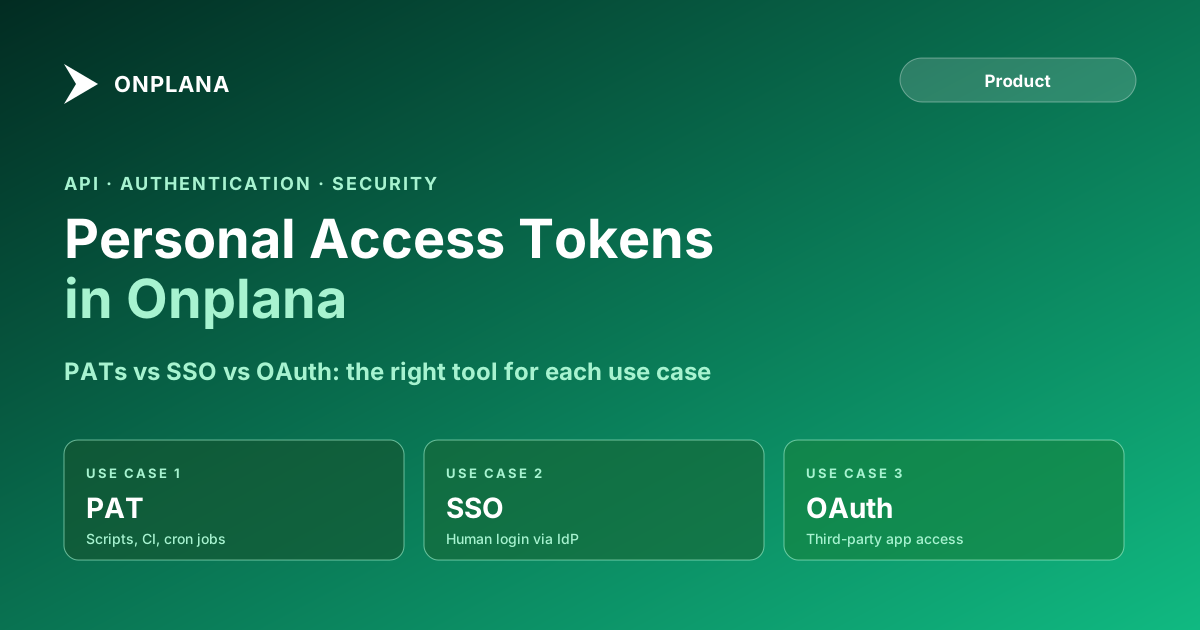
Personal Access Tokens in Onplana: Scoping and Rotation
Personal access tokens in Onplana let scripts and pipelines authenticate without SSO. When to use PATs vs OAuth, scoping, rotation, and audit visibility.
SSO is not an authentication strategy for integrations. A CI pipeline, a cron job, or a serverless function that needs to call the Onplana API cannot go through a browser-based SSO redirect. Attempting to do so forces you into a credential-sharing model where a real user's session is impersonated by a non-human process: a security risk, an audit problem, and a single point of failure.
Personal access tokens are the right solution for non-human API consumers. In Onplana, every personal access token carries explicit scopes, is visible in the org compliance dashboard, and can be revoked independently without touching the owning user's session or other credentials. This guide covers when to use PATs, what the alternatives offer, how to scope them, and how to manage them at scale.
TL;DR: Use personal access tokens for scripts, CI pipelines, and automated integrations that run without a user present. Use SSO for human users logging in via a corporate identity provider. Use OAuth when a third-party application needs to act on a user's behalf. PATs in Onplana carry explicit scopes, are tracked in the compliance dashboard, and can be revoked immediately. The shortest reasonable expiry is the right default.
What Personal Access Tokens Are in Onplana
A personal access token is an API credential tied to a specific Onplana user account. When you create a PAT, you select the scopes it can access, optionally set an expiry date, and receive a token value. That token value authenticates API calls on your behalf, with the permissions bounded by the scopes you selected.
Unlike a session JWT (which is issued by login and expires on session end), a PAT persists independently of any active session. It survives browser closures, session timeouts, and SSO re-authentication. This is the property that makes PATs useful for non-human processes: the token remains valid until it expires or is explicitly revoked.
PATs are tied to the creating user's account. API calls made with a PAT appear in the audit log attributed to that user, with the specific token ID included in each log entry. This is more granular than OAuth delegation (where you see "user via app") and more attributable than service account sharing (where you cannot distinguish which integration made which call).
PATs vs SSO vs OAuth: A Direct Comparison
The table below maps the three authentication options to their key properties. Understanding where each fits prevents the most common mistakes: using SSO for integrations, sharing long-lived PATs instead of using OAuth, and over-scoping tokens.
| Dimension | Personal Access Token | SSO (SAML / OIDC) | OAuth 2.0 |
|---|---|---|---|
| Authentication flow | API credential in Authorization header | Browser redirect to identity provider | Browser OAuth authorization code flow |
| Primary use case | Non-human processes: CI, scripts, cron | Human users with corporate identity | Third-party apps acting on behalf of a user |
| Caller type | Service / machine | Human (browser required) | User-authorized application |
| Expiry model | Configurable; can be non-expiring | Session policy (idle timeout, max age) | Access token short-lived; refresh token for continuity |
| Scope granularity | Explicit scopes per token | IdP group membership drives org role | OAuth scope request per authorization |
| Revocation | Immediate; individual or all-at-once | Session invalidation or SSO enforcement change | Token revocation; refresh token expiry |
| Audit attribution | User + token ID in every log entry | User + SSO login event | User + OAuth app in log entry |
| Multi-org behavior | Scoped to one org per token | User session spans orgs within IdP config | Typically scoped to one org per authorization |
The key insight from this table: SSO requires a browser, which makes it structurally incompatible with non-human processes. OAuth requires user authorization in a browser, which makes it appropriate for third-party applications acting on behalf of a human. PATs are the only option that works for processes that run without any user interaction.
Available Scopes and the Principle of Least Privilege
Onplana PAT scopes follow a resource.action naming pattern. Common scopes include:
projects.read: read project metadata, members, status, and custom fieldsprojects.write: create, update, and archive projectstasks.read: read tasks, subtasks, assignments, and commentstasks.write: create, update, complete, and delete tasksmembers.read: read org and project membershipai.tools: access AI features via API (plan generation, status summarization)
Select only the scopes your integration actually needs. A data warehouse ingestion integration that only reads project data should have projects.read and tasks.read, not projects.write or tasks.write. If the integration's credential is ever compromised, the blast radius is limited to the scopes it holds.
WILDCARD scope grants access to all API endpoints. It exists for legacy clients that predate the scoped-token model. For any new integration, WILDCARD is the wrong default. The compliance dashboard in Org Settings → Security & Compliance surfaces all active WILDCARD-scoped PATs so admins can identify and replace them.
How to Create and Manage a PAT
The diagram below shows the decision flow for choosing between PAT, SSO, and OAuth, and the creation path for a PAT once you have confirmed it is the right choice.
To create a PAT:
- Go to Profile Settings → Developer → Personal Access Tokens.
- Click Create Token. Give it a descriptive name that identifies the integration or purpose ("warehouse-ingest-prod", "ci-onplana-reader").
- Select the scopes your integration requires. Start with the minimum set; you can create a new token with additional scopes later if needed.
- Set an expiry date. For production integrations, 90 or 365 days is a common choice. Non-expiring tokens are available but require a deliberate rotation process.
- Copy the token value shown in the confirmation dialog. Onplana does not store the raw token and cannot show it again after you close this dialog.
- Store the token in your secret manager: AWS Secrets Manager, Azure Key Vault, HashiCorp Vault, or your CI platform's secrets store. Never store PATs in environment files committed to version control or in plaintext configuration.
Security Implications of PATs
PATs are credentials. Treat them with the same care as passwords.
Scoping. The principle of least privilege applies. A token that can only read projects cannot be used to delete tasks even if the underlying user account can. Explicit scopes are a defense-in-depth measure: a compromised read-only token cannot do write-level damage.
Expiry. A non-expiring token that never gets rotated is a credential that can be exfiltrated and used indefinitely. Set expiry. Automate rotation. The exact interval depends on your security posture, but 90 days is a common enterprise default that balances operational friction with exposure window.
Storage. Environment variables committed to source code are a common exfiltration path. Use your platform's secret management: GitHub Actions Secrets, GitLab CI Variables with "protected" and "masked" flags, or your CI provider's equivalent. For production systems, use a dedicated secret management service rather than relying on environment variables alone.
Attribution. Every API call made with a PAT appears in Onplana's audit log attributed to the token owner and includes the token's ID. This means you can trace every action back to the specific credential that performed it, which is critical for incident response.
Managing PATs at Scale
When multiple engineers on a team each create PATs for shared integrations, you end up with credentials tied to individual user accounts that survive role changes, departures, and permission updates.
The right pattern for shared integrations is a dedicated service account: an Onplana user account created specifically for the integration, with only the org permissions the integration needs, and PATs created under that account. When someone leaves the team, the service account and its PATs continue functioning. When the integration changes, you update the service account's scopes without touching any human user's credentials.
To review PAT posture across the org:
- Open Org Settings → Security & Compliance → Compliance Dashboard.
- The dashboard shows all active PATs across the org: owner, scopes, creation date, expiry date, and last-used date.
- Identify tokens with WILDCARD scope and work with the owners to replace them with narrowly-scoped tokens.
- Identify tokens that have never been used (visible via last-used date). These are likely test tokens that were never cleaned up; revoke them.
- Identify tokens with no expiry date and confirm that rotation is handled outside of Onplana's built-in expiry.
When Not to Use a PAT
Two patterns look right for a PAT but are actually the wrong choice.
Third-party integrations that need user context. If you are building an integration where an end user authorizes the integration to access their Onplana data (a browser extension, a mobile companion app, a BI tool that fetches data as the signed-in user), OAuth 2.0 is the correct approach. The user goes through the authorization flow, grants the integration specific permissions, and the integration receives a short-lived access token bound to that user's consent. PATs in this scenario force the user to copy a token out of their profile settings and paste it into a third-party tool, which is both a poor user experience and a security risk (the PAT has broader and longer-lived access than an OAuth token would).
Organizational SSO enforcement with full user lifecycle management. For human users authenticating to Onplana in a corporate environment, setting up SSO and SCIM is the right architecture. SSO ties login to the corporate identity provider; SCIM automates provisioning and deprovisioning. PATs created by users on SSO orgs persist even after SSO enforcement is enabled, so after rolling out SSO, audit the compliance dashboard for long-lived PATs that pre-date the SSO rollout and revoke or rotate them.
For the full security and compliance architecture that PATs fit into, see the Onplana security and compliance overview. For the REST API and webhook surfaces that PATs authenticate against, see the Onplana features page.
Frequently asked questions
What is a personal access token in Onplana?
A personal access token (PAT) is an API credential tied to a specific user account, with explicit scopes defining what the token can do. PATs are the recommended authentication method for non-human API consumers: CI pipelines, scripts, and automated integrations.
How do I create a PAT in Onplana?
In your Onplana profile settings, navigate to Developer → Personal Access Tokens → Create Token. Select the scopes you need, set an expiry date if desired, and copy the token value. You cannot retrieve the token value again after closing the creation dialog.
What scopes are available for Onplana PATs?
Scopes include projects.read, projects.write, tasks.read, tasks.write, members.read, and ai.tools, among others. Select only the scopes your integration actually needs. WILDCARD scope grants access to all endpoints and should be avoided except for legacy clients.
How long do Onplana PATs last?
PAT expiry is configurable: you can create a PAT with no expiry date or set one to 30, 90, or 365 days. Security best practice is to set the shortest expiry compatible with your rotation process. Non-expiring PATs should be treated as secrets with the same care as passwords.
How do I revoke a PAT?
From Profile Settings → Developer → Personal Access Tokens, click the revoke icon next to any token. Revocation is immediate. You can also revoke all tokens at once with the Revoke All button, which is useful when a credential is suspected compromised.
Can an org admin see which users have active PATs?
Yes. Org Settings → Security & Compliance → Compliance Dashboard shows all active PATs across the org, including which scopes each token has and whether any are WILDCARD-scoped. This lets admins identify over-privileged tokens without seeing the token values themselves.
Should I use a PAT or SSO for a third-party integration?
Use a PAT for integrations that run as background processes without a user present (CI jobs, cron scripts, webhooks that write back). Use OAuth when you want the integration to act as the logged-in user (a browser extension or a tool that reads data on the user's behalf).
Ready to make the switch?
Start your free Onplana account and import your existing projects in minutes.