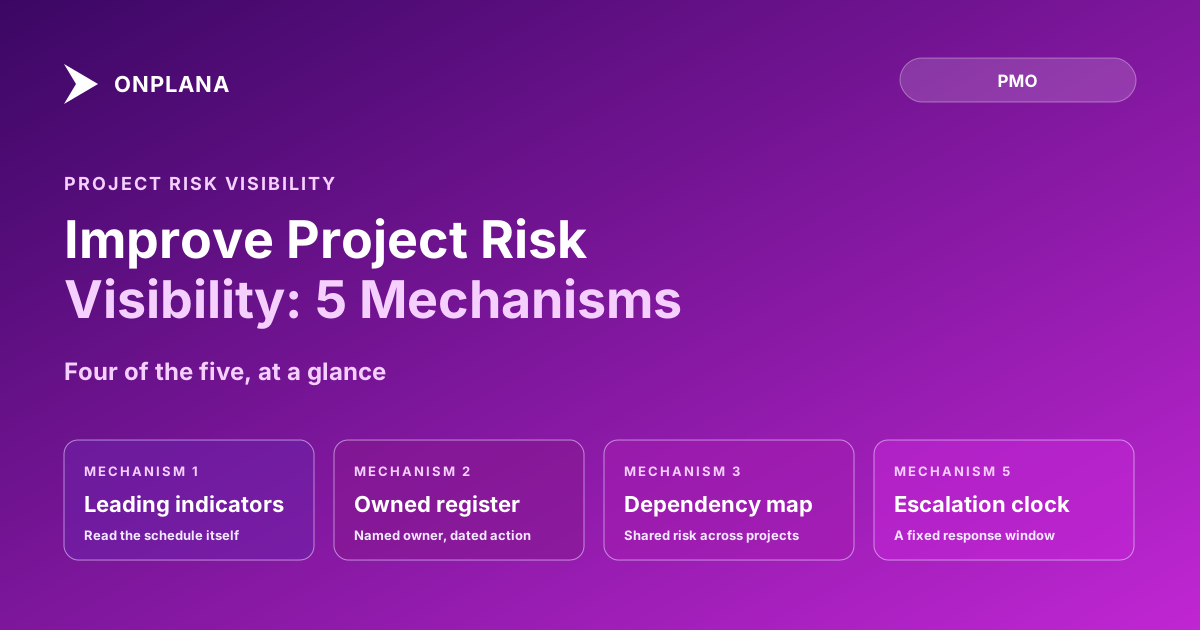
Improve Project Risk Visibility: 5 Mechanisms
Improve project risk visibility with five concrete mechanisms: leading indicators, an owned risk register, dependency mapping, variance thresholds, escalation.
Almost every PMO already has a risk register. Almost every PMO is still surprised by risks that were sitting in that register for weeks before they became issues. The register was never the problem; a document that nobody owns, nobody dates, and nobody reviews on a forced cadence is not a visibility mechanism, it's an archive. If you want to improve project risk visibility, the register is only one of five mechanisms that have to work together.
Project risk becomes visible when five mechanisms are in place at once: leading-indicator instrumentation that reads the schedule itself, a risk register where every entry has a named owner and a date, cross-project dependency mapping that shows a risk shared resource creates elsewhere, variance thresholds that trigger a review automatically instead of waiting for the next status meeting, and an escalation path with a fixed clock on how long a risk can sit unaddressed. Remove any one and a risk can hide in the gap.
Five Mechanisms to Improve Project Risk Visibility, at a Glance
| Mechanism | What it surfaces | Failure mode when missing |
|---|---|---|
| Leading indicator instrumentation | A risk before it becomes a missed date | Status reports look green until the date is already gone |
| Risk register with named owner and date | Who is accountable, and by when | Entries accumulate with no one actually working them |
| Cross-project dependency mapping | A shared resource or system creating risk in multiple projects at once | Each PM sees their own risk in isolation; nobody sees the pattern |
| Variance thresholds that trigger review | A drift that's crossed the point where it should change a decision | The drift sits until the next scheduled meeting, weeks later |
| Escalation path with a clock | A risk that's stalled past its acceptable response time | Escalation depends on someone remembering to raise their hand |
Leading Indicator Instrumentation
A leading indicator reads the schedule itself for signals that predict trouble before it shows up in anyone's status report. Our audit of 500 real project schedules found dangling tasks (no predecessor, no successor, or both) in 83% of files, and at least one resource booked over 100% capacity in 51%. Neither shows up as a missed milestone yet. Both are leading indicators of one: dangling work runs late silently because it never appears on the critical path even when it should, and an over-allocated resource is a schedule slip that just hasn't happened out loud.
The failure mode without this mechanism is specific: the status report stays green because the tracked metrics (percent complete, milestone dates) are lagging indicators, they only move after the damage is done. A PMO relying only on lagging indicators finds out about risk at the same moment the sponsor does.
A Risk Register With Named Owners and Dates
A risk register earns its place the moment every entry carries two fields most registers skip: a named owner, a specific person, not a team, and a next-action date. "Vendor API may not support the new auth flow, owned by Priya, next check-in October 3" is a working entry. "Vendor API risk" with no owner and no date is a line item that will still be open in six months, unreviewed, indistinguishable from a risk that was actually resolved and never removed.
Without named ownership and dating, a register decays into exactly what critics of risk registers complain about: a compliance artifact that gets filled in once at project kickoff and never touched again. The fix isn't a better template; it's refusing to accept an entry without both fields filled in.
Cross-Project Dependency Mapping
A risk that looks contained inside one project is often a symptom of a resource, vendor, or system shared across several. If the same senior engineer is the "key person risk" on three different project registers, none of those three PMs has the full picture; only a view that maps dependencies across the portfolio shows that the real risk is one person's capacity, not three separate technical problems.
Without cross-project mapping, the organization solves the same risk three times, independently, usually with three different mitigation plans that compete for the same scarce resource. The enterprise project governance layer that rolls up dependencies at the portfolio level exists specifically to catch this before three PMs independently escalate the same underlying constraint.
Variance Thresholds That Trigger Review
A variance threshold is a rule that forces a review the moment a metric crosses a defined line, instead of waiting for whatever review is next on the calendar. A common choice is a 10% deviation on cost or schedule performance index: cross it, and a review happens within days, not at the next monthly steering committee. That 10% figure is a risk tolerance stated as a checkable number rather than a feeling, which is exactly what lets the review trigger automatically instead of waiting for someone to notice.
The failure mode without a threshold isn't that nobody ever reviews variance; it's that review timing is decoupled from how bad the variance actually is. A project that crosses a serious threshold on day 3 of a 30-day review cycle sits unreviewed for nearly a month, and every day in that gap is a day the risk had to grow before anyone with authority looked at it.
An Escalation Path With a Clock on It
The last mechanism answers a question the other four don't: what happens when a risk is identified, owned, dated, and mapped, and still isn't getting resolved. An escalation path with a clock says explicitly that if a risk's next-action date passes without resolution, it escalates automatically to the next level within a fixed window, 48 hours is a common choice, rather than waiting for the owner to volunteer that they're stuck.
Without a clock, escalation depends entirely on someone choosing to raise their hand, which is exactly the behavior that risk visibility is supposed to make unnecessary. The status report that surfaces a stalled risk automatically, rather than waiting for a PM to flag it, is doing the job an escalation clock is supposed to do.
Building the Mechanism, Not Just the Document
None of these five mechanisms is exotic, and none requires new software to start. What they require is refusing to let a register substitute for the other four: instrumenting the schedule for leading indicators, insisting on an owner and a date for every entry, mapping dependencies across the portfolio instead of per project, setting a variance threshold that forces review, and giving escalation a clock instead of a volunteer. The free Schedule Health Check covers the first mechanism directly, reading your actual .mpp file for the dangling tasks, stale baselines, and over-allocations that are leading indicators long before they show up in a status report. For the broader risk management process these mechanisms sit inside, see the project risk management guide and the status report writing guide for how to report what these mechanisms surface without burying it in narrative. Both live alongside the rest of the PMO practice library if you're building out governance beyond risk specifically.
Run the free Schedule Health Check Upload your .mpp file and surface dangling tasks, stale baselines, and resource over-allocation in one pass, the leading indicators most status reports miss. No signup required. → Open the Schedule Health Check
Frequently asked questions
How do you improve project risk visibility?
Five mechanisms do the actual work: leading-indicator instrumentation on the schedule itself, a risk register with a named owner and date on every entry, cross-project dependency mapping, variance thresholds that trigger an automatic review, and an escalation path with a fixed response clock. A status meeting with none of these is reporting opinions, not risk.
What's the difference between a risk register and risk visibility?
A risk register is a document. Risk visibility is whether the organization actually sees a risk before it becomes an issue. A register with no named owner, no date, and no review cadence can sit untouched for months while still technically existing, which is why visibility requires the other four mechanisms alongside it.
What are leading indicators in project risk management?
Leading indicators are schedule-level signals that predict a risk before it shows up in a status report: dangling tasks with no successor, resources booked over capacity, float eroding on a near-critical path. They surface a problem while it's still cheap to fix, instead of after it has already become a missed date.
How often should variance thresholds trigger a review?
Set the threshold to the smallest variance that would change a decision, commonly 10% on cost or schedule performance index, and review automatically the moment a project crosses it rather than waiting for the next scheduled status meeting. A monthly-only review lets a threshold breach sit unaddressed for weeks.
Who should own portfolio-level risk escalation?
The PMO or portfolio director, not the individual project manager. A single PM has no visibility into whether their risk is one of ten similar risks across the portfolio; only a portfolio-level owner can see the pattern and decide whether it needs cross-project resourcing or executive attention.
Ready to make the switch?
Start your free Onplana account and import your existing projects in minutes.