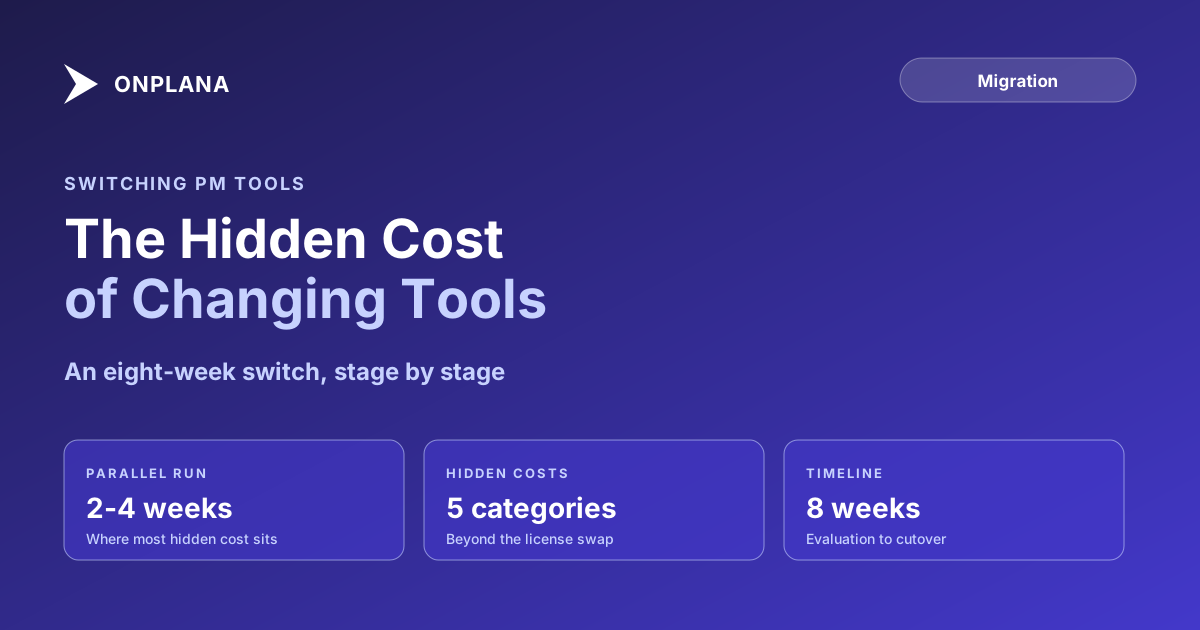
Switching Project Management Tools: The Hidden Cost
Switching project management tools costs more than the new license: retraining, rebuilt reports, and a parallel-run period nobody puts in the budget.
A new PM tool's demo takes forty minutes. The switch away from the old one takes months, and most of that time is invisible in the sales conversation that led to the decision.
Switching project management tools costs more than the license difference between old and new: retraining muscle memory, rebuilding every integration and report the old tool fed, running a parallel period where both systems are live, and a temporary productivity dip while the team relearns how to do its job. None of those show up in a vendor's pricing page, and all of them show up in the first ninety days after cutover.
The short version The license swap is the smallest cost of switching PM tools; retraining, rebuilt reports, and a parallel-run period cost more combined. Budget two to four weeks of parallel running before the old tool goes read-only, with a named owner for reconciling discrepancies. Switching is worth it when the current tool's pain is a recurring weekly tax, not a one-time annoyance you're rationalizing away from.
Switching Project Management Tools: The Five Hidden Costs
A switching-cost estimate built only from the license difference is missing most of the number. The categories that actually drive the total:
| Hidden cost | What it looks like | Who pays it |
|---|---|---|
| Retraining muscle memory | PMs relearning keyboard shortcuts, dependency editors, and status workflows | Every PM, for the first two to four weeks |
| Rebuilt integrations and reports | Power BI dashboards, Excel connections, and Slack or Teams hooks pointed at the old tool's schema | IT and whoever owns each report |
| The parallel-run period | Double data entry while both systems stay live for validation | The PMO, for the length of the overlap |
| Productivity dip | Slower throughput while the team adjusts, typically weeks, not days | The whole organization, temporarily |
| Process debt carried over | Old workarounds rebuilt in the new tool instead of fixed | The PMO, indefinitely, unless addressed at switch time |
The last row is the one teams miss most often. A tool switch is a natural point to fix a broken status-reporting habit or an ungoverned custom-field sprawl; skipping that and just re-creating the old setup in a new interface means paying the switching cost without getting the benefit that should have justified it.
The Parallel-Run Period Nobody Budgets For
Every switch that survives cutover runs both tools side by side for a stretch before the old one goes read-only. This is where most of the hidden cost concentrates, because it's genuinely double work: every task, dependency, and status update gets entered twice while the team validates that the new tool's numbers match the old one's. The overlap needs a defined length (two to four weeks covers most teams), a named owner who reconciles discrepancies rather than leaving it to whoever notices first, and a clear rule for which system is authoritative if the two disagree. Skipping the parallel run to save time is the single fastest way to discover data-fidelity gaps after the old system is already gone.
The timeline below shows how the hidden costs distribute across a typical eight-week switch, from evaluation through the point the old tool goes read-only.
A Framework for Deciding Whether the Switch Is Worth It
Weigh the switch on the same scale as the pain it's meant to fix, not on enthusiasm for the new tool's demo. Score the current tool's cost: hours per week lost to workarounds, specific capabilities you cannot get at any price on the current platform, and any deadline forcing the decision regardless of preference. Score the switching cost using the five-category table above, converted to a rough dollar or hour figure at your team's size. If the current pain is a recurring weekly tax, the one-time switching cost usually pays for itself inside a year. If the current pain is occasional friction you're rationalizing into a crisis, the switch is more likely to just move the friction to a new interface.
When Staying Isn't Actually an Option
Sometimes the framework above is academic because the decision isn't optional. Microsoft Project Online retires September 30, 2026, per Microsoft's own lifecycle documentation, and every PMO still on it is going through this exact switching-cost calculus on a fixed clock rather than a voluntary one. If your migration is being forced by that deadline rather than chosen on its own merits, the hidden-cost categories above still apply, but the framework changes: staying isn't a real option to weigh against switching, so the work shifts from "should we switch" to "how do we switch without repeating the seven failure modes that derail most Project Online migrations." The first 90 days after a Project Online migration covers what the parallel-run and adoption period looks like specifically in that context, and modeling the full multi-year number, on either side of the decision, follows the same approach as PM tool total cost of ownership.
The free Migration Preview tool walks through what your specific move looks like field by field in about ten minutes, before you commit a team to the eight-week timeline above.
Preview your migration before you commit a team to it See what moving your schedules and resource pools actually looks like, field by field, in about 10 minutes. No signup required. → Open Migration Preview
Microsoft Project Online™ is a trademark of Microsoft Corporation. Onplana is not affiliated with Microsoft.
Frequently asked questions
What does it actually cost to switch project management tools?
Beyond the new license: retraining muscle memory, rebuilding integrations and reports the old tool fed, running a parallel period where both tools are live, and a temporary productivity dip while the team adjusts. Most switching-cost estimates only include the license.
How long should a parallel run last when switching PM tools?
Two to four weeks for most teams, long enough to catch data-fidelity gaps and let PMs build confidence in the new tool without losing the old system as a safety net for too long. Longer parallel runs add cost without adding much new information.
How do I decide if switching PM tools is worth the disruption?
Score the current tool's pain against the switching cost on the same scale: lost hours per week on workarounds, features you can't get at any price, and risk of staying on a retiring platform. If the current pain is a recurring weekly tax, it usually outweighs a one-time switching cost within a year.
What's the biggest mistake teams make when switching PM tools?
Treating it as a data export instead of a process reset. Teams that just move the same fields into a new interface reproduce the old tool's problems in a new skin, instead of using the switch to fix the workflows that weren't working.
Ready to make the switch?
Start your free Onplana account and import your existing projects in minutes.