Schedule Variance: The EVM Formula and the Baseline Version
Schedule variance is SV = EV minus PV in earned value, or finish now against baseline finish in days. Two numbers, one project, and they can disagree.
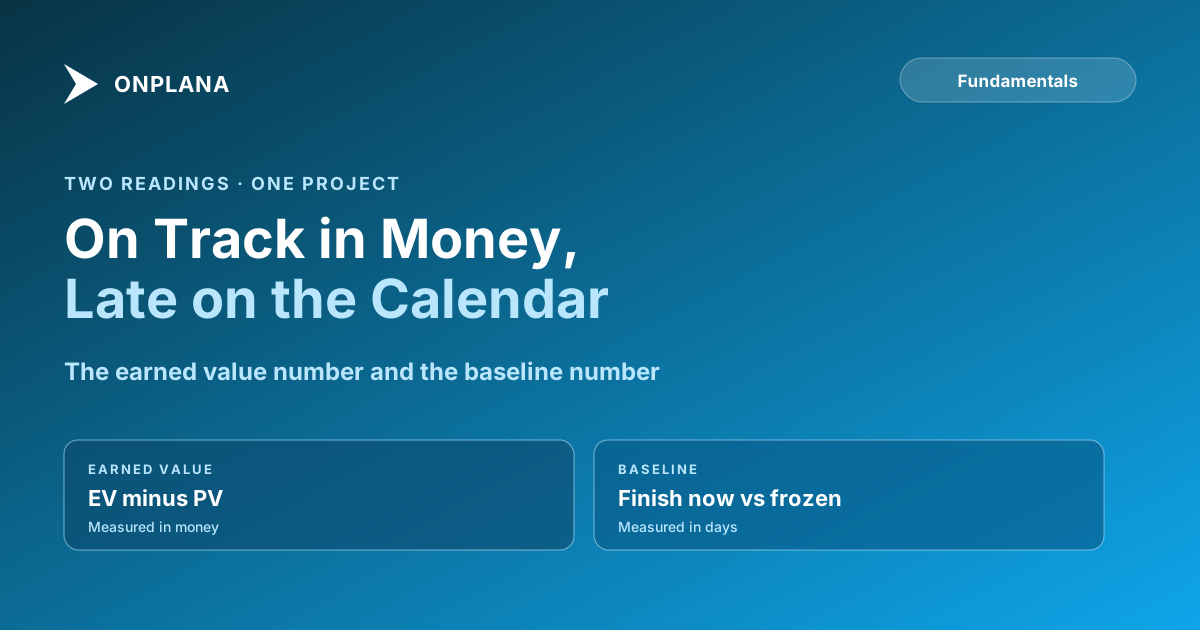
Two different numbers are called schedule variance, and on a real project they can disagree. The earned-value number is SV = EV minus PV, measured in money. The baseline number is the finish date today minus the finish date you froze, measured in days. A project can show an SV of zero and still be three weeks late, which is why the number you report matters more than the formula you know.
In short. Schedule variance (EVM) = earned value minus planned value at the status date; negative means behind. Schedule variance (baseline) = current finish minus baseline finish, in days; positive means late. EVM measures how much planned value is done, the baseline measures when the finish lands. Use both, and report the baseline one to anyone planning around a date. The acqnotes schedule variance reference notes that the earned-value figure alone describes status up to the cutoff date and does not establish the actual or predicted finish.
What is the schedule variance formula in earned value?
The formula is SV = EV − PV, where EV (earned value, also BCWP) is the budgeted value of the work actually completed and PV (planned value, also BCWS) is the budgeted value of the work scheduled to be complete by the same status date. Both come from the baseline budget.
| Result | Meaning |
|---|---|
| SV positive | More work done than planned |
| SV zero | On plan at the status date |
| SV negative | Less work done than planned |
The ratio version is SPI = EV / PV, and SPI below 1.0 means behind. For reading SPI and CPI together, see SPI and CPI interpretation, and for the full set of measures, earned value management explained.
What is schedule variance against a baseline?
It is the gap between a task's (or the project's) current finish date and the finish date frozen in the baseline, counted in working days. A baseline is the approved snapshot of dates, work and cost, taken at a formal approval; rebaselining replaces it, which resets the variance, so do it only after an approved change. Onplana captures a baseline on every plan, including Free, and shows the variance as an overlay on the Gantt, so the frozen bar sits behind the live one.
Why can the two disagree? A worked example
Take a 20-week, $400,000 project. At the end of week 10 the baseline says $200,000 of work should be done, so PV = $200,000. The team has completed $200,000 of work, so EV = $200,000. SV = 0 and SPI = 1.0: on track.
Now look at which work was finished. The team completed several non-critical tasks early. A critical-path task, the vendor integration, started three weeks late and nothing can absorb that. The Gantt shows the project finish three weeks past its baseline finish. Baseline variance: +3 weeks. EVM says zero because it adds up value without caring whether it was the work that sets the date.
The diagram below shows the same project through both lenses.
Which schedule variance should you report?
Report the baseline version, in days, to a sponsor or client: a finish date is what they plan around. Keep SV and SPI for the PMO and cost review, where money is the unit and the trend across projects matters. Onplana computes the baseline variance from the captured baseline and the earned-value figures (BAC, PV, EV, SPI and the rest) from the same plan, on every plan; actual cost needs approved timesheets, which start on Pro.
When the two disagree, the cause is nearly always the critical path. Critical path method explained covers how float decides which slipped tasks move the finish.
How do you calculate it in practice?
- Fix the status date. Use the same date for EV and PV, and for the Gantt's current forecast.
- Take PV from the baseline. Planned value at the status date comes from the frozen plan, not the live one.
- Take EV from progress. Percent complete times budgeted value per task, summed.
- Compute SV = EV minus PV and SPI = EV / PV for the cost-side reading.
- Read the baseline variance as current finish minus baseline finish for the project and for each critical task.
- Compare the two. If SV is near zero and the finish has moved, look at what finished and what is on the critical path.
Before any of this, check the schedule is sound. The free Schedule Health Check reads a file for logic gaps and dangling tasks first, because variance from a broken network is noise. For baselines, the Gantt and the desktop app, see Onplana Schedule.
Run the free Schedule Health Check Upload a schedule you already have and see its logic problems before you trust any variance number. No signup required. → Open the Schedule Health Check
Frequently asked questions
What is the schedule variance formula?
In earned value management, schedule variance is SV = EV minus PV: the value of work actually completed minus the value of work planned to be complete by the status date. A negative result means behind plan.
What does negative schedule variance mean?
It means less work is done than the baseline planned by the status date. On the baseline version it means a task or the project finishes later than its frozen finish date. Neither version tells you why.
Can schedule variance be zero while the project is late?
Yes. The earned-value number counts value of work done, not which work. If the finished work is off the critical path while a critical task slips, SV can read zero while the finish date moves out.
Is schedule variance measured in days or money?
The earned-value version is in money (or hours), because EV and PV are values. The baseline version is in days, finish date now minus baseline finish date. Report the one your audience uses.
What is the difference between schedule variance and SPI?
SV is the difference, EV minus PV. SPI is the ratio, EV divided by PV. An SPI of 0.8 means 80% of the planned work is done; SV shows how much value that gap represents.
Which schedule variance should I report to a sponsor?
Report the baseline version in days, because a finish date is what a sponsor plans around. Keep the earned-value figure for the PMO and cost review, where money is the unit.
Ready to make the switch?
Start your free Onplana account and import your existing projects in minutes.