Onplana for Microsoft Teams: Project Management, Built In
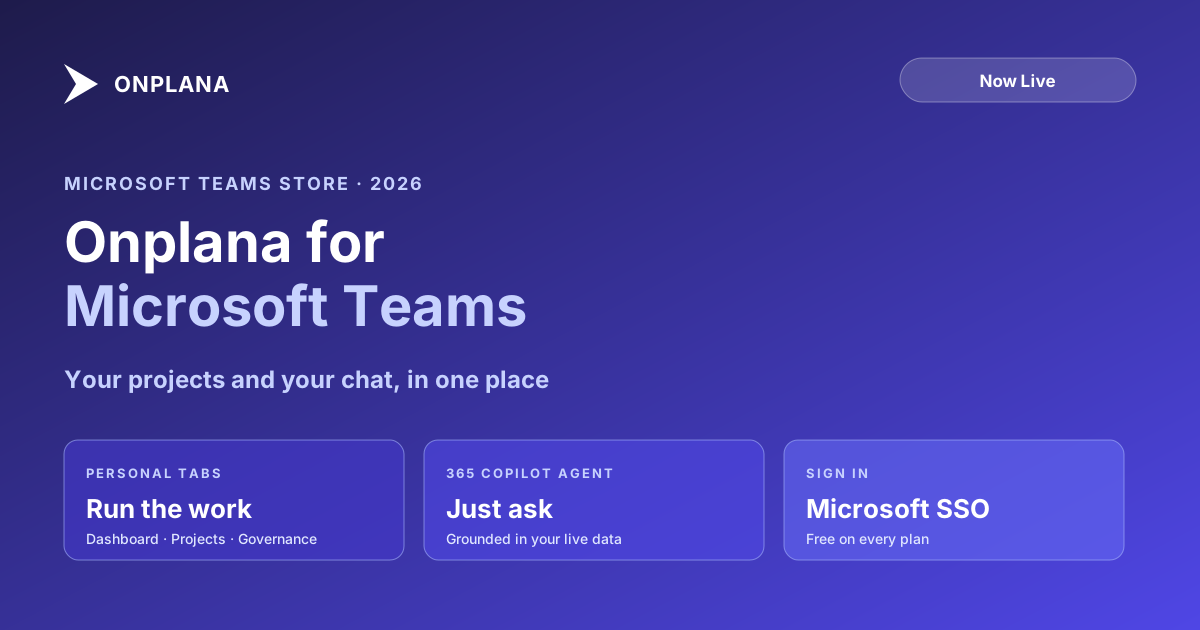
Onplana is now live in the Microsoft Teams Store and Microsoft 365 Copilot. Run your projects, and ask Copilot about them, without leaving Teams.
Onplana is now live in the Microsoft Teams Store and Microsoft 365 Copilot. As of July 13, 2026, the app passed Microsoft's Teams Store validation, which means any organization can install Onplana for Microsoft Teams directly from the marketplace. Your projects and your chat now live in the same place.
If your team runs its day in Microsoft 365, this closes the gap that made project tooling feel like a separate errand. Instead of switching to a browser tab to check what is due, you check it where the conversation is already happening. And with the Copilot agent, you can just ask.
Project management in Microsoft Teams, as personal tabs
Once installed, Onplana shows up in Teams as personal tabs so the parts of the product you use most are one click away:
- Dashboard, your portfolio health and what needs attention.
- Projects, the full project workspace with tasks, schedules, and boards.
- Governance, the stage-gate pipeline, approvals, and audit trail.
You can also pin a project board or a dashboard to any channel or chat. When a team channel is where a project actually gets coordinated, the board lives there next to the discussion, not in a link someone has to go find. Everyone in the channel sees the same live view.
A practical note on scope: the Teams tabs are for running the work. Administration and billing still happen on the web, not inside the tabs, so the app stays focused on planning and delivery rather than account settings.
Ask Microsoft 365 Copilot about your projects
The part that changes the daily rhythm is the Microsoft 365 Copilot agent. You ask in plain language, and the answer comes back grounded in your live Onplana data and scoped to what you are allowed to see. A few examples of what you can ask:
- "What is assigned to me this week?"
- "Which of my projects are overdue, and by how much?"
- "Give me a status summary for the billing migration project."
You can also create and update tasks the same way, so a quick "add a task for Sara to review the API spec by Friday" turns into a real task on the board. AI-generated summaries and suggestions are clearly indicated in the app, and they are meant to be reviewed before you rely on them, the same principle that governs AI everywhere in Onplana: the model drafts and surfaces, you decide.
Why this matters now: the Project Online retirement
Microsoft Project Online retired on September 30, 2026, and every PMO that ran on it is choosing where to land. Being inside Teams makes Onplana a natural destination for teams that want to stay in the Microsoft 365 environment they already know, without giving up scheduling depth.
The migration path is direct: Onplana imports .MPP files, Microsoft Project XML, and Project Online schedules with dependencies and milestones intact. If you are weighing the move, the Microsoft retirement 2026 overview covers what changed and when, and the complete Project Online migration guide walks the full journey from inventory to cutover.
How to get started
- Install from the Microsoft Teams Store. Search for Onplana and add it. The user guide for Onplana in Microsoft Teams walks through the tabs and pinning.
- Sign in with Microsoft. Automatic Microsoft sign-in means no separate password and nothing to configure. An Onplana account is created automatically on your first sign-in.
- Pin what your team uses. Add a project board or dashboard to the channels where the work is coordinated.
- Ask Copilot. Try one of the prompts above and see the answer come back from your real data.
For IT teams rolling this out across an organization, the admin deployment guide covers tenant-wide install and the security posture.
Also available across the Microsoft and AI ecosystem
The Teams Store is one of several places you can now find Onplana:
- Microsoft Marketplace. Onplana is listed on the Microsoft commercial marketplace, so organizations can discover and procure it through the same marketplace they use for other Microsoft-ecosystem software. The migration tool has its own listing for teams moving off Project Online.
- ChatGPT app directory. The Onplana connector is listed in the ChatGPT app directory, so you can connect Onplana and work your projects inside ChatGPT too. Claude, Cursor, and other MCP-aware assistants connect the same way over the MCP server that also powers the Teams Copilot agent.
The through-line is the same in every surface: your live Onplana data, scoped to your access, reachable from the tool you are already in.
Who it is for
This is built for two groups. First, project managers, PMO leads, and delivery teams who run work in Microsoft 365 and want their project tooling where their conversations already happen. Second, teams leaving Project Online who are evaluating where to go and would rather not add another disconnected app to the stack.
Both get the same thing: the project work and the conversation about it, finally in one place, with an AI agent that answers from live data instead of guesses.
Onplana is free on every plan, including Free, so you can install it and try it today. Start free and add Onplana to Teams, or read more on the Onplana for Microsoft Teams page.
Microsoft Teams and Microsoft 365 Copilot are trademarks of Microsoft Corporation. Microsoft Project Online™ is a trademark of Microsoft Corporation. Onplana is not affiliated with Microsoft.
Frequently asked questions
How do I add Onplana to Microsoft Teams?
Open the Microsoft Teams Store, search for Onplana, and install it. Onplana passed Microsoft's Teams Store validation and is available to any organization directly from the marketplace. On first launch you sign in with your Microsoft account and an Onplana account is created automatically.
Is Onplana for Microsoft Teams free?
Yes. Onplana is free on every plan, including the Free plan, and the Teams app is included at no extra cost. Your plan determines which features are available, exactly as it does in the browser.
What can the Onplana agent in Microsoft 365 Copilot do?
You can ask in plain language what is assigned to you, what is overdue, or for a project status summary, and you can create or update tasks. Every answer is grounded in your live Onplana data and scoped to your access. AI-generated summaries and suggestions are indicated in the app and should be reviewed before you rely on them.
Do I need to set up single sign-on to use Onplana in Teams?
No. Onplana uses automatic Microsoft sign-in, so there is nothing to configure and no separate password. If you are already signed in to Microsoft 365, you are signed in to Onplana.
Can Onplana in Teams import my Microsoft Project Online data?
Yes. Onplana imports .MPP files, Microsoft Project XML, and Project Online schedules with dependencies and milestones intact. This matters for teams moving off Project Online, which retired on September 30, 2026, and bringing in what they exported.
Ready to make the switch?
Start your free Onplana account and import your existing projects in minutes.