Microsoft Loop Project Management: What It Can't Do
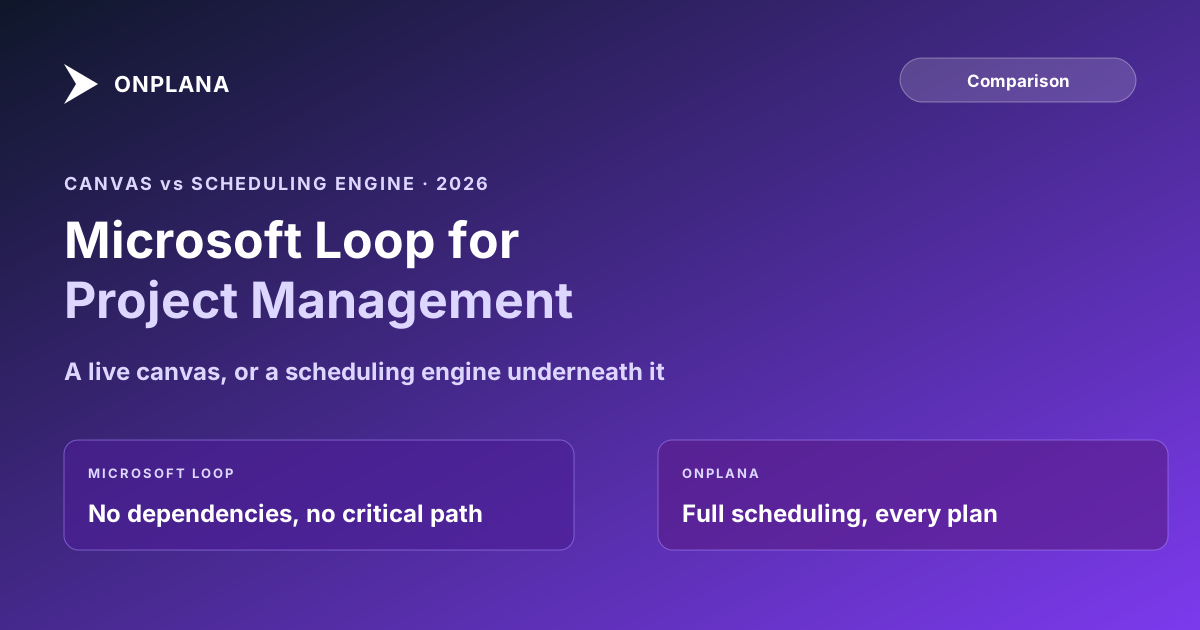
Microsoft Loop project management covers status trackers and shared task lists, not scheduling. No dependencies, critical path, or resource capacity.
The most common assumption about Microsoft Loop is that it's a lighter, faster replacement for Project Online's task tracking now that Project Online retired on September 30, 2026. It isn't, and the gap is not a missing feature Microsoft plans to fill in later. Microsoft Loop project management means a status tracker, a shared task list, and a canvas that stays live across Teams, Outlook, and Word; it does not mean dependencies, a critical path, or resource capacity, because Loop was never built to calculate any of them.
The direct answer: Microsoft Loop is a real-time collaboration canvas, not a scheduling tool. Its components (task lists, status trackers, tables) sync live everywhere they're pasted across Teams, Outlook, and Word, and its pages and workspaces organize that content for a team. What it does not have is a dependency graph, a critical path calculation, or a resource capacity view, which is exactly the set of things a team migrating off Project Online is trying to replace. Loop and a real scheduling tool solve different problems and coexist well; Loop replacing the scheduling tool is the assumption that doesn't hold up.
Microsoft Loop is a canvas of live-synced pages, components, and workspaces built for conversation and lightweight tracking inside Teams, Outlook, and Word. It has no dependency logic, critical path, or resource capacity planning, by design rather than by omission. A team that needs those things, especially one migrating off Microsoft Project Online, needs a scheduling tool underneath Loop, not instead of it. Onplana fills that role: dependencies, critical path, resource capacity, and AI on every plan, with a Teams presence of its own so the two can coexist rather than compete.
What Microsoft Loop Actually Is
Loop is built from three pieces. Components are portable, live content blocks, a task list or a table, that stay synchronized everywhere they're pasted: edit one in a Teams chat and the same component updates inside the Outlook email that contains it. Pages are flexible canvases inside a workspace that combine text, tables, task lists, and components into something closer to a shared document than a project plan. Workspaces organize a team's pages and are stored in SharePoint Embedded containers rather than as a separate product database. None of this is sold as its own SKU: Loop components need a OneDrive or SharePoint license and Loop workspaces need a Loop-with-workspaces service plan, both riding on the Microsoft 365 work account most Teams-first organizations already hold.
What Loop Is Genuinely Good At
Loop's status tracker lets a team assign an owner, a due date, and a completion level to an item, and a Kanban board or checklist view organizes that the way a lightweight backlog would. The value is the live sync: a task list dropped into a Teams channel updates the same list pasted into a follow-up email, so a team stops re-typing the same status into three different messages. For a small team that wants structure without a separate tool to log into, that is a genuine improvement over chasing the same update across five threads, and it's why Loop shows up on shortlists next to lightweight PM tools rather than only next to Notion or Confluence.
Why Microsoft Loop Project Management Has No Scheduling Underneath It
Loop has no dependency graph, so it cannot tell you that Task B is blocked on Task A finishing, let alone which chain of tasks is actually driving the finish date. Without dependencies there's no critical path to calculate, no float to track, and no way to answer "how much can this slip before the deadline moves." Loop also has no resource capacity view: nothing prevents one person from being the owner on eight items due the same week, because Loop's status tracker records who owns a task, not how full that person's week already is. These aren't bugs Microsoft is expected to fix. Loop's own positioning is a collaboration and content layer, and a scheduling engine is a different kind of software with different math underneath it.
The diagram below splits what each tool actually does, since the two are complementary rather than competing once the boundary is explicit.
Microsoft Loop vs Onplana: Eight Dimensions Compared
| Dimension | Microsoft Loop | Onplana |
|---|---|---|
| What it is | Live-synced canvas: pages, components, workspaces | Full project scheduling and PMO platform |
| Task dependencies | None | FS, SS, FF, SF with lag, every plan |
| Critical path / Gantt | Not available | Included on every plan, including Free |
| Resource capacity planning | Not available | Per-person capacity vs allocation, Professional and up |
| Real-time synced components | Yes, its core feature | Live task and comment updates, not a canvas product |
| Where it lives | Embedded in Teams, Outlook, Word | Standalone app, plus its own Teams presence |
| AI features | None specific to project tracking | Full AI suite (chat, plan generation, agent skill) on every plan |
| Pricing | No standalone SKU; rides on a Microsoft 365 work account | Free plan, then Professional at $12/seat/month up to Enterprise at $29 |
How Loop and a Scheduling Tool Coexist
The pattern that holds up mirrors what works generally for project management inside Teams: the scheduling tool stays the system of record for dependencies, dates, and capacity, and the collaboration layer becomes a faster way to see and discuss that plan, not a second place to maintain it. A Loop status tracker pasted into a channel can reflect what a real schedule already calculated; it shouldn't become the place a dependency gets decided, because nothing in Loop would notice if that decision contradicted the actual plan. Teams-first organizations weighing Onplana's own Teams integration get both halves without picking one: the live surface people already check, backed by a scheduling engine underneath it that Loop was never built to be.
Which Tool for Which Job
Loop wins for a small team that wants shared notes, a lightweight status tracker, and less structure than a full PM tool, especially one already living inside Teams and Outlook all day. It loses the moment the questions get harder than "what's the status": what's actually driving the finish date, who's overallocated, what happens if this slips a week. Those are scheduling questions, and they need a scheduling engine, not a canvas with a task list on it. Teams evaluating what actually transfers from Project Online should also read what transfers to Planner Premium, since Loop and Planner solve different halves of the same Microsoft-first stack.
If it's not obvious yet whether your team's real requirement is lightweight tracking or full scheduling and governance, the free PMO Maturity Assessment scores your actual dependency, capacity, and reporting needs against where your PMO stands today, which settles that question faster than a feature-by-feature debate.
Run the free PMO Maturity Assessment Get a clear read on whether your team's scheduling and governance needs point toward a lightweight canvas or a fuller PMO platform. About ten minutes, no signup required. → Open the PMO Maturity Assessment
The rest of the Onplana blog covers the wider Microsoft-first comparison set, including how Onplana's own Teams integration and the Project Online migration path fit around a tool like Loop rather than against it.
Microsoft Loop™, Microsoft Teams™, and Microsoft Project Online™ are trademarks of Microsoft Corporation. Onplana is not affiliated with Microsoft.
Frequently asked questions
Is Microsoft Loop a project management tool?
Not in the scheduling sense. Loop is a collaborative canvas of pages, components, and workspaces that syncs live across Teams, Outlook, and Word. It can hold a task list or a status tracker, but it has no dependency logic, no critical path, and no resource capacity view underneath it.
Can Microsoft Loop replace a real project scheduling tool?
No. Loop's own documentation and Microsoft's positioning describe it as light project tracking, useful for teams that want less structure, not a replacement for a scheduling engine. A team that needs to know its critical path or who's overallocated next week needs a tool built around that math.
Does Microsoft Loop have a Gantt chart or critical path?
No. Loop pages can hold a task list, a Kanban board, or a status tracker with owners and due dates, but none of those views calculate a critical path or dependency chain the way a scheduling tool does.
How much does Microsoft Loop cost?
Loop isn't sold as its own SKU. Loop components need a OneDrive or SharePoint license, and Loop workspaces need a Loop-with-workspaces service plan, both of which ride on the Microsoft 365 work or school account most Microsoft-first teams already hold.
Can Loop and a scheduling tool like Onplana be used together?
Yes, and that's the pattern that holds up. Loop stays where the conversation already happens, in Teams and Outlook, while the scheduling tool remains the system of record for dependencies, dates, and capacity. A live Loop component can point at status the scheduling tool calculated; it shouldn't try to calculate that status itself.
What's the difference between a Loop task list and a Microsoft Planner task?
A Loop task list is a component embedded in a page, live-synced wherever it's pasted, with no owner beyond whoever's workspace it lives in. A Planner task belongs to a bucket in a defined plan with its own permissions. Loop task lists and Planner tasks can sync, but they aren't the same object, and neither carries dependency logic.
Ready to make the switch?
Start your free Onplana account and import your existing projects in minutes.