Multiple Assignees on a Task: One Owner Plus Collaborators
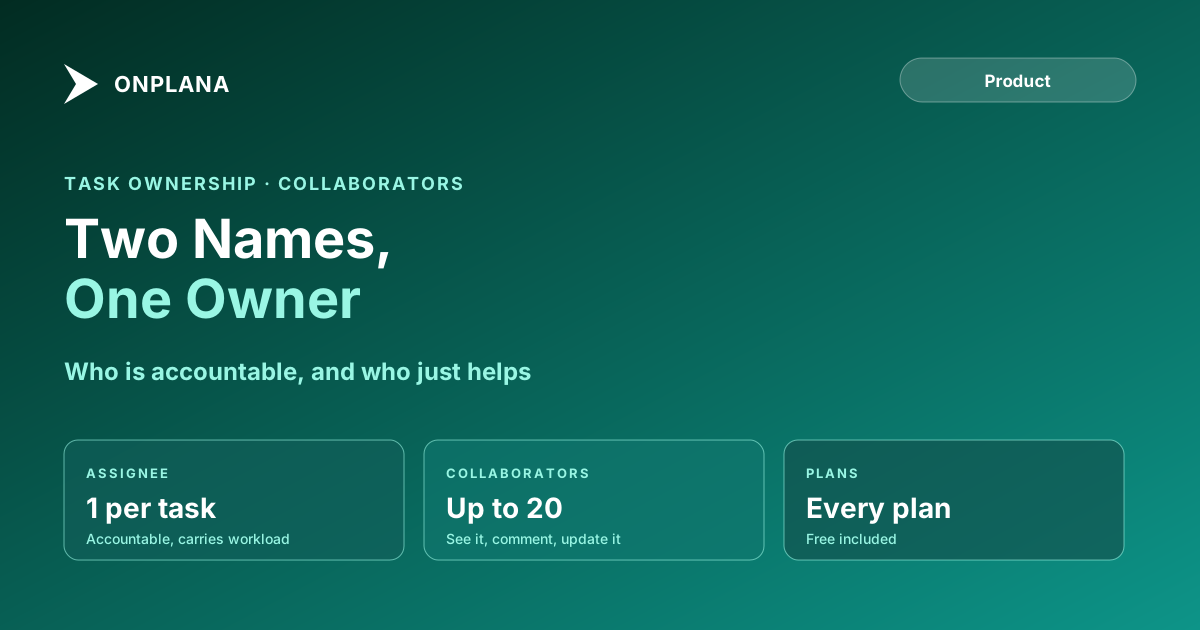
Multiple assignees blur who is accountable and who is loaded. Onplana keeps one assignee per task and adds up to 20 collaborators who see it and can update it.
Ask three people who owns a task with two names on it and you get three answers. Every tool that allows multiple assignees pays for it downstream: whose workload does the task load, who gets chased when it slips, and who closes it. Onplana takes the other route. A task has one assignee and, as of the 7 October 2026 release, up to 20 collaborators (Onplana What's new).
In short. Multiple assignees on a task spread accountability until nobody holds it. Onplana keeps one accountable assignee per task and lets up to 20 collaborators see it in My Work, comment, and update it, while workload, cost and leveling count only the assignee. Collaborators are on every plan, Free included.
Why do multiple assignees cause problems?
Two names on a task answer the question "who is working on this?" and break the question "who is accountable for this?". The task has a single status, a single due date and a single outcome, so one person has to answer for it.
The breakage shows up in four places:
| Question | With multiple assignees | With one owner plus collaborators |
|---|---|---|
| Who is accountable? | Each assumes the other | One named person |
| Whose workload does it load? | Counted twice, or split by a guess | Counted once, on the assignee |
| Who gets the overdue chase? | Everyone, so no one | The assignee |
| Who sees it in their list? | Both | Both, labelled by role |
The pattern is the same one behind the RACI model: exactly one person is accountable, however many are responsible for the doing.
How does Onplana handle one owner and many helpers?
The diagram below shows the shape. The assignee sits in the middle and carries the workload. Collaborators surround the task: they see it, discuss it and update it, but the weight stays with one person.
To add one, open the task, find Collaborators under Assignee in the right panel, choose Add collaborators and pick people. Changes save immediately. You can also add them while creating a task, under More options. Project owners and managers can add collaborators to any task, and project members can add them on tasks assigned to them. Anyone can remove themselves with Stop collaborating. The collaborators guide lists every rule.
What can collaborators do, and what stays with the owner?
Collaborators do the work around the task. They see it in My Work with a "Collaborating" chip, comment, attach files and receive notifications, and they can edit it as their project role allows. A viewer who collaborates can see the task but not change it.
Reassigning, adding or removing other collaborators, moving the task to another project and deleting it stay with the people who could do those things before. Because the assignee is never also a collaborator, making a collaborator the assignee removes them from the list.
Collaborators carry no workload. Capacity, cost and leveling count only the assignee, which is why a helper added for a day does not turn up red on the resource heatmap. Where the work is genuinely divisible, subtasks are the better tool: each piece gets its own assignee, date and done state.
How do collaborators work with imports and AI agents?
Imports keep the people. In an MS Project file, the first resource on a task becomes the assignee, resources at 0% units are skipped for that role, and other resources whose email matches an active workspace member become collaborators. Resources not yet in the workspace stay with the task and become collaborators when they accept an invitation. Imports never notify the people they add. Planner and Project for the web imports follow the same pattern. The walkthrough in import an MS Project schedule without losing dependencies covers the rest of what carries over.
Through ChatGPT or Claude, the update_task_collaborators tool adds and removes people in one call, and plans the agent builds can name collaborators. An agent can be a collaborator, but adding it does not hand it the task. Assign the task to the agent when you want it to do the work.
The Tasks companion apps and browser extension gain collaborators with their next releases, so manage them on the web or through ChatGPT or Claude until then. Excel and Microsoft Project XML exports carry the assignee only.
When should you pick an owner and when should you split?
Run three checks on any task with more than one name on it:
- Name the one person who answers if it is late. That person is the assignee.
- Ask whether the others can finish a piece without the owner. If yes, make those pieces subtasks with their own owners.
- Add the rest as collaborators and put the discussion in task comments, where the decision stays next to the work.
The team-level view of this is on the team collaboration page, and the cap is 20 collaborators per task on every plan.
Bringing a plan across from MS Project? Check the free Schedule Health Check on the file first, so the dependencies are sound before the resources map onto owners and collaborators.
Microsoft Project™ is a trademark of Microsoft Corporation. Onplana is not affiliated with Microsoft.
Frequently asked questions
Can a task have multiple assignees in Onplana?
No. A task has one assignee, the person accountable for it, plus up to 20 collaborators who work on it with them. The split keeps ownership unambiguous while everyone involved still sees the task.
What can a collaborator do on a task?
A collaborator sees the task in My Work, gets notified of new comments, can comment, attach files and edit the task as their project role allows. They cannot reassign it, add other collaborators, move it to another project or delete it.
Do collaborators count toward workload and capacity?
No, collaborators carry no workload. Capacity, cost and leveling count only the assignee, so adding helpers never makes someone look overallocated.
Does adding an AI agent as a collaborator give it the task?
No. An agent can be a collaborator, but adding it does not hand it the task. Assign the task to the agent when you want it to do the work, and review what it produces before anything goes out.
What happens to extra resources when I import an MS Project file?
The first resource on a task becomes the assignee and other resources matched to workspace members become collaborators. Resources not yet in the workspace stay with the task and become collaborators when they accept an invitation.
Is it a problem that only one person is accountable?
It is a constraint, and it is the point. If two people truly own separate parts of the work, split the task into subtasks and give each one its own assignee.
Ready to make the switch?
Start your free Onplana account and import your existing projects in minutes.