Project Online Read-Only Mode: The Freeze Transition
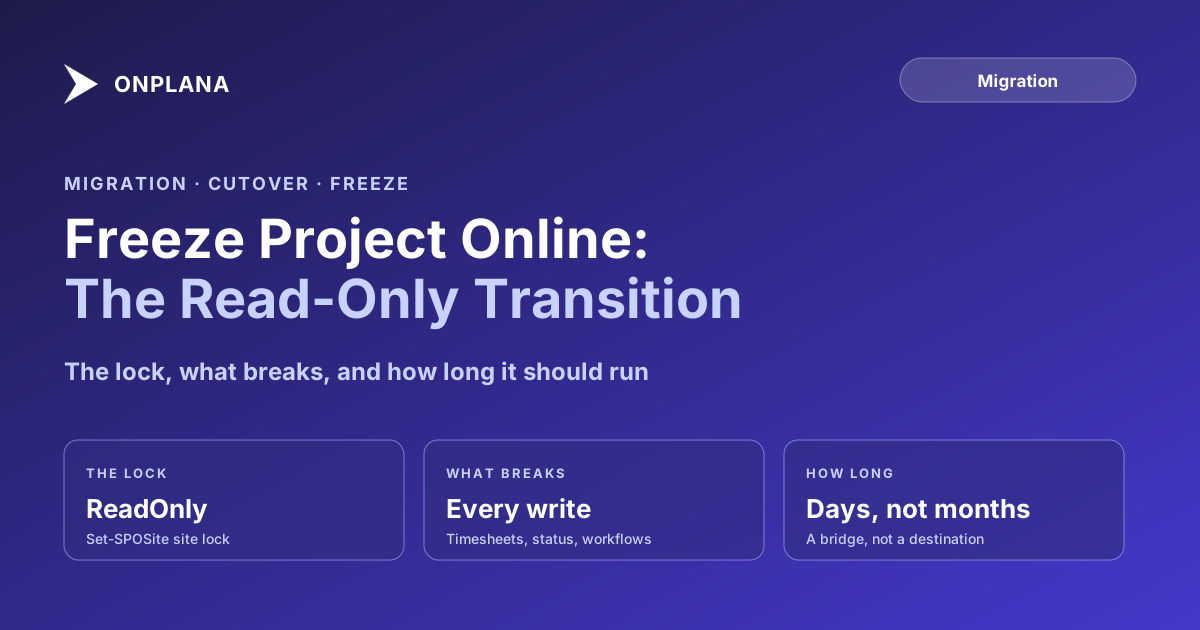
Project Online read-only mode stops new writes without losing access: lock the PWA site, and timesheets, status updates, and workflows all break at once.
Here's the moment every Project Online migration plan glosses over. The export is validated, the new system is staffed and ready, and the team is still two weeks from cutover weekend. Project Online is still live, still writable, and every timesheet submitted or status updated in that window is data your validated export does not have.
The direct answer: Project Online read-only mode is a lock on the Project Web App site collection so nobody can write to it anymore, while everyone can still open it to look something up. A SharePoint Administrator runs Set-SPOSite -Identity <PWA site URL> -LockState ReadOnly from the SharePoint Online Management Shell, and every add, update, and delete call against that site starts failing immediately. Reads, including the OData feed your export already used, keep working. The moment you flip the lock, timesheets, task and status updates, and any workflow approval step that writes back all stop, so tell every affected user before you throw the switch, not after.
What Project Online Read-Only Mode Actually Means
Project Web App is not a standalone application with its own lock switch; it is a SharePoint site collection running the Project Online site template, which means it inherits SharePoint's own lock states. SharePoint Online supports three: Unlock (normal), ReadOnly (content stays visible, nothing can be added, changed, or deleted), and NoAccess (nobody gets in, including admins without elevated rights). For a migration freeze, ReadOnly is the one that does the job: it removes write access without removing the ability to double-check something in the source system while cutover finishes. Microsoft documents the Set-SPOSite cmdlet as requiring SharePoint Administrator permissions, so plan for whoever holds that role, often not the same person running the PMO migration, to be the one who actually flips the switch.
Site collection administrators can still bypass Project Online's own permission mode (SharePoint or Project) to get in during an emergency, but a ReadOnly lock applies underneath that: it blocks write operations at the SharePoint platform level, before Project Online's own security model even gets a say.
What Breaks the Moment You Freeze
A ReadOnly lock is not selective. It does not know the difference between a timesheet submission and a PM editing a task name; it blocks every write call the same way. That has real, immediate consequences the moment the lock goes on:
| What was working | What happens under the freeze |
|---|---|
| Timesheet entry and submission | Fails. Resources cannot log or submit hours until the freeze lifts. |
| Task and status field updates | Fails. Any status change, percent-complete update, or comment write is rejected. |
| Workflow approval steps that write back | Fails partway. An approval that only reads can still display; the step that commits the decision cannot complete. |
| Project Desktop or Project for the web sync | Fails. Any client trying to publish changes back to PWA gets a write error, sometimes silently. |
| Reports, OData feed, and read-only views | Keeps working. This is exactly the access path the export and validation process already depends on. |
The practical result: the moment you freeze, Project Online stops being a place anyone does work, and becomes a reference copy of the last known-good state. That is the entire point, but only if everyone who used to write to it knows it happened.
The diagram below shows where the freeze sits between two systems running in parallel and the old one going dark for good.
Who to Tell, and When
A freeze that nobody warned people about looks identical, from the user's side, to an outage. Tell three groups before the lock goes on, not after someone files a ticket about a timesheet that will not save:
- Every active timesheet submitter. Timesheet entry is the write path people hit daily; give them the exact freeze date and where to log hours instead, whether that is the new platform already live or a manual bridge for the gap.
- Every PM who updates task status in Project Online. The parallel-running guide covers how long a dual-system period should run before freeze; once you freeze, status updates belong exclusively in the new system, and PMs need to know the switch happened on a specific date, not "sometime this week."
- Anyone who owns a workflow with an approval step in PWA. A workflow that appears to accept an approval but silently fails to write it back is one of the more confusing failure modes a freeze produces; flag it specifically rather than assuming "read-only" is self-explanatory to a workflow owner.
Give this notice at least a week ahead, with a specific date and time, the same way the cutover day runbook treats the cutover moment itself: as a scheduled event with a named owner, not a quiet background change.
How Long a Freeze Can Safely Last
A freeze is a bridge, not a destination. It exists to hold Project Online still between the moment your export is validated and the moment cutover finishes, and every extra day it runs is a day your PMO has no live system of record at all, only a read-only copy and whatever manual workaround people invent to keep working. That is a real cost even when nothing goes wrong technically: status conversations move to email, timesheets get tracked in a spreadsheet nobody reconciles later, and the longer the freeze runs, the more of that shadow record-keeping has to be manually merged back in once cutover finally lands.
Treat the freeze as its own scheduled step with a start date and an end date decided before you flip the lock, not an open-ended "until we're ready." If cutover slips, that is a decision to actively extend the freeze with a new end date and a reason, tracked the same way the rollback decision framework tracks a no-go: as a named call, not a default.
Microsoft Project Online™ is a trademark of Microsoft Corporation. Onplana is not affiliated with Microsoft.
Frequently asked questions
How do you put Project Online into read-only mode?
Project Web App sits on a SharePoint site collection, so a SharePoint Administrator locks it with Set-SPOSite -Identity <PWA URL> -LockState ReadOnly from the SharePoint Online Management Shell. The site stays visible and readable; every create, update, and delete call is rejected until someone runs -LockState Unlock.
What breaks the moment you freeze Project Online?
Anything that writes. Timesheet submissions and approvals stop, task and status updates fail, workflow approval steps that need to write back cannot complete, and updates from Project Desktop or Project for the web sync fail silently unless the client also shows an error. Read-only views, OData reports, and exports keep working.
How long can a Project Online freeze safely last?
Days, not months. A freeze is a bridge between finishing your validated export and completing cutover, and every week it runs is a week your PMO is quietly running on stale data. Most teams that plan the freeze as a dedicated step, rather than an afterthought, hold it to one or two weeks.
Who needs to know before you freeze Project Online?
Everyone who currently writes to it: every PM logging status, every resource submitting a timesheet, and any workflow owner whose approval chain runs through Project Web App. Tell them the exact freeze date, what stops working, and where to go instead, at least a week before the lock goes on.
Ready to make the switch?
Start your free Onplana account and import your existing projects in minutes.