Project Management Software Trial Evaluation: A 2-Week Plan
A project management software trial evaluation that decides something: one real project, three must-work scenarios, named evaluators, a scorecard on day one.
Most software trials are a week of clicking that proves nothing, because nobody wrote down what would count as proof. A project management software trial evaluation decides something only when four things are fixed before the trial starts: one real project, three scenarios the tool must handle, named evaluators and a scorecard. According to Zylo's 2026 SaaS Management Index, 53% of software licences go unused, which is what an unstructured trial followed by a hopeful purchase tends to produce.
The short answer. Run the trial for 14 days. Load one real project in the first three days, run three must-work scenarios in week one, let three to five named evaluators score independently in week two, and use a scorecard with weights agreed before anyone logs in. The highest weighted score wins; discussion comes after the numbers, not before.
What makes a software trial actually decide something?
A trial decides something when its outcome can differ from what you expected. A trial of sample data, run by whoever is keenest, with criteria picked afterwards, cannot, because every choice in it favours the tool you already liked. The four fixed elements remove those choices.
| Element | Fixed before the trial | What it prevents |
|---|---|---|
| One real project | A live schedule, with its real dependencies and users | Sample data that hides import and permission gaps |
| Three scenarios | Written steps and a pass mark each | Aimless clicking |
| Named evaluators | Three to five people, roles stated | "Everyone had a look" |
| Scorecard | Criteria, weights and scale | Criteria invented to fit the result |
The same logic runs through PM tool evaluation criteria that predict fit: a checklist every vendor passes does not separate tools, and a trial does not either unless it tests something a vendor cannot rehearse.
How do you structure a two-week trial?
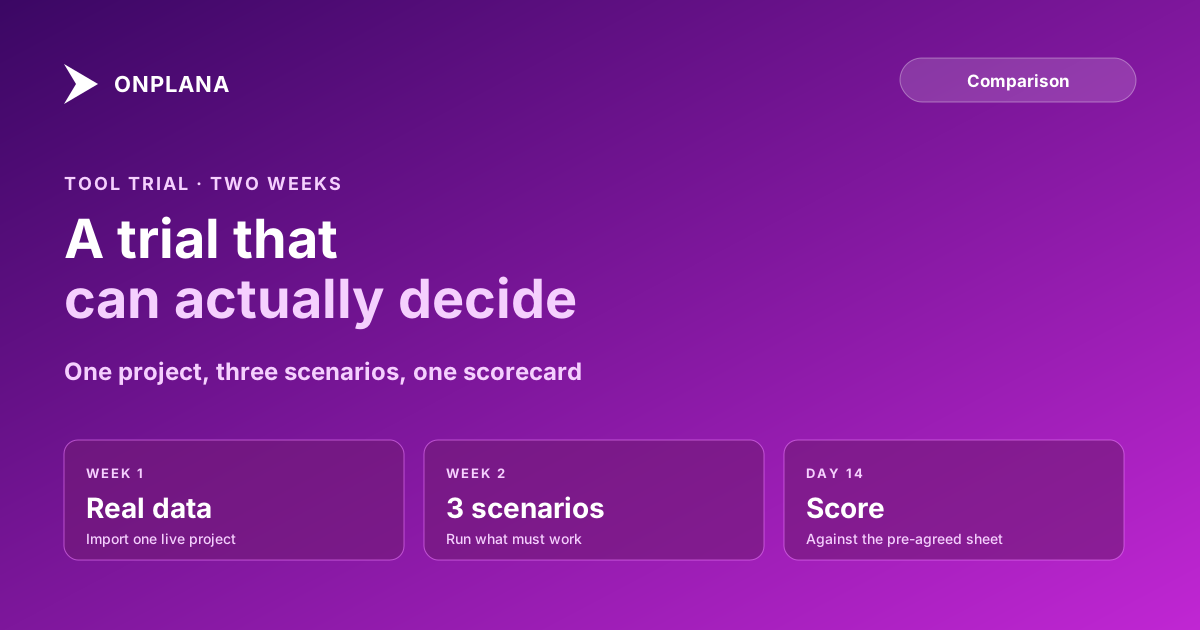
The diagram shows the order: data first, scenarios second, scoring last. Each phase has an exit condition so the trial cannot drift.
Day 0. Agree the scorecard and the weights, and save it where nobody can edit it quietly. Name the evaluators and give each a role.
Days 1 to 3. Import the real project. Use the file you work from today, not a cleaned-up copy. Write down everything that did not survive: lost fields, flattened dependencies, changed dates. A dependency-preserving import is the first thing a vendor can fail, and failing it is information. Before the import, the free Schedule Health Check reads the file and shows what state it is in, so a broken source file is not blamed on the tool.
Days 4 to 10. Run the three scenarios, one evaluator per scenario, with written steps.
Days 11 to 14. Each evaluator scores alone against the scorecard. Compare only after every sheet is in.
Which three scenarios should a trial include?
Pick scenarios from the work that hurts today, not from the vendor's feature list. Three work for most teams:
- Move a milestone and watch the consequences. Push a key date two weeks. Pass if every dependent task moves correctly, the critical path updates and the baseline stays put for comparison.
- Give an outside user one project. Invite a client or contractor to see a single project and nothing else. Pass if they see exactly that project, you can remove them in under a minute, and the action appears in an audit trail.
- Produce the report your sponsor reads. Build the real weekly status, not a demo dashboard. Pass if it takes under 30 minutes and matches what you send now.
Replace any of them with a scenario from your own pain, for example a resource clash across two projects. Keep it to three: a fourth dilutes the scoring.
How should the scorecard work?
Score each criterion from 0 to 3 and multiply by its weight. Weights sum to 100.
| Criterion | Example weight | Scored from |
|---|---|---|
| Scenario results (three scenarios) | 40 | Pass marks written on day 0 |
| Import fidelity | 20 | The loss list from days 1 to 3 |
| Daily usability for the people who update tasks | 15 | The team member's sheet |
| Security and admin answers | 15 | The IT evaluator's sheet |
| Total cost over three years | 10 | A completed hidden-costs model |
Scenario results carry the most weight on purpose: they are the only evidence the vendor could not prepare. The example weights are a starting point; change them on day 0, never later.
How do you run the decision meeting?
Collect the sheets before anyone speaks, add the weighted totals, and read the result first. If the top score leads by more than 10 points, take it. If two tools are within 10 points, look only at the scenario that separated them and extend that one test for three days. The PM tool RFP template is the better route when procurement rules require a formal tender rather than a trial.
One limit applies: a two-week trial measures fit and fidelity, not whether people will keep using the tool in month six. Treat the first 30 days after purchase as a continuation, with the same scenarios repeated.
Check the file before the trial starts Run your real project file through the free Schedule Health Check first, so the trial tests the tool and not the state of your source schedule. No signup required. → Open the Schedule Health Check
Frequently asked questions
How long should a project management software trial last?
Two weeks is enough when the plan is structured: a real project loaded in the first three days, three scenarios run in week one and the scorecard completed by day 14. A 30-day trial without a plan mostly measures how often people remember to log in.
What should you test in a project management software trial?
One real project, imported from the file you already use, and three scenarios the tool must handle: a schedule change that moves dependent tasks, a permission change for an outside user, and the report your sponsor actually reads.
Who should be on the evaluation team?
Three to five named people: the PMO lead who owns the decision, a project manager who will use it daily, one team member who will only update tasks, and someone from IT or security. Each scores independently before anyone discusses.
Why agree the scorecard before the trial starts?
Because criteria chosen after the trial are chosen to justify a preference. A scorecard fixed on day one, with weights, makes the result a calculation instead of an argument.
Can a trial on sample data tell you anything?
Very little. Sample data is built to work, so it hides import losses, permission edge cases and slow screens that your real project exposes within the first hour.
What if the trial result is a tie?
Weight the scenario scores above the preference scores and rerun the sums. If it is still a tie, extend only the one scenario that separated the two tools' answers, for three days, rather than the whole trial.
Ready to make the switch?
Start your free Onplana account and import your existing projects in minutes.