Project Online Retirement Countdown: Six-Week Triage
The project online retirement countdown reads six weeks, but the real export window closes around August 31. Here is the triage order that still fits.
Run your own project online retirement countdown and it reads six weeks until Microsoft retires Project Online. The number that actually matters is smaller: closer to two weeks before the export window most teams rely on gets throttled by everyone else exporting at once. Those are different clocks, and the admin who has done nothing yet needs to triage against the second one, not the first.
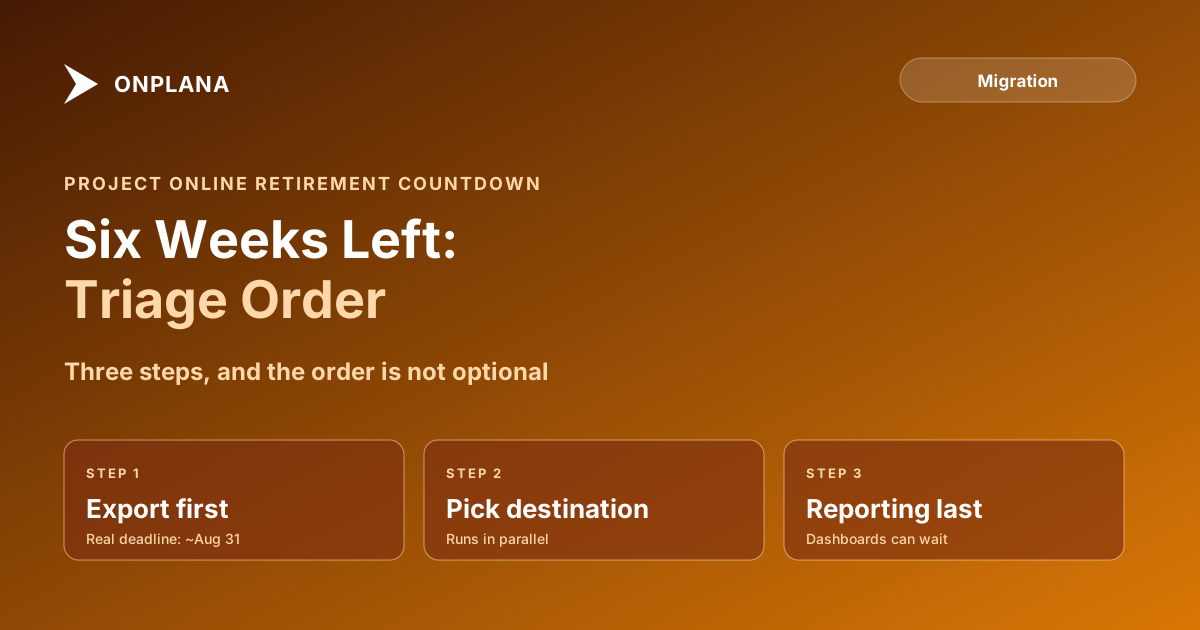
The direct answer: with six weeks left and nothing started, the order is export, then destination, then reporting, in that sequence and not reordered. Get every project, resource pool, and custom field out of Project Online this week, because that step has a real deadline around August 31. Pick a destination tool in parallel, since that decision does not touch Project Online at all. Rebuild reporting last, because dashboards can wait a month; raw project data that vanishes on September 30 cannot be recovered afterward.
What the Project Online Retirement Countdown Actually Buys You
Six weeks sounds like runway. Split three ways, it is not much. The full retirement timeline has one hard date, September 30, when Project Web App sites and the OData reporting feed stop responding. But the effective export deadline sits closer to a month earlier: a full tenant export takes three to five days of elapsed time under normal load, and that window stretches unpredictably once thousands of other tenants start exporting in the same final weeks. Treat September 30 as the day the tenant becomes unreachable and August 31 as the day exporting stops being predictable, and the six weeks splits into a two-week export sprint, a two-to-three week destination and import stretch, and whatever is left for reporting.
The diagram below shows how that split actually lands against the calendar.
Step 1: Get the Data Out First
Do not open a destination tool comparison before this step is running. Pull two things in parallel: .mpp exports of every active project schedule (dependencies, baselines, and resource assignments travel with the file), and an OData bulk pull for what .mpp never carries, timesheet history, portfolio metadata, enterprise custom field definitions, and cross-project resource pool data. The free Project Online Inventory Checklist walks a tenant in about ten minutes and returns the project list, resource pool, and custom field inventory you need before either export runs, so you are not discovering what exists while the clock is already moving.
Run the OData pull in the next few days, not the next few weeks. The export deadline post covers why the effective cutoff sits in late August rather than September 30, and the data extraction window walks the full export procedure step by step: throttling from every other tenant exporting at once turns a 3-to-5-day job into something unpredictable once the volume rises. Nothing else on this list has a comparably real deadline attached to it.
Step 2: Decide the Destination, Without Turning It Into a Project
Destination selection can run at the same time as the export, because it does not touch Project Online at all. It only becomes a bottleneck if you let it, by waiting for a perfect evaluation before starting an import. The full migration checklist has the fuller evaluation framework; at six weeks out, the working version is shorter: does the tool support the dependency types your schedules actually use, can it import the file formats you exported in Step 1, and is a resource pool available if your projects share people across workstreams. Answer those three, pick, and move.
Step 3: Rebuild Reporting Last, on Purpose
Reporting is the step most PMOs want to do first, because dashboards are visible and executives ask about them. Triaged against a real deadline, it goes last. A missing dashboard is an inconvenience you fix over the following month. A project that was never exported before September 30 is gone once the Project Online migration window closes; there is no reconstructing it from memory. Rebuild the two or three reports that leadership actually checks weekly first, and treat the rest as post-cutover work.
What Six Weeks Does Not Buy You Anymore
Be honest about what is off the table. Six weeks, starting from zero, is not enough time to reconcile every enterprise custom field formula, migrate historical timesheet data project by project, or run a full parallel-operation period where both systems stay live for a month of validation. Those get triaged out, not skipped forever: export the raw data now, and reconcile the formulas and history after cutover, from the exported files, once the clock stops being the constraint.
Run the free Project Online Inventory Checklist Walk through your tenant in about 10 minutes and get a structured export plan you can hand to your migration team. No signup required. → Open the checklist
Microsoft Project Online™ is a trademark of Microsoft Corporation. Onplana is not affiliated with Microsoft.
Frequently asked questions
What should I do first if I haven't started migrating off Project Online?
Export your data before you pick a destination. The export window closes weeks before the September 30, 2026 retirement date because of server load, so exporting first is the only step that is actually time-boxed.
Is six weeks enough time to migrate off Project Online?
Six weeks is enough time to export everything and stand up a working destination for your active projects. It is not enough time to rebuild every historical report or reconcile every enterprise custom field; those get triaged to after cutover.
What happens if I miss the September 30, 2026 retirement date?
Project Web App sites and the OData reporting feed stop responding. Anything not already exported becomes unreachable through the normal channels, which is why exporting is the step with the real deadline, not the destination decision.
Can I still choose a destination platform if I haven't started anything?
Yes, and you should do it in parallel with exporting rather than before it. Picking a destination does not require touching Project Online, so it should never be the reason an export gets delayed.
Ready to make the switch?
Start your free Onplana account and import your existing projects in minutes.