Project Status Report Template: Copy It, Fill It, Send It
A project status report template of six one-line items: RAG, progress, blockers, decisions, next milestone. Copy the weekly version and keep it on the project.
A status report that arrives as a Word file on Friday gets read by the sponsor, ignored by the team, and corrected by nobody. A project status report template is the fixed set of lines every update answers: overall RAG status, what moved, what is blocked, decisions needed, risks that changed, and the next milestone. Keep each to one sentence and the whole report fits on a screen.
PMI's 2013 Pulse of the Profession found that 80% of projects met their original goals at organizations with highly effective communicators, against 52% at minimally effective ones. A fixed template is the cheapest way to move toward the first number, because it removes the decision about what to say and leaves only the decision about what is true.
The short version: Use six lines (RAG, moved, blocked, decisions, risks, next milestone), one sentence each. Post the report on the project, not in an email attachment, so the team can reply to it and the sponsor reads it where the work is.
What goes in a weekly project status update template?
The weekly version below is the one to copy. Replace the bracketed text and delete nothing; an empty line ("Blocked: nothing") is information, and a missing line is a question.
| Line | What it answers | Example |
|---|---|---|
| Overall status | Green, amber or red, with the reason in a clause | Amber: vendor delivery is four days late |
| What moved | Work finished or started since the last report | Data model signed off; UAT scripts drafted |
| What is blocked | The item, the owner, the date it is needed by | API access, owned by IT, needed by Oct 18 |
| Decisions needed | The question and who decides | Approve two extra testers, sponsor, by Oct 16 |
| Risks that changed | Only new, closed or re-rated risks | Supplier risk raised from medium to high |
| Next milestone | Name and date, plus whether the date moved | Go-live readiness review, Oct 30, unchanged |
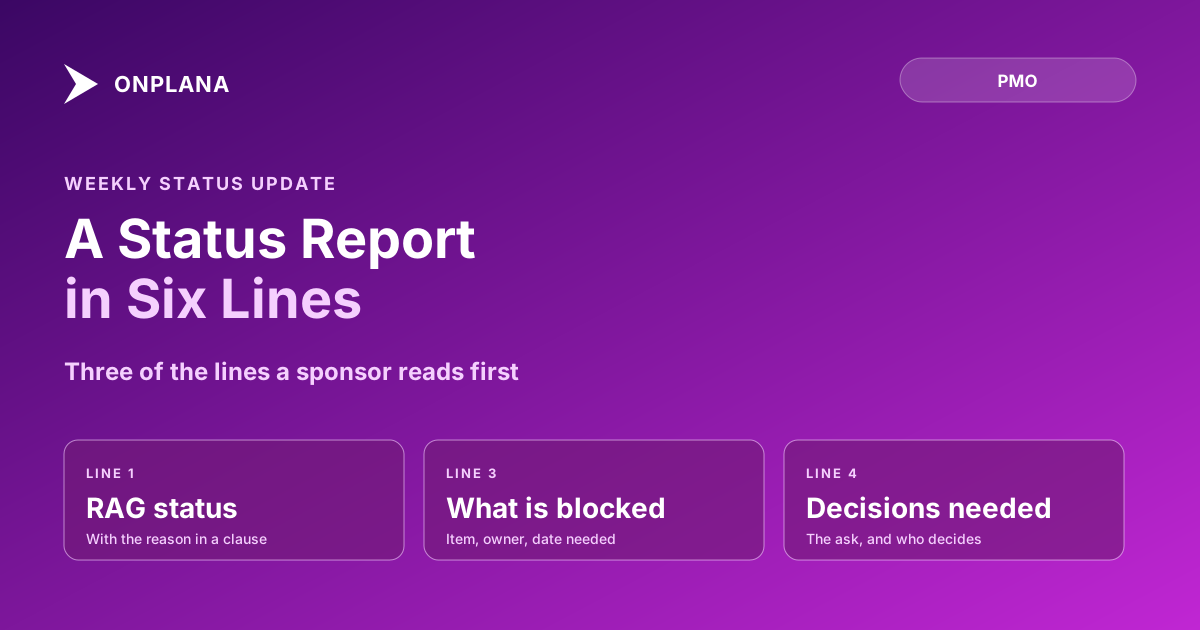
The diagram below shows the same six lines as a single block, in the order a sponsor reads them.
Why does the template matter less than where it lives?
A good layout in a bad location still fails. An emailed report has no thread: the blocker named in line three gets answered in a side conversation the rest of the team never sees, and next week's report restates it as if nothing happened.
Post the report on the project instead. In Onplana, comments on projects and tasks carry replies and @mentions, so the person named on the blocked line is mentioned directly and answers in the same place; the mention reaches their inbox, email and phone. A client or sponsor can read it on a guest seat, which every paid plan includes and the Free plan does not. The longer argument for keeping decisions beside the work is in task comments vs a chat channel, and guest seats explained covers what an outside reader can and cannot see.
How do you set the RAG status honestly?
Tie the colour to a number, not a mood. The common convention is green within agreed variance, amber when a recovery plan is needed, and red when the sponsor has to decide something; RAG status meaning and thresholds sets out the numeric version. Say red on the week it is true. A sponsor who trusts your reds trusts your greens.
What is the weekly variant, and when does the report change?
The weekly report is the six lines above. Change it in three cases:
- Status goes red. Send the report the same day, add a recovery action and the date of the next re-read.
- A milestone moves. Show the old date, the new date and the cause in the last line.
- The audience changes. A steering committee wants milestones and risks first; the team wants blocked first. Reorder the lines; do not add new ones.
If writing it is the slow part, the free Status Report Writer turns raw notes into this layout, and status report writing in ten minutes covers the drafting habit behind it.
Draft this report from your own notes Paste the week's bullet points into the free Status Report Writer and get the six-line layout back to edit. No signup required. → Open the Status Report Writer
Frequently asked questions
What should a project status report include?
Six things: overall RAG status, what moved this period, what is blocked, decisions needed, risks that changed, and the next milestone with its date. Each one fits in a sentence.
How long should a weekly project status update be?
One screen, roughly 150 to 250 words. A sponsor reads the status and the ask; anything past that is for the team, and a longer report mostly hides the one line that needed a decision.
Is a status report template enough to keep stakeholders informed?
No, and the honest answer is that a template only fixes the format. A report is still a snapshot of what the PM believes, so the reader needs somewhere to question it, which is why the reply thread matters as much as the layout.
Can a client or sponsor read the report without a full licence?
Yes on any paid Onplana plan, where a guest seat gives a client or sponsor access to the one project without a licence. The Free plan has no guest seats, so a sponsor there needs a member seat or a copy sent another way.
Can AI write the status report for me?
It can draft one, and you should still read it before it goes anywhere. The free Status Report Writer turns your raw notes into this layout, but the judgment about how red is red stays with you.
How often should I send a project status report?
Weekly for active delivery, fortnightly for steady-state work, and immediately when status goes red. A red status that waits for the next scheduled report is the one a sponsor remembers.
Ready to make the switch?
Start your free Onplana account and import your existing projects in minutes.