The Real Cost of Running AI Agents: Tokens vs Runtime
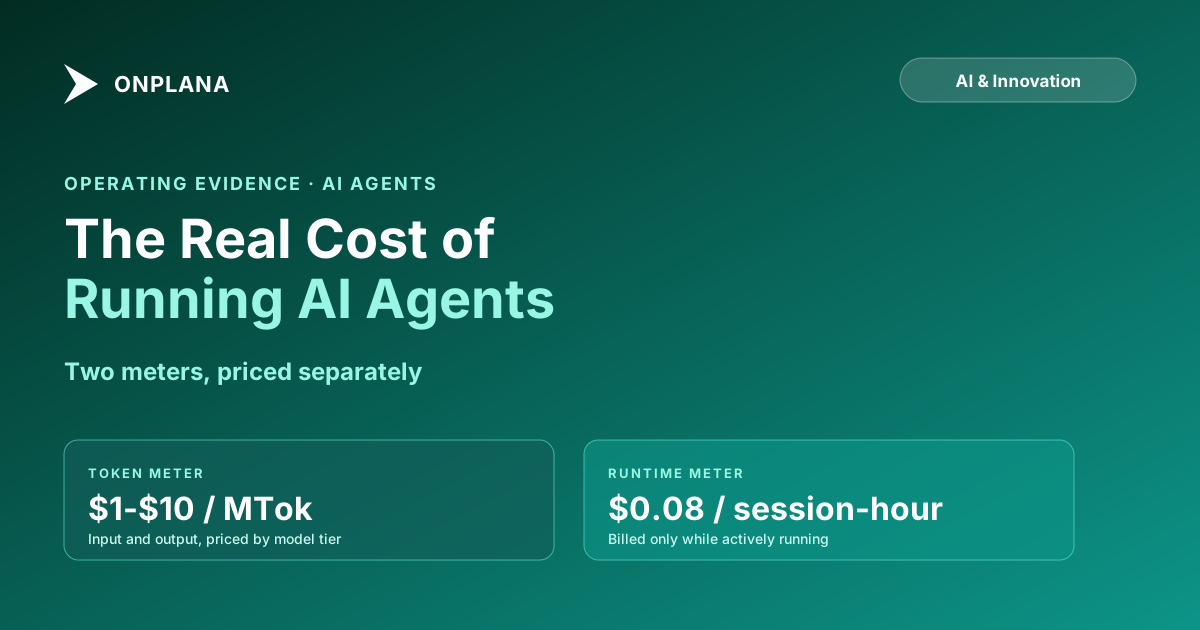
The real cost of running AI agents splits across two separate meters, tokens processed and session runtime, and most teams budget only for the first one.
Every estimate of what an agent costs starts and ends with tokens: multiply a published rate by expected volume, done. That estimate is wrong in a specific, predictable way, and the gap is exactly where the surprise line item shows up on next month's bill.
The direct answer: the real cost of running AI agents is two separate things added together, the tokens an agent processes and the time its session stays active, and the second meter is the one most estimates skip entirely. Anthropic's own published pricing for Claude Managed Agents charges per million tokens the same way the API always has, plus a separate $0.08-per-session-hour runtime charge that only accrues while the session is actively running, not while it's idle. A model that prices tokens alone understates real agent spend the moment sessions run longer than a single quick exchange.
TL;DR: The two meters that make up agent cost
- Tokens: priced per million, input and output priced separately, varies by model tier
- Session runtime: priced per hour, billed only while the session is actively running, not while idle
- A per-token estimate alone is not a cost estimate; it's half of one
The Real Cost of Running AI Agents: Two Meters, Not One
Token pricing is the number every vendor leads with, and it's real: as of this writing, Claude Sonnet 5 runs $2 per million input tokens and $10 per million output tokens, and Claude Haiku 4.5 runs $1 input and $5 output, published directly by Anthropic. Output tokens cost 5x input tokens on both tiers, which matters more than it looks like it should, because an agent that drafts long documents or writes a lot of code spends most of its budget on the output side, not the input side.
The second meter is runtime, and it's the one that's easy to leave out of a back-of-envelope estimate entirely. Claude Managed Agents sessions bill $0.08 per session-hour on top of token cost, metered to the millisecond, and only while the session's status is running. Time spent idle waiting for your next message, waiting on a tool confirmation, or rescheduling doesn't count. That distinction cuts both ways: a session left open all day but mostly idle costs little on the runtime side, while a compute-heavy session that runs continuously for an hour adds a real, separate line item beyond its tokens.
A Worked Example: What a Real Agent Session Costs
Anthropic's own documentation walks through a one-hour coding session on Claude Opus 5 that consumes 50,000 input tokens and 15,000 output tokens. The table below reproduces that math.
| Line item | Calculation | Cost |
|---|---|---|
| Input tokens | 50,000 x $5 / 1,000,000 | $0.25 |
| Output tokens | 15,000 x $25 / 1,000,000 | $0.375 |
| Session runtime | 1.0 hour x $0.08 | $0.08 |
| Total | $0.705 |
With prompt caching active on 40,000 of those input tokens, the same session drops to $0.525, a 25% reduction from caching alone. Scale that same shape of session to a full-time equivalent workload (roughly eight sessions a day, twenty working days a month) and the token-plus-runtime total lands around $110-$115 a month per active agent seat, before caching. That figure moves a lot with model choice: the same workload on Haiku 4.5 instead of Opus 5 costs a small fraction of it, because Haiku's input and output rates run roughly 5x cheaper on each side.
For a very different task shape, high-volume and low-complexity, Anthropic's documentation separately cites a support-ticket processing example: about $37 per 10,000 tickets on Haiku 4.5, at roughly 3,700 tokens per conversation. The lesson isn't the specific dollar figure, it's that cost per unit of work varies by an order of magnitude depending on model tier and task shape, which is exactly why a single blended "AI costs $X per month" number is close to meaningless without stating which workload it describes.
The diagram below shows where each meter attaches to a single agent session.
Where the Cost Doesn't Land Where You'd Expect
Two things surprise teams building their first agent cost model, and neither shows up if you only price the tokens.
The first is tool-call overhead. Every tool an agent has access to adds a fixed number of tokens to every request, not just the ones where the tool actually gets used, because the model needs the tool's definition in context to decide whether to call it. On Claude models this runs from roughly 300 tokens for a minimal tool setup to several thousand for a full toolset like browser use, which alone adds around 6,600 input tokens before the agent does any actual work. An agent wired up with a wide toolset pays this overhead on every single turn.
The second is that runtime billing is genuinely idle-aware, which is a relief in one direction and a trap in the other. It means a long-lived session that's mostly waiting for a human doesn't rack up runtime charges just for staying open. It also means the intuitive shortcut, "session length in wall-clock hours times the hourly rate," overstates cost for a bursty session and understates it for one that runs continuously, so neither shortcut is safe to use for a real budget.
What This Means for Estimating Your Own Agent Spend
- Price both meters, not one. Get the token rate and the runtime rate for your model tier from the vendor's current published pricing, not last quarter's blog post; rates change with new model releases.
- Match the model tier to the task. The gap between Haiku-tier and Opus-tier pricing runs roughly 5x on both input and output. Reserve the expensive tier for work that actually needs it.
- Set a hard per-session ceiling, not just a monthly budget alert. A budget alert fires after the spend already happened; a session cap stops a stuck or runaway agent before it does.
- Count tool overhead in the estimate, especially for agents with a wide toolset, since that overhead applies to every request regardless of whether a tool actually fires.
- Re-run the estimate after a model change. A cheaper-sounding model swap can still raise total cost if it needs more turns, more retries, or a wider toolset to do the same job.
Onplana's own plans reflect the same two-meter reality on the product side: every paid tier ships a per-seat AI token allowance that resets each month, with prepaid credit on top, because a flat monthly number alone can't absorb the variance a real workload produces. AI agent pricing models compared covers the five ways vendors structure that choice, per seat, per token, per action, per agent-day, and bring-your-own-key, and which team shape each one punishes. Calculating AI project management ROI picks up the other half of the equation: once the cost side is real numbers instead of a guess, what the resulting time savings need to be worth to justify it. Full plan-by-plan numbers are on Onplana's pricing page. The rest of the Onplana blog covers the operational practices, scoping, review, escalation, that determine how much agent work actually gets done per dollar spent.
Frequently asked questions
What does an AI agent actually cost, in real numbers?
Two things: the tokens it processes, priced per million by the model vendor, and the time its session stays active, priced per hour. Anthropic's own published example puts a one-hour Claude agent session with a moderate workload at under a dollar; the number that actually determines your monthly bill is how many sessions and how many tokens, not the per-unit rate.
What happens to the bill when agent usage triples?
The bill roughly triples too, because both meters, tokens and session runtime, scale directly with usage; there's no flat fee that absorbs the difference. The protection isn't a pricing tier, it's a usage cap or budget alert set before volume grows, not after the invoice arrives.
Can an agent session run up a large bill without anyone noticing?
Yes, if nothing caps session length or token volume per task. A stuck agent that keeps retrying, or one processing a much larger input than expected, bills for every token and every running minute until something stops it. Set a hard ceiling per session, not just a monthly budget alert that fires after the fact.
Does an agent get billed while it's idle, waiting for the next instruction?
No, for session-runtime billing specifically: time spent idle, waiting on a tool confirmation, or rescheduling doesn't count, only time actually running does. This is the detail most cost estimates miss, because it means a chatty back-and-forth session can cost less than its wall-clock duration suggests.
Who is accountable when an agent's actual spend exceeds the estimate?
Whoever set the usage caps and approved the projected volume, the same as any other budget owner. An estimate that skipped one of the two billing meters, tokens or runtime, isn't a rounding error; it's a specific, findable gap in the model someone should have caught before committing to a number.
Is a per-seat AI allowance the same thing as a fixed monthly AI cost?
No. A per-seat token allowance, like the monthly one Onplana includes on every paid plan, caps how much usage is pre-paid; it doesn't cap what heavier usage costs once that balance runs out. Read the allowance as a starting budget, not a guarantee that AI spend stays flat.
Where do most AI agent cost estimates go wrong?
They price the tokens and stop, treating inference as the whole bill. Session runtime, retries, and tool-call overhead (a tool's own definition can add hundreds of tokens to every request before any real work happens) are the parts that turn a clean per-token estimate into a real invoice that runs higher than projected.
Ready to make the switch?
Start your free Onplana account and import your existing projects in minutes.