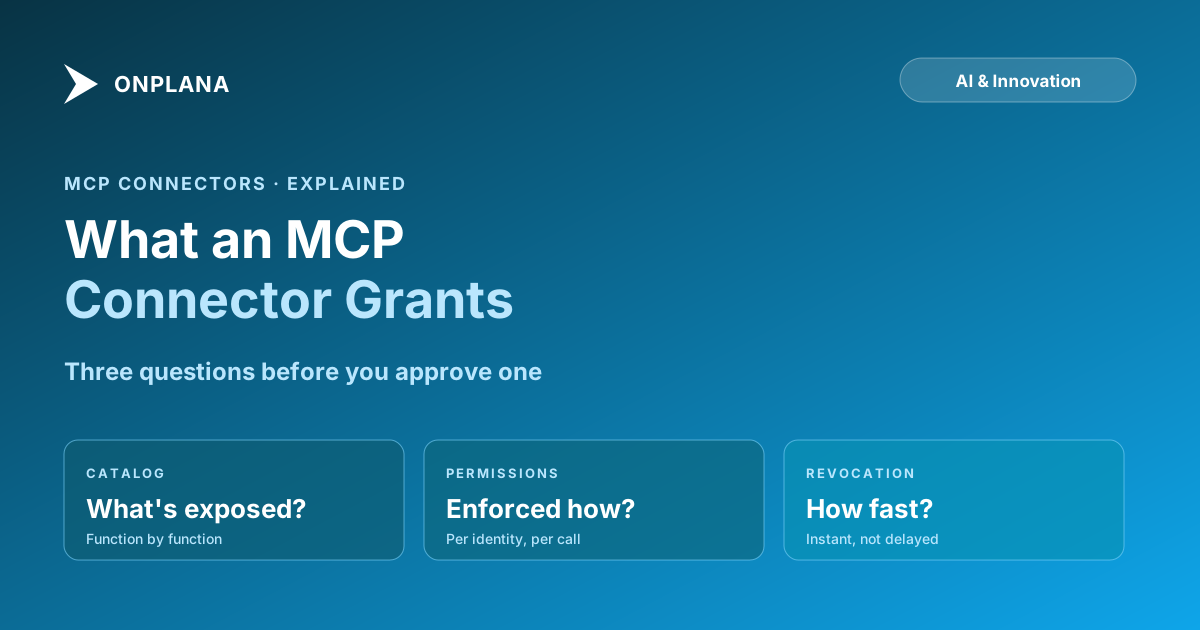
What Is an MCP Connector? What It Actually Grants
An MCP connector is a scoped binding between an AI client and one tool: a permitted tool catalog, not admin access. What approving one actually grants.
A vendor comparison lists "MCP support" as a checkbox and moves on, which is exactly backward: the checkbox tells you a protocol was used, not what got granted. The question that actually matters when someone asks you to approve a connector is narrower and more concrete than "does this tool support MCP."
The direct answer: an MCP connector is a scoped binding between one AI client, Claude, ChatGPT, Cursor, whatever the person is using, and one tool's MCP server: a specific catalog of callable functions, exposed at the permission level of whoever authorized the connection. Approving a connector does not hand the AI a general key to the tool. It grants exactly the functions in that catalog, checked against the connecting identity's existing permissions on every call, assuming the server was built to check them.
An MCP connector is not the protocol itself; it is one specific connection between one client and one server, defined by a tool catalog and the connecting identity's permission level. Approving one grants exactly the functions in that catalog, no more, if the server checks permissions correctly on every call. Before approving a connector, ask what functions are in the catalog, whether the server enforces the connecting identity's real permissions rather than a broader default, and what revocation actually looks like. A protocol name on a vendor's feature list answers none of those three questions.
What an MCP Connector Actually Grants When You Approve It
Every MCP server exposes a tool catalog: a fixed list of named functions like list_projects, create_task, or update_risk, each with a defined input and output shape. Approving a connector means authorizing one client to call functions from that specific list, on behalf of one identity, whatever role or token that identity carries. MCP for project management, explained covers the protocol layer underneath this, the client, host, and server roles that make the connection possible at all. This post is the narrower question a buyer actually faces: not how the protocol works, but what clicking approve on one specific connector commits you to.
That grant has a shape worth stating plainly. It is bounded by the tool catalog, so a connector with only read functions cannot write no matter how the request is phrased. It is bounded by the connecting identity's permissions, so a connector authorized by a low-privilege user should be denied the same actions that user would be denied in the product's own interface. And it persists until revoked, which means the approval decision is not a one-time event so much as a standing grant that needs the same periodic review any access grant does.
What Approving a Connector Does Not Grant
| It grants | It does not grant |
|---|---|
| Calls to the functions listed in that server's tool catalog | Access to functions the catalog does not expose |
| Access at the connecting identity's existing permission level | Broader access than that identity already has in the product |
| A connection that lasts until explicitly revoked | Access after the token or OAuth grant is pulled |
| Whatever the server logs about each call | Silent, unlimited data retention beyond what the vendor discloses |
| The model's ability to attempt a call | The model's ability to bypass the server's own permission check |
The last row is the one worth sitting with. A model can be persuaded, by a cleverly worded comment or task description, to attempt a function call it should not make. A correctly built server still checks that call against the connecting identity's real permissions before it executes, so persuading the model is not the same as succeeding. A poorly built server, one that trusts whatever the client sends without a permission check underneath, fails exactly here, and no amount of protocol compliance in the handshake fixes a missing check in the tool implementation.
The Three Questions to Ask Before You Approve One
- What functions are actually in the tool catalog, function by function, not category by category? "Task management" as a label hides whether that includes a bulk-delete function. Ask for the literal list.
- Does the server check the connecting identity's real permissions on every call, or does it apply a broader default to anything that comes through MCP? This is the single question that separates a connector that mirrors your existing access control from one that quietly widens it.
- What does revocation look like, and how fast? A connector that keeps working for hours after you pull the token has not actually been revoked; it has been scheduled for eventual revocation, which is a different and worse property.
The diagram below is the same three questions as a decision path: pass all three and the connector is safe to approve at the scope requested; fail any one and it needs a narrower catalog, a fixed permission check, or a faster revocation path before approval, not after.
Approving Is Not the Only Decision, Revoking Is the Other
Reviewers spend most of their attention on the approval moment because it is new and it is the first time anyone in the room is looking closely. Security review questions for AI agent access covers why the disconnect step deserves the same scrutiny: a connector that keeps a cached credential alive after you remove it has not actually been revoked, it has been left running quietly, and that gap tends to surface only during an incident review rather than during the approval meeting where it would have been cheap to ask about.
Onplana's own MCP server answers the three questions directly rather than leaving them for a buyer to reverse-engineer: the tool catalog is enforced against the connecting user's or token's real role and plan permissions on every one of its calls, connections are gated behind an admin-controlled permission key rather than something any user can self-serve, and disconnecting a connector removes access in the same action, immediately. Connecting Onplana to Claude walks through what approving that specific connector looks like end to end, and Onplana's MCP server is reachable on every plan, including Free, if you want to run the three questions against a live example rather than a hypothetical one.
Ask the three questions before the meeting where a connector gets approved, not after something it did shows up in a report nobody expected.
Frequently asked questions
What is an MCP connector?
A scoped binding between one AI client, Claude, ChatGPT, Cursor, and one tool's MCP server: a specific catalog of callable functions and the permission level of whichever user or token authorized the connection. It is not a general grant of access to the tool; it is a list of exactly what that connection can call.
Does approving an MCP connector give the AI admin access to the tool?
No, not if the connector is built correctly. A well-built server checks the connecting user's or token's existing role and plan permissions on every single call, so the connector can never do more than that identity could already do in the product's own web app.
Can an MCP connector do something irreversible, like a bulk delete, once approved?
Only if the tool catalog includes that function and nothing bounds it, which is the specific thing to check before approving, not after. A connector's tool list should be reviewable line by line, and any function that deletes, sends externally, or commits a budget figure deserves its own explicit yes, not a blanket approval.
Who is accountable if an approved MCP connector does something wrong?
Whoever approved the connection and the scope it was granted, the same standard that applies to approving a new employee's software access. The vendor that built the server is contractually accountable for the server behaving as documented, not for the specific scope decision your organization made when it clicked approve.
Can a comment or a task description trick an AI client into calling a function an MCP connector exposes?
It can try, but a correctly scoped connector limits the damage: the model can be persuaded to attempt a call, but the server still checks that call against the connecting identity's real permissions before it executes. The boundary that matters is enforced in the server, not in whatever the model was told to do or not do.
What can an MCP connector's server see about our data once it's approved?
Whatever the tool catalog's read functions expose, scoped to the connecting identity's own permissions, and nothing beyond that unless the server is built to log or retain more than the call itself requires. Ask the vendor directly what the server logs, for how long, and whether that data trains anything.
What happens to an MCP connector's access when we revoke it?
Access should end the moment the token or OAuth grant is revoked, immediately, not on a delayed expiry. If revoking a connector takes a support ticket instead of one action in an admin screen, that is the answer to write down before approving the next one.
Where does an MCP connector fall short as a security boundary?
It only enforces what the server was built to enforce. A thin connector wrapping a public read API with no permission check is a real risk even though it uses the same protocol as a well-built one, which is why the protocol name on its own tells you nothing about the actual boundary.
Ready to make the switch?
Start your free Onplana account and import your existing projects in minutes.