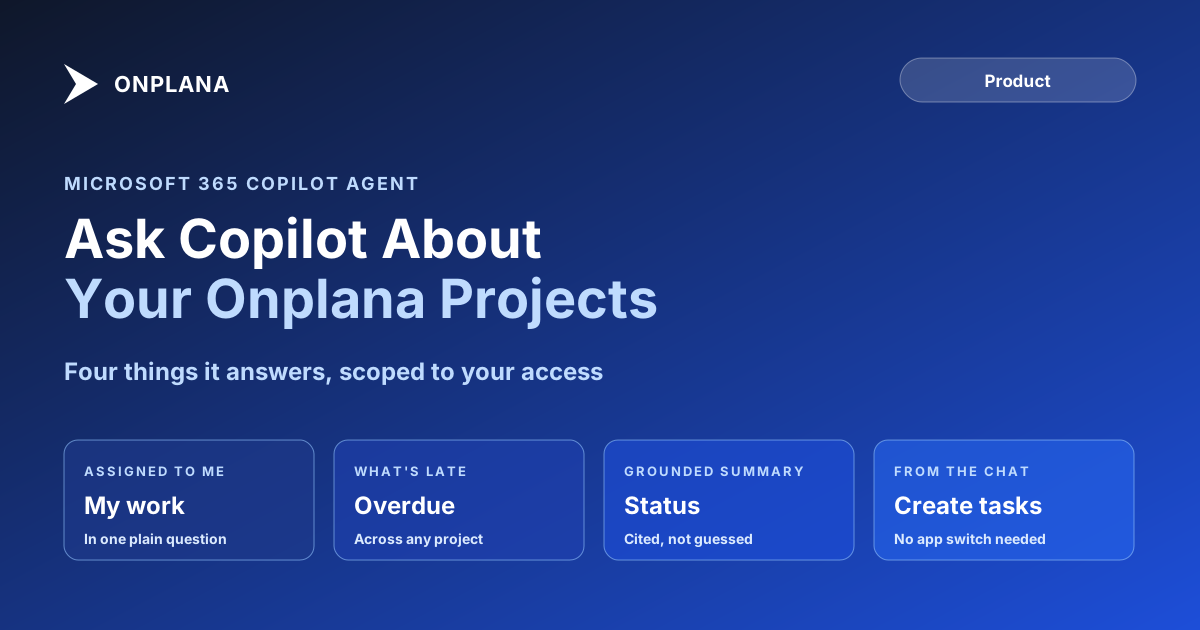
Microsoft 365 Copilot Project Agent: What It Answers
The Microsoft 365 Copilot project agent answers questions about your Onplana projects in plain language, scoped to exactly what you can already access.
Open Microsoft 365 Copilot right now and ask it what's overdue on your biggest project. If your team runs its schedule in Microsoft Project Online, most PM tools, or a shared spreadsheet, Copilot has nothing to answer with. If your team runs it in Onplana, it answers in a sentence, with a link to the task.
The direct answer: the Microsoft 365 Copilot project agent for Onplana turns plain-language questions into grounded answers pulled from your live Onplana data: what's assigned to you, what's overdue, a status summary for any project, and it can create or update tasks directly from the conversation. Every answer is scoped to your own access; Copilot cannot show you a project you couldn't already open yourself.
The Onplana agent for Microsoft 365 Copilot answers questions like "what's assigned to me" or "give me a status summary of the website redesign" using your live Onplana project data, and can create or update tasks from the same conversation. It authenticates through Microsoft Entra ID with no standing access to mailboxes or files, and every answer is scoped to your own Onplana role and plan. It ships free on every plan, live in the Microsoft Teams Store and AppSource since July 2026.
What the Microsoft 365 Copilot Project Agent Actually Does
The agent sits between two things you already have: a Microsoft 365 Copilot license and an Onplana account reachable through your Microsoft sign-in. Ask it something in plain language, "what's assigned to me right now and what's overdue," "give me a status summary of my most active project," "find the project about the website redesign," and it answers from your actual Onplana data rather than a generic productivity summary. It can also act: "create a task to draft the Q3 roadmap in Marketing" produces a real task in the right project, not a suggestion you still have to go type in yourself.
That distinguishes it from Microsoft's own built-in Copilot agent for Planner, which drafts plans and status language but cannot delete tasks, edit assignments, or compute dependencies inside Planner itself. The Onplana agent is a separate, third-party agent surfaced inside Copilot, grounded in Onplana's own project graph, including dependency-aware scheduling Planner doesn't model at all.
How It Stays Scoped to What You Can Access
The claim worth checking, not just taking on faith, is the scoping. The agent authenticates through Microsoft Entra ID and requests no standing access to mailboxes, files, or directory data: it only reaches Onplana, and only the slice of Onplana your account already has permission to see. A manager asking for a portfolio summary gets the portfolio. An individual contributor asking the same question gets their own assignments, because that's what their role can already see in the browser.
Every answer also comes with a citation: the specific projects and tasks Copilot used to build the response, each linked back to the real record. AI-generated summaries and suggestions are labeled as such in the app, which matters because an unverified status summary read aloud in a leadership standup is exactly where an agent's mistake does the most damage. The pattern is the same one covered in who's actually accountable when an agent gets something wrong: the agent answers fast, the citation is what makes the answer checkable.
The diagram below shows the path a question takes: from a plain-language ask in Copilot, through the permission check, to a grounded and citable answer.
Setting It Up
- Add the Onplana app from Teams. Open Apps in Microsoft Teams, search for Onplana, and select Add; it installs in seconds.
- Sign in automatically. The first launch signs you in with your Microsoft account. If your work email already matches an Onplana account, there's nothing to type.
- Ask Copilot directly. No separate setup screen for the agent itself: once the app is added, Microsoft 365 Copilot can already see it as an available agent for your account.
An IT admin rolling this out to a whole organization does the same three steps once at the tenant level, then uses Teams permission and setup policies to pilot with one team before pinning it for everyone. The Onplana for Microsoft Teams page covers the deployment guide for admins in more depth, and Microsoft's own guidance on extending Copilot with agents explains how a third-party agent like this one gets surfaced inside Copilot Chat in the first place.
Where This Fits If You Came From Project Online
Project Online had no Copilot agent of its own beyond the general Microsoft 365 Copilot experience, and it retired September 30, 2026 with no in-place upgrade path. Teams that migrate to Onplana keep dependencies, milestones, and .mpp history intact on import, and get this agent in the same Teams surface they already run meetings and files through, without standing up a separate integration project. What Microsoft's own Planner Copilot agent can and can't do is worth reading alongside this if you're comparing what "Copilot for project management" means across the two ecosystems, and when it's actually safe to let an agent close out a task covers the judgment call this kind of agent eventually puts in front of a PM.
The rest of the Onplana blog covers the wider Microsoft 365 surface, including Outlook and mobile, beyond the Copilot agent alone.
Microsoft Project Online™ is a trademark of Microsoft Corporation. Onplana is not affiliated with Microsoft.
Frequently asked questions
What is the Microsoft 365 Copilot project agent for Onplana?
An agent that plugs into Microsoft 365 Copilot and answers plain-language questions about your Onplana projects: what is assigned to you, what is overdue, and a status summary for any project, with the ability to create or update tasks.
Can the Copilot agent delete a task or a project?
No. The agent's documented actions are creating and updating tasks, not deleting them. If you ask it to remove something, the safest read is that it cannot, and Onplana's own recycle bin still governs anything actually deleted through the app.
Can Copilot see projects I don't have access to?
No, and this is the load-bearing detail. Every answer is scoped to your own Onplana permissions: the agent can only see and change what you personally can see and change, the same as if you'd opened the project yourself.
Does Copilot get standing access to my mailbox or files?
No. The Teams app and its Copilot agent authenticate through Microsoft Entra ID and request no standing access to mailboxes, files, or directory data. It only reaches Onplana project data, and only what your account is permitted to see.
Should I trust the agent's status summary without checking it?
Treat it the way you'd treat a junior analyst's first draft. AI-generated summaries and suggestions are labeled in the app, and every answer cites the specific Onplana projects and tasks it used, with a link straight to the record, so you can verify before you act on it.
Can an IT admin turn the agent off?
Yes. Allowing Onplana is a single decision in the Teams admin center, and permission and setup policies control who can use it, so a pilot with one team or an org-wide rollout are both one policy change away, in either direction.
Does asking Copilot questions cost extra?
No. The Teams app and its Copilot agent are part of every Onplana plan, including Free. Generating an answer draws from your organization's normal AI token balance, the same pool that funds AI chat and plan generation elsewhere in Onplana.
Ready to make the switch?
Start your free Onplana account and import your existing projects in minutes.