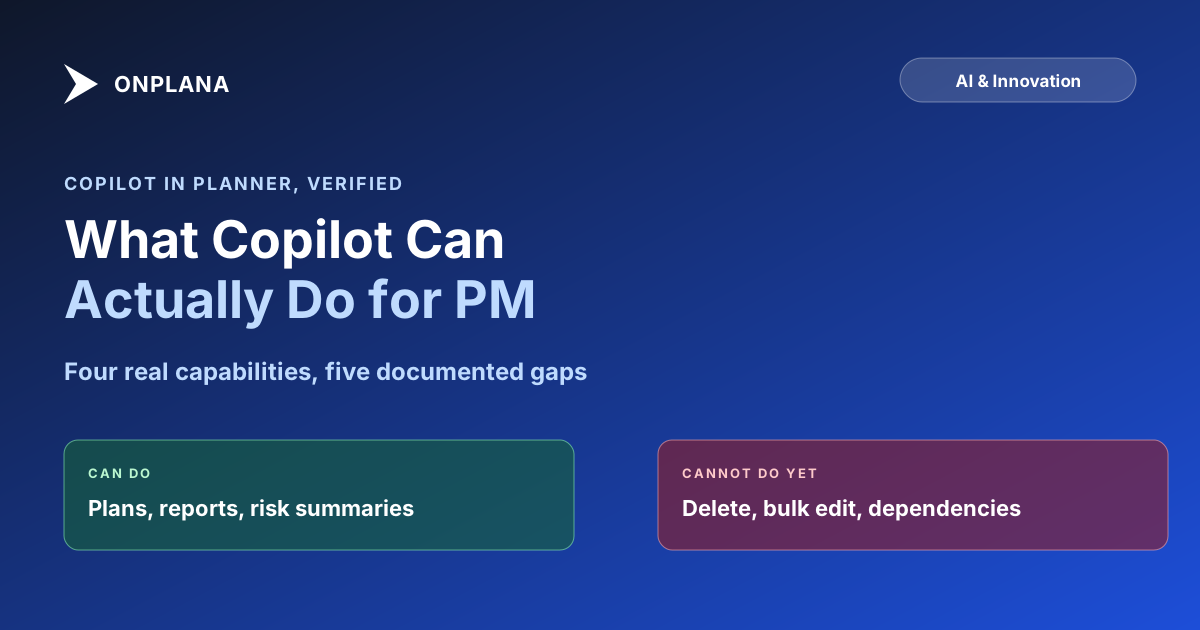
Copilot for Project Management: What It Actually Does
Copilot for project management means the Planner Agent: it drafts plans and status reports but cannot delete tasks, edit assignments, or compute dependencies.
Every "AI project manager" pitch sounds the same until you check what the agent is actually allowed to touch. Copilot's Planner Agent can draft a plan from a sentence and summarize a project's risk in a paragraph, and it also cannot delete a task, cannot edit who is assigned to one, and cannot compute a dependency-driven critical path, limits Microsoft states in its own product documentation rather than ones a competitor is claiming on its behalf. An agent is only as useful as the plan it reads, which is the argument for Teams, Copilot and MCP on one plan whose critical path comes from the scheduling engine, not from the agent.
The direct answer: Copilot for project management, branded the Planner Agent inside Microsoft Planner, generates tasks, buckets, and goals from a natural-language prompt, drafts status reports from a plan's existing data, and summarizes risks, blockers, and recent changes. It requires a separate Microsoft 365 Copilot license on top of Planner itself, cannot delete or bulk-edit tasks, cannot touch several core fields directly, and does not model task dependencies or compute a critical path, capabilities that sit in scheduling tools built around a dependency graph rather than a task list.
What Copilot Can Do in Planner Today
Microsoft renamed the AI layer inside Planner the Planner Agent and rolled it out through 2026. Four capabilities are real and documented, not roadmap promises.
Plan generation from a prompt. Describe a project in a sentence, and the agent proposes buckets, tasks, and goals to seed the plan. This is the same natural-language-to-structure pattern most AI project tools lead with, and Planner's version works reasonably well for a first draft that a human still reviews before approving.
Task drafting and refinement. Beyond initial generation, the agent produces first-draft task output and can iterate on it in a chat exchange, useful for turning a rough idea into something closer to an assignable task.
Status reporting from plan data. The agent reads a plan's current state, tasks, progress, dates, and drafts a status report without the PM assembling it by hand from the underlying task list.
Risk and blocker summaries. Ask the agent what's at risk or what changed recently, and it reads across the plan's tasks to surface a summary, rather than requiring a manual scan of every task's comments and due dates.
What Copilot Cannot Do
Microsoft's own Planner Agent support documentation lists specific, current gaps, not marketing caveats buried in fine print.
- No delete or undo. The agent cannot delete a task, and there is no undo for actions it does take; both require opening Planner directly.
- Several fields are off-limits. Assignments, checklists, attachments, labels, My Day, and existing task notes cannot be edited through the agent, only through the standard Planner interface.
- Premium plans are not currently supported by the agent, per Microsoft's own limitations page, even though Planner Premium is the tier most enterprise PMOs are actually evaluating.
- Not built for bulk operations. Microsoft's guidance is to break large planning activities into smaller requests rather than asking the agent to restructure dozens of tasks at once.
- Grounded only in what you can already see. The agent draws on emails, files, Teams chats, meetings, and SharePoint or OneDrive content the signed-in user already has Microsoft 365 permission to view; it is not a separate data source and cannot surface anything outside that boundary.
- Does not reason over the schedule. This one is worth stating precisely, because the limit is the agent's rather than Planner's. Planner Premium does carry all four dependency types with lead and lag, and it does compute a critical path in the timeline view. The Planner Agent does not work with either. It generates tasks, buckets, and goals, and drafts summaries from what is already there; it does not link tasks, adjust a dependency, or reason about which chain is driving the finish date. The schedule graph exists and the AI layer does not read it. Planner Premium's structural gaps sit elsewhere and predate the AI layer entirely: no enterprise resource pool, no timesheets, and no stage-gate governance, regardless of which agent sits on top.
The diagram below lines up what's confirmed against what isn't.
Capability Snapshot
| Capability | Status | License needed |
|---|---|---|
| Generate tasks, buckets, goals from a prompt | Available | Microsoft 365 Copilot license |
| Draft and iteratively refine tasks | Available | Microsoft 365 Copilot license |
| Generate a status report from plan data | Available | Microsoft 365 Copilot license |
| Summarize risk, blockers, recent changes | Available | Microsoft 365 Copilot license |
| Delete or undo an action | Not supported | N/A |
| Edit assignments, checklists, attachments, labels | Not supported | N/A |
| Work inside a Premium plan | Not currently supported | N/A |
| Model FS/SS/FF/SF dependencies or critical path | Present in Planner Premium, but the agent does not read or change them | N/A |
The License You Need
Planner itself ships inside most Microsoft 365 plans, but the AI layer does not ride along automatically. Microsoft is explicit on its own Planner product page: access to AI capabilities in Planner and Planner in Teams requires a Microsoft 365 Copilot license, purchased separately from whichever Microsoft 365 or Planner plan a seat already has. Budget for that add-on before promising a team "AI planning" as part of a Planner rollout; without it, the plan-generation and summary features described above simply are not there.
Where This Leaves PMOs Evaluating AI in PM Tools
The gap between what Copilot's Planner Agent does and what a PMO managing 50 concurrent projects actually needs is the gap between task-list AI and schedule-aware AI. Reading a plan's current state and drafting a summary from it is a language task; computing which of 40 interdependent tasks is holding up a finish date is a scheduling calculation, and Planner has no dependency graph for an AI layer to reason over in the first place. Microsoft Planner Premium falls short for the same structural reason even before AI enters the picture: no enterprise resource pool, no portfolio rollups, a hard task cap per plan.
Onplana takes the opposite path: AI features read the same dependency-and-baseline data model a Gantt chart already uses, so risk detection and plan generation run against real schedule math rather than a task list with no relationships between rows. That AI runs on both Claude and Azure OpenAI, managed by Onplana with automatic failover between them; there's no customer-facing switch to pick a provider per workload. Every plan's AI runs on a token balance: on paid plans a per-seat allowance sized to the tier that resets every month (Free gets a one-time bonus), plus any purchased top-up, and purchased credit expires 90 days after purchase. The AI project management feature page and the deeper look at what "AI-native" actually means cover the architecture behind that difference; for the integration layer specifically, how MCP exposes a live project to an AI agent is the mechanism Copilot's own MCP Server is still catching up to for dependency-aware data. Both sit alongside the rest of the AI and Innovation coverage on this blog.
Microsoft's own documentation notes that Planner Agent capabilities and limitations are subject to change, so treat the specifics above as a snapshot rather than a permanent ceiling; check Microsoft's support page directly before making a licensing decision based on a capability that may have shipped since this was written.
Frequently asked questions
What can Copilot actually do in Planner?
As the Planner Agent, Copilot can generate tasks, buckets, and goals from a natural-language prompt, draft a first version of a plan, produce status reports from existing plan data, and summarize risks, blockers, and recent changes across a plan you already have access to.
Does Copilot require a separate license in Planner?
Yes. Microsoft states plainly that access to AI capabilities in Planner and Planner in Teams requires a Microsoft 365 Copilot license, on top of whatever Planner or Microsoft 365 plan you already have.
Can Copilot delete or bulk-edit tasks in Planner?
No. Microsoft's own Planner Agent documentation lists delete and undo actions as unsupported, and several task fields, assignments, checklists, attachments, labels, and existing notes among them, cannot be edited through the agent at all.
Does Copilot compute a critical path or handle task dependencies?
No, and the reason is the agent rather than the product. Planner Premium does carry all four dependency types with lead and lag and does show a critical path in the timeline view. The Planner Agent does not link tasks, change a dependency, or reason about the driving chain. The schedule graph is there; the AI layer does not read it.
Is Copilot in Planner the same thing as Planner Premium?
No. Copilot's Planner Agent is an AI layer that requires its own Microsoft 365 Copilot license; Planner Premium is a separate paid tier of Planner itself with more fields, more views, and a higher task cap. You can have one without the other.
Ready to make the switch?
Start your free Onplana account and import your existing projects in minutes.