Build an Internal Tool With AI, No Code Needed
You can build an internal tool with AI by describing it to Onplana Maker: an agent writes and runs the app, then publishes it with a real project plan attached.
Here is a test: describe the internal tool your team actually needs, an intake form, a retro board, a simple tracker, in three sentences, and time how long it takes to go live. With most internal software requests, the honest answer is a procurement conversation and a backlog ticket. With an AI agent building it directly, the answer is usually before lunch.
The direct answer: you build an internal tool with AI by describing it to Onplana Maker in plain language. An agent writes the app and runs it live in a secure sandbox, you refine it by talking, and one click publishes it to a shareable URL. No code, no procurement, no separate hosting to stand up.
Onplana Maker builds an internal tool from a plain-language description: an agent writes and runs the app in a live sandbox, you refine it by chatting, and one click publishes it to a shareable onplana.app URL. It is free to start, with up to 25 builds a day and no credit card, and every app sits on a real Onplana project with a plan, an issue log, and a files area, so a weekend build that turns into a team tool has nothing to migrate.
How to Build an Internal Tool With AI, Step by Step
The loop has three steps, and none of them involve an editor.
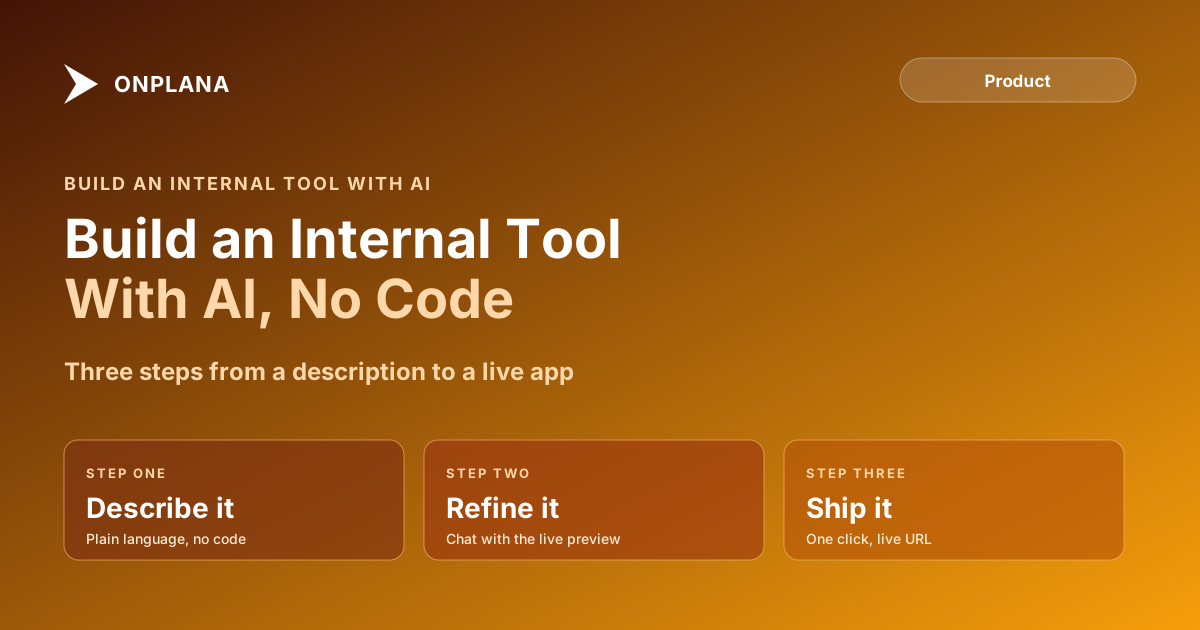
- Describe it. Type what you want, an intake form for IT requests, a shared reading list, a lightweight expense tracker, or paste a screenshot of a layout you want matched. The agent writes the app and runs it live in the sandbox as it goes.
- Refine it. Watch the live preview and keep talking: change the colors, add a status field, make it usable on a phone. Quick edits are cheap; a bigger change draws more from the same credit wallet.
- Ship it. One click publishes the app to a live URL on
onplana.appthat you can hand to anyone. Roll back to an earlier version whenever you want.
The diagram below shows that path from a plain-language description to a link a coworker can open.
What People Actually Build in an Afternoon
The tools that show up most are small, specific, and previously not worth a developer's time: a team retro board that collects wins and misses and lets people vote, an event signup page with a live headcount, an expense splitter that logs shared costs and settles who owes whom, a habit or inventory tracker, or a quick poll with results tallied automatically. None of these justify a sprint on the engineering backlog. All of them justify ten minutes describing what you need.
The Part Most AI App Builders Skip: A Real Plan Underneath
Most AI app builders hand you a chat window and a preview pane, and once you close the tab the context goes with it. Onplana Maker is different because it is built on Onplana, a project management platform, so every app you describe sits on top of a real project: a Plan tab with a living to-do list the agent keeps honest, an Issues tab where problems the agent hits during a build land instead of vanishing into chat history, and a Files area for briefs and reference assets that stay with the project. The mechanics of building and publishing an app by chatting covers the export and live-URL side of that same product in more depth.
That structure is also what makes the graduation path real rather than theoretical. When a weekend build turns into something a team actually depends on, teammates, a timeline, governance, you open the same project in the full Onplana workspace with one click. There is no export step and nothing to migrate, because the project was already there underneath the app the whole time. What's new on Onplana tracks the rest of what shipped alongside Maker if you want the wider release history.
What It Costs to Build an Internal Tool This Way
Building draws from a single credit wallet: you start with included AI credit and up to 25 builds a day on the free plan, no credit card required. Every build, and every chat-based edit, draws the AI tokens it actually uses from that balance, so a small color change costs less than rebuilding a whole page. When the wallet runs low, top up from $5 at any point; purchased credit is valid for 90 days from purchase, the same rule that governs AI credit anywhere else in Onplana. Publishing and hosting are included at every tier: free-plan apps carry a small "Made with Onplana" badge, and any paid Onplana plan removes it. The app can also act on its own once it is live, turning on a ready-made automation such as emailing you when someone submits the form, which is a capability worth knowing about before you hand a published link to a wider audience.
Sandboxed to Build, Locked Down to Ship
The part worth checking before you trust an agent with something real: every app builds and runs inside its own isolated sandbox, walled off from other apps and from the open internet, and what gets published is locked down by default and scanned for accidentally exposed secrets before it goes live. Nothing about that safety net is a one-way door either. Roll back to any earlier version whenever you want, unpublish an app at any time, and anyone who runs across a published app can report it for review. Full setup and build details live in the Maker docs, and the rest of the Onplana blog covers the wider AI feature set Maker sits alongside.
The fastest way to find out whether this fits your next internal tool is to describe it. Start building on Onplana Maker costs nothing to try, with no credit card and up to 25 builds a day.
Frequently asked questions
What is Onplana Maker?
An AI app builder where you describe what you want in plain language and an agent writes the app, runs it live in a sandbox, and publishes it to a shareable URL. It is built on Onplana, so every app comes with a real project: a plan, an issue log, and a files area.
Do I need to know how to code to build an internal tool with AI?
No. You describe the tool in plain English, or paste a screenshot to match, and refine it by talking: change the colors, add a field, make it work on phones. There is no code to write or read.
Can the agent see or touch anything outside the app it is building?
No. Every app builds and runs inside its own isolated sandbox, walled off from other apps and from the wider internet. Published apps are locked down by default and scanned for accidentally exposed secrets before they go live.
What happens to data my internal tool collects, like form submissions or files?
It stays yours. Submissions land as rows in a list only you can read; the public side can only add an entry, never read others back. Uploaded files land in a files area only you can open, and the app itself can never read a file back once it is sent.
What does it cost to build an internal tool this way?
You start with included AI credit and up to 25 builds a day, no credit card required. Each build draws the AI tokens it actually uses from your credit wallet, so a small edit costs less than a full rebuild. Top up from $5 anytime; purchased credit is valid for 90 days.
Can I undo a change or take a published tool down?
Yes. Roll back to any earlier version of the app whenever you want, and unpublish it at any time. Nothing you ship is a one-way door.
Can an internal tool built this way grow into a full team project?
Yes, with nothing to migrate. Every Maker app is a real Onplana project underneath, so the moment it needs teammates, a timeline, or governance, you open the same project in the full Onplana workspace with one click.
Ready to make the switch?
Start your free Onplana account and import your existing projects in minutes.