AI Agent Pricing Models: 5 Ways Vendors Charge You
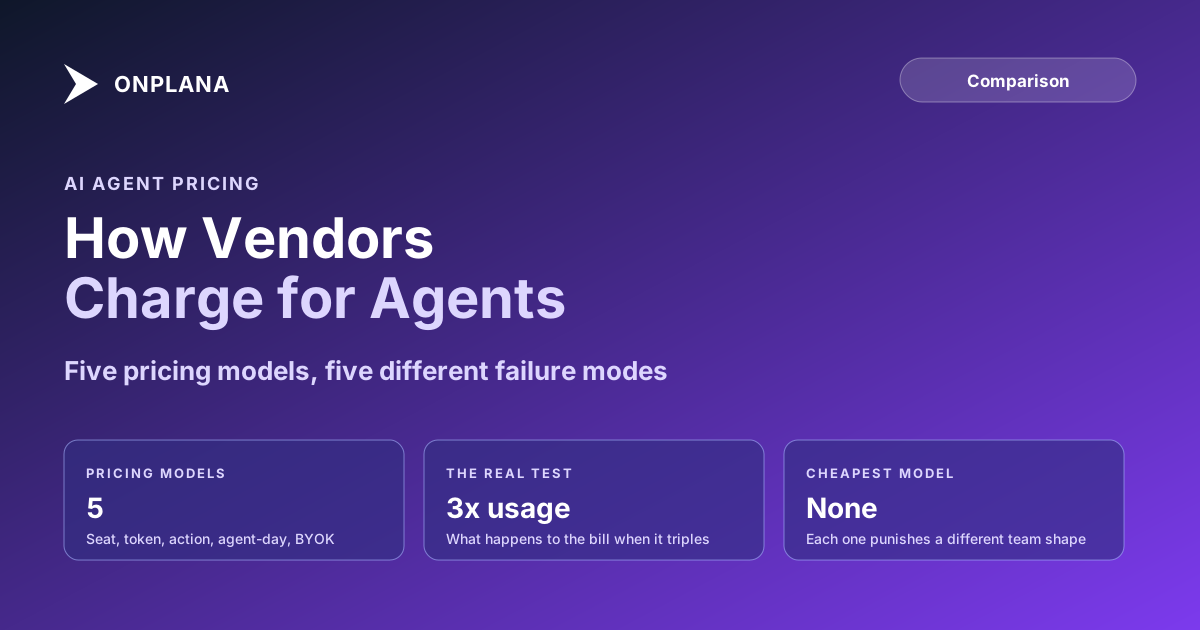
AI agent pricing models fall into five types: per seat, per token, per action, per agent-day, and bring-your-own-key. Each punishes a different team shape.
The direct answer: AI agent pricing models fall into five recurring types: per seat, per token, per action, per agent-day, and bring-your-own-key (BYOK). None is objectively cheaper; each optimizes for a different usage pattern and quietly punishes teams that don't match it. The fastest way to find out which one is actually true for your team isn't comparing headline numbers, it's asking a single question of every vendor: what happens to my bill when usage triples. The answer to that question tells you more about the real cost than the price on the pricing page does.
TL;DR: Five models, five different failure modes
- Per seat: predictable bill, punishes light users who pay full price for occasional use.
- Per token: cost tracks usage exactly, punishes teams with spiky or unpredictable workloads.
- Per action: pay per completed unit, punishes teams where "one action" is defined narrowly by the vendor.
- Per agent-day: pay per connection per day, punishes teams that need many short-lived agents.
- Bring-your-own-key: lowest markup, punishes teams without existing model-provider leverage.
The Five AI Agent Pricing Models, Compared
Every AI agent pricing page on the market in 2026 is a variation on one of five mechanics. The table below lines them up on the dimensions that actually predict your bill, not the ones a pricing page leads with.
| Model | What you pay for | Predictability | Team shape it punishes | Lock-in risk | Where it shows up |
|---|---|---|---|---|---|
| Per seat | A flat fee per user per month | High, until you exceed an included allowance | Light or occasional users paying full price | Medium, tied to headcount | Most SaaS-inherited AI add-ons |
| Per token | Exact model consumption (input + output) | Low, scales directly with usage | Spiky, unpredictable, or exploratory workloads | Low, usage-based and portable | Raw model API billing |
| Per action | A metered fee per completed unit of agent work | Medium, depends on how "one action" is defined | Teams whose work doesn't map cleanly to the vendor's unit | Medium, unit definitions vary by vendor | Support and ticket-resolution agents |
| Per agent-day | A flat fee per agent connection per calendar day | High for one continuous agent, low for many short ones | Teams running many short-lived agents across small tasks | Medium, tied to concurrent connections | Hosted agent-runner platforms |
| Bring-your-own-key | A platform fee plus your own model-provider invoice | Depends entirely on your own usage discipline | Teams without a negotiated model-provider rate | Low on the platform, high on the model bill | Developer-facing agent tools |
What Happens to Your Bill When Usage Triples?
This is the question that exposes more about a pricing model than any comparison chart, because it's the one scenario every buyer eventually hits and almost no pricing page addresses directly.
Per seat often doesn't move at all, since the fee tracks headcount, not consumption, until you exceed whatever usage allowance was bundled into the seat. Then it jumps into a throttle or an overage rate that was never on the pricing page. Per token roughly triples, the most honest version of scaling cost, and the version most likely to produce an unbudgeted number if one long agent run consumes more than expected. Per action depends on whether the vendor's definition of "one action" held steady; some quietly redefine the billable unit as usage climbs, which is the metered equivalent of a seat-plan overage. Per agent-day stays flat within one connection, but jumps by a full day's fee the moment the extra work needs a second concurrent agent, rather than scaling with the actual increase. Bring-your-own-key keeps the platform fee flat while the model-provider invoice roughly triples, landing on your own account with no vendor markup and no vendor buffer.
The diagram below lines up what each model's bill actually does when usage triples, since that's the scenario the headline price never answers.
The same logic applies to the tool around the agents; project management software pricing models sorts seat, active-user, tier and consumption pricing by the team each one costs most.
Per Seat vs Per Token: Which Team Shape Each Punishes
The seat-versus-token decision is the one most buyers actually face, since it's the split between the two most common models on the market.
A per-seat plan punishes the team with a long tail of light users, since the person who opens the agent twice a month pays the same as the person who runs it forty times a day. It rewards teams with consistently heavy usage across most seats, because the flat fee amortizes well when everyone's actually using it. A per-token plan punishes the opposite shape: a few extremely heavy users generate a bill that scales past what a seat plan would have charged, since nothing smooths the cost of the heaviest users. It rewards light, occasional, or exploratory usage spread across many people, since nobody pays for capacity they don't use.
Neither model is a trap by itself. The trap is buying per-seat for a team of occasional users, or per-token for a team of five people who'd run an agent constantly. AI token budgets in PM tools covers the token side specifically: what actually consumes a budget, and how to estimate it before committing to a plan.
Bring-Your-Own-Key: Real Savings or Moved Cost?
BYOK pricing looks like the cheapest option on paper, because the vendor's line item shrinks to a flat platform fee with no per-token markup. What it actually does is move the usage-cost risk from the vendor's invoice to yours.
That's a real advantage if your organization already has a negotiated rate with a model provider or committed spend you're trying to fully utilize. It's a real risk if your team doesn't have the operational discipline to track token spend the way the vendor used to track it for you inside a bundled price: the markup you're avoiding was also buying a buffer, so a bad week of runaway usage showed up as "your plan includes this" instead of a surprise line item you reconcile yourself. BYOK doesn't make usage cheaper. It removes a layer of markup and a layer of insulation at the same time, and which one dominates depends on how predictable your own usage is.
How Onplana Prices AI Agent Access
Onplana runs a hybrid of two of the five models rather than picking one, because no single model fits both a five-person free team and a thousand-seat enterprise rollout. Every plan, including Free, includes AI tokens sized per seat (a one-time 100K tokens per seat on Free; 1M, 1.5M and 2.5M per seat every month on Professional, Business and Enterprise) plus AI agent connections over MCP so Claude, ChatGPT, or Cursor can read and write project data directly, at no extra cost. On paid plans that is a monthly allowance that resets each calendar month with no rollover; Free's bonus does not renew. Purchased top-up credit is spent first and expires 90 days after purchase. Hosted agent-days (an agent running unattended on Onplana's infrastructure rather than your own machine) are metered separately and included on Pro (5/month) and Business (15/month) and up; Free runs agents through the self-host relay instead, which is the free path for a team not ready to pay for hosted execution. Full current numbers are always on Onplana's pricing page, since plan limits change more often than a blog post should be trusted to reflect.
Choosing a Model That Matches Your Team, Not the Vendor's Margin
The pricing model a vendor picked usually optimizes for their own margin predictability, not yours. A vendor with unpredictable infrastructure costs prefers per-seat, since it caps their downside regardless of how hard any one customer pushes the system. A vendor confident in thin, well-understood unit economics can afford per-token, since they're not exposed to a customer using ten times the median. Knowing which pressure shaped a pricing page is usually enough to predict which team shape it was built to punish.
Comparing total cost of ownership across PM tools covers the same exercise one level up, beyond just the AI line item, and the current shortlist of PM tools built for agent workflows is a reasonable next stop once pricing model is the last variable left in an evaluation. More on how agents change the cost side of running a PMO is on the Onplana blog.
Frequently asked questions
What happens to the AI agent bill when usage triples?
It depends entirely on the model, and that's the question every buyer should ask before signing. Per-token and bring-your-own-key pricing roughly triple with usage since cost tracks consumption directly; per-seat and per-agent-day pricing often don't move at all, until you cross a plan boundary and jump in a step, not a slope.
What are the main AI agent pricing models?
Five show up repeatedly: per seat (flat monthly fee per user), per token (pay for exact model consumption), per action (metered per completed unit of agent work), per agent-day (pay for a connection running for a day), and bring-your-own-key (a platform fee plus your own model-provider bill).
Does bring-your-own-key AI pricing actually save money?
Sometimes, and it's worth checking before assuming yes. BYOK removes the vendor's markup on tokens, which is real savings if you already have a negotiated rate with a model provider. It also moves the entire usage-spike risk onto your own invoice with no vendor buffer, so the savings are real but so is the exposure.
Is per-seat or per-token pricing better for AI agents?
Per seat is better for predictable budgeting; per token is better for light or spiky usage where a flat seat fee would overpay. A team of five heavy users is usually cheaper on a seat plan; a team of fifty people who each touch an agent twice a month is usually cheaper on tokens.
Can per-seat AI agent pricing hide a usage cap that throttles me?
Yes, and this is the most common surprise in seat-priced plans. A flat seat fee often comes with an included usage allowance that isn't obvious at signup; go over it and you either get throttled mid-project or billed for overage at a rate that was never in the headline price. Ask for the allowance number, not just the seat price.
What is per agent-day pricing?
You pay for a connection, one agent running for one calendar day, regardless of how many tasks it completes in that day. It rewards a team that runs one agent continuously and punishes a team that needs many short-lived agents across many small jobs, since each one burns a full day's allocation.
Ready to make the switch?
Start your free Onplana account and import your existing projects in minutes.