Project Management Software Pricing Models, Explained
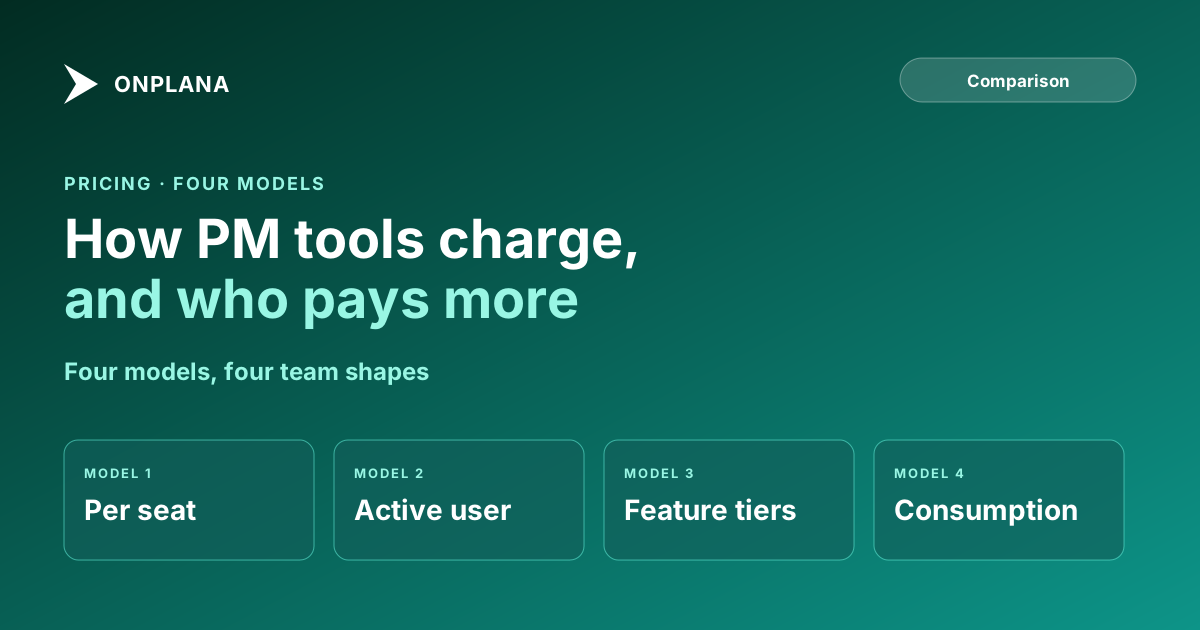
Project management software pricing models are per seat, per active user, tiered by feature or consumption. Which one punishes your team shape, and what to ask.
The list price on a project management tool is a unit rate, and the bill is that rate multiplied by a definition of "user" you have not read yet. As of October 2026, Onplana's paid plans run from $7 to $29 per seat per month, with annual billing 20% off (Onplana pricing); the spread between $7 and $29 is smaller than the spread two vendors can create by counting users differently.
The short answer. Project management software is priced four ways: per seat, per active user, tiered by feature, and by consumption. Per seat suits teams where everyone works in the tool daily; per active user suits large, occasional-use populations; feature tiers punish teams that need one gated capability; consumption pricing punishes heavy, unpredictable use. Compare tools on the cost of your team shape, not the headline rate.
What are the four project management software pricing models?
Each model prices a different thing, so each one charges a different kind of team more. The table maps model to the team it punishes.
| Model | What you pay for | Cheap for | Punishes |
|---|---|---|---|
| Per seat | Every named member, active or not | Teams where everyone works daily | Large groups of occasional viewers |
| Per active user | Only people who logged in that period | Wide, light-use populations | Predictable budgeting; the bill moves monthly |
| Tiered by feature | A plan level that unlocks capabilities | Teams that fit one tier cleanly | Teams needing one capability from a higher tier |
| Consumption | Metered use, such as AI or storage | Light, occasional use | Heavy or spiking use |
Most products are hybrids. Onplana, for instance, is per seat within feature tiers (Free, Starter, Professional, Business, Enterprise), with AI as a prepaid allowance on top, and Enterprise+ as a dedicated deployment priced per deal.
Which model punishes which team?
A team's shape decides the bill more than the rate. The diagram below sorts four common shapes against the model that costs them most.
Two worked examples from Onplana's published plans show how this plays out. A 20-person team on Professional pays 20 x $12 = $240 a month, or $192 on annual billing. A 100-person workspace on Professional pays $1,200 a month, but Professional allows 100 members, so the 101st member moves everyone to Business at $20: 101 x $20 = $2,020. The cap, not the rate, is where the bill jumps.
How do guests, storage and AI change the number?
Guests, storage and AI are the three lines that turn a seat price into a total. Onplana excludes guest seats from billing up to a limit per plan (2 on Starter and Professional, 5 on Business, 10 on Enterprise; none on Free), so a client who only comments does not need a paid seat. Storage rises by tier. AI is a prepaid balance: a one-time starting bonus plus optional top-ups, and purchased top-ups expire 90 days after purchase. A prepaid model caps surprise; a pay-as-you-go one does not.
What three questions should you ask any vendor?
Ask these before comparing a single price:
- What happens at the member cap? Find the number, and what re-prices when you cross it.
- Which features sit behind the next tier? Check the one you need (resource planning, intake forms, governance) against the tier you are pricing.
- Who counts as a billable user? Get the definition of guest, viewer and inactive in writing.
When the answer to the second question is "contact sales", the real cost is not published; Onplana vs Wrike shows how tier gating changes a comparison. The line items a license price hides are covered in PM tool total cost of ownership, the moving costs in switching project management tools, and the same exercise for agents in AI agent pricing models compared. To test a plan before paying, the Free plan covers 5 members and 2 projects.
Check your own team shape first Count your daily users, occasional viewers and guests, then read the plan caps against that count before you compare rates. → See Onplana plans and limits
Frequently asked questions
What are the main pricing models for project management software?
Four: per seat, per active user, tiered by feature, and consumption-based. Most real products combine two, for example a per-seat price inside feature tiers plus a metered AI allowance.
Is per-seat or per-active-user pricing cheaper?
Per active user is cheaper when many licensed people rarely log in, and per seat is cheaper and more predictable when nearly everyone works in the tool daily. The answer depends on your login pattern, not on the headline price.
Why does the price jump when I add one more person?
Tiers carry member caps, so crossing a cap forces a move to the next tier for everyone. On Onplana, Professional allows 100 members and Business is $20 a seat, so the 101st member re-prices the whole workspace.
Do guests and clients count as paid seats?
Often not, up to a limit. Onplana excludes a number of guest seats from billing on each paid plan (2 on Starter and Professional, 5 on Business, 10 on Enterprise); the Free plan has none.
Can consumption-based pricing surprise me?
Yes, and it is the model with the least predictable bill. Onplana's AI allowance is a prepaid balance, with purchased top-ups expiring 90 days after purchase, so usage is capped by what you bought rather than billed after the fact.
What should I ask a vendor before comparing prices?
Ask what happens at the member cap, which features sit behind the next tier, and who counts as a billable user. Those three answers move the real cost more than the list price does.
Ready to make the switch?
Start your free Onplana account and import your existing projects in minutes.