Per-Seat vs Flat-Rate Pricing: Where the Break-Even Sits
Per seat vs flat rate pricing comes down to one formula: flat fee divided by seat price. Worked break-even for three team shapes and the viewer factor.
The question of per seat vs flat rate pricing has an arithmetic answer, and the arithmetic fits on one line: divide the flat monthly fee by the per-seat monthly price, and that quotient is the headcount at which the two cost the same. Per-seat pricing taxes idle access, and Zylo's 2026 SaaS Management Index found 53% of software licences go unused, so the headcount you count in matters as much as the formula.
The short answer. Per seat vs flat rate pricing breaks even at flat fee divided by seat price. With a hypothetical $400 flat fee and Onplana's Professional list price of $12 per seat per month, the break-even is 33.3 seats: below it per seat is cheaper, from 34 people up the flat fee is. Count occasional viewers, not just daily users, because they decide which side you are on.
What is the break-even between per-seat and flat-rate pricing?
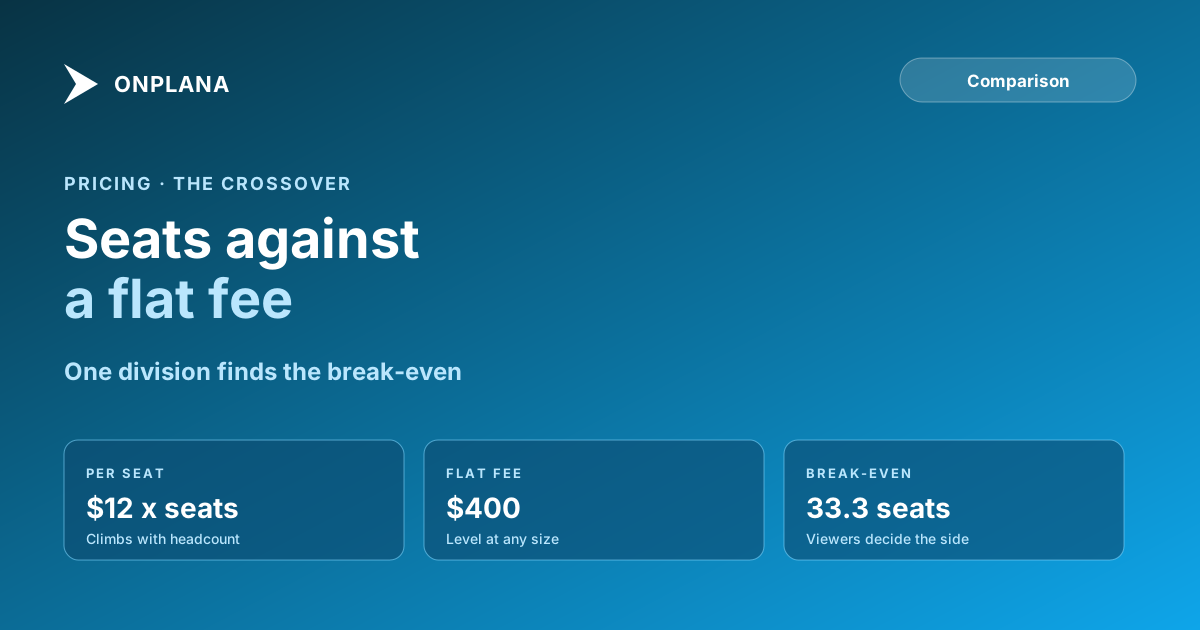
The break-even is the seat count where total cost is equal, and it is the flat fee divided by the per-seat price. The diagram plots the example: the per-seat cost climbs with headcount while the flat fee stays level, and the lines cross at 33.3.
The $400 flat fee is a hypothetical, chosen to make the arithmetic visible. The $12 is Onplana's published Professional price, a monthly figure before the 20% annual discount, which shifts the crossover for annual buyers: at $9.60 per seat the same $400 breaks even at 41.7.
Which team shapes does each model favour?
Team shape decides which side of the break-even you are on. Three worked shapes, using the same $400 against $12:
| Team | People with access | Per seat | Flat | Cheaper |
|---|---|---|---|---|
| Project team, all active | 15 | $180 | $400 | Per seat |
| Edge of the crossover | 34 | $408 | $400 | Flat, by $8 |
| 20 daily users plus 40 viewers | 60 | $720 | $400 | Flat |
The third row is the one buyers miss: only 20 people work in the tool every day, and the 40 who only look still push the per-seat bill above the flat fee.
How do occasional viewers change the answer?
Occasional viewers are the factor that flips the result, because per-seat pricing charges them the same as a daily user. Count three groups before you compare: daily users, occasional viewers and outside guests. Guests are the exception worth checking, since Onplana excludes 2 guest seats on Starter and Professional, 5 on Business and 10 on Enterprise from billing (guest seats explained), so a client who only comments does not need a paid seat.
What should you check in a flat-rate quote?
A flat fee is only comparable when you know what is inside it. Ask these:
- What does the flat fee cap? Members, projects, storage and automation runs are the usual limits.
- What happens at the cap? Crossing it often moves you to a different fee for everyone.
- Which features sit behind a higher fee? The cheap flat rate may exclude the one capability you need.
Onplana's Free to Enterprise plans are per seat, and Enterprise+ is the flat-fee option: a dedicated deployment set up and run in your own Azure subscription, priced per deal through sales. The four models behind all of this are in project management software pricing models, the lines outside the licence in hidden costs of project management software, and the wider budget model in PM tool total cost of ownership. More comparisons are on the Onplana blog.
Run the break-even on your own headcount Count daily users, viewers and guests, then read each plan's member cap and guest allowance against that number. → See Onplana plans and limits
Frequently asked questions
Is per-seat or flat-rate pricing cheaper?
Per seat is cheaper below the break-even headcount and flat rate is cheaper above it. The break-even is the flat fee divided by the per-seat price, counted in everyone who needs access.
How do I calculate the break-even?
Divide the flat monthly fee by the per-seat monthly price. A $400 flat fee against $12 per seat breaks even at 33.3 seats, so 34 or more people favour the flat fee.
Why do occasional viewers matter so much?
Per-seat pricing charges the same for a person who logs in once a month as for one who works in the tool all day, so a large group of viewers pushes you past the break-even quickly.
Is flat-rate pricing always unlimited?
No. Flat fees usually come with caps on projects, storage or members, and crossing a cap moves you to a higher fee. Ask what the flat fee includes before comparing.
Does Onplana use per-seat or flat-rate pricing?
Onplana's Free to Enterprise plans are per seat, from $7 to $29 per seat per month with 20% off annual billing. Enterprise+, a dedicated deployment, is a flat fee priced per deal.
Do guests count toward the seat total?
Not up to the plan allowance. Onplana excludes 2 guest seats on Starter and Professional, 5 on Business and 10 on Enterprise from billing, so outsiders do not always need a seat.
Ready to make the switch?
Start your free Onplana account and import your existing projects in minutes.