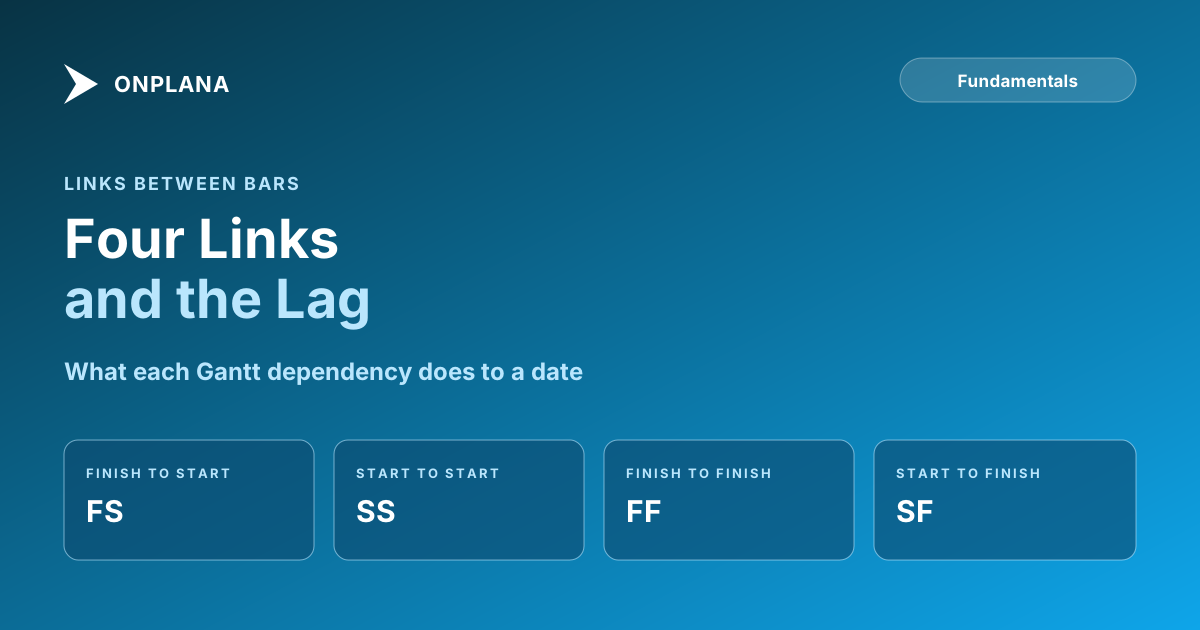
Gantt Chart Dependencies: Draw the Four Links and the Lag
Gantt chart dependencies are links between bars: finish-to-start, start-to-start, finish-to-finish and start-to-finish, with optional lag. How to draw each.
A Gantt chart with no dependencies is a bar chart: the bars show dates somebody typed, and nothing moves when one of them slips. Gantt chart dependencies are the links between bars that tell the schedule which task has to start or finish before another can. There are four types, and each can carry a lag.
In short. The four dependency types are finish-to-start (FS), start-to-start (SS), finish-to-finish (FF) and start-to-finish (SF). A link names a predecessor and a successor, and an optional lag (positive wait) or lead (negative, overlap) offsets the second date. When the predecessor slips, a scheduling engine moves everything downstream. Microsoft Project uses the same four codes (Predecessors task field).
What do the four Gantt chart dependencies look like?
Each type ties one end of the predecessor bar to one end of the successor bar. The diagram below shows all four on a single timeline, with the lag on the third one.
| Type | Rule | Typical use |
|---|---|---|
| Finish-to-start (FS) | B starts after A finishes | Pour the slab, then frame the walls |
| Start-to-start (SS) | B starts after A starts | Testing begins once coding begins |
| Finish-to-finish (FF) | B finishes after A finishes | Documentation wraps when development wraps |
| Start-to-finish (SF) | B finishes after A starts | Old shift ends when the new shift begins |
FS covers most real links. For the full definitions and when each one misleads, see dependency types: FS, SS, FF and SF.
How do you add dependencies in a Gantt chart?
Adding a dependency takes four decisions: which task waits, which task it waits on, which type, and how much lag. In Onplana's web app:
- Open the successor task and find its dependencies section, which lists Predecessors and the tasks it blocks.
- Pick the predecessor. The picker offers tasks from the same project.
- Choose the link type (FS, SS, FF or SF). FS is the default.
- Enter a lag in days if needed. Lag defaults to 0.
- Add the link. It appears on both tasks.
Finish-to-start links draw as arrows on the Gantt. SS, FF and SF links are enforced but not drawn, so check them in the task panel (Link task dependencies). You can place an SS and an FF between the same pair, and adding the same type twice is rejected. Any link that would close a loop, directly or through other tasks, is refused. Onplana Schedule, the desktop app, edits links with undo for schedules you keep working in a file.
How do lag and lead change a dependency?
Lag is a wait; lead is an overlap. Positive lag, such as FS+2d, makes the successor start two days after the predecessor finishes, which suits concrete curing or a review window. Negative lag, such as FS-2d, lets the successor begin two days early. Links with lag show the offset in the chart. Lag counts in days, so a wait that is really "until the vendor ships" belongs in a task or milestone, not a lag. The distinction has its own walkthrough in lead vs lag with dated examples.
What happens when a predecessor slips?
The dependent tasks move. Changing a task's dates, duration or constraint reschedules everything that depends on it, directly or further down the chain. Tasks with no predecessors do not move, and an undated successor stays undated until you press Recalculate. If a constraint cannot be met, the shortfall appears as negative float. That rescheduling is why a spreadsheet Gantt cannot keep up: its bars are drawn from dates, not from rules. The chain of links that decides the finish date is the critical path.
Can dependencies cross projects?
Yes, with limits. Onplana's picker only lists tasks from the same project, but cross-project links can exist and are scheduled. They arrive by moving a task that already has links, through an AI agent, or through the API. The link is one-way: each project is scheduled on its own, so a change in the predecessor's project reaches the follower only when the follower is recalculated.
Dependencies survive an import. If your plan is in an .mpp file, importing an MS Project schedule keeps its dependencies, and the Gantt with all four link types and lag is on every plan, Free included. Check the logic of a file you already have first.
Run the free Schedule Health Check Upload an .mpp or XML file and see dangling tasks, missing links and logic problems before you rely on the dates. No signup required. → Open the Schedule Health Check
Microsoft Project™ is a trademark of Microsoft Corporation. Onplana is not affiliated with Microsoft.
Frequently asked questions
What are dependencies in a Gantt chart?
Dependencies are links between task bars that say when one task may start or finish relative to another. There are four types: finish-to-start, start-to-start, finish-to-finish and start-to-finish.
How do you show dependencies in a Gantt chart?
Pick the predecessor, pick the successor, choose the link type and enter any lag. In Onplana you add the link from the task's dependencies section, and finish-to-start links draw as arrows between the bars.
Does Onplana draw all four dependency types on the Gantt?
No. Finish-to-start links draw as arrows, while start-to-start, finish-to-finish and start-to-finish links are enforced by the scheduler but not drawn. They still move dates.
What happens when a predecessor slips?
The tasks that depend on it reschedule, directly or further down the chain. Tasks with no predecessors do not move, and a constraint that cannot be met shows up as negative float.
Can a dependency cross projects in Onplana?
Cross-project links can exist and are scheduled, but the dependency picker only offers tasks from the same project. They arrive by moving a task that already has links, through an AI agent, or through the API.
Are Gantt chart dependencies available on the Free plan?
No. The Gantt, the critical path and all four dependency types with lag are on every Onplana plan, including Free.
Ready to make the switch?
Start your free Onplana account and import your existing projects in minutes.