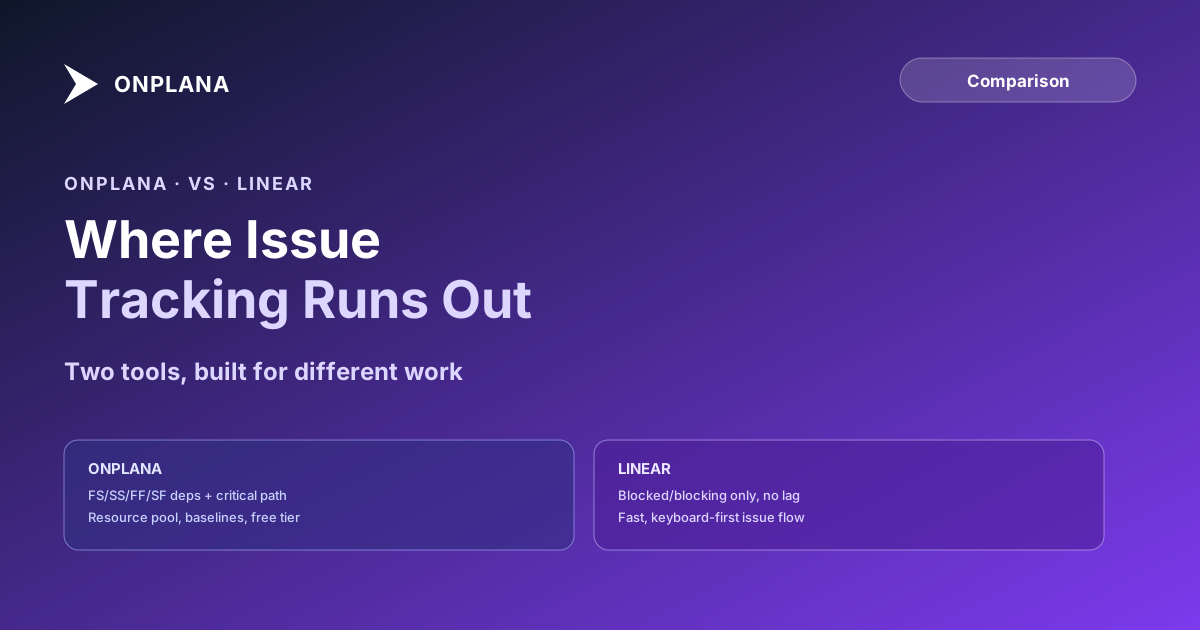
Onplana vs Linear: Where Issue Tracking Runs Out
Onplana vs Linear: Linear is fast, keyboard-driven issue tracking with no dependency types, critical path, or resource pool. Here is the honest split.
The Onplana vs Linear comparison shows up on a PMO's shortlist for a predictable reason: an engineering team already loves Linear, and someone asks whether the rest of the organization's project work could just live there too. The honest answer starts with what Linear was actually built to do, because it was not built to be a scheduling tool, and the gap between "issue tracker" and "project management tool" doesn't close just because both have a timeline view.
The direct answer: Linear is excellent at what it was built for, fast, keyboard-driven issue tracking for engineering teams running cycles and backlogs, and it does not attempt portfolio or resource management. It has no FS/SS/FF/SF dependency types, no critical path calculation, and no cross-project resource pool. Onplana is built around the schedule itself. For most organizations evaluating both, the real question isn't which tool wins; it's which work goes where.
Linear runs Free (250 issues, 2 teams), Basic at $10/user/month, and Business at $16/user/month, all billed annually, with a fast, opinionated interface built around issues, cycles, and projects. It has no typed dependencies with lag, no critical path, and no cross-project resource pool. Onplana ships all four dependency types, a calculated critical path, and baselines on every plan, Free included, with paid plans starting at $12/user/month for Professional, which adds the enterprise resource pool. Pick Linear for engineering issue flow. Pick Onplana when the work needs a real schedule underneath it. Full matrix at the compare hub.
What Linear Does Well
Linear earned its reputation honestly: a genuinely fast, keyboard-first interface built specifically for how engineering teams already think about work, issues moving through states, grouped into cycles for time-boxed planning and projects for goal-boxed delivery. Linear's own documentation describes issue relations, blocked, blocking, related, duplicate, and project-level dependencies that show up as blocked-by and blocking lines on a project timeline. For a software team, that combination of speed and a workflow that matches how engineers actually plan sprints is a real, well-earned advantage.
Linear's 2026 roadmap has leaned further into AI: Linear Agent launched in public beta in March 2026, and Shared Skills shipped in June 2026 to let teams save and reuse agent instructions across the workspace. That's a genuine capability for engineering-adjacent AI work, triaging issues, drafting fixes, reviewing PRs, inside the tool teams already use daily.
Where Linear's Model Runs Out for PM-Led Work
The gap opens exactly where a project stops being a backlog and starts being a schedule. Linear's issue relations are binary: blocked, blocking, related, or duplicate, with no lag value and no distinction between the four dependency types a real schedule needs. "Documentation can start two weeks after design begins," a start-to-start dependency with a two-week lag, has no native representation; it gets approximated with a placeholder issue that then behaves like a plain blocking relationship even though it isn't one. Dependency types, explained in full covers why that approximation breaks down once real parallel work needs representing accurately.
Linear also has no critical path calculation and no float concept: nothing in the product identifies which chain of issues would delay a program if one of them slipped today. And its capacity signal is per-cycle velocity for one team's backlog, not an organization-wide resource pool with named individuals, working calendars, and cost rates that multiple concurrent projects draw from. A PMO running thirty projects sharing sixty people across all of them cannot ask Linear who is actually available for a project starting next quarter; that question needs a resource model Linear's architecture was never built to answer.
Onplana vs Linear: Eight Dimensions Compared
| Dimension | Onplana | Linear |
|---|---|---|
| Core data model | Task schedule with dependencies and resources | Issues in workflow states, cycles, projects |
| Dependency types | FS, SS, FF, SF + lag, every plan | Blocked / blocking / related / duplicate, no lag |
| Critical path | Calculated from dependency graph | Not available |
| Baselines | Multiple, numbered, for variance reporting | Not available |
| Resource pool | Enterprise pool: MaxUnits, calendars, cost rates | Per-team cycle velocity only |
| AI agent connections (MCP) | Free tier included, scales by plan | Linear Agent (beta, March 2026), workspace-scoped |
| Free plan limits | 5 members, 2 projects, Gantt + critical path included | 250 issues, 2 teams, no scheduling features |
| Pricing (per user/month) | Free / $12 / $20 / $29 | Free / $10 / $16 / custom Enterprise |
The diagram below shows the two tools built around different axes: work-item flow versus schedule structure.
The Sensible Split: Two Tools, Different Jobs
For an organization with a real engineering function, the mixed-portfolio answer is usually more honest than picking a single winner. Engineering issue flow, bugs, features, sprints, code review handoffs, stays in Linear, where the issue tracking workflow and the tight git integration are genuinely better than a general-purpose PM tool would build. PM-led programs, client delivery with resource constraints, capital projects with formal dependency logic, portfolios that need a resourced schedule, run in Onplana instead. Technical PM versus engineering manager covers the same boundary from the role side: the two disciplines sit next to each other on an org chart for a reason, and the tools underneath them tend to follow the same split.
The mistake is treating this as a single tool decision when it's really a decision about which work goes where. An organization that forces PM-led, resource-constrained programs into Linear ends up rebuilding a scheduling layer out of custom fields and spreadsheets tracking the baseline Linear doesn't have. One that forces fast-moving engineering backlogs into a heavier scheduling tool loses the speed that made Linear worth adopting in the first place.
Which One Wins
Linear wins for: software engineering teams running cycles and backlogs, organizations that want the fastest possible keyboard-driven interface for issue triage, and teams whose planning question is "what's blocking this cycle" rather than "what's the float on this task chain."
Onplana wins for: PMOs and PM-led teams managing resource-loaded schedules with real dependency logic, organizations that need a calculated critical path and baseline variance tracking, teams choosing a scheduling tool that issue trackers were never built to provide, and any team running work that looks more like a schedule than a backlog.
The best project management software roundup covers the wider field including both tools evaluated on the same criteria, and the rest of the Onplana blog covers the scheduling concepts this comparison assumes.
Frequently asked questions
What is the main difference between Onplana and Linear?
Linear's core unit is the issue: a piece of work moving through workflow states across cycles and projects, built for engineering teams that live in a keyboard-driven interface. Onplana's core unit is the schedule: tasks connected by FS/SS/FF/SF dependencies with lag, assigned to a resource pool, measured against a baseline. Linear doesn't attempt the scheduling model; it wasn't built to.
Does Linear support dependency types like FS/SS/FF/SF or calculate critical path?
No. Linear's issue relations cover blocked, blocking, related, and duplicate, a binary relationship with no lag value and no distinction between finish-to-start, start-to-start, finish-to-finish, or start-to-finish. Project-level dependencies show blocked-by and blocking lines on the timeline view, but Linear has no critical path calculation and no float concept anywhere in the product.
Is Linear a good fit for non-engineering project work?
It can work for simple, sequential work tracked as issues, but the gap shows up fast once a project needs resource-loaded scheduling: no capacity model across people, no baseline for variance tracking, and no formal dependency lag. Teams running client delivery, capital projects, or multi-team programs with shared staff usually hit these limits within a quarter or two.
How does Onplana and Linear pricing compare?
Linear runs Free (up to 250 issues, 2 teams), Basic at $10/user/month billed annually, Business at $16/user/month annually, and Enterprise at custom annual pricing. Onplana runs Free, Professional ($12), Business ($20), and Enterprise ($29), all published, with 20% off annual billing. See linear.app/pricing and onplana.com/pricing for current rates.
Does Linear have resource capacity planning across a team or portfolio?
No. Linear's capacity signal is per-cycle velocity for one team's backlog, not a resource pool with named individuals, working calendars, cost rates, or cross-project allocation. A PMO that needs to know who is actually available for a new engagement starting next quarter needs a resource model Linear's architecture doesn't include.
Can a team use Linear and Onplana together?
Yes, and for engineering-heavy organizations this is often the sensible split rather than a single-tool decision: engineering issue flow stays in Linear, and PM-led programs with resource constraints, dependency logic, or governance requirements run in Onplana. The two tools serve different work, not competing versions of the same work.
When is Linear the right choice over Onplana?
When the work is genuinely software delivery: cycles, backlogs, and a fast, keyboard-driven interface for an engineering team that doesn't need a resource-loaded schedule. Linear's speed and its git-integration depth are real advantages for that specific job, and Onplana doesn't try to out-issue-track a dedicated issue tracker.
Ready to make the switch?
Start your free Onplana account and import your existing projects in minutes.