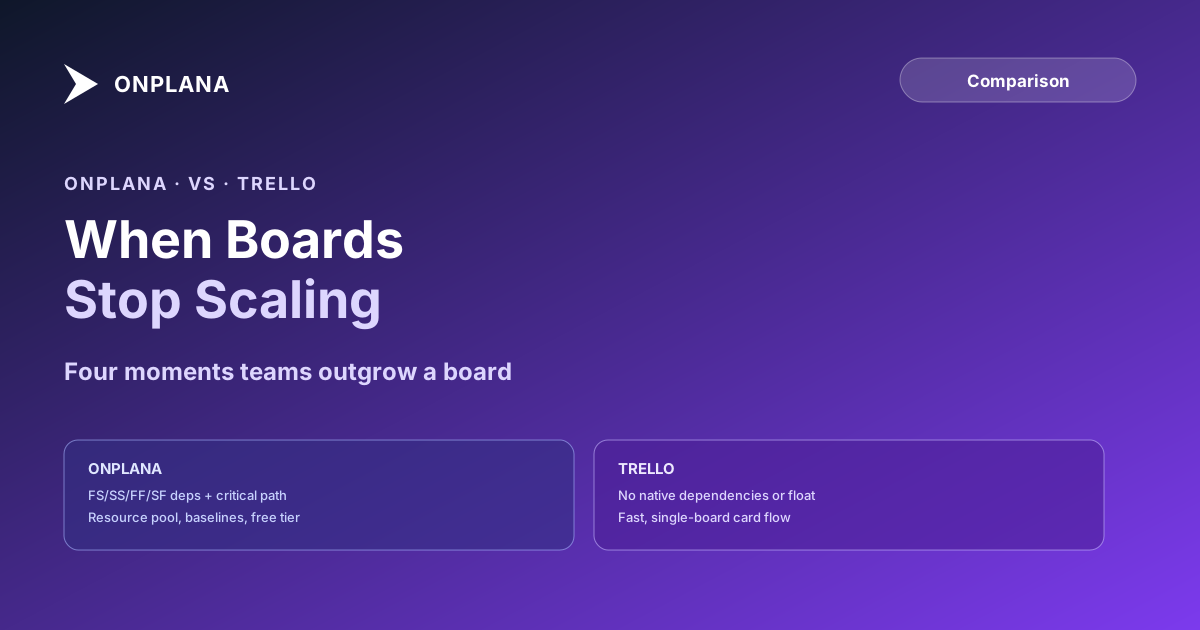
Onplana vs Trello: When Boards Stop Scaling
Onplana vs Trello: Trello has no native task dependencies, critical path, or resource pool. Here are the four moments teams actually outgrow a board.
The Onplana vs Trello question usually starts with a board and a project schedule that look similar from a distance: cards, columns, due dates. The distance closes fast the moment a task can't start until another one finishes, or the same person turns out to be double-booked across two boards nobody was reading together.
The direct answer: Trello is a kanban board, built around cards moving through list columns, with no native task dependencies, critical path calculation, or resource pool. Onplana is built around the schedule itself: typed dependencies with lag, a calculated critical path, and a shared resource pool across every project. Teams don't usually leave Trello because they dislike it; they leave at one of four specific moments where a board stops being able to answer the question being asked of it.
Trello runs Free (10 collaborators, 10 boards), Standard at $5/user/month, and Premium at $10/user/month, all billed annually, with unlimited cards and a fast, board-first interface. It has no native dependency types, no critical path, no baselines, and no cross-board resource pool. Onplana ships all four dependency types, a calculated critical path, and baselines on every plan, Free included, with paid plans starting at $12/user/month for Professional, which also brings the enterprise resource pool. Pick Trello for a simple, single-board workflow. Pick Onplana once a task depends on another, a person is shared across projects, or a date needs defending. Full matrix at the compare hub.
The Four Moments Teams Outgrow Trello
The move rarely comes from dissatisfaction with the board itself. It comes from one of four specific moments where a card-and-column model stops having an answer.
- A dependency appears. "Design has to finish before development starts" is a start-to-finish relationship a schedule represents natively. On a Trello board, it's a note in a card description or a manually dragged card, with nothing enforcing the order or recalculating dates when the first task slips.
- A second project shares people. One board shows one team's cards. The moment the same designer is committed to two boards in the same week, neither board shows the conflict, because neither board knows the other one exists.
- A resource conflict nobody sees coming. Without a shared resource pool, overallocation surfaces as a missed deadline instead of a warning beforehand. By the time it's visible, it's already a problem instead of a plan.
- A date someone has to defend. A sponsor asking "why did this slip two weeks" needs a baseline to compare against. A board has no concept of a committed date versus a current date; a card's due date is just whatever it currently says.
What Trello Does Well
Trello earned its reputation honestly: a genuinely fast, low-friction interface for tracking simple, sequential work, and the unlimited free cards and boards make it an easy first tool for a small team or a personal backlog. Trello's own pricing page lists AI-assisted card capture on the Standard tier and up, turning a pasted note into a structured card, a real convenience for teams doing lightweight intake. For a single team running a single board with no cross-project dependencies, that simplicity is a genuine advantage, not a limitation waiting to be discovered.
Onplana vs Trello: Compared on 9 Dimensions
| Dimension | Onplana | Trello |
|---|---|---|
| Core data model | Task schedule with dependencies and resources | Cards on lists (kanban board) |
| Dependency types | FS, SS, FF, SF + lag, every plan | None native; requires a third-party Power-Up |
| Critical path | Calculated from dependency graph | Not available |
| Baselines & variance | Multiple baselines, every plan | Not available |
| Resource pool | Enterprise pool: MaxUnits, calendars, cost rates | No resource model; per-board member list only |
| Cross-project reporting | Rollup across projects, every plan | Not native; separate boards, no rollup |
| AI agent connections (MCP) | Free tier included, scales by plan | No native agent or MCP connector |
| Free plan limits | 5 members, 2 projects, Gantt + critical path included | 10 collaborators per workspace, 10 boards, 10MB attachments |
| Pricing (per user/month, annual) | Free / $12 / $20 / $29 | Free / $5 / $10 / $17.50 |
The diagram below shows the same split as the table: a board built around card flow versus a schedule built around dependency structure.
Which One Wins
Trello wins for: a small team running one board, simple sequential work with no dependency logic to model, and anyone who wants the fastest possible setup with zero learning curve.
Onplana wins for: any team that hit one of the four moments above, dependencies that need real order, people shared across more than one project, resource conflicts that should surface before they become missed deadlines, and dates someone has to defend against a baseline.
Portfolio tipping point: when three projects breaks a single board covers the moment in more depth from the portfolio side, and Gantt vs Kanban vs Scrum covers how the three views map onto different kinds of work if the choice isn't obvious yet. The rest of the Onplana blog covers the scheduling concepts this comparison assumes, including the four dependency types in full.
If you decide to move, migrating from Trello walks through the export, the list-to-status mapping and the import.
Frequently asked questions
What's the main difference between Onplana and Trello?
Trello is a kanban board: cards move through list columns you define, with no dependency logic underneath. Onplana is built around a schedule: tasks connected by typed dependencies, assigned to a resource pool, and measured against a baseline. Trello doesn't attempt the scheduling model; a board was never designed to hold it.
Does Trello support task dependencies or calculate critical path?
Not natively. Trello's board and card model has no finish-to-start, start-to-start, finish-to-finish, or start-to-finish relationships, no lag value, and no critical path calculation anywhere in the product. Third-party Power-Ups can add a basic blocked-by flag between two cards, but that's a manual add-on, not a calculated schedule.
Can Trello handle a project where the same people work across two or more boards?
Not with a shared view of who's overloaded. Trello has no cross-board resource pool, working calendars, or capacity view; each board only shows the members added to it, so a person double-booked across two boards has no single place either board owner would see it.
How does Onplana and Trello pricing compare?
Trello runs Free (10 collaborators per workspace, 10 boards), Standard at $5/user/month billed annually, Premium at $10/user/month annually, and Enterprise at $17.50/user/month annually. Onplana runs Free, Professional ($12), Business ($20), and Enterprise ($29), all published, with 20% off annual billing. See trello.com/pricing and onplana.com/pricing for current rates.
Can a team use Trello and Onplana together?
Yes, and for a genuinely simple workflow layered on top of a scheduled program, that split can make sense: an ad hoc content or ops board stays in Trello, while the resourced, dependency-driven program runs in Onplana. It's a less common split than pairing a scheduling tool with an issue tracker, because Trello and Onplana otherwise compete for the same kind of work.
When is Trello the right choice over Onplana?
When the work is genuinely simple: a small team, a single board, tasks that don't depend on each other in a way that needs modeling, and no resourcing question to answer. Trello's speed and its low setup cost are real advantages for that specific job, and Onplana doesn't try to out-simplify a tool built for simplicity.
Ready to make the switch?
Start your free Onplana account and import your existing projects in minutes.