Migrate From Trello: Boards to Projects, Step by Step
How to migrate from Trello: export the board as JSON, map lists to statuses, rebuild checklists as subtasks, and load it into Onplana through a spreadsheet.
Trello will not take its own export back. Atlassian's support documentation says it is "not currently possible to import JSON or CSV formats to re-create a Trello board" (Trello help, checked October 2026), which means every Trello migration, to any tool, is a rebuild from a file and not a restore. To migrate from Trello to Onplana, export each board as JSON, decide how lists map to statuses, turn the cards into rows in a spreadsheet, and load that into a new project.
The short version: Export the board, map each list to a status, turn each card into a spreadsheet row with checklist items as child rows, and import the file as a work breakdown structure. Then add the three things Trello never had: dependencies, a baseline and a shared resource view. Keep the old board read-only until the new project has run for a week.
How do you export a Trello board?
Every board member can export a board as JSON on every plan, and the file includes comments and recent activity. CSV export is narrower: Trello limits it to boards in Premium Workspaces, and it leaves out comments and archived cards. The JSON export can also include attachments as a ZIP file, which matters because a card with a file on it is the item most often lost in a move.
If you have a Free or Standard workspace, take the JSON. It is not pleasant to read, but a spreadsheet tool or a short script can flatten the cards, lists, labels, members, due dates and checklists into columns. If you have Premium, the CSV is quicker for the card basics and you can add comments by hand where they matter.
How should Trello lists map to Onplana statuses?
Map each list to one status and keep the order. A Trello list is a column, and Onplana's Kanban board works the same way, so To Do, Doing and Done carry over without a decision. The decisions are the lists that are not statuses: a "Ideas" list, a "Waiting on client" list, a list per person, or a list per week. Those need a different home.
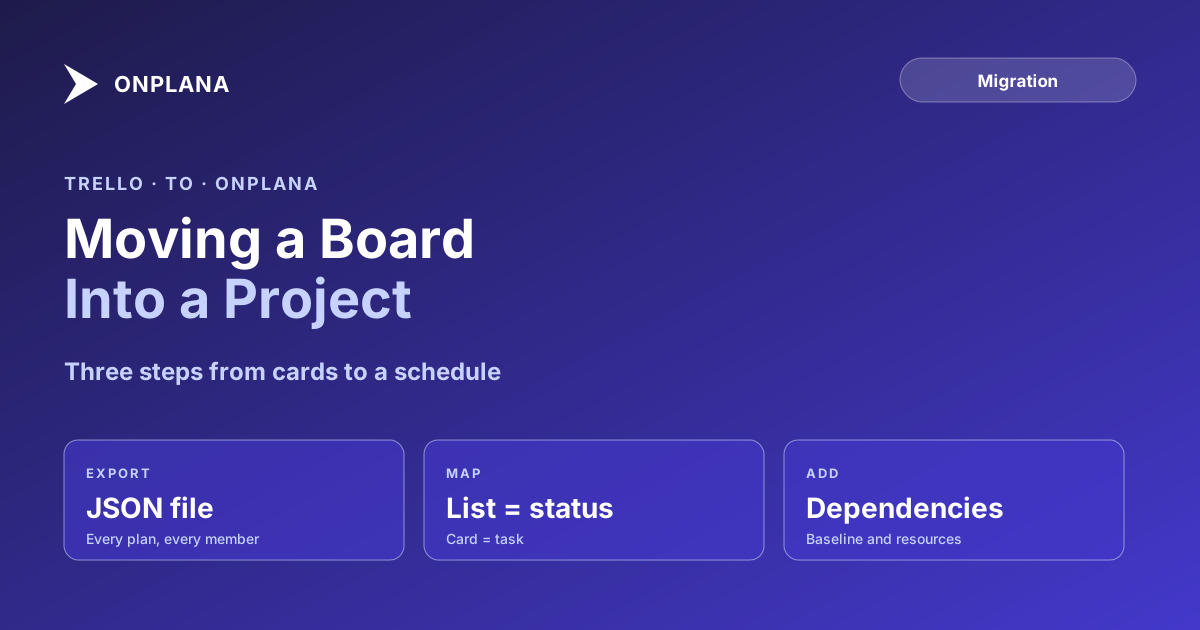
The diagram below shows the path from board to project and where each Trello element lands.
| Trello element | Where it lands in Onplana | Work needed |
|---|---|---|
| List | Task status on the Kanban board | Decide which lists are not statuses |
| Card | Task | None, one spreadsheet row each |
| Checklist item | Subtask | Add as child rows under the card |
| Label | Tag | Re-apply the labels you actually use |
| Member | Assignee | Invite people first, then assign after import |
| Due date | Due date | Include as a date column |
| Comment | Task comment | Copy only the ones that carry a decision |
| Attachment | File in the project's document library | Upload the ones still in use |
How do you load the board into Onplana?
Onplana's import wizard accepts an Excel or CSV work breakdown structure on every plan, including Free, with outline levels and hierarchy preserved. Build the sheet so each card is a parent row and each checklist item sits indented beneath it, then follow the steps below.
- Export every board you want to move as JSON, and the attachments ZIP if cards carry files.
- Flatten the cards into one row each, with columns for name, status, dates and a notes field that carries labels and the owner's name.
- Add checklist items as child rows under their card.
- Invite the people who appear in the sheet, so you can assign their tasks as soon as the import lands.
- Import the sheet into a new project from the migration page, then check the status column on the Kanban board.
- Upload the attachments you still use to the project's document library.
Import brings the structure across, not the history. Comments, activity and archived cards stay in Trello, so keep the board read-only until you have confirmed nothing you need lives only there.
What should you set up that Trello never had?
Three things, in this order. First, dependencies: Onplana supports all four types, Finish-to-Start, Start-to-Start, Finish-to-Finish and Start-to-Finish, with lag, on every plan. Add them only where one card genuinely cannot start before another. Second, a baseline, so a slipped date has something to be measured against. Third, the shared resource view, which shows when one person sits on two projects. The Onplana vs Trello comparison lists where a board stops answering these questions, and switching project management tools covers the retraining and parallel-run cost that the import itself does not.
Free is enough to test the move: 5 members and 2 projects, with the Kanban board, the Gantt with critical path and baselines included. See the free tier for the current limits before you commit anyone.
Test the move on one board first Pick the board with the most dependent work, export it, and import it into a Free project. If the status mapping holds, move the rest. → See the Free plan
Frequently asked questions
Can I import a Trello board directly into Onplana?
Not as a Trello file. Onplana's import wizard reads .mpp, Project XML, .xer, and Excel or CSV work breakdown structures, so a Trello board goes in through a spreadsheet you build from the export.
How do I export a board from Trello?
Open the board menu and choose the print and export option for JSON, which every board member can use on every plan. CSV export is limited to boards in Premium Workspaces, and it leaves out comments.
What happens to Trello comments, checklists and attachments?
The JSON export carries comments, checklists and attachment links, and the CSV does not carry comments. Plan to move checklists across as subtasks and upload the files you still need to the project's document library.
Will I lose my board if I move to Onplana?
Only if you delete it. Export first, keep the Trello board read-only while you check the new project, and archive it after a parallel run, not before.
How long does a Trello migration take?
For a team of five to twenty with a few active boards, most of the time goes into deciding the status mapping, not into the load itself. Budget an afternoon for one board and a day for a small workspace.
Does Onplana have a free plan I can test the move on?
Yes. The Free plan allows 5 members and 2 projects, and it includes the Kanban board, the Gantt chart with critical path, and all four dependency types, so one real board can be tested before anyone pays.
Ready to make the switch?
Start your free Onplana account and import your existing projects in minutes.