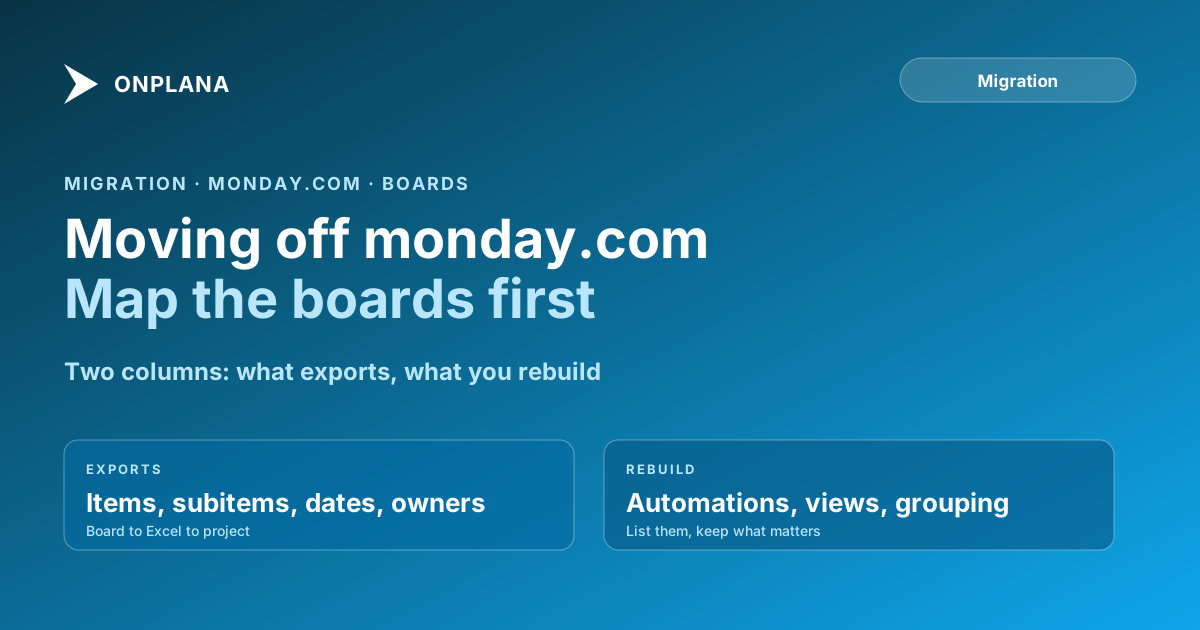
Migrate from monday.com: Boards, Columns, What Moves
How to migrate from monday.com: map each board to a project, translate column types, and know which automations you must rebuild before cutover.
No two monday.com boards look alike, and that is exactly why migrating them is harder than migrating a tool with a fixed shape. The file is the easy part. The hard part is deciding what a board is.
To migrate from monday.com, export each board to Excel, decide whether it becomes one project, and import the file into Onplana as a spreadsheet. The import wizard reads Excel and CSV files up to 50 MB (read from src/lib/plans.ts, 2026-10-02), so a normal board fits comfortably.
The direct answer: A monday.com migration is a mapping exercise followed by a file import. Decide first how boards map to projects, then translate each column type, then list the automations to rebuild by hand. Board views, grouping and automations are not rows, so they do not travel in a spreadsheet export.
How do monday boards map to Onplana projects?
Settle this before you export anything, because every later decision depends on it. Three shapes cover most boards.
| Board shape | Typical signs | Maps to | Note |
|---|---|---|---|
| Project board | Dates, owners, a finish line | One project | The clean case |
| Pipeline or queue | Items enter and leave, no end date | One imported snapshot | Do not force dates onto it |
| Everything board | Many unrelated groups | Several projects, one per group | Split before you import |
The group inside a board is the usual unit for splitting. If a board holds three campaigns in three groups, three projects will serve you better than one, because each can have its own schedule and its own critical path.
How do monday column types translate?
Columns are where flexible boards turn into specific data. The shape of the translation below is a plan, not a guarantee: confirm each against the preview of your own file.
| monday column | What it holds | Approach |
|---|---|---|
| Item name | The task title | Becomes the task name |
| Subitems | Child rows | Appear as rows beneath the parent; confirm the hierarchy |
| People | Owners | Match to workspace members before import |
| Date or timeline | Dates | Map to start and finish |
| Status | A label, not a state machine | Decide what each label means in the new tool |
| Dependency | Links between items | Redraw in the Gantt if absent from the file |
| Formula, mirror, auto number | Computed values | Re-create or drop; they do not export as logic |
A status column deserves a decision of its own. A board with eleven custom status labels is a vocabulary, and the new tool will not guess it. Pick the three or four meanings your team actually acts on and map the rest to them.
How do you migrate from monday.com step by step?
The diagram below shows the order. The check in step 4 is the one teams skip, and it is the one that finds the problems.
- Choose the pilot board. Pick a project board with subitems and dates, so the test exercises hierarchy and scheduling.
- Export the board to Excel from the board menu in monday, with subitems included.
- Import the file through the spreadsheet wizard. Hierarchy is rebuilt from the signals the file carries, and each repair is reported against its source row. The Excel and CSV import guide lists them in priority order.
- Check the result against the export. Compare the row count, the tree, the dates and the owners, line by line for the first board.
- Rebuild only the automations you still rely on. Then keep monday read-only for a short parallel run, as the switching guide describes.
What does not transfer from monday.com?
Automations, board views and grouping settings do not come across, because none of them is a row. Treat the automation list as a small audit: for each one, write what it did and who noticed when it fired. Most boards carry several automations nobody remembers, and the honest answer for those is to leave them behind.
Update history is the second gap. A spreadsheet carries item data, not the conversation around it, so for any board where decisions live in updates, copy out the threads that matter before you archive.
Is Onplana the right destination?
If your boards are really projects with dates and dependencies, the move gains a Gantt and a critical path on every plan including Free (read from src/lib/plans.ts, 2026-10-02). If they are queues and trackers, monday may suit them better, and the Onplana vs monday comparison is candid about where. The migration hub covers moving schedule files from other tools.
Start with one board. The Free plan allows 5 members and 2 projects, which is enough to import a real export and judge it before you move a team.
Frequently asked questions
How do I migrate from monday.com to Onplana?
Export each board to Excel from monday, then import the file into Onplana as a spreadsheet. The import wizard reads .xlsx and .csv up to 50 MB, so the decision that matters is how each board maps to a project, not the file transfer.
Should one monday board become one Onplana project?
Usually yes, when the board holds one body of work with a start and an end. A board used as a standing list, such as a request queue, is a poor fit for a project with dates and is better imported once and reviewed.
Do monday.com automations transfer?
No. An automation is behaviour, and a spreadsheet export carries rows. List each automation, mark whether the team still relies on it, and rebuild only those in the new tool.
Do monday subitems come across?
They can. monday's Excel export places subitems as rows beneath their parent, which gives the importer a hierarchy to read, though you should confirm the tree in the preview. Check the result against the export for your first board.
Is there a one-click monday importer in Onplana?
No. The route is monday's Excel export through Onplana's spreadsheet import, which is the same pipeline used for .mpp and XML. A file you can open first is slower than a connector, but it lets you check every row before importing.
Can I test the migration before moving the whole account?
Yes. Export one board and import it. Onplana's Free plan allows 5 members and 2 projects, enough to judge a real board, and the import does not change anything in monday.
Ready to make the switch?
Start your free Onplana account and import your existing projects in minutes.