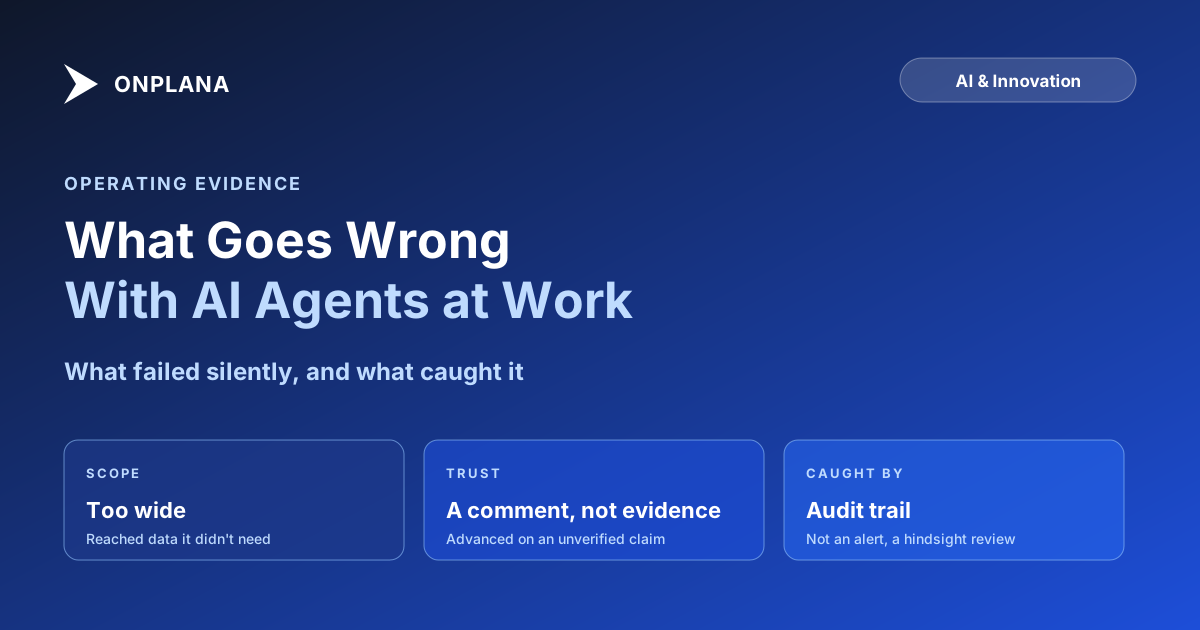
What Goes Wrong With AI Agents at Work
What goes wrong with AI agents at work: the failures that mattered never threw an error. They showed up in an audit log, after the fact, or not at all.
Here's the pattern every agent rollout eventually hits: the first stretch looks flawless, and the sense of safety that builds during it is exactly what makes the next failure land somewhere nobody was watching.
The direct answer: what goes wrong with AI agents at work is rarely the failure a rollout plan braces for. A connection scoped more broadly than its task needed touched data outside that task's job. A separate agent treated a misleading comment as an authoritative status update and advanced a task on it. Neither produced an error message. Both surfaced first in the audit log, after the fact, which is the reason that log existed before either incident happened, not because of them.
Two failure categories caused real risk when agents got write access to live project work: a permission scope wider than a task needed, and an agent treating a misleading comment as verified fact. Neither threw an error; both were visible only in hindsight, in an audit trail. The fix in both cases was structural, narrower default scopes and a ratification gate on hard-to-undo actions, not a better prompt. What held up without incident, despite being the thing we worried about most going in, was natural-language task parsing and routine AI status summaries.
What Goes Wrong With AI Agents at Work, and Why It's Quiet
A person who oversteps a task usually leaves a trace someone notices in the moment: a question, a Slack message, a raised eyebrow in a meeting. An agent that oversteps a task produces the same clean, complete-looking output either way, because nothing in a successful tool call distinguishes "this was in scope" from "this technically worked but should not have run." How to review AI-generated work covers the adjacent problem on the output side, confident wrongness and silent omission that survive a skim. The access side has its own version of the same asymmetry: a permission that is too wide does not look different from one that is correctly scoped, right up until it is used.
The Permission Gap: What a Scoped Connection Still Reached
The first real incident was not a bad instruction. It was a connection whose scope had been inherited from a broader role rather than defined for the specific job it was doing, so it could read project data several steps outside what the task in front of it actually required. Nothing it did violated a hard rule, because no rule had been written narrow enough to catch it. What caught it was a routine pass through the audit trail correlating which connections had touched which resources that week, not an alert firing in real time. The fix was not a smarter agent; it was auditing every standing connection's scope against the job it currently does and cutting anything wider than that job needs. Guardrails and permissions is the distinction that mattered here: a permission decides what a connection may do, and ours had been set for a role, not for a task.
When an Agent Believed a Comment Instead of the Evidence
The second incident was more unsettling because nothing was misconfigured. A task comment described work as finished in language that read like a routine status update, and the agent handling that task advanced its state on the strength of that comment rather than checking the underlying deliverable. Prompt injection risk for project teams covers the general shape of this: an agent reads a comment as content it weighs, not as a claim it verifies, so anything worded like an authoritative update gets treated as one by default. The comment in our case was not a deliberate attack, just an imprecise update written the way a person writes for another person. The agent had no way to tell the difference, which is exactly the point: it does not need malice to exploit the gap, only ordinary human imprecision.
What We Expected to Break and Didn't
Going in, the surfaces we watched hardest were natural-language task parsing and the routine AI status summaries generated for weekly reviews, on the theory that free-text input was the obvious place for a language model to wander off target. Neither did. Parsing stayed inside the fields it was asked to fill, and the summaries stayed descriptive rather than inventing progress that had not happened. The risk, in other words, was never concentrated where a model does the thing it is best at. It was concentrated at the boundary between what an agent was allowed to touch and what it was asked to believe.
The diagram below shows where each incident was actually caught: not at the point of action, but at the next layer designed to catch what the first one missed.
The Controls That Came After, Not Before
None of this argues for pulling agents back out of real work. It argues for building the layers in a specific order: scope every connection to the task it does today, not the role it was issued under; keep an audit trail granular enough to correlate what touched what, since that is what actually caught the wider incident; and gate anything expensive to undo behind a human ratification step, since that is what stopped the second one before it became a real problem instead of a near miss. Who is accountable when an agent is wrong covers the ownership question this raises directly: the team that set the scope owns what happened inside it, and that ownership is exactly why the audit and ratification layers exist rather than optional extras bolted on afterward.
The rest of the Onplana blog's AI and Innovation coverage goes further into the governance and permission design questions a rollout like this eventually forces, including where PMO policy for autonomous agents should draw its lines before the first incident, not after it.
Frequently asked questions
What actually goes wrong when AI agents get real access to project work?
The damaging failures were not the loud ones. A connection scoped more broadly than a task needed reached data it did not need, and a separate agent treated a misleading comment as ground truth and advanced a task on it. Neither produced an error; both surfaced only in the audit log, after the fact.
Can an agent destroy something irreversible before anyone notices?
Yes, if the permission scope around it allows it and nothing gates the action first. The fix is not a smarter agent; it is denying destructive and hard-to-reverse actions by default and routing anything expensive to undo through a human ratification step, regardless of how confident the output looks.
Who is accountable when an agent's mistake ships?
The person or team that set the scope it operated under, the same as owning a credential you issued. An agent does not create a new category of accountability; it just means a permission mistake plays out at agent speed instead of waiting for a person to eventually click the same wrong button.
Can someone steer an agent through a comment or a task description?
Yes. An agent reads a comment as content, not as a verified claim, so wording designed to sound like a legitimate status update can push it toward closing or advancing something a person would have questioned first. Treat any state change an agent makes on the strength of a comment as a claim to verify, not a fact.
What did you expect to break that didn't?
Natural-language task parsing and routine AI status summaries, the two surfaces we watched most closely going in. Both stayed inside their lane through the same stretch where the permission scope and the comment-trust problem showed up, which told us the risk was never in the language model's competence at its stated job.
What happens to the bill when agent usage triples?
It is visible before it is a surprise, because every plan's AI usage draws down a metered token balance rather than running on an unmetered background process. A usage spike shows up as balance consumption you can see, not as a line item that only appears at the end of the month.
Can the agent access be turned off if something looks wrong?
Yes, per connection, without touching anything else the agent was not involved in. A scoped connection revokes independently of the rest of the account, which is what let us shut down the over-broad connection the moment the audit log surfaced it, without disrupting the agents that were operating correctly.
Ready to make the switch?
Start your free Onplana account and import your existing projects in minutes.