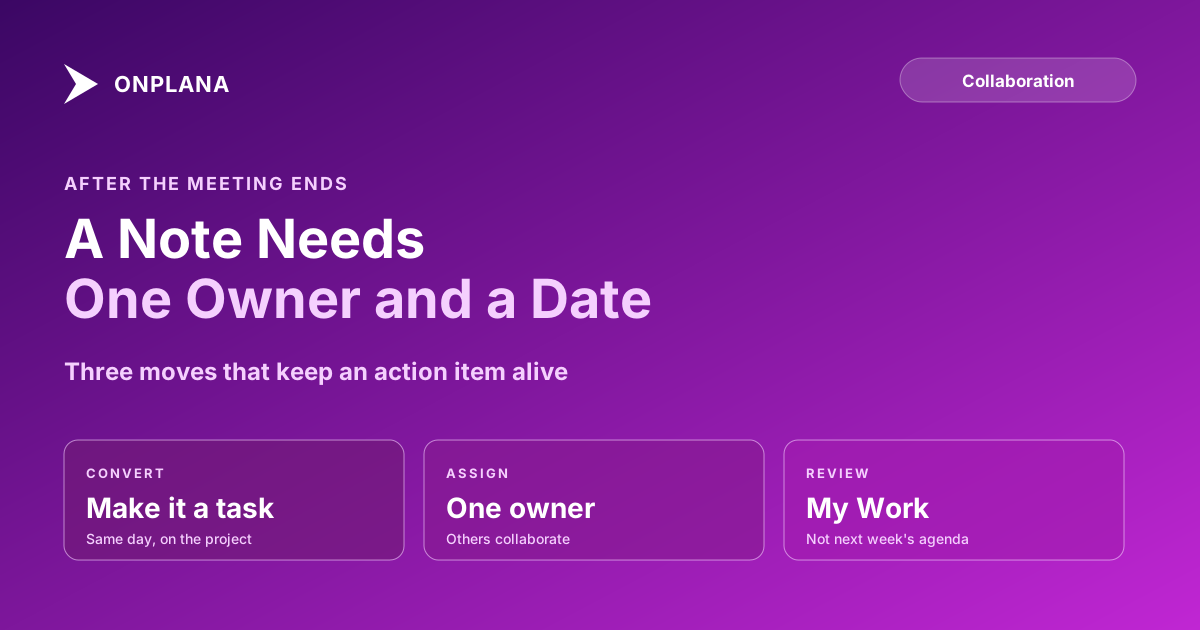
Action Items Tracking: From Meeting Note to Owned Task
Action items tracking turns a line in the minutes into a task with one owner and a date. Here is the five-step loop, and why untracked items quietly die.
An action item is a commitment made in a meeting: one person agrees to do one thing by one date. Tracking action items means moving that commitment out of the minutes and onto the project as a task, because a line in a document never reaches anyone's to-do list and carries no date anyone is reminded of. According to TeamRetro's Follow-Through Index (2026, product data on hundreds of thousands of retrospective action items), about 73% of items were completed overall, but about 90% were completed when the item had both a named owner and a due date, and only about one in ten items had a due date.
In short. Track action items by converting each one into a task on the project, with a single accountable owner and a due date, within a day of the meeting. Review the open list where people already work, not in next week's agenda. The vendor data above is an association, not proof of cause, but it matches what most teams see: items without an owner and a date are the ones that vanish.
What makes something an action item?
A proper action item has four parts: what, who, when, and where it lives. "Look into the vendor contract" fails all four. "Priya sends the revised vendor contract to legal by Friday, on the Procurement project" passes. The test is whether a stranger reading the line next month could tell who to ask and whether it is late.
Meetings produce three look-alikes that are not action items: decisions (log them, see the decision log), open questions (assign someone to find the answer, which is the action item), and group intentions ("the team will review the plan"), which belong to nobody until you name a person.
What is the action items tracking loop?
The loop has five steps, and the order matters because each one removes a reason for the item to be lost.
- Capture in the meeting. Write the item as a sentence with a name and a date while people are still in the room. Reading the list back before closing the meeting takes a minute and catches the missing owners.
- Convert to a task on the project. Create the task the same day. Notes that sit unconverted for a week are the leading source of "I never knew that was mine."
- Assign one owner. One accountable person per task. In Onplana a task has one accountable assignee, and you can add up to 20 collaborators, the other people working on it. Collaborators see the task in My Work and are notified when they are added and when someone comments.
- Let the thread live on the task. Questions and updates go in task comments with @mentions, so the history stays with the work. The Onplana documentation on comments and mentions covers who is notified.
- Review the open list in My Work. The owner sees their items next to the rest of their work, and the PM reviews overdue ones in the project, instead of reading minutes again.
The diagram below shows the loop and the point where items most often fall out.
How do AI meeting notes fit into action items tracking?
AI meeting notes draft the list; a person assigns it. Extraction handles explicit commitments ("Priya will send the contract by Friday") reliably and misses implicit ones, so the confirm step is what keeps an unchecked guess from becoming a task with the wrong owner. The detail, including what fails, is in AI meeting notes to tasks. Treat the output as the capture step done faster, and keep steps 2 and 3 human.
Where should the action items list live?
On the project plan. A separate action log in a document or spreadsheet needs its own review habit, and it goes stale the week the meetings get busy. A task on the project appears in the owner's My Work, in the project's task list and on the same board or Gantt as everything else being delivered, so slipping items show up in the status you already read.
| Where it lives | Owner sees it | Shows in the plan | Goes stale |
|---|---|---|---|
| Meeting minutes | Only if they reread | No | Within a week |
| Shared spreadsheet | When they open it | No | When nobody owns it |
| Chat thread | Until it scrolls away | No | Within days |
| Task on the project | In My Work | Yes | Only if the task is ignored |
The same rule applies to the kickoff meeting, where the first action items set the pattern for the whole project, and to retrospectives, where the data above comes from. For the wider picture of teams and clients working one plan, see team collaboration in Onplana.
Next meeting, read the list back before you close it, and create the tasks before anyone leaves the call.
Frequently asked questions
What is an action item?
An action item is a specific piece of work someone agreed to do after a meeting, with a named owner and a due date. A line in the minutes without those two things is a discussion point, not an action item.
How do you track action items after a meeting?
Turn each one into a task on the project the same day, assign one owner, set a due date, and review the open list in a place people already look. Keeping them in the minutes document is where most of them get lost.
Should an action item have more than one owner?
No. One person is accountable; others can help. In Onplana a task has one accountable assignee plus up to 20 collaborators, who see it in My Work and are notified when someone comments.
Can AI turn meeting notes into action items?
It can draft the list, and it handles explicit commitments well. A person still needs to confirm the owner and date before anyone treats the item as a commitment.
Where should the action items list live?
On the project's task list, not in the minutes or a chat thread. A task is visible in the owner's My Work view and in the plan, so progress shows up next to everything else being delivered.
What is the difference between an action item and a task?
An action item is a task that came out of a meeting. Once it is on the project with an owner and a date it is simply a task, which is the point: it stops depending on someone rereading the minutes.
Ready to make the switch?
Start your free Onplana account and import your existing projects in minutes.