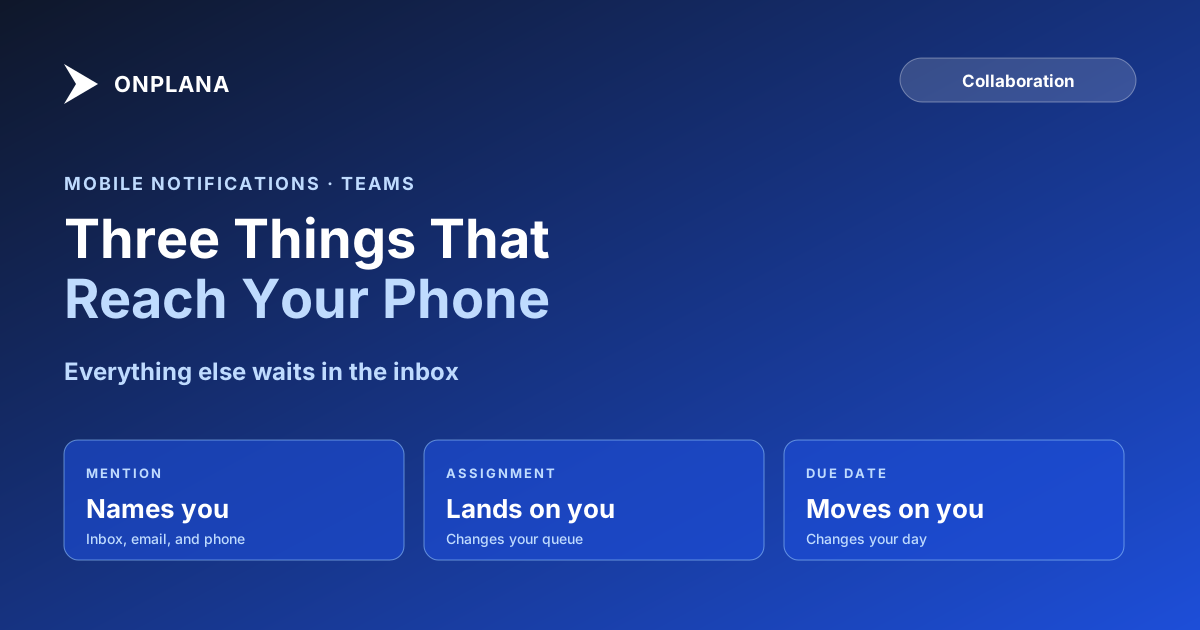
Project Management Notifications: What Reaches a Phone
Project management notifications should reach a phone for a mention, an assignment, or a due date, and wait in the inbox for everything else.
Microsoft's 2025 Work Trend Index found that the busiest fifth of Microsoft 365 users are interrupted every two minutes during core work hours, 275 times a day, by meetings, emails, and chats. A phone that buzzes anywhere near that rate stops carrying information and starts being background noise, and a project tool that alerts on every comment, status change, and file upload just added itself to the pile.
The direct answer: good project management notifications reach a phone for three things only: a mention that names you, an assignment landing on you, or a due date on your work moving. Each of those changes what you do next. A comment on a task you're not on, a status update on something you're merely watching, or a file uploaded to a project you belong to does not, so it belongs in an in-app inbox you check on your own schedule, not a push alert on the phone's.
The short answer. Push a notification to a phone only when it changes what the reader does next: an @mention, a new assignment, or a due date that moved. Route everything else, comments on tasks you're not on, status changes on things you're only watching, file uploads, to an in-app inbox grouped by type, so a phone buzzing actually means something needs you.
The three-question test for whether something reaches a phone
Before a project event becomes a push notification, it's worth running it through three questions:
- Does it name you specifically? An @mention is a direct address. Nothing else in a project tool carries that weight.
- Does it land new work on you? An assignment changes your queue the moment it happens. A comment on someone else's task doesn't.
- Does it move a date you're accountable for? A due date slipping or pulling forward changes your plan for the day. A due date moving on a task you have no stake in doesn't.
If the answer to any of the three is yes, the event earns a push. If the answer to all three is no, it belongs in the inbox, not the pocket.
What reaches a phone vs what waits in the inbox
| Event | Reaches the phone | Waits in the in-app inbox |
|---|---|---|
| Someone @mentions you in a comment or reply | Yes | |
| A task is assigned to you | Yes | |
| A due date on your task moves | Yes | |
| Someone comments on a task you're not on | Yes | |
| A task you're watching changes status | Yes | |
| A file is uploaded to a project you're in | Yes | |
| A teammate completes an unrelated task | Yes | |
| A new project is created in your workspace | Yes |
The pattern underneath the table is simple: anything that changes your next action escalates everywhere; anything that's merely informative stays where you can scan it in bulk.
Why the @mention gets escalated and a status update doesn't
The mechanism is what makes this distinction work in practice rather than staying a design principle on a slide. On Onplana, real-time notifications are in-app push with email delivery, grouped by type, on every plan including Free, so the default is already a grouped feed rather than a ping per event. An @mention on a comment, reply, or task is the exception that breaks out of the group: it reaches the person's in-app inbox, email, and phone, and the browser extension and the Windows, Mac, iPhone, and Android companions all carry the thread and the mention picker, so replying from a phone works the same as replying at a desk.
The diagram below shows the branch: an event either names you, lands work on you, or moves your date, in which case it escalates to the phone, or it doesn't, in which case it stays in the grouped inbox feed.
What this design deliberately doesn't do
It's worth being plain about the boundaries, because a notification system oversold is worse than one that under-promises. There's no presence indicator showing who's currently viewing a task, no live cursor on a shared document, and nothing that tells you a message was read and acted on "automatically." A push notification tells you an event happened and gives you the fastest path to respond to it; it doesn't manage the response for you, and a status report doesn't get sent on your behalf just because a due date moved.
The same restraint applies to AI agents. Assigning a task to an agent posts the identical @mention that assigning it to a person would, the agent reacts on its next sync, and anything it produces lands in an agent review inbox rather than going out unreviewed. An agent doesn't send email on its own, and it doesn't get a different, quieter notification path than a person does; it gets the same one.
Building the same rule into a team's own habits
A tool enforcing this split only helps if the team doesn't undo it by @mentioning people reflexively to force a push. Three habits keep the distinction intact:
- Reserve @mentions for things that actually need that person. An @mention that's really just "for visibility" trains the recipient to treat every mention as noise, which defeats the reason mentions escalate to a phone in the first place.
- Let assignment do the notifying, not a follow-up message. If a task is already assigned, a chat ping saying "I assigned you the API doc" is a duplicate alert for the same event.
- Check the inbox at set points instead of on every buzz. The grouped feed exists so status updates, comments on other people's work, and uploads can be reviewed in a batch, once or twice a day, rather than parsed one interruption at a time.
None of this requires new tooling. It requires treating the phone as the channel for the three things that actually change someone's next move, and the inbox as the channel for everything that's simply worth knowing.
Three related pieces cover the surrounding ground: where a decision made on a task should actually live once the notification has done its job of getting someone's attention, what a client or contractor can see without a full seat, which matters because the same mention-and-inbox split applies to guests, and how someone without access asks for it, the step before any of this that determines whether a notification even reaches someone able to act on it.
Frequently asked questions
What should actually send a push notification to a phone in a project tool?
Only events that change what you do next: an @mention that names you, a task assigned to you, or a due date on your task moving. Everything else can wait for the in-app inbox.
Why do most project tools over-notify?
Because it's easier to alert on every event than to decide which ones matter, and a tool that pushes everything looks 'active' in a demo. The cost lands on the user, who starts ignoring the channel entirely once it stops being reliable.
Does an @mention on a task reach a phone the same way a chat mention does?
Yes. A mention reaches the person's in-app inbox, email, and phone, and the browser extension and the Windows, Mac, iPhone, and Android companions all carry the thread and the mention picker, so replying from a phone works the same as replying at a desk.
Should a comment on a task I'm not assigned to push a notification to my phone?
No, unless it @mentions you directly. Route it to the in-app inbox instead, grouped with other activity you can review on your own schedule rather than your phone's.
Do AI agents get notified the same way as people?
The same @mention mechanism addresses an agent as easily as a person: assigning a task to an agent posts an @mention, the agent picks it up on its next sync, and whatever it drafts lands in a review inbox rather than going out unreviewed.
What should a project tool avoid claiming about notifications?
Presence indicators ('who's viewing this'), live cursors, and anything implying a message was read and acted on 'automatically.' A notification tells you something happened. It shouldn't be dressed up as more than that.
Ready to make the switch?
Start your free Onplana account and import your existing projects in minutes.