Share Project Documents With Clients, No Licence Needed
You can share project documents with clients without buying them a licence: email the file, they enter a 6-digit code, no account created, free on every plan.
A client asking to see one budget document shouldn't turn into a procurement conversation about who pays for their login. That's the reflex most project tools trained into people: someone outside the company needs to see something, so somebody reaches for an invite form built for employees.
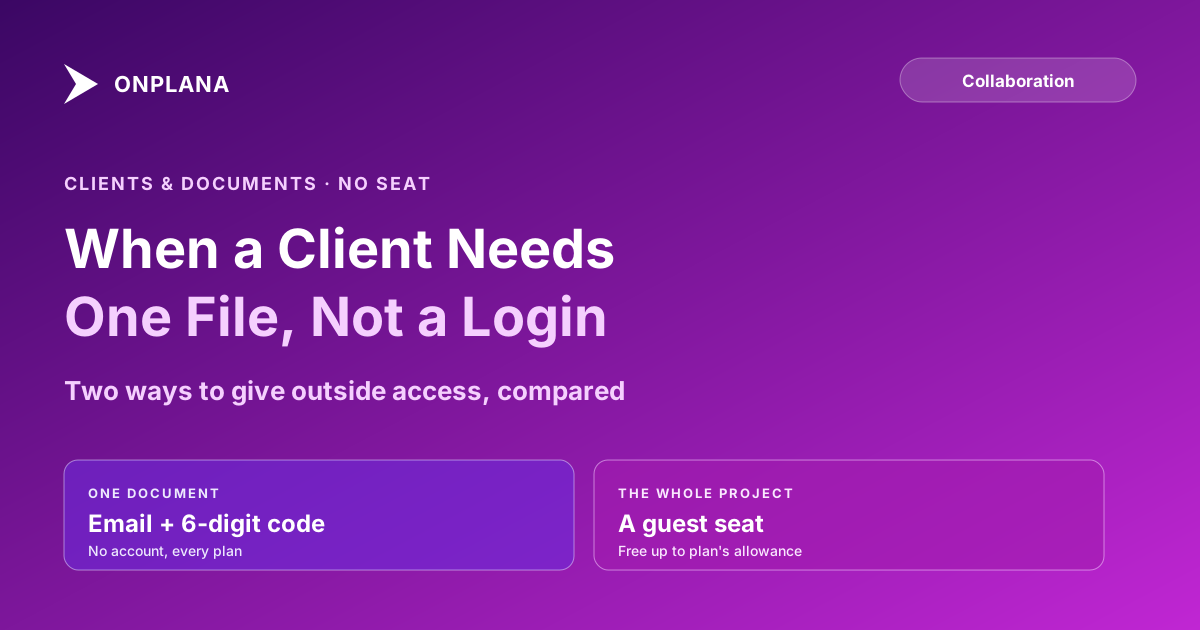
The direct answer: you don't need to buy a client a licence to share a project document with them. Send it to their email address, they prove it's theirs with a 6-digit code sent to that same inbox, and they see the document, view-only, with no account created. This is on every Onplana plan, including Free.
Sharing is the outward half of the job; project document management basics covers where the file should live and which version to send in the first place. For the schedule rather than a single file, see how to share a Gantt chart with a client.
In short. A single project document can be shared with anyone outside your organization by email, with no account and no paid seat: they enter a 6-digit code sent to their inbox and see the file, view-only. Revoke the share and it stops instantly rather than degrading to a public link. A guest seat is the separate, paid-plan tool for when a client needs standing access to an entire project rather than one file.
The two shapes of "client needs to see this"
Almost every request from outside the company fits one of two shapes, and they call for different tools:
- They need one thing. A budget document, a schedule export, a status report. They'll look at it once or a few times, and they don't need to comment, browse other files, or come back next month.
- They need the project. They're a client running the engagement alongside you, checking in on tasks, leaving comments, watching progress over weeks.
Treating the first case like the second is why "just invite them" turns into a licensing question. Most project tools, Onplana included, only unlock a genuinely free way to hand a document to someone outside the company on some plans and not others. Onplana's guest allowance, documented per plan, runs 2 free guest seats on Pro, 5 on Business, and 10 on Enterprise and Enterprise+, but the one-off document share below doesn't touch that allowance at all, on any plan including Free.
Sharing one document, no account, no seat
Sending a document to a client's address works like this:
- Open the document and choose to share it outside the workspace.
- Type the client's email address. Nothing else, no role to assign, no seat to spend.
- They receive an email with a link and a 6-digit code sent to that same address; entering the code proves it's really them.
- They see the document, marked view-only, with no signup form and no account created anywhere in the flow.
- Revoke the share whenever the engagement ends. It stops that instant and never falls back to a public link that anyone with the old URL could still open.
The whole exchange stays anchored to an address you chose, not a guessable link. A status report can go out the same way if the audience is "one stakeholder" rather than "the whole client-side team": a password-protected link with a view count, rather than an email-and-code exchange, for cases where you want a reusable link instead of a one-time proof step.
When a guest seat is the better call
A document share stops making sense once the client needs to be inside the project rather than looking at one artifact from outside it. That's what a guest seat is for: standing access to a specific project, including comments and the activity feed, without giving them visibility into the rest of your organization. What a guest seat does and does not unlock is its own reference worth bookmarking, since "guest" gets used loosely and the role's actual limits are what decide whether it's the right fit. Onplana's team collaboration page has the fuller picture of how members, guests and document shares fit together, but the allowance itself is worth knowing up front, since it decides whether the client costs you anything at all. Once a client does have standing access, where a decision actually gets recorded matters just as much as who can see it.
| Document share | Guest seat | |
|---|---|---|
| What it covers | One file | An entire project |
| Account required | No | Yes, but no licence purchase up to the plan's allowance |
| Cost on Free | Included | Not available; Free has no guest allowance |
| Cost on paid plans | Included, unlimited shares | Free up to the plan's allowance, billed like a member past it |
| Guest allowance | Not applicable | 2 (Pro), 5 (Business), 10 (Enterprise, Enterprise+) |
| Can comment or reply | No, view-only | Yes |
| Good for | A single deliverable, once or occasionally | An ongoing client engagement |
The diagram below shows the same decision as a branch: what the client actually needs to do decides which of the two tools is the right one, and only one of the two branches touches a seat count at all.
Why this matters more for agencies and consultancies
Teams that bill by the engagement run this calculation constantly: every client relationship is a potential seat, and every seat is a cost that either gets passed on or eaten. Agencies scored on client-facing PM criteria tend to weight exactly this: whether client visibility comes free or requires a purchase decision for every new logo. An engagement that only ever needs a handful of documents shared over its lifetime shouldn't force the same seat math as one where the client is genuinely embedded in the work day to day.
The reverse mistake costs something too: giving every client a guest seat "just in case" burns through a plan's guest allowance on relationships that only ever needed to see one file. Match the tool to what the client is actually doing, not to whichever option feels safer to reach for by default. Once a client does have a guest seat, what actually reaches their phone versus their inbox follows the same rule as it does for an employee: a direct @mention escalates, a general update waits.
If your team is already deciding where a shared file should live before someone outside the company opens it, the organization-wide document workspace covers the internal side of that same decision: what stays private, what's visible by default, and where the boundary sits before a document is ever shared out.
A document share and a guest seat both cover someone outside the organization; a teammate already inside it who just needs into one more project uses a different door entirely; see requesting access to a project without an add-me email for that version of the same problem. When a contractor, a client and your in-house team all need into the same project at once, picking a member seat, a guest seat or a share link for each of them is the fuller version of this same decision.
Microsoft Project Online™ is a trademark of Microsoft Corporation. Onplana is not affiliated with Microsoft.
Frequently asked questions
Do I need to buy my client a licence to share a project document with them?
No. A single document can be sent to a client's email address and opened without an account or a paid seat, on every Onplana plan including Free. A licence only becomes relevant if the client needs the whole project, not one file.
How does a client open a document without creating an account?
They receive a link tied to their email address, and a 6-digit code sent to that same inbox to prove it's really them. Enter the code and the document opens, view-only, with no signup form anywhere in the flow.
What's the difference between sharing a document and giving someone a guest seat?
A document share is scoped to one file and needs no seat at all. A guest seat gives someone standing access to an entire project, comments and all, and draws from the plan's free guest allowance before it becomes a billable seat.
How many free guest seats come with each plan?
Two on Pro, five on Business, ten on Enterprise and Enterprise+, and none on Free. Past that allowance, an added guest is billed like a regular member.
Can I revoke a document share after I've sent it?
Yes, and it takes effect immediately. Revoking a share doesn't degrade to a public link either; the page simply stops opening for anyone holding the old link or code.
Is external document sharing available on the free plan?
Yes. Sending a single document to someone outside your organization, without an account or a seat, is included on every plan, Free included. The guest-seat allowance is what's paid-only.
Ready to make the switch?
Start your free Onplana account and import your existing projects in minutes.