Best Project Management Software for Remote Teams in 2026
The best project management software for remote teams is the one people actually update. Compare async clarity, notifications and mobile across six tools.
The best project management software for remote teams is the one your people actually update, and no feature list predicts that. A distributed team has no hallway to correct a stale task, so the tool has to make the written record the source of truth. Judge candidates on four things: how good the written status is, whether notifications reach people without flooding them, whether it works on a phone, and whether it lets outsiders in safely.
Summary. Choose remote team software on async clarity, notification discipline, mobile access and guest access, then test it on one live project for two weeks. In Buffer's 2023 State of Remote Work survey of 3,000 remote workers (fielded October to November 2022), only 8% named collaboration and communication as their biggest struggle, against 15% for loneliness, so a tool cannot carry the whole load. Pick the one that removes status meetings without adding a second place to update.
What should a remote team look for in project management software?
Four criteria decide it. Written status quality means every task carries its own comments, owner and date, so a reader in another time zone needs no call to understand it. Notification discipline means a mention reaches a phone and everything else stays quiet. Mobile access means a task can be updated from anywhere. Guest access means a client can see one project without a full licence.
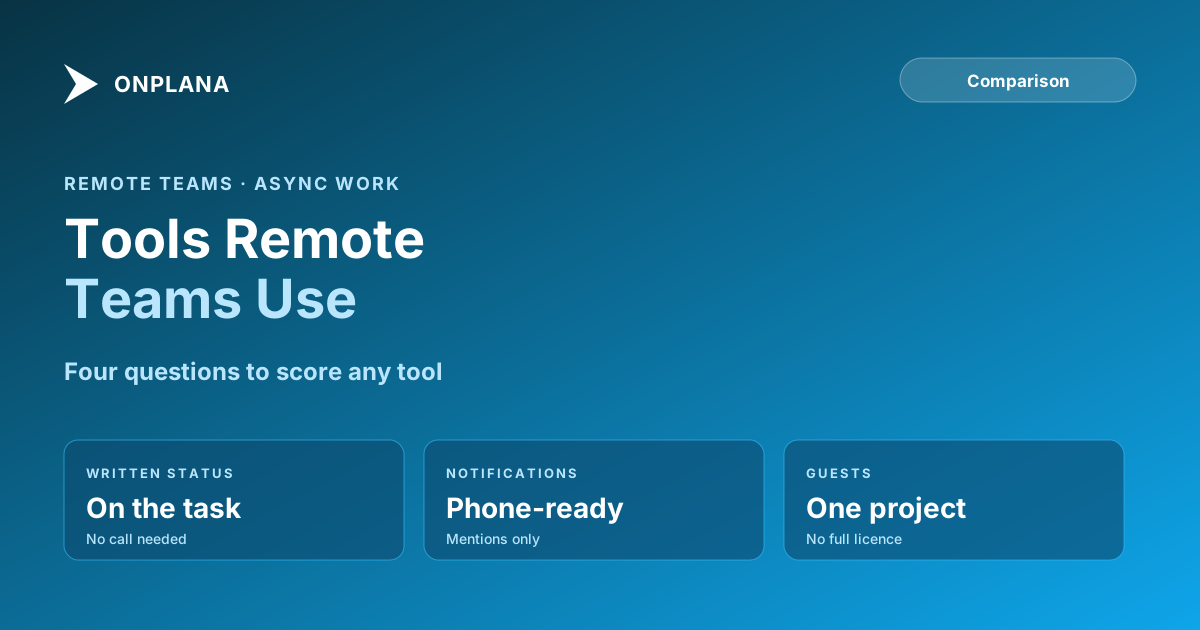
The diagram below lays the four criteria out as a checklist you can score any tool against.
The graphic restates the checklist in prose above: written status, notifications, mobile and guest access are the four questions, and the next section applies them.
How do the leading tools compare for remote teams?
Cells below state only what each vendor's own pricing or product page supports; a dash means we did not verify the point for this post.
| Tool | Free plan | Scheduling on the free plan | Mobile | Guests |
|---|---|---|---|---|
| Onplana | 5 members, 2 projects | Gantt, critical path, baselines | iPhone and Android apps, free on every plan | Paid plans only |
| Asana | Personal plan | No Timeline (Starter and up) | – | – |
| monday.com | 2 seats, 3 boards | No Gantt (Standard and up) | iOS and Android apps | – |
| ClickUp | Free Forever | Limited Gantt | – | – |
| Smartsheet | None | – | – | – |
Sources: Asana pricing, monday.com pricing, ClickUp pricing, Smartsheet pricing and Onplana's own plan table.
Which tool fits which remote team?
Onplana fits distributed teams that deliver dated projects. Comments and @mentions sit on tasks and projects, a mention reaches the inbox, email and phone, and the browser extension plus Windows, Mac, iPhone and Android companions are free on every plan. Guest seats come with every paid plan, so a client can be given one project without a licence. Weaknesses: wikis, whiteboards and pages start on Pro, and it is a younger product than the incumbents.
Asana suits cross-functional teams organised around tasks and owners; scheduling views are a paid-tier feature. monday.com suits teams that want board-first flexibility, with small free limits. ClickUp suits teams that want one workspace for tasks, docs and dashboards and accept a thinner schedule engine. Smartsheet suits spreadsheet-native teams and has no free plan.
How do you run a two-week test?
- Pick one live project with people in at least two time zones.
- Move every status update into task comments and ban status meetings for the trial.
- Count how many tasks are updated without a reminder.
- Check that mentions reach phones and that non-mentioned traffic stays quiet.
- Keep the tool where updates happened without chasing.
For the working patterns behind this, read distributed project teams: fewer meetings, more progress, then set the cadence with the project communication plan guide and keep reports tight with the status report writing guide. Onplana's apps are listed on the download page, and the team collaboration features page covers comments, guests and request access.
Draft your next weekly update in a minute Paste your notes into the free Status Report Writer and get a report a distributed team can read without a call. No signup required. → Open the Status Report Writer
Frequently asked questions
What is the best project management software for remote teams?
The one your team actually updates. Judge tools on written status quality, notification discipline and mobile access, because a distributed team cannot rely on hallway updates to fill gaps.
What features matter most for remote teams?
Comments with mentions on the work itself, notifications that reach a phone, and a plan that shows dependencies so a delay in one time zone is visible in another. Feature count matters less than whether updates happen in the tool.
Do remote teams need a free plan first?
It helps, since adoption is the risk. Onplana Free allows 5 members and 2 projects, and monday.com Free allows 2 seats and 3 boards, so test on one live project before paying.
Can clients or contractors join without a full seat?
On Onplana, guest seats are included on every paid plan and the Free plan has none. Check each vendor's guest or viewer rules before inviting outside collaborators.
Does software fix remote team communication problems?
Only partly. In Buffer's 2023 survey of 3,000 remote workers, collaboration and communication was the biggest struggle for 8%, behind loneliness at 15%, so tooling is one lever among several.
Ready to make the switch?
Start your free Onplana account and import your existing projects in minutes.