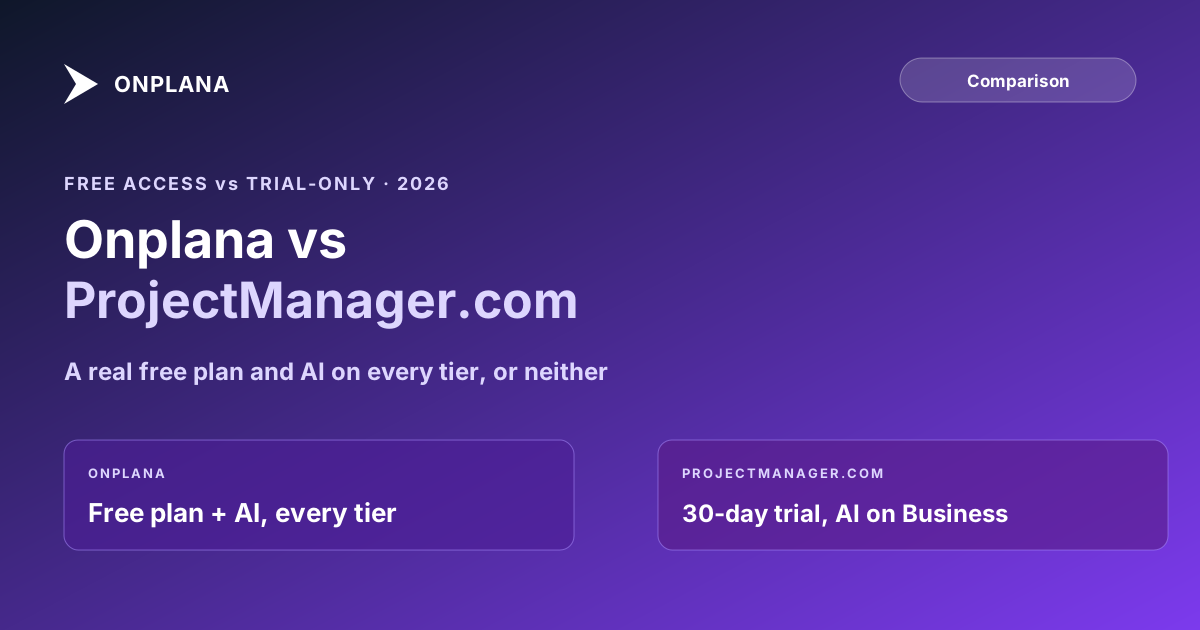
Onplana vs ProjectManager.com: Free Tier vs None
Onplana vs ProjectManager.com: both do scheduling and Gantt charts well. Onplana has a real free plan and AI on every tier; ProjectManager.com has neither.
ProjectManager.com shows up on the same shortlists Onplana does for an honest reason: both built a real Gantt engine, both handle dependencies properly, and both get recommended in the same "best PM software with scheduling" roundups. The comparison is worth doing carefully rather than waving off, because the two products are closer on raw scheduling mechanics than most Onplana-vs-competitor pages get to say.
The direct answer: Onplana vs ProjectManager.com comes down to access and AI depth once the scheduling features wash out as roughly equivalent. Onplana ships a permanent free plan and puts its full AI suite, chat, plan generation, an agent skill for delegated work, on every tier including Free, limited only by an AI token balance. ProjectManager.com has no free tier, only a 30-day trial, and reserves its AI feature for the Business plan and up. Where ProjectManager.com pulls ahead is Gantt maturity and native .mpp roundtripping; where Onplana pulls ahead is everything past the schedule itself: governance, resource pooling below the top tier, and deployment options.
ProjectManager.com is a mature, focused Gantt-scheduling tool with native .mpp import, but no free tier (a 30-day trial only) and AI limited to a Business-plan-and-up summary feature. Onplana has a permanent free plan, full AI on every tier including Free, an enterprise resource pool and stage-gate governance on its higher tiers, and, on Enterprise+, a dedicated deployment in your own Azure subscription. Pick ProjectManager.com if scheduling is the whole requirement and a lower monthly seat cost matters more than a free evaluation path. Pick Onplana if AI, governance, or the option to trial for free before committing budget matter too.
Why Onplana and ProjectManager.com End Up on the Same Shortlist
Both companies built their product around the schedule, not around a generic task board wearing a Gantt view as one option among many. That shows up as real parity on the mechanics: dependency editing by drag-and-drop, a critical path filter, baselines to track variance, and views that stay in sync with each other because they read from the same underlying data. A PMO evaluator who cares primarily about scheduling fidelity will find both tools competent on the first pass of a feature checklist, which is exactly why the comparison has to go past the checklist to be useful.
What ProjectManager.com Is Built For
ProjectManager.com's core strength is a Gantt chart that auto-updates across task, calendar, sheet, and kanban views from one schedule, with all four dependency types, a critical-path filter, and baseline tracking. Its native .mpp import, with roundtripping back out to Microsoft Project, is a real and useful capability for a team that needs to keep a foot in both tools during a transition. The Business plan adds workload balancing, labor rates, timesheets, a portfolio dashboard, and a RAID log, which covers a reasonable stretch of PMO-level reporting once a team is on the higher tier.
What it does not publish is a formal stage-gate governance workflow: the Business and Enterprise tiers add dashboards, custom permissions, and audit-adjacent features like SSO and account exports, not a multi-reviewer gate pipeline with quorum logic and an approval record. And every plan is SaaS-hosted; ProjectManager.com does not publish a self-hosted or on-premise deployment option for teams that need one.
Where the Two Diverge: Access and AI
The clearest gap is structural, not feature-by-feature. ProjectManager.com's own pricing page offers a 30-day free trial and nothing free beyond it: the account locks at the end of the trial unless a paid plan is purchased. Onplana's Free plan has no expiration, 5 members, 2 projects, and 300 MB of storage, permanently, which changes who can actually try the product before a budget conversation happens.
AI follows the same pattern. ProjectManager.com's AI feature, described on its plan pages as AI Project Insights, project summaries and recommendations, is gated to the Business plan and up. Onplana runs its full AI suite, chat with project context, natural-language task parsing, plan generation, status summaries, and an agent skill an engineer or PM can connect via MCP to do delegated work end to end, on every plan including Free, bounded by an AI token balance rather than a plan wall. Onplana's AI runs on both Claude and Azure OpenAI, managed by Onplana with automatic failover between them; there is no customer-facing provider switch on either product.
The diagram below shows the split as two cards: what each product asks a team to commit to before AI and a resource layer are on the table.
Onplana vs ProjectManager.com: Seven Dimensions Compared
| Dimension | Onplana | ProjectManager.com |
|---|---|---|
| Free plan | Permanent: 5 members, 2 projects, 300 MB storage | None; 30-day trial only |
| Task dependencies | FS, SS, FF, SF with lag, every plan | All four types, per vendor's own product marketing |
| Gantt + critical path | Included on every plan, including Free | Included from the entry Team plan |
| .mpp import | Native, every plan | Native, with roundtripping |
| Resource management | Enterprise resource pool from Professional up | Workload and labor rates from Business up |
| AI features | Full suite (chat, plan generation, agent skill) on every plan | Summary/recommendation feature, Business plan and up |
| Governance | 12-stage gate pipeline on Enterprise | No published stage-gate workflow at any tier |
| Deployment | SaaS, or a dedicated deployment in your own Azure subscription (Enterprise+) | SaaS only |
Pricing: Lower Entry Cost vs a Free Path In
Onplana's paid tiers start at Professional, $12 per seat per month, then Business at $20 and Enterprise at $29, all with 20% off on annual billing. ProjectManager.com's own pricing page puts its Team plan in the mid-teens per user per month and Business in the high twenties, both cheaper than the Onplana tier that matches their AI and resource-management scope once you price Onplana's AI as included rather than an add-on. The gap that does not close at any price point is access: a team that wants to try scheduling software today, without a trial clock running or a credit card on file, has exactly one of these two options.
Which Tool Wins for Which Team
ProjectManager.com wins for teams that have already decided AI and formal governance are not requirements, want the most mature standalone Gantt view on the market, and are comfortable committing to a paid plan after a time-boxed trial. Its .mpp roundtripping is also a genuine advantage for a team that needs to keep working in Microsoft Project alongside the new tool during a transition.
Onplana wins for teams that want to evaluate for real before committing budget, PMOs that need AI grounded in the actual schedule graph rather than a Business-tier summary feature, and any team weighing a resource pool, stage-gate governance, or a dedicated deployment in their own Azure subscription as a requirement rather than a someday feature. Teams specifically migrating off Microsoft Project Online should also read the PM tool evaluation criteria that predict fit better than a feature checklist, and the broader Microsoft Project alternatives landscape for the full shortlist beyond this one comparison.
If you are not sure which side of that line your team falls on, the free PMO Maturity Assessment scores your actual scheduling, governance, and resource needs against where your PMO stands today, which settles the question faster than debating feature rows.
Run the free PMO Maturity Assessment Get a clear read on whether your team's scheduling and governance needs point toward a focused scheduling tool or a fuller PMO platform. About ten minutes, no signup required. → Open the PMO Maturity Assessment
Frequently asked questions
What is the main difference between Onplana and ProjectManager.com?
Access and AI depth. Onplana has a genuine free plan and puts its full AI suite, chat, plan generation, and an agent skill, on every tier including Free. ProjectManager.com has no free tier, only a 30-day trial, and gates its AI feature to the Business plan and up.
Does ProjectManager.com have a free plan?
No. ProjectManager.com offers a 30-day free trial with no credit card required, but the account locks at the end of it unless you subscribe. Onplana's Free plan has no time limit: 5 members, 2 projects, and 300 MB of storage, permanently.
Can ProjectManager.com import Microsoft Project .mpp files?
Yes. Its Gantt view has a native .mpp import with roundtripping back to Microsoft Project, one of the areas where it competes directly with Onplana rather than trailing it.
Does ProjectManager.com have resource management on its cheapest paid plan?
No. Workload balancing, labor rates, and timesheets are Business-plan features. The entry-level Team plan covers Gantt charts, kanban, calendars, and basic reporting, without the resource layer a PMO running multiple concurrent projects usually needs.
How does ProjectManager.com pricing compare to Onplana?
ProjectManager.com's Team plan runs in the mid-teens per user per month, with Business around the high twenties; Onplana's Professional plan is $12 per seat per month. Onplana is also the only one of the two with a plan that costs nothing.
What does ProjectManager.com do better than Onplana?
Its Gantt view is genuinely mature: dependency editing by drag-and-drop, auto-updating across kanban, calendar, and sheet views from the same underlying schedule, and a native .mpp import with roundtripping. Teams that want scheduling depth without any governance or AI requirements get a focused, well-built tool.
Is ProjectManager.com a good fit for a team migrating off Microsoft Project Online?
For the scheduling layer alone, plausibly yes, since its Gantt and .mpp handling are mature. For a PMO that also wants a free evaluation tier, AI grounded in the actual schedule graph, or a dedicated deployment in its own Azure subscription, Onplana covers ground ProjectManager.com's plan structure does not reach at any price.
Ready to make the switch?
Start your free Onplana account and import your existing projects in minutes.