MPX File Format: What It Is and How to Open One Today
An MPX file is Microsoft Project's old text exchange format, last saved by Project 98. Here is what it holds and how to open an MPX file today without Project.
An .mpx file turning up in a handover folder is a small mystery: the extension looks like .mpp, but the file will not open in anything you have. The answer is short. MPX is the plain-text exchange format Microsoft Project used before XML, and Microsoft discontinued saving it with Project 2000, six years after Project 4.0 introduced it in 1994. You can open one today in Onplana Schedule or by importing it into an Onplana project.
The short answer. An MPX file is a Microsoft Project schedule saved in the old Project Exchange text format, last written by Project 98. It holds tasks, dependencies, resources and assignments. Open it in Onplana Schedule (Windows and Mac), or import it into an Onplana project; Microsoft's own tools no longer save the format.
What is an MPX file?
An MPX file is a text file of delimited records that describes a schedule: the tasks, the resources, who is assigned to what, and how tasks depend on each other. Microsoft built it so other project tools could exchange data with Project, and others adopted it; the same Wikipedia entry names Primavera Project Planner and Sciforma. It never carried the later features of the XML format that replaced it, so a file from the 1990s describes a simpler schedule than a modern one.
| Format | What it is | Readable as text | Written by Project today |
|---|---|---|---|
| .mpx | Project Exchange format, 1994 | Yes | No (last written by Project 98) |
| .mpp | Proprietary binary file | No | Yes |
| .xml (MSPDI) | Project XML, the documented successor | Yes | Yes |
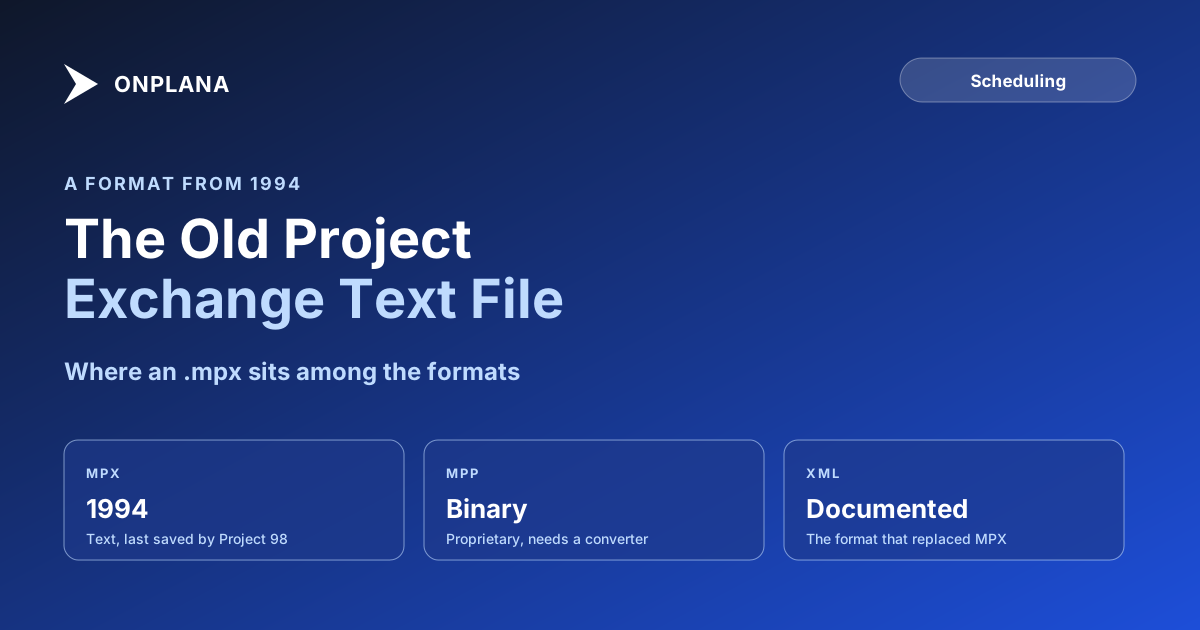
The diagram below puts the three on one timeline so you can see where an MPX file sits.
How do I open an MPX file today?
Use a tool that still reads the format. Microsoft Project could read MPX up to Project 2010 according to the same source, but you should not count on a current version accepting it. Two routes work in Onplana:
- Download Onplana Schedule, the desktop app for Windows and Mac, and open the .mpx file from it. It shows the Gantt and grid with the critical path and float, and lets you edit.
- Or import the file into an Onplana project. The importer accepts .mpx alongside .mpp, Project XML, Primavera P6 .xer and Excel or CSV, up to 50 MB, on every plan including Free.
Save the result as Project XML if you need to hand it back to Microsoft Project. Onplana Schedule writes a new XML file beside the original and never over it; it does not write .mpp.
Is an MPX file uploaded when I open it?
It depends on what is in the file, not what it is called. An MPX is not Microsoft Project XML, so in an import it is converted on Onplana's servers and the uploaded copy is deleted within 24 hours. A file whose contents are Microsoft Project XML is read on your machine and nothing is uploaded. Primavera P6 and other XML exports that are not Project XML are uploaded and converted, like an MPX.
What should I check after opening one?
Check the dates, because a format from 1994 predates much of what a schedule now carries. Compare the task count and the finish date with whatever summary came with the file. Working calendars do not come across in an Onplana import, which uses your organization's working calendar, so a project built around a custom calendar can land on a different finish. The free Schedule Health Check reads a file before you commit to it and flags missing links and constraint conflicts.
For the modern equivalents, see what an .mpp file is, what Project XML contains and opening an MPP file without Microsoft Project. To check the dependencies came across intact, follow importing an MS Project schedule without losing dependencies.
Run the free Schedule Health Check Upload your schedule file and see dangling tasks, constraint conflicts and the real critical path before you rely on the dates. No signup required. → Run the Schedule Health Check
Microsoft Project™ is a trademark of Microsoft Corporation. Onplana is not affiliated with Microsoft.
Frequently asked questions
What is an MPX file?
An MPX file is a plain-text project schedule in the Microsoft Project Exchange format, introduced with Microsoft Project 4.0 in 1994. It carries tasks, resources, assignments and dependencies so that one scheduling tool could hand a plan to another.
How do I open an MPX file?
Open it in Onplana Schedule, the free desktop app for Windows and Mac, or import it into an Onplana project. Current versions of Microsoft Project cannot be relied on to read it, so a tool that still supports the format is the practical route.
Can Microsoft Project still save MPX files?
No. Microsoft stopped offering MPX as a save format with Project 2000, and Project 98 was the last version to write it. Newer versions saved XML instead.
Is an MPX file uploaded when I open it?
In an Onplana import, yes. An MPX file is not Microsoft Project XML, so it is converted on Onplana's servers and the uploaded copy is deleted within 24 hours. Only a file whose contents are Project XML is read on your own machine with nothing uploaded.
What is the difference between MPX and MPP?
MPX is a readable text format built for exchange, while MPP is Microsoft's proprietary binary format. Both are older than the XML format that replaced MPX, and an MPP needs a converter to read.
Where does opening an MPX fall short?
An MPX is a 1990s format, so treat the import as a check, not a guarantee. Working calendars do not come across in an Onplana import, so confirm the finish date against the original.
Ready to make the switch?
Start your free Onplana account and import your existing projects in minutes.