Project Online Alternative Resource Management, Scored
A project online alternative resource management search should score five things: pool, capacity by role, generic resources, overallocation, leveling.
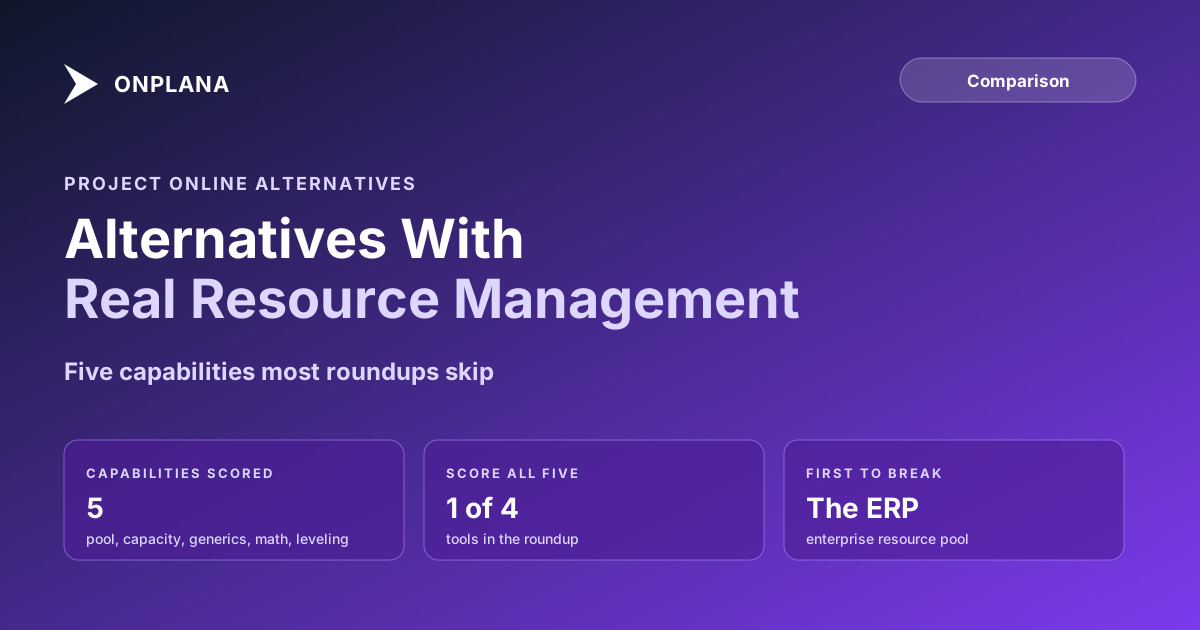
Most "Project Online alternative" roundups compare task boards: Kanban columns, due dates, maybe a Gantt view if the vendor has one. None of them compare the thing a real PMO actually built its operation on, which is the Enterprise Resource Pool. If your search is project online alternative resource management, not project online alternative task tracking, the roundup you want scores five specific capabilities: the resource pool itself, capacity by role, generic resource substitution, overallocation math, and leveling.
The Enterprise Resource Pool is a single, organization-wide catalog every project draws from, so a resource's total load is always computable across every project they touch, not just the one you're looking at. Capacity by role reports demand and availability by job function, not just by name. Generic resource substitution lets a PM staff a plan against a placeholder role before a named person is assigned. Overallocation math is the actual arithmetic behind "this person is at 140% this week," not a visual guess. Leveling is the engine that reschedules tasks to resolve that overallocation automatically. Most alternatives replicate one or two of these; almost none replicate all five.
Project Online Alternative Resource Management: The Capability Table
The table below scores four common Project Online alternatives against the five capabilities, based on each product's published capacity and workload features.
| Capability | Microsoft Planner Premium | Asana / monday.com | Smartsheet | Onplana |
|---|---|---|---|---|
| Enterprise Resource Pool (org-wide, not per-workspace) | No | No (workload is workspace-scoped) | Separate paid add-on module | Yes, native org-wide pool |
| Capacity by role, not just by name | No | Partial (per-person workload view) | Yes, in the add-on module | Yes, per-person weekly capacity with forecast |
| Generic resource substitution | No generic-resource concept | No, named seats only | No, named seats only | Yes, keeps named/generic distinction |
| Overallocation math (exact hours over capacity) | No | Partial (visual over-capacity flag) | Yes, in the add-on module | Yes, computed overage hours per resource per week |
| Automated leveling | No | No | No | Partial, via a free diagnostic tool with ranked reassignment suggestions |
The pattern across the row is consistent: task-board-first tools (Planner Premium, Asana, monday.com) treat a resource as a name attached to a task, not an object with capacity, a role, and a calendar. Smartsheet is the exception among the task-board tools, but its resource management lives in a separate paid module, not the core grid most teams buy first.
Why the Enterprise Resource Pool Is the First Thing to Break
The Enterprise Resource Pool is a single record per resource that every project in the tenant references: their calendar, their standard rate, their generic-versus-named status, their skill codes. That centralization is exactly what most alternatives don't replicate. Microsoft's own retirement announcement positions Planner Premium as the successor without claiming feature parity, and resource-pool depth is one of the gaps it doesn't paper over. A workspace-scoped workload view can only see the projects inside that workspace, so a resource split across three workspaces looks lightly loaded in each one, even if their real combined total is well past capacity. This is the same failure mode covered in the invisible math of resource overallocation: the aggregation gap, not the per-project view, is where the real risk hides.
Capacity by Role and Overallocation Math
Capacity by role answers a different question than capacity by name: not "is Sarah free next week" but "do we have enough senior developers next week, regardless of which one." Project Online's role-based demand planning let a PMO staff a plan before naming individuals. Losing that capability pushes staffing decisions later, when there's less room to react to a shortfall.
Overallocation math is the arithmetic underneath both questions: allocated hours divided by capacity hours, computed per resource per week, not eyeballed from a colored bar. The resource allocation heatmap computes this directly from an uploaded schedule file in about 30 seconds, which is the fastest way to see whether an alternative's workload view is showing you the real number or a rough approximation.
Generic Resources and Leveling: Where Most Alternatives Stop Short
Generic resource substitution and automated leveling are the two capabilities where the gap is widest. A generic resource, "Senior Developer" rather than a named person, lets a PMO model demand before recruiting or reassigning fills the seat. Task-board tools skip this because their data model assumes every assignee is already a real person with a login.
Automated leveling is the honest outlier: no mainstream alternative, Onplana included, ships a one-click "level now" engine identical to Project Server's. What Onplana ships instead is a free diagnostic tool that reads an uploaded schedule and returns ranked reassignment suggestions, which closes most of the practical gap without pretending to be the same algorithm.
Which Alternative Actually Fits Your Resource Model
If your PMO never staffed against generic roles and never ran true portfolio-wide capacity, a task-board tool is a fine landing spot and you won't miss what you never used. If your PMO ran the Enterprise Resource Pool in earnest, named and generic resources, cross-project capacity by role, real overallocation math, the honest answer is that only a purpose-built alternative closes most of that gap, and even then leveling stays a manual, tool-assisted step rather than a fully automated one. Score this capability set against your own resource pool before your migration locks in a destination that quietly drops half of it. The full alternatives comparison breaks down scheduling, portfolio, and governance fit beyond resource management alone, and the resource capacity migration guide covers exactly how the resource pool, generic resources, and rate cards carry across a migration once you've picked a target.
For a deeper, single-vendor comparison rather than a roundup, resource management in Onplana vs Project Online walks the same five capabilities side by side against one destination.
Run the free Resource Allocation Heatmap Upload a .mpp file and see real weekly overallocation by resource in about 30 seconds, the same math this post is scoring alternatives against. → Open the Resource Heatmap
Microsoft Project Online™ is a trademark of Microsoft Corporation. Onplana is not affiliated with Microsoft.
Frequently asked questions
What resource management capability do Project Online users lose first?
The Enterprise Resource Pool. It is the centralized, organization-wide catalog of named and generic resources every project draws from. Most alternatives replace it with a per-workspace or per-project workload view, which cannot see a resource's total load across every project they touch.
Does Microsoft Planner Premium have an enterprise resource pool?
No. Planner Premium has no organization-wide resource pool and no generic-resource concept. Workload data stays scoped to individual plans, so a resource assigned across five plans shows as lightly loaded in each one even if their combined total is well over capacity.
Which Project Online alternatives support generic resources?
Support is uneven. Onplana keeps the named-versus-generic distinction from the Enterprise Resource Pool. Planner Premium has no generic-resource concept at all. Asana and monday.com model a resource as a named person only, so a generic placeholder like "Senior Developer" has to become a real named seat before it can be assigned.
Do any alternatives automate resource leveling?
Not as a one-click, always-on algorithm the way Project Server's leveling engine worked. Most alternatives, including Onplana, surface overallocation through a capacity heatmap and let a PM manually reassign or reschedule from there; Onplana's free Resource Leveler tool goes a step further and suggests specific reassignment moves ranked by priority from an uploaded schedule.
Ready to make the switch?
Start your free Onplana account and import your existing projects in minutes.