Planner Premium vs Project for the Web: Naming Untangled
Planner Premium vs Project for the Web isn't a choice: Microsoft merged them in 2024-2025. Here's the exact naming timeline and which license you need.
The most common assumption behind a "Planner Premium vs Project for the Web" search is that these are two products to weigh against each other. They aren't. Project for the Web is the old name; Planner Premium is the current one for the same underlying engine, and Microsoft finished the rename during 2024 and 2025.
Planner Premium vs Project for the Web isn't a comparison because there's no second product left to compare against: Microsoft retired the Project for the Web name by August 2025 and folded its Dataverse-backed scheduling engine into Planner Premium, the paid tier of the unified Microsoft Planner. If you bought Project for the Web (or a Project Plan 3 or Plan 5 subscription that included it), you already have Planner Premium; nothing to migrate, nothing new to buy.
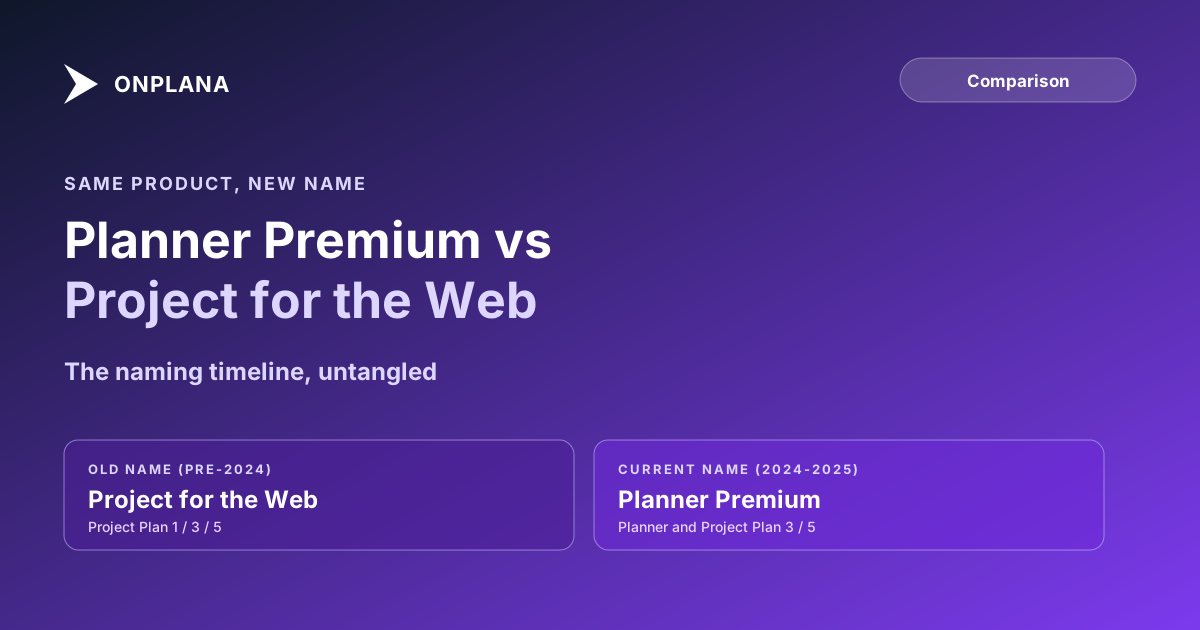
The direct answer: Planner Premium is Project for the Web under a new name. Microsoft renamed Project Plan 1 to Planner Plan 1 in April 2024, renamed Project Plan 3 and Project Plan 5 to Planner and Project Plan 3/5 in September 2024, and retired the standalone Project for the Web name by August 2025 in favor of Planner Premium. Existing subscribers kept their entitlements with no license change required; only the labels moved.
Planner Premium vs Project for the Web: The Naming Timeline
Microsoft has renamed this product line twice in six years, and each rename makes an older search query point at a name that no longer exists. The table below is the full chain from the original SharePoint-era names to today's.
| Old name | Current name | When it changed | What it actually is |
|---|---|---|---|
| Project Online Essentials | Project Plan 1 | 2020 | Cloud task view, no scheduling engine |
| Project Plan 1 | Planner Plan 1 | April 2024 | Same entitlement, Planner-branded |
| Project Online Professional | Project Plan 3 | 2020 | Mid-tier cloud PM with scheduling |
| Project Plan 3 | Planner and Project Plan 3 | September 2024 | Same entitlement, unified brand |
| Project Online Premium | Project Plan 5 | 2020 | Top enterprise cloud PM tier |
| Project Plan 5 | Planner and Project Plan 5 | September 2024 | Same entitlement, unified brand |
| Project for the Web (standalone) | Planner Premium | 2024-2025 | The Dataverse scheduling engine, now Planner's paid tier |
| Classic Microsoft Planner (task board) | Planner (free tier) | 2024-2025 | The free tier of the same unified app |
The diagram below lays the same chain out as a timeline.
The 2020 Rename: Project Online Tiers Get Plan Numbers
The first rename, in 2020, relabeled Microsoft's three Project Online cloud SKUs to match the rest of the Microsoft 365 naming convention: Project Online Essentials became Project Plan 1, Project Online Professional became Project Plan 3, and Project Online Premium became Project Plan 5. No entitlements changed; contracts and renewal paperwork from before 2020 frequently still use the old names, and both naming generations refer to the same underlying licenses. Onplana's Microsoft licensing guide walks through this generation in more detail, including where Project Server and the desktop clients fit into the same Plan 1/3/5 structure.
The 2024-2025 Rebrand: One Planner, Two Tiers
The second rename is the one causing today's search confusion. Microsoft consolidated its cloud task and project tools under a single "Microsoft Planner" brand: Project Plan 1 became Planner Plan 1 in April 2024, and Project Plan 3 and Project Plan 5 became Planner and Project Plan 3 and Planner and Project Plan 5 that September. By August 2025, the standalone Project for the Web product was retired, with its Dataverse-backed scheduling engine, dependencies, and timeline views becoming Planner Premium: the paid tier inside the same unified Planner app that also hosts the free, classic task-board experience. Microsoft's own FAQ on the rebrand is explicit that no migration or licensing change was required; existing Plan 3 and Plan 5 subscribers simply saw their entitlements presented under the new names.
Which License You Actually Need Today
If you're buying fresh rather than untangling an old contract, the practical mapping is simple. Light task tracking with no dependencies or scheduling math: the free Planner tier covers it, bundled into most Microsoft 365 plans already. Project scheduling with dependencies and a timeline view for a small team: Planner Plan 3 (the current name for what used to be Project Plan 3) is the entry point; the Microsoft Planner Premium pricing by team size breakdown shows what it costs once the Microsoft 365 licence underneath is counted. Full enterprise PMO depth, portfolio rollup, formal governance, an enterprise resource pool, and costed timesheets: this is where the naming stops mattering and the feature gap starts, because Planner Premium's current feature surface does not yet match everything Project Plan 5 carried. Why Planner Premium falls short for enterprise PMOs covers that gap in detail, task caps and field limits included.
What Genuinely Changed Beyond the Name
Two things are real changes, not just relabeling. First, the interface: classic Planner's task boards and the former Project for the Web's scheduling views now live in one app instead of two, so a team no longer has to decide which tool to open before starting work. Second, Copilot: Microsoft's stated rationale for the consolidation includes running the same AI assistant across both the lightweight task surface and the enterprise project surface, something that was harder to do cleanly across two separately branded products. Neither change alters what a Plan 3 or Plan 5 subscriber is entitled to; both are packaging and interface decisions layered on top of the same underlying entitlements.
For PMOs evaluating whether Planner Premium's post-rebrand feature set actually covers what an enterprise migration needs, Onplana vs Microsoft Planner runs the same comparison Plan 5 customers are making today, dependency depth, resource capacity, and governance, against a platform built for that depth from the start. The naming confusion is solved; the underlying feature-parity question, for teams that depended on Plan 5's enterprise primitives, is the one still worth working through on the Project Online alternatives comparison before committing to either path.
Microsoft Project Online™ is a trademark of Microsoft Corporation. Onplana is not affiliated with Microsoft.
Frequently asked questions
Is Planner Premium the same thing as Project for the Web?
Yes. Project for the Web was retired by August 2025 and its capabilities became the Premium tier of the unified Microsoft Planner. Anyone searching for a feature difference between the two is comparing an old name against its current name, not two different products.
What happened to Project Plan 1, Plan 3, and Plan 5?
They were renamed, not discontinued. Project Plan 1 became Planner Plan 1 in April 2024. Project Plan 3 and Project Plan 5 became Planner and Project Plan 3 and Planner and Project Plan 5 in September 2024. The entitlements underneath each plan number did not change.
Do I need to buy a new license after the Planner rebrand?
No. Microsoft's own guidance is explicit that no migration or licensing change is required. Existing Project Plan 1, 3, or 5 subscribers kept their entitlements and simply see them presented inside the unified Planner interface under the new names.
What is the difference between free Planner and Planner Premium?
Free Planner is the classic Microsoft 365 task board, boards and buckets with no cost beyond a standard Microsoft 365 license. Planner Premium is the tier that carries what used to be Project for the Web: dependencies, timeline views, and the project-management primitives Plan 3 and Plan 5 subscribers pay for.
Can I still buy Project for the Web as a standalone product?
No. Project for the Web is not sold under that name anymore. What you buy today is a Planner Plan 1, 3, or 5 subscription, and Planner Premium is the feature tier those Plan 3 and Plan 5 subscriptions unlock inside the unified Planner app.
Ready to make the switch?
Start your free Onplana account and import your existing projects in minutes.