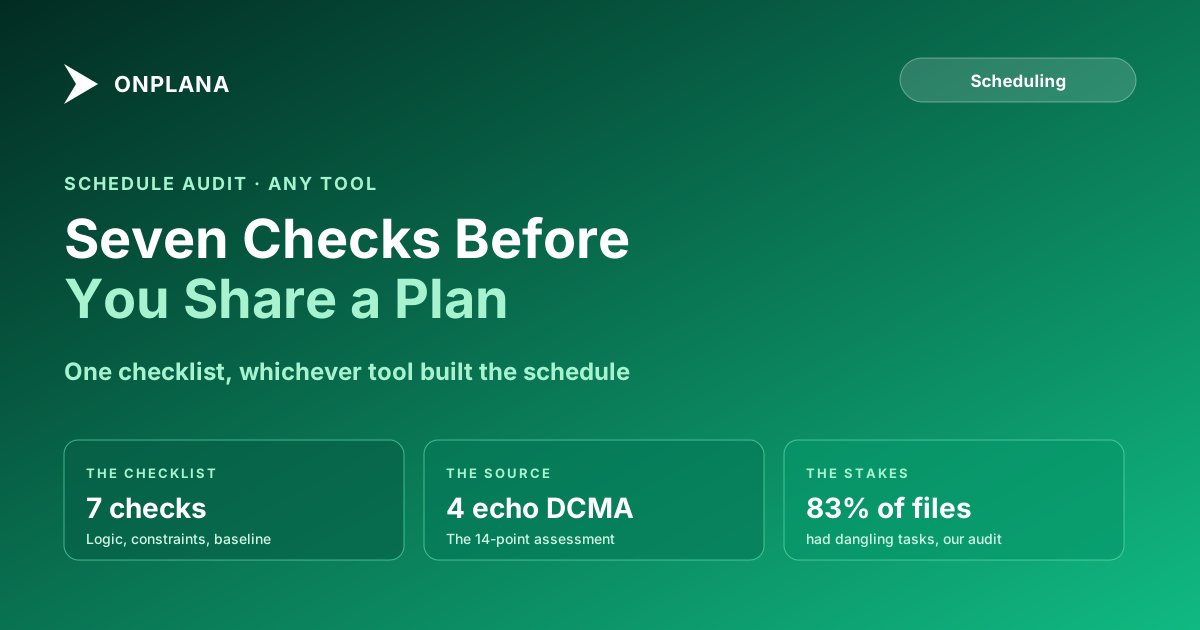
Project Schedule Health Check: 7 Fixes to Make First
Run a project schedule health check before you share a plan: seven checks, like open ends, hard constraints and no baseline, that work in any tool.
Onplana ran a structural audit across 500 real Microsoft Project schedules pulled from PMOs in 2026, the kind of files that get shared in a steering committee deck without anyone opening the dependency view first. Eighty-three percent of them had dangling tasks: work with no predecessor and no successor, invisible unless you go looking for it. That's not a Microsoft Project problem specifically; it's what happens to a schedule in any tool once nobody runs a project schedule health check before hitting share.
The direct answer: a schedule is ready to share once it clears seven checks, whichever tool built it: no dangling tasks, no milestones with nothing leading into them, no hard constraint quietly overriding the dependency logic, nobody booked past capacity, no placeholder durations standing in for real estimates, a baseline that's actually current, and a critical path that matches what the tool displays rather than what it displayed three revisions ago. Four of the seven map onto checks from the DCMA 14-point schedule assessment; the other three are things a PMO cares about that a formal government audit doesn't test at all.
In short. Before you share a schedule, check for dangling tasks, orphan milestones, overriding hard constraints, resource overallocation, placeholder durations, a stale or missing baseline, and a critical path that doesn't match the dependency graph. Four of these echo the DCMA 14-point assessment; three don't, and DCMA doesn't cover them either. Most are visible by sorting a few columns; the free Schedule Health Check automates several against an uploaded file.
The seven checks, in one pass
| # | Check | What healthy looks like | Echoes DCMA? |
|---|---|---|---|
| 1 | Dangling tasks | Every task has both a predecessor and a successor | Yes, the Logic check |
| 2 | Orphan milestones | Every milestone has something leading into it | Yes, an extension of Logic |
| 3 | Hard constraints | Few tasks carry Must Start On, Must Finish On, Start No Later Than, or Finish No Later Than | Yes, the Hard Constraints check |
| 4 | Resource overallocation | Nobody's peak weekly assignment exceeds 100% | No, but PMOs track it closely |
| 5 | Placeholder durations | Durations reflect real estimates, not round numbers like 5, 7, 14, or 30 days | Loosely, the High Duration check |
| 6 | Baseline currency | A baseline exists and has been reviewed recently, not just set once at kickoff | No direct check, but feeds CPLI and BEI |
| 7 | Critical path accuracy | The path the tool displays matches what the dependency graph actually computes | Yes, the Critical Path Test |
Where these checks come from
Four of the seven aren't invented for this post; they're the subset of the DCMA 14-point schedule assessment that generalizes past its original audience. The full methodology was built for defense contractors filing Integrated Master Schedules, and ten of its fourteen checks assume a formal contract baseline that most commercial PMOs don't have. Logic, hard constraints, the critical path test, and (loosely) high duration are the four that hold up regardless, and that post covers the full methodology and pass thresholds in detail rather than repeating them here.
The other three checks, resource overallocation, placeholder durations, and baseline currency, come from Onplana's audit of 500 real schedules: they were among the most common findings in files that had never failed a formal review, because nobody had ever run one.
Running the checks without a formal audit tool
- Sort by predecessor and successor count. Anything showing zero in both columns is a dangling task. A milestone with zero predecessors is an orphan.
- Filter constraint type to anything other than As Soon As Possible. For each result, compare the constraint date against the predecessor's actual finish date. If the constraint date is earlier, the constraint is currently overriding the logic.
- Open the resource usage view and filter for peak allocation over 100%. Check whether any of the flagged tasks sit on or near the critical path; that's where overallocation actually costs you time rather than just looking untidy.
- Scan durations for round numbers. Five, seven, fourteen, and thirty days show up disproportionately as placeholders rather than calculated estimates. A cluster of them is a sign nobody has revisited the original guess.
- Check whether Baseline Start and Baseline Finish are populated, and when the baseline was last set. No populated fields means no baseline at all; a baseline date from months ago with no re-approval since means the variance numbers are measuring against a plan nobody currently holds.
- Recompute the critical path and compare it to what the tool is currently flagging as critical. A mismatch usually traces back to one of the first five problems: a stale constraint, a missing dependency, or a resource conflict the tool never accounted for.
The diagram below shows all seven checks feeding into the same gate: a schedule doesn't need every check to be pristine to be useful, but a plan going in front of a steering committee should have cleared all seven, not just the ones that happen to be visible on the Gantt.
What a project schedule health check automates
The Schedule Health Check reads an uploaded .mpp or MSPDI XML file, up to 20 MB and 20,000 tasks, and runs eight analyzers against it. Against the seven checks above, it covers most of the ground directly: it computes the real critical path with a forward and backward pass and flags near-critical tasks sitting at a day or less of slack (check 7), it runs a sweep-line pass across assignments to catch anyone booked past 100% or 150% of capacity (check 4), and it walks the dependency graph for orphaned tasks and dangling milestones (checks 1 and 2). It also flags hard-constraint deadlines the dependency graph can't actually deliver (check 3), though not as a formal DCMA pass or fail threshold.
Two checks stay partly yours. The tool's duration finding is tasks estimated under two hours that probably needed decomposing, which catches the smallest placeholder durations but not an oversized round-number estimate like a 30-day task with no real basis (check 5); spotting that one is still a judgment call. And baseline variance (check 6) only exists if a baseline was already saved in the source file: no saved baseline means no finding at all, not a warning that one is missing, so confirming a current baseline is on the file before you upload it is still on you. For the structural issues a health check surfaces once a schedule already reached Microsoft Project specifically, 7 hidden killers in your MS Project schedule covers the MS Project-specific version of this problem in more depth.
The one check that needs a human, not a tool
Baseline currency is the check no automated pass can fully close, because "is this baseline still the plan the sponsor approved" is a judgment about intent, not a computation over dates. A baseline can be perfectly populated and three months stale at the same time, and nothing in the file distinguishes a baseline nobody has looked at from one that's still accurate because nothing changed. Before sharing a schedule, ask when the baseline was last reviewed against current scope, not just whether the fields are filled in.
If the schedule you just checked is one you'll keep working locally rather than sharing as a live plan, Onplana Schedule opens the same .mpp and MSPDI files directly on the desktop and shows the same critical path and float without an upload step at all.
Run the free Schedule Health Check Upload your
.mppor MSPDI XML file and get an 8-analyzer report on critical path, resource overallocation, dependency health, and constraint violations in under a minute. No signup, no credit card. → Run the Schedule Health Check
Microsoft Project™ is a trademark of Microsoft Corporation. Onplana is not affiliated with Microsoft.
Frequently asked questions
What should I check before sharing a project schedule?
Seven things, regardless of which tool built the schedule: dangling tasks, orphan milestones, hard constraints overriding the logic, resource overallocation, placeholder durations, baseline currency, and whether the displayed critical path matches what the dependency graph actually computes.
Is a project schedule health check the same as the DCMA 14-point assessment?
No. The DCMA assessment is 14 formal pass/fail checks built for government contractors. Four of them (Logic, hard constraints, the critical path test, and CPLI) generalize to any commercial schedule; the seven checks here borrow those four and add three a formal audit doesn't test, like resource overallocation and baseline currency.
Can I run a schedule health check without Primavera P6 or a DCMA contract?
Yes. Most of the seven checks are visible by sorting and filtering columns in any scheduling tool. The free Onplana Schedule Health Check automates several of them against an uploaded .mpp or MSPDI XML file in under a minute.
What counts as a dangling task?
A task with neither a predecessor nor a successor, or a milestone with nothing leading into it. Onplana's own audit of 500 real Microsoft Project schedules found at least one in 83% of files.
Does a schedule health check catch negative float or DCMA-style threshold failures?
Not automatically from every tool. The free Onplana Schedule Health Check computes the critical path and flags near-critical tasks and hard-constraint deadline overruns, but it doesn't score the formal DCMA thresholds; for that, use the dedicated DCMA walkthrough alongside it.
How often should a baseline be refreshed?
There's no universal rule, but a baseline older than 90 days with no re-approval from the sponsor is a common line PMOs use, since variance against a stale baseline stops meaning what a reader assumes it means.
Ready to make the switch?
Start your free Onplana account and import your existing projects in minutes.