Summary Task: How Parent Tasks Roll Up a Schedule's Dates
A summary task groups subtasks and takes its start, finish and duration from them. See the rollup on an example, the two rules planners break, and import.
A schedule can show a phase finishing on June 12 while the only task that ends that late is buried four rows down. Nobody typed June 12 into the phase. It came from the summary task doing its job, which is also why a wrong date underneath goes unnoticed above.
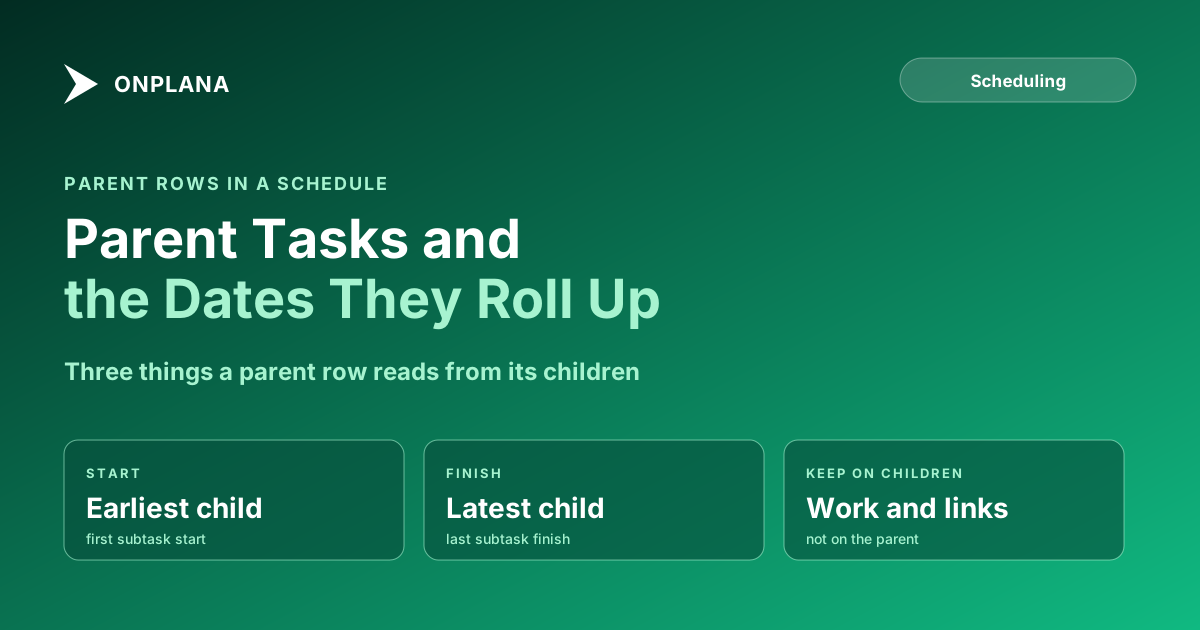
The short answer. A summary task is a parent task that groups its subtasks and takes its dates from them: it starts with the earliest subtask, finishes with the latest, and has no work of its own. Keep resources and dependencies on the subtasks, not the summary task. Microsoft's Project team described this rollup in a 2008 post on summary tasks and subtasks, and it is still how the field behaves in Microsoft Project.
How does a summary task roll up dates?
A summary task takes its start from the earliest subtask start and its finish from the latest subtask finish; its duration follows from those two dates. The diagram below shows a Design phase over three subtasks, with the phase bar stretching from the first start to the last finish.
| Summary task field | Where it comes from | Example |
|---|---|---|
| Start | Earliest subtask start | Interviews start Mon 1 Jun |
| Finish | Latest subtask finish | Design review ends Fri 26 Jun |
| Duration | The span between the two | Four working weeks |
| Resources | Should come from subtasks only | Assign people below, not here |
What rules do planners break with summary tasks?
Planners break two rules most often: they put work on the summary task, and they link dependencies to it. Both hide the logic the schedule exists to show.
- Put work and people on subtasks. Microsoft's guidance notes that Project treats a summary task like any task for allocation, so a person assigned to both the summary task and one of its subtasks can appear overallocated at 150% when they are not.
- Link the subtasks, not the parent. A link to "Design" says only that something follows the whole phase. A link from "Design review" says which task actually drives the date, and that is the one the critical path needs to see. See dependency types for choosing the link.
- Do not override a rollup quietly. In Microsoft Project a manually scheduled summary task stops rolling up its subtasks, so its dates can disagree with the work beneath it.
How are summary tasks different from a work breakdown structure?
A summary task is how a work breakdown structure appears in a schedule. The work breakdown structure guide explains how to decide what the levels are; the summary task is the row that holds a level. Split a task into subtasks only when the pieces can be finished and checked separately, as described in when to split a task. A real example with four summary tasks over fourteen work rows is in the worked project schedule.
What happens to summary tasks on import?
On import, the hierarchy should survive: each task stays under its parent. Onplana keeps outline levels and WBS codes when it imports an Excel or CSV breakdown, and tasks, dependencies, resources and costs from .mpp, Project XML and .xer files, per the import rules. After any import, compare three or four phase dates with the source file, because a manually scheduled summary task in the source may carry dates its subtasks do not support. The free Schedule Health Check reads a file before you commit to it, up to 20 MB and 20,000 tasks.
How does Onplana handle parent task dates?
A task with subtasks in Onplana can take its start and due dates from them: it starts with its first subtask, ends with its last, and moves when they move. You choose From subtasks or Set by hand on the task, or for the whole project in its settings, where Onplana shows which parent tasks will change before it applies. A task's own choice wins over the project's, and new projects start with From subtasks. The details are in the docs under dates from subtasks. For a schedule you keep working in a desktop app, see Onplana Schedule.
Check a schedule you already have Upload a project file to the free Schedule Health Check and read what it finds before you rely on the dates. No signup required. → Open the Schedule Health Check
Microsoft Project™ is a trademark of Microsoft Corporation. Onplana is not affiliated with Microsoft.
Frequently asked questions
What is a summary task?
A summary task is a parent task that groups the subtasks indented beneath it. It has no work of its own: its start, finish and duration are calculated from the subtasks.
How does a summary task get its dates?
It starts on the earliest start among its subtasks and finishes on the latest finish. If you move a subtask later than the others, the summary task finish moves with it.
Can you link a dependency to a summary task?
You can, but it is better not to. A link to a summary task hides which subtask actually drives the date, so link the subtasks that have the real relationship.
Should resources be assigned to a summary task?
Normally no. Assign people to the subtasks, because assigning the same person to the summary task and a subtask can show them as overallocated when they are not.
What happens to summary tasks when I import an MS Project file?
The hierarchy comes across, so tasks stay under their parents. Onplana keeps outline levels and WBS codes on import; open the imported plan and check the parent dates against the source.
Can a summary task be set by hand instead of from its subtasks?
In Microsoft Project, yes: a manually scheduled summary task does not roll up its subtasks. In Onplana, a task can take its dates from its subtasks or be set by hand, per task or for the whole project.
Where does this approach fall short?
Rollup only reports what the subtasks say. If a subtask has a wrong date or a missing link, the summary task carries the error upward and looks reliable.
Ready to make the switch?
Start your free Onplana account and import your existing projects in minutes.