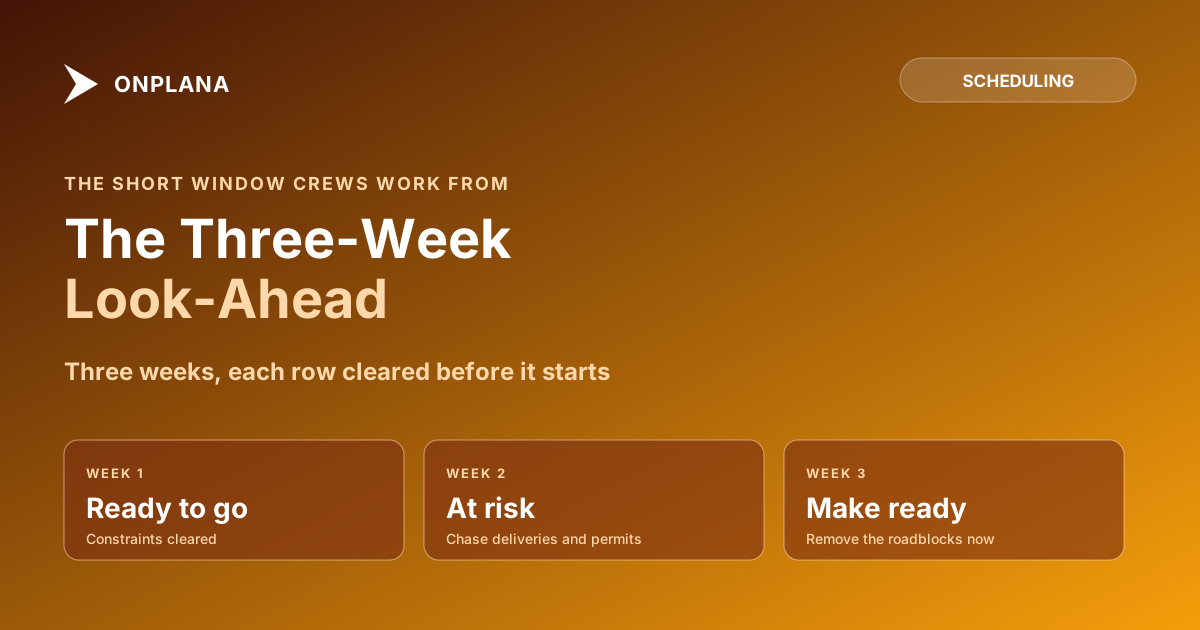
Look-Ahead Schedule: Building the Three-Week Site Plan
A look-ahead schedule is the next two to three weeks of the master schedule, in crew-level detail. Build one in five steps, with a worked three-week example.
The master schedule says the slab pours in week 14. It does not say the rebar inspector is booked for Thursday, the pump truck arrives at 6 a.m., or that the formwork crew is still on level 2. A look-ahead schedule is where those facts live. It is the next two to three weeks of the master schedule, broken into the detail crews work from and checked against every constraint that can stop them.
In short. A look-ahead schedule takes a two-to-three-week window of the master schedule, adds crew-level activities, and clears each one for materials, permits, inspections, crews and access before it starts. Review it weekly with the people doing the work, then feed what finished and what slipped back into the master.
Plan reliability is the reason the practice exists. Glenn Ballard's 2000 University of Birmingham thesis on the Last Planner System notes that earlier research found "substantial improvement in productivity" when firms raised plan reliability to the 70% level of Percent Plan Complete (Ballard, 2000). The Lean Construction Institute describes look-ahead planning as part of that system, alongside make-ready planning that gets upcoming work "in a condition so that it can be done" (Lean Construction Institute).
What goes in a look-ahead schedule?
Each row is an activity a crew can act on, not a summary of the master. At minimum, give every row:
- The activity and its location, in terms a foreman recognizes.
- The crew or trade responsible, and the named person who confirms it.
- Planned start and finish dates, inside the window.
- The constraints that must clear first: materials on site, permits, inspections, access, predecessor trades, equipment.
- A status for each constraint: cleared, open, or at risk.
An activity with an open constraint is not ready. That single rule is what separates a look-ahead from a shorter copy of the master.
How do you build a look-ahead schedule?
Build it from the master, never beside it, so the two cannot disagree about logic.
- Take the window. Filter the master schedule to the next three weeks, and include anything that finishes in that window or must start in it.
- Add the detail. Break each master activity into the pieces a crew plans around, such as one pour, one level, one inspection.
- Check every constraint. For each piece, ask what must be true to start: delivered, approved, inspected, accessible, unoccupied.
- Assign owners and confirm them. The foreman or trade lead agrees the dates, so the plan is a promise rather than an instruction.
- Review weekly. Roll the window forward by one week, and record what finished and what did not.
The diagram below shows the loop: the master schedule feeds the window, the window feeds the weekly plan, and results flow back.
What does a three-week look-ahead look like?
Here is a shortened example for a two-storey slab and frame, with the constraint that governs each row.
| Activity | Crew | Wk 1 | Wk 2 | Wk 3 | Constraint to clear | Status |
|---|---|---|---|---|---|---|
| Level 2 formwork | Formwork | Start, finish | Plywood delivery Monday | Cleared | ||
| Level 2 rebar | Steel fixers | Start, finish | Formwork complete; rebar delivery | At risk | ||
| Rebar inspection | Inspector | Thursday | Booking confirmed with the authority | Open | ||
| Level 2 slab pour | Concrete | Tuesday | Inspection passed; pump booked | Open | ||
| Level 3 columns | Formwork | Start | Slab cured; crane access | Open |
Read the Status column first. Three open or at-risk rows in week 2 tell the team where to spend the week: the rebar delivery and the inspection booking, before anything else.
How does the look-ahead feed back into the master schedule?
It feeds back through the weekly review, not through quiet edits. Each week, record which activities finished, which slipped and the reason. Update progress in the master. If a slip consumes float or touches the critical path, raise it there so the finish date reflects it; total float vs free float explains why that distinction matters, and the critical path method shows which slips move the end date.
Compare the master against its baseline to see the cumulative effect. The schedule variance guide covers the two ways to measure it.
Where does Onplana fit?
Onplana does not have a dedicated look-ahead view, so the look-ahead is a weekly practice you run against the master. The master lives on the Gantt, which on every plan includes the critical path, all four dependency types with lag, and baselines with schedule variance. The construction scheduling solution covers how that applies on site, and why construction schedules don't behave like IT schedules explains the logic differences. If your master came from Microsoft Project or Primavera P6, open it in Onplana Schedule or import it into a project, and the dependencies come across. For the wider picture, see project management for construction.
A look-ahead is only as good as the master it is cut from. Before you cut one, run the file through the free Schedule Health Check to catch dangling tasks, missing logic and broken links.
Run the free Schedule Health Check Upload your .mpp and see dangling tasks and missing logic before you cut a look-ahead from it. No signup required. → Open the Schedule Health Check
Frequently asked questions
What is a look-ahead schedule?
A look-ahead schedule is a short window of the master schedule, usually two to three weeks, broken into the detail crews work from. It lists each activity with its crew, dates and the constraints that must clear before it can start.
How long should a look-ahead schedule be?
Three weeks is the most common window, and two weeks suits fast-moving work. Use the window in which you can still remove a constraint, such as a late delivery or a missing permit, before it stops a crew.
What is the difference between a look-ahead schedule and a master schedule?
The master schedule holds the whole project's logic and dates at a coarse level. The look-ahead takes one window of it and adds crew-level detail and a check that materials, permits, inspections and access are ready.
Who prepares and reviews the look-ahead schedule?
The site or project manager prepares it with the foremen and trade leads, and the group reviews it weekly. The people who will do the work should confirm each activity, not just receive it.
How does a look-ahead schedule feed back into the master schedule?
Each week you record what finished, what slipped and why, then update progress in the master. A slip that eats float or moves the critical path is raised in the master, not absorbed on site.
Does Onplana have a look-ahead view?
No dedicated look-ahead view. You keep the master schedule on the Gantt, with baselines, and run the look-ahead as a weekly review against it.
Ready to make the switch?
Start your free Onplana account and import your existing projects in minutes.