Total Float vs Free Float: What Each One Actually Means
Total float vs free float is the same schedule producing two different numbers: one measures slack against the project, the other against the very next task.
Total float vs free float comes down to what each number measures slack against. Total float is how many days a task can slip without delaying the project. Free float is how many days a task can slip without delaying the very next task. They come from the same schedule, use overlapping inputs, and are frequently confused because most PMs learn "float" as one number instead of two.
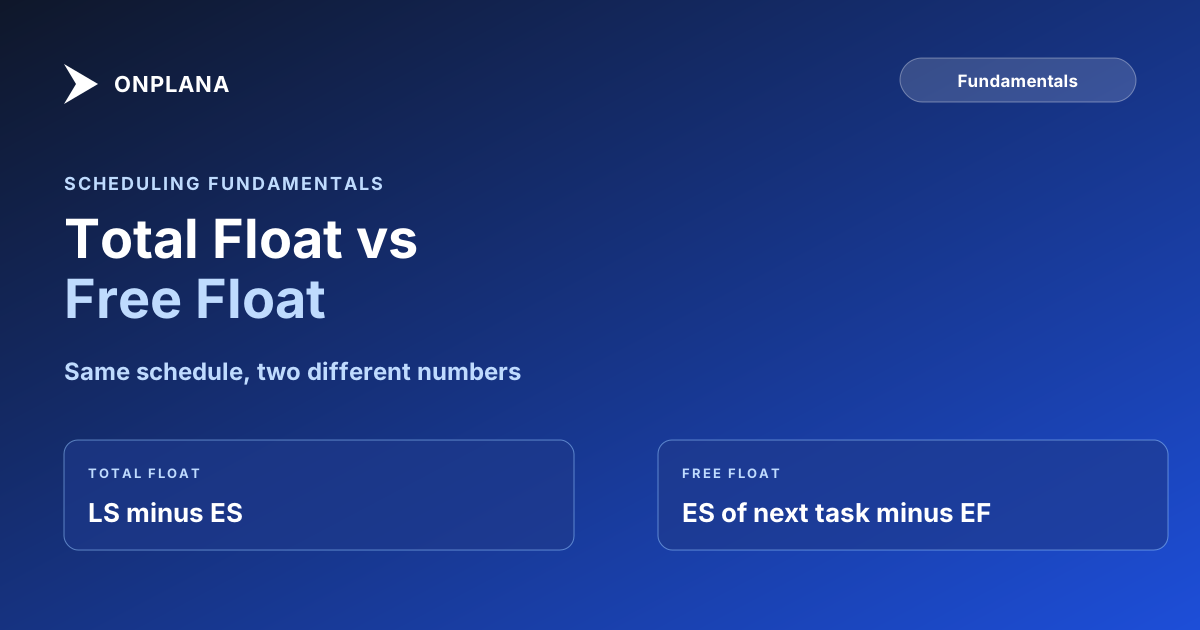
The direct answer: total float = Late Start minus Early Start (LS − ES), and it measures slack against the project end date. Free float = the successor's earliest start minus the task's own earliest finish (ES of successor − EF of task), and it measures slack against the very next task only. A task can carry real total float and still have zero free float, because the project end date is not the only thing a delay can threaten; the next task's start date is threatened first.
What Total Float Actually Answers
Total float answers "can this task slip without pushing out the project finish date?" It is the number every critical path calculation produces as a side effect: run a forward pass and a backward pass across the network, and total float falls out as LS minus ES for every task. A task with zero total float is, by definition, on the critical path. A task with 5 days of total float can run 5 days late and the project still finishes on time.
Total float is a project-level number. It does not care what happens to the tasks in between; it only cares whether the finish line moves.
What Free Float Actually Answers
Free float answers a narrower question: "can this task slip without delaying the task right after it?" The formula is the earliest start of the successor minus the earliest finish of the task itself. If a task has more than one successor, free float is the smallest of those values, because the tightest successor is the one that actually constrains the task.
Free float is local. It ignores the project end date entirely and only looks one step ahead. That makes it the earlier warning: a task can lose all of its free float and still not be on the critical path, but the moment it does, its successor's own schedule starts absorbing the delay instead.
The Worked Example: Where the Two Numbers Split
Take two non-critical tasks running in series, X then Y, that rejoin a critical task afterward. X starts on day 5 and takes 3 days (finishing day 8). Y starts right after X finishes, on day 8, and also takes 3 days (finishing day 11). The task they both feed into cannot start until day 14, which is where the 3 days of slack in this little chain actually lives.
Run the backward pass and both X and Y come back with 3 days of total float: neither one threatens the downstream task's day-14 start if the whole chain slips by up to 3 days. Free float is where they split. X's free float is the earliest start of its own successor, Y, minus X's earliest finish: day 8 minus day 8, which is zero. X cannot slip at all without immediately pushing Y's start later, even though the project itself would not notice for another 3 days. Y, sitting right before the merge, keeps the full 3 days as free float, because nothing sits between Y and the point where that slack is measured. The full network diagram and forward/backward pass for a complete schedule live in the CPM guide, for a worked example that carries all the way through a critical path calculation.
Total Float vs Free Float at a Glance
| Total Float | Free Float | |
|---|---|---|
| Answers | Can this slip without delaying the project? | Can this slip without delaying the next task? |
| Formula | LS − ES (or LF − EF) | ES of successor − EF of task |
| Reference point | Project finish date | The task's own immediate successor |
| Zero means | Task is on the critical path | Task's slip touches its successor right away |
| Can differ within a chain | Shared across a chain of non-critical tasks | Belongs to each task individually |
| Which is larger | Always greater than or equal to free float | Always less than or equal to total float |
| Best used for | Identifying the critical path | Spotting the earliest local warning sign |
Which One Should You Track Week to Week
Total float tells you whether a task is critical. Free float tells you whether a task is about to start causing trouble for its neighbor, before that trouble has any chance of reaching the project end date. A PM who only watches total float will miss the moment a non-critical task starts squeezing the task after it; a PM who only watches free float will miss slower, chain-wide erosion that eventually removes all the slack from a whole sequence of tasks at once. Track both by hand on a small schedule, or run the free Schedule Health Check against an .mpp file to get both numbers computed directly from the real dependency graph instead of a manual pass. Schedule buffer management covers how to size the reserve that absorbs this erosion before it reaches zero, and dependency types covers how the wrong dependency type can shrink both numbers without anyone changing a single duration. Both posts sit alongside this one in the wider scheduling fundamentals library.
Check your schedule's real float numbers Upload an
.mppor MSPDI XML to the free Schedule Health Check and get total float, free float, and the actual critical path computed from your dependency graph, not a rough manual estimate. No signup, no credit card. → Run the Schedule Health Check
Frequently asked questions
What is the difference between total float and free float?
Total float is how many days a task can slip without delaying the entire project. Free float is how many days a task can slip without delaying its immediate successor. Free float is always less than or equal to total float.
What is the formula for total float?
Total float equals Late Start minus Early Start (LS − ES), which is the same value as Late Finish minus Early Finish (LF − EF). A task with zero total float sits on the critical path.
What is the formula for free float?
Free float equals the earliest start of a task's successor minus the task's own earliest finish (ES of successor − EF of task). When a task has multiple successors, use the smallest resulting value across all of them.
Can a task have total float but zero free float?
Yes, and it is common in schedules with a chain of two or more non-critical tasks in series. The first task in the chain can carry the whole chain's total float while still having zero free float, because delaying it immediately delays its successor's earliest start even though the project end date does not move.
Which float should a PM track week to week?
Free float, because it is a local, immediate signal: it tells you a specific successor task is about to be affected. Total float is the number that determines whether a task sits on the critical path, so track both, but free float is the earlier warning.
Ready to make the switch?
Start your free Onplana account and import your existing projects in minutes.