AI for Construction Project Management: What Works Now
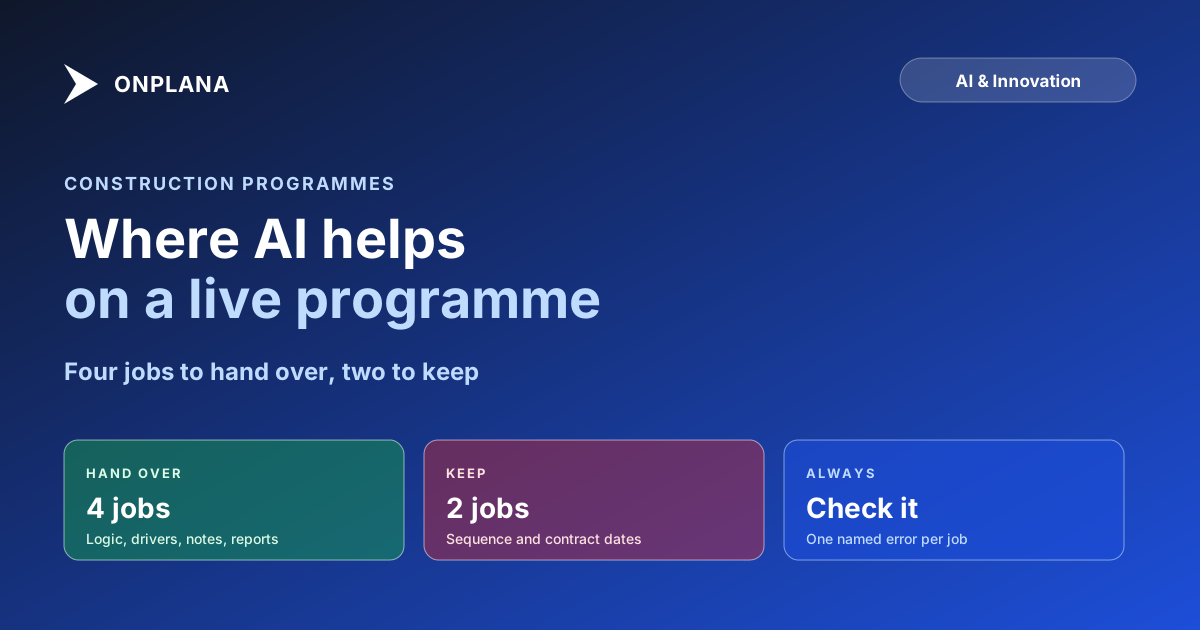
AI for construction project management works on four jobs today: logic checks, finish-date drivers, site notes and weekly reports. Two jobs stay with a planner.
McKinsey's 2016 research found that large construction projects typically take 20 percent longer to finish than scheduled. A late finish rarely comes from one bad decision. It comes from a programme whose logic was never checked and a finish driver nobody noticed until it slipped.
The direct answer: AI for construction project management works today on four jobs that read or restate a programme: finding logic gaps and float problems, flagging the activities whose slip moves the finish, turning a written site update into a task change, and drafting the weekly report. It should not sequence the work or set any date a contract depends on.
The short answer. Use AI to check and to draft; keep a planner on sequence and on contract dates. A construction programme punishes a confident wrong answer, so every AI output below comes with the one thing to verify before it leaves your hands.
What jobs does AI do well on a construction programme?
The jobs that work are the ones where the AI reads something that already exists and you can check its answer against the source. The diagram below sorts the six jobs a construction team asks about into the four to hand over and the two to keep.
How does AI review a construction schedule for logic gaps?
AI review of a programme starts with a rule-based check and adds a plain-language reading of what it found. Onplana's Schedule Health Check reads an uploaded file and scores it against the DCMA 14-point checks (logic, leads, lags, relationship types, hard constraints, float, duration and the rest), and every result names the tasks behind it. The DCMA 14-point assessment explained shows which four checks matter outside a government contract.
What to check: open the tasks it names. A check that reports "not assessed" means the file could not answer it, which is different from a pass.
How does AI flag the activities that move the finish?
The activities that move the finish are the critical path and the near-critical chains with little float. Onplana computes the critical path and total float with its own scheduling engine, and risk detection (Professional plan and up) reads schedule, budget, resource and scope risk and suggests mitigations.
What to check: the AI's list is a pointer. Trace the path through the Gantt yourself for the one or two activities it flags, because a confident wrong flag costs a planner an afternoon. The difference between construction and IT scheduling explains why float is contractual here and not just a planning metric.
Can AI turn a site update into task changes?
It can turn one written update into one task or one task edit. Onplana's natural-language entry reads a sentence such as "Pour level 3 slab by Friday, assign to Dana" and fills the task fields on every plan, Free included. It does not read a site diary or camera feed, and this post makes no claim that it does.
What to check: the date and the assignee it filled in. A "Friday" typed on a Sunday is a classic wrong-week error.
Can AI draft the weekly report for a project?
Yes, and this is the safest first job. Onplana's AI status summaries and report generation draft an executive summary from the project data, on every plan, subject to your AI token balance.
What to check: every figure against the programme. A draft that says the job is on track while the critical path has negative float is a failed check, not a nuance.
What should stay with a planner?
Sequencing and contract dates. Sequencing depends on physical precedence (concrete cures before steel is erected), crew commitments and site access, and none of it is reliably written into the file. Contract-dated milestones carry legal weight, so a planner owns them. Onplana's Suggest schedule proposes start and finish dates for a deadline you give it, checked against each link and the working calendar, as a preview you apply or discard (Professional plan and up). Use it to test an option, not to set a date.
| Job | Hand to AI? | Verify before you rely on it |
|---|---|---|
| Logic and float review | Yes | The tasks each check names |
| Finish-date drivers | Yes | The path, traced on the Gantt |
| Site update to task change | Yes, one update at a time | Date and assignee |
| Weekly report draft | Yes | Every figure against the plan |
| Sequencing the work | No | A planner owns it |
| Contract-dated milestones | No | A planner owns it |
Bring a Primavera programme in first. Onplana reads .xer files, so the construction scheduling page and what to test in construction PM software cover the import check before any of the above runs. For the wider list of jobs outside construction, see the AI features in Onplana.
Run the free Schedule Health Check Upload a programme and see which logic and float checks fail, with the tasks behind each one. No signup required. → Open the Schedule Health Check
Frequently asked questions
What can AI do for a construction project manager today?
It reads a programme for logic gaps and float problems, flags the activities whose slip moves the finish, turns a written site update into a task change and drafts the weekly report. It does not sequence the work or decide anything a contract date depends on.
Can AI replace a construction scheduler or planner?
No. Sequencing depends on physical constraints, crew commitments and contract terms that are rarely written into the file, so a planner still owns the logic. AI shortens the checking and the typing around it.
Can AI change my programme without asking me?
No. In Onplana, Suggest schedule produces a preview of proposed start and finish dates that you apply or discard, and nothing changes until you do. The risk to watch is a rushed approval, not an unattended edit.
Is an AI-suggested date safe to put in a contract notice?
No. Treat any date a contract or a notice depends on as the planner's, checked against the logic and the calendar. AI sounds equally sure when it is wrong, so a suggested date is a draft to test, not a commitment.
What does AI get wrong on a construction programme?
It is weakest where the facts are unwritten: a crane that is shared with another site, a trade that always arrives late, an inspection that is booked three weeks out. It can also invent a dependency that looks reasonable but has no physical basis.
Does Onplana's AI work on Primavera P6 programmes?
Yes, once the programme is imported. Onplana reads Primavera .xer files, and the schedule checks and AI features then run on the imported tasks and logic.
Ready to make the switch?
Start your free Onplana account and import your existing projects in minutes.