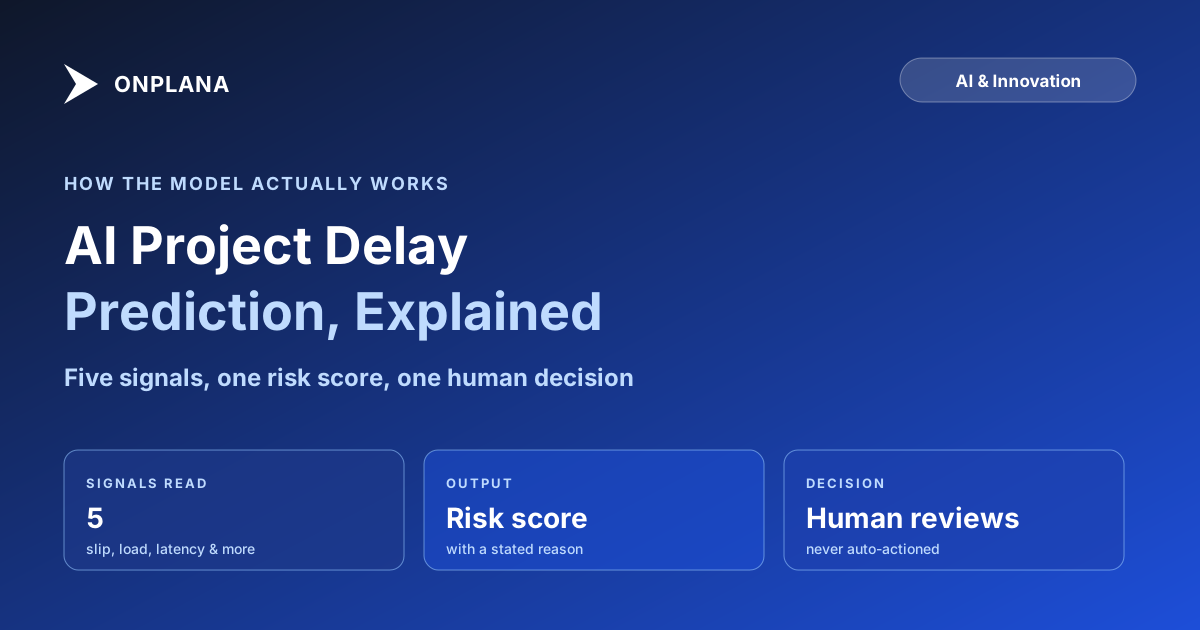
AI Project Delay Prediction: How It Actually Works
AI project delay prediction reads slip velocity, dependency depth, and assignee load to flag risk early. It scores probability, not an exact delay date.
AI project delay prediction is not a fortune-telling feature. It is a scoring system: a model reads signals already sitting in your schedule (how fast tasks have been slipping, how deep the dependency chain runs, how loaded each assignee is, how your estimates have historically compared to actuals, how long since a task was last touched) and outputs a probability that a specific task or milestone is going to miss its date. The output is a risk score with a reason attached, not a guaranteed new finish date.
A delay-prediction model reads five categories of signal already in the schedule, slip velocity, dependency depth, assignee load, estimate history, and update latency, then scores the probability that a task or milestone slips before the deadline arrives. It flags a risk with a stated reason for a human to review; it does not commit to an exact date, and it is only as good as the project history it has to learn from.
The Five Signals a Delay-Prediction Model Actually Reads
None of these signals are exotic. They are the same things an experienced PM scans for on a Monday morning, just computed continuously instead of once a week.
- Slip velocity. How often, and by how much, have this project's tasks already missed their planned dates. A schedule where three of the last five tasks slipped by 2+ days is a different risk profile than one where slips have been rare and small.
- Dependency depth. How many tasks sit downstream of a given task before the project milestone. A task 6 links deep into the critical path propagates a delay further than an isolated one with no successors.
- Assignee load. Whether the person or team assigned to a task is carrying more open work than their calendar can plausibly absorb this week. Overallocation is one of the most reliable early predictors of a missed date, because it is a resourcing fact, not a guess.
- Estimate history. How this project's (or this team's) durations have historically compared to actuals. A team that consistently finishes tasks 20 percent slower than estimated carries that pattern forward until the estimating habit changes.
- Update latency. How long since a task's status was last touched. A task sitting in "In Progress" with no comment, checklist movement, or status change for two weeks is a stronger delay signal than its due date alone suggests.
The diagram below shows how those five signals feed a single risk score, and why the score always carries a stated reason rather than showing up as an unexplained number.
What a Delay Prediction Actually Asserts
A well-built prediction is a probability plus a reason, not a promise. "68 percent chance this milestone slips, because three of its blocking tasks have had no status update in 10+ days" is a claim you can check against the underlying tasks and either agree with or dismiss. "This project will be late" with no supporting reason is not a prediction a PM can act on; it is a number with no argument behind it, and a model that only produces the number is not one worth trusting with a schedule.
This is also why prediction has to stay probabilistic rather than committing to a single new date. A model that outputs "new finish date: March 14" is implicitly claiming certainty about every future event between now and then, including ones it has no visibility into (a sponsor decision, a vendor delay, scope added next sprint). A model that outputs a probability and a reason is honest about the fact that a schedule risk is a pattern in the data, not a fixed outcome.
Where AI Delay Prediction Is Unreliable
Delay prediction is only as good as the history it learns from, which means it is weakest exactly where PMs most want help.
Brand-new projects with no track record. Without prior slips, estimate-accuracy data, or assignee-load history specific to this project, a model can only lean on structural signals like dependency depth. That catches some risk (a task with 8 downstream dependents is inherently higher-stakes) but misses the patterns that only emerge from watching a team's actual behavior over weeks.
Sparse or stale data. A project where tasks are batch-updated once a week, rather than moved through statuses as work happens, gives the model far less to read. Update latency stops being a useful signal when everyone updates in the same weekly ritual regardless of actual progress.
Structural change mid-project. A reorg, a scope cut, or a new PM taking over resets the learned pattern. The model keeps scoring against the old baseline until new data accumulates, so a prediction right after a major change deserves more skepticism than one three months into steady-state delivery.
Performative updates. If a team learns that low-effort status touches suppress the update-latency signal, the signal degrades without the underlying risk improving. A deterministic signal is only as honest as the process generating it.
Deterministic Signals First, AI Second
The mechanism that makes delay prediction trustworthy is the order of operations: compute the signal first, let AI explain it second. Onplana's risk detection runs this way across five dimensions, schedule, budget, scope, resource, and dependency, and slip velocity, dependency depth, assignee load, and update latency are computed directly from your project data before any model touches them. The AI's job is to turn "task X has been In Progress for 14 days with no update, 3 downstream tasks depend on it" into a readable flag with a probability attached, not to decide from scratch whether something is a risk.
That grounding matters because of what runs underneath it. Onplana's AI features run on both Claude and Azure OpenAI, with Onplana managing which provider serves each request and failing over automatically if one is degraded; this is handled at the platform level, not something a workspace admin configures per workload. Risk detection and the other advanced AI surfaces start on Onplana's Professional plan; core AI features (chat, plan generation, status summaries) are on every plan, Free included. Every flagged risk lands as a draft a PM accepts or dismisses, and dismissals feed back into how future runs weight similar patterns for that organization, so the system gets more calibrated to your team's actual behavior over time rather than staying generic.
If your team is evaluating whether early-warning signals would change how you run standups, the free Schedule Health Check computes the same structural signals, slip patterns, dependency depth, and stale tasks, against an uploaded .mpp file with no account required, so you can see what the signals look like on a real schedule before deciding whether prediction on top of them is worth adopting. The AI project management overview covers where delay prediction sits alongside the rest of Onplana's AI surfaces, and the architecture behind the dual-provider setup goes deeper on how the model layer itself is built. The broader project risk management guide covers the leading-indicator and escalation practices a PM builds around these signals once they're flagged, and the rest of the blog has the wider AI-in-PM series if you want the full picture.
Run the free Schedule Health Check Upload your .mpp file and see slip patterns, dependency depth, and stale tasks flagged in one pass, no signup required. → Open the Schedule Health Check
Frequently asked questions
How does AI predict project delays?
It reads deterministic signals already in the schedule (slip velocity, dependency depth, assignee load, estimate accuracy history, and how stale each task's last update is) and scores the probability that a task or milestone slips, before a human notices the pattern.
Can AI tell me the exact date a project will be late?
No. A reliable model outputs a probability and a reason, such as a 70 percent chance a milestone slips because three of its blocking tasks are stalled, not a guaranteed date. Treat the date as a scenario, not a forecast.
What data does AI delay prediction need to work?
History. It needs several completed tasks with real start, finish, and update timestamps to learn how your team's estimates actually perform against reality. A brand-new project with no track record gives the model nothing to calibrate against.
Is AI delay prediction reliable for a brand-new project?
Less reliable than for an established one. Without prior slip data or assignee load history, the model can only lean on structural signals like dependency depth, which catches some risk but misses patterns that only show up over time.
Does AI decide what happens when it predicts a delay, or does a person?
A person does. Delay predictions surface as flagged risks a PM reviews, accepts, or dismisses. No system should auto-reschedule a project or notify an executive without a human reading the flag first.
Ready to make the switch?
Start your free Onplana account and import your existing projects in minutes.