AI Task Management Software: What It Does for a Team
AI task management software splits into personal planners and team tools. Here is what each AI actually does, who approves it, and what it costs, dated.
Most AI task managers schedule one person's calendar. That is useful for a freelancer and close to useless for a team lead who needs AI working on a shared task list, where the hard part is not finding a free hour but agreeing who does what.
The short answer. AI task management software uses a language model to draft, sort, schedule or summarize tasks. The category splits in two: personal planners (Motion, Reclaim) that arrange one person's day, and team tools (Asana, ClickUp, monday.com, Onplana) where AI works on a shared list and a person approves the result. Teams should shortlist from the second group.
Pricing shows how the two groups differ. Asana's Starter plan includes 5 AI Teammate requests per user per month, and extra requests cost USD 0.50 each in prepaid packs (Asana pricing page, checked 12 November 2026). Team AI is metered, so the allowance matters as much as the feature list. To see the task-entry side before reading further, try AI task entry on the free plan.
What does AI task management software actually do?
It does four jobs, and tools differ on which ones they cover:
- Capture. Turn a sentence or a meeting note into a task with an owner and a date.
- Sort. Prioritize, group and flag what is overdue or at risk.
- Schedule. Place tasks on a calendar around meetings and deadlines.
- Summarize. Write the status update from the state of the list.
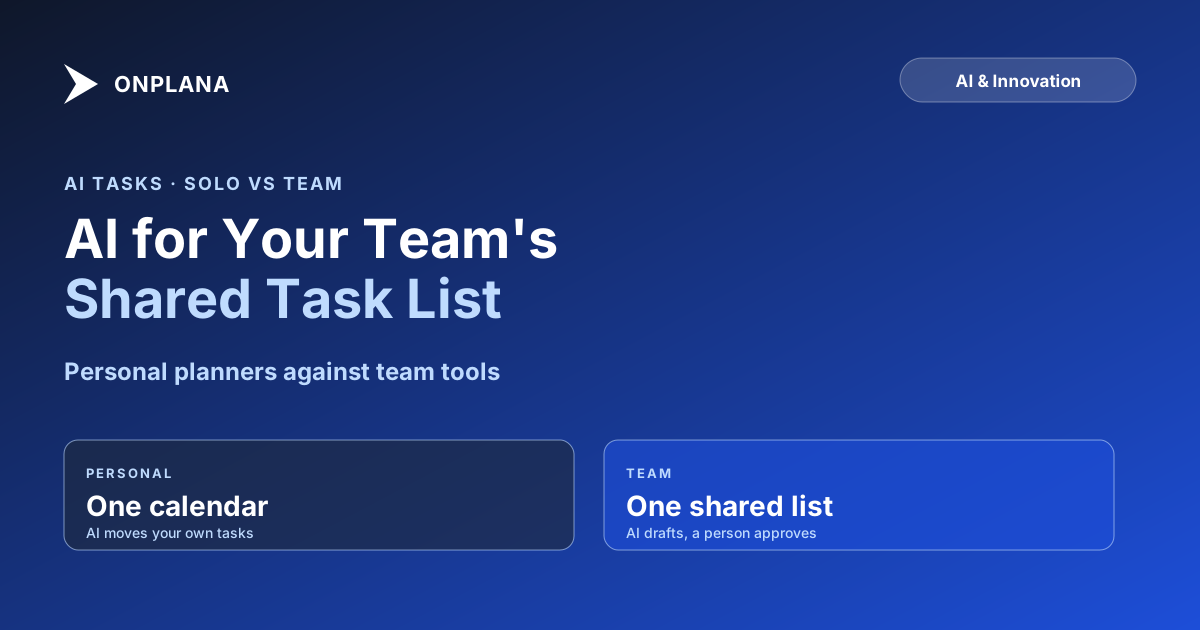
Personal planners lead with job 3. Team tools lead with 1, 2 and 4, because a shared list needs agreement more than it needs calendar Tetris. The diagram below shows the split.
How do personal AI planners differ from team tools?
A personal planner optimizes a single calendar and does not need anyone's agreement. Motion's Pro AI plan lists at USD 19 per seat per month and its Business AI plan at USD 29, with a "save 33%" annual option (Motion pricing page, checked 12 November 2026). Reclaim has a free Lite plan for one user, then Starter at USD 10 per seat per month billed yearly and Business at USD 15 (Reclaim pricing page, checked 12 November 2026).
A team tool works on a list several people own. The AI there is less about finding a free hour and more about writing the task, sorting the backlog and summarizing progress, then leaving a person to approve it.
Which AI task management tools compare for teams?
The table lists what each tool's AI does, who approves it, and what it costs. Prices are per seat per month billed annually unless noted, from each vendor's pricing page on 12 November 2026. Rows are ordered by category, not by quality.
| Tool | Type | What the AI does | Who approves | Free plan | Entry paid price |
|---|---|---|---|---|---|
| Reclaim | Personal | Schedules tasks and habits around meetings | You | Yes, 1 user | USD 10 |
| Motion | Personal | Plans tasks and projects, AI chat and docs | You | No, free trial | USD 19 (monthly billing) |
| Asana | Team | AI Teammates and AI Studio workflows | The task owner | Yes, 2 users | USD 10.99 |
| ClickUp | Team | Brain drafts tasks, docs and summaries | The task owner | Yes | USD 9 |
| monday.com | Team | AI credits for columns, summaries and automations | The task owner | Yes, 2 seats | USD 9 (1,000 AI credits a month) |
| Onplana | Team | Task suggestions, natural-language entry, status summaries | A person applies or discards | Yes, 5 members | USD 12 (Professional) |
Two honest notes. Onplana is not first here and is not the cheapest: ClickUp and monday.com start lower, and the three team tools beyond Onplana have larger integration ecosystems. And the AI allowance is where prices diverge most, so ask for the monthly credit count, not only the seat price.
What does Onplana's AI do on a shared task list?
Onplana puts AI task suggestions, natural-language task entry, task recommendations and status summaries on every plan, Free included, subject to the account's AI balance. Type "Design homepage by Friday for Sarah" and the task fields fill in. The Free plan gives a one-time starting balance of AI credits; paid plans add a monthly allowance, and purchased top-ups expire 90 days after purchase.
A task can also be handed to an in-app agent that drafts the deliverable. Nothing is sent or published until a person approves it in the review inbox. Onplana runs on Claude and Azure OpenAI, managed by Onplana with automatic failover, so there is no provider setting to configure. The AI project management feature page lists the rows, and the plan tiers are on pricing.
How do you choose between them?
Answer three questions in order:
- Whose list is it? One person's: shortlist Motion or Reclaim. A team's: shortlist team tools.
- Who must approve changes? If the answer is "a named person," pick a tool where the AI proposes and a person applies.
- What does a month cost at your seat count? Multiply the seat price by seats, then check the AI allowance against how often people will use it.
For a wider scored comparison of AI across planning, risk and reporting, see AI project management tools compared. For practical prompts, how to use AI for project management walks through them, and turning meeting notes into tasks covers the capture job in detail.
Where does AI task management fall short?
It drafts well and judges poorly. A model can turn a note into five tasks, but it cannot know that the third depends on a contractor who is on leave. Dates it proposes ignore commitments nobody wrote down. Keep a person accountable for the plan, review what the AI creates, and treat the AI balance as a budget line rather than an afterthought.
Try AI task entry on the free plan Type a task in plain English, review the fields the AI fills in, and decide whether it saves your team time. No card needed for the Free plan. → Start a free Onplana workspace
Frequently asked questions
What is AI task management software?
It is task software where an AI model drafts, sorts, schedules or summarizes work instead of only storing it. The category splits into personal planners that arrange one person's calendar and team tools that act on a shared task list.
Which AI task manager is best for a team?
A team tool that works on one shared list, such as Asana, ClickUp, monday.com or Onplana, fits better than a personal planner like Motion or Reclaim. Pick on what the AI changes, who approves it and what a month of use costs at your seat count.
Can an AI task manager change tasks without anyone approving it?
Some personal planners do reschedule your own calendar automatically, and that is the point of them. In Onplana the AI proposes and a person applies: suggestions arrive as a preview you apply or discard, and anything an agent drafts lands in a review inbox first.
What happens to the bill when a team uses AI heavily?
On most tools it rises, because AI is metered. Asana sells extra requests at USD 0.50 each in prepaid packs and ClickUp sells USD 10 per 10,000 credits, so check the allowance per seat before rolling a tool out to everyone.
Is AI task management accurate enough to trust?
It is accurate enough to draft and sort, and not accurate enough to run unreviewed. Treat every AI-created task or date as a proposal, and keep one named person accountable for the plan.
Can I try AI task management for free?
Yes. Onplana's free plan includes AI task suggestions and natural-language task entry, subject to a one-time starting balance of AI credits, and several other tools list a free plan with limits.
Ready to make the switch?
Start your free Onplana account and import your existing projects in minutes.