How to Use AI for Project Management, One Task at a Time
How to use AI for project management: five jobs to hand it today, what to give it for each, and the one error to check before you trust the output.
The Association for Project Management and Censuswide surveyed 1,000 project professionals and reported in September 2025 that 70% of organisations were using AI, up from 36% in 2023. The adoption question is settled. What most project managers still lack is a list of jobs to hand it and a check for each.
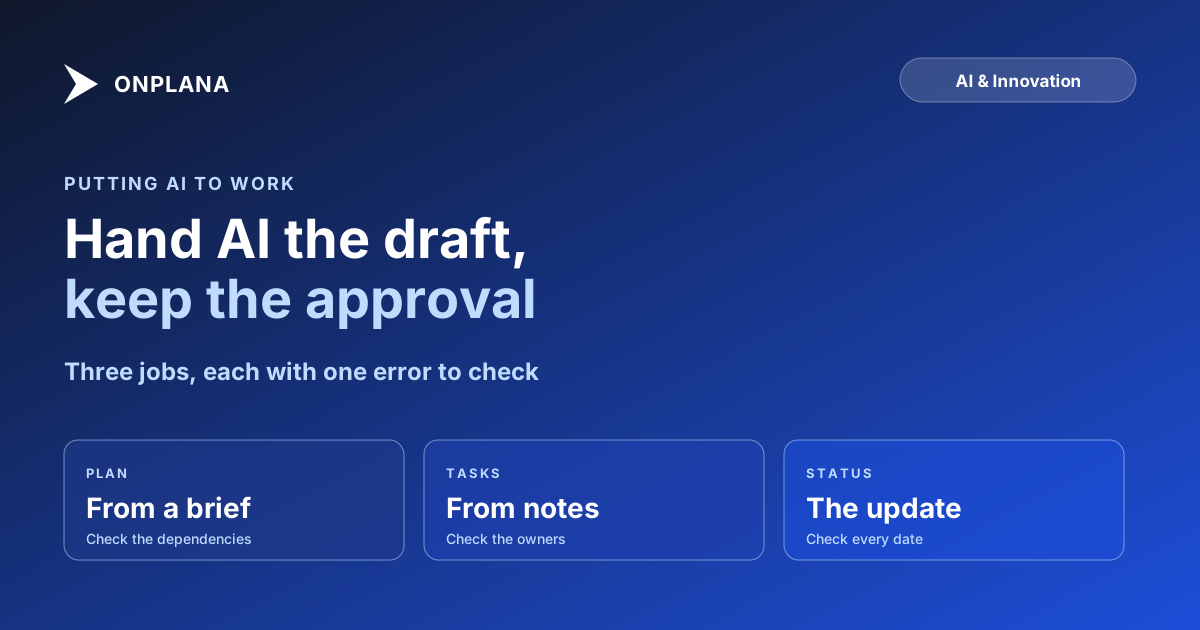
The direct answer: to use AI for project management, give it five jobs where you can verify the output against a source: draft a plan from a brief, turn notes into tasks, flag schedule risk, write the status update, and answer questions about the plan. For each job, supply the source material and check for one named failure, usually a confident date or an invented dependency, before anything leaves your hands.
The short answer. AI is a fast first draft, not a decision-maker. Hand it the typing and the pattern-spotting; keep the approval. The five jobs below cover most of the value, and each one has a single error worth looking for.
What jobs can you hand to AI in project management?
Five jobs account for most of the useful work, and each fails in a predictable way. The table pairs each with what to give the AI and what to check.
| Job | Give it | Check for | In Onplana |
|---|---|---|---|
| Draft a plan from a brief | A 2-3 paragraph brief with goal, deadline, team and constraints | Invented dependencies; durations that are plausible but unsourced | AI project plan generation, every plan |
| Turn notes into tasks | The raw notes and the attendee list | Tasks assigned to the wrong person; decisions recorded as actions | Natural-language task entry, every plan |
| Flag schedule risk | The live schedule, not a description of it | A confident warning about a task that is not on the critical path | AI risk detection, Professional and up |
| Write the status update | The finished, next and blocked lines | A date stated as fact that the plan does not support | AI status summaries, every plan |
| Answer questions about the plan | The project itself, in context | An answer that sounds right but cites no task | AI chat with project context, every plan |
Read the plan and tier details on the Onplana pricing page before you commit a team to one of them.
How do you draft a plan with AI?
Write the brief first and the plan second. A 10-word prompt returns a 10-word plan, so state the goal, the hard deadline, who is available and what cannot move. The AI returns tasks, subtasks and milestones as a draft; your job is to read the dependencies, because that is where it invents things. Delete any link you cannot explain, then set the durations yourself for the tasks you have done before. The AI project plan from a prompt guide shows a worked brief and the edits it needed.
How do you turn meeting notes into tasks?
Paste the notes with the attendee list, and ask for actions only, each with an owner and a date if the notes state one. The failure to check is attribution: AI assigns a task to whoever spoke last. Read each owner against your memory of the room. The AI meeting notes to tasks post covers what works and what fails in more detail.
How do you use AI to flag schedule risk?
Point it at the schedule itself, not at your summary of the schedule. Risk detection reads dates, links, float and allocation across the plan and surfaces tasks that look exposed, with a suggested mitigation. Treat each flag as a prompt to look, because a model can sound sure about a task with plenty of float. The diagram below shows the loop that keeps this safe for every job above.
How do you get AI to write the status update?
Give it three lines per workstream (finished, next, blocked) and ask for an update in the reader's terms. The failure is a date stated as fact, so check every date against the schedule before sending. The free Status Report Writer takes those lines and returns an audience-ready draft, and the AI status report guide covers what to feed it.
How do you ask AI questions about your plan?
Ask questions the plan can answer: what is overdue, what depends on this task, who is over capacity next week. Onplana's chat reads the project in context, so the answer comes from your tasks instead of general knowledge. Ask it to name the tasks behind any answer; an answer that cites none is a guess. Where a question needs judgment, such as whether to cut scope, the model can lay out options and a person has to choose.
What should you not hand to AI?
Hold back anything where the facts are unwritten or the consequence is hard to undo: scope decisions, sponsor negotiations, and anything sent outside the team without a read-through. The failure modes of AI project management lists the patterns to expect. For the wider picture of how these tools differ, see the AI project management software comparison, and for how Onplana builds the AI into the plan itself, read AI-native project management explained. The AI project management features page lists what each plan includes.
Try the free Status Report Writer Turn your finished, next and blocked lines into a status update you can check and send. No signup required. → Open the Status Report Writer
Frequently asked questions
How do I start using AI in project management?
Start with one job where a wrong answer is cheap to catch, such as turning meeting notes into a task list or drafting a weekly status update. Give the AI the source material, read the output against it, and widen the use only after you have caught its mistakes a few times.
What can AI do for a project manager today?
It drafts plans from a written brief, extracts tasks from notes, flags schedule and resource risk, writes status updates and answers questions about the plan. It does not decide scope, negotiate with a sponsor or know what happened in a hallway conversation.
Can AI change my schedule without asking me?
No. In Onplana the AI proposes and a person applies: Suggest schedule shows a preview you accept or discard, and an AI agent's output lands in a review inbox where nothing is sent or published until someone approves it. The risk to watch is a rushed approval, not an unattended edit.
Who is accountable when the AI is wrong?
The person who approved the output. AI shifts the typing from you to the model; it does not shift the sign-off. Treat every draft like work from a fast junior colleague who is never tired and sometimes confidently wrong.
Is it safe to put project data into an AI tool?
It depends on the vendor, so read the data terms before you paste anything sensitive. Onplana runs on Claude and Azure OpenAI, managed by Onplana with automatic failover, and sends the model the project context a request needs rather than your whole workspace.
What happens to my bill if the whole team starts using AI?
On Onplana the AI draws on a prepaid balance: a one-time bonus on the Free plan, a monthly allowance on paid plans, plus optional top-ups that expire 90 days after purchase. Heavy use runs the balance down faster, so check usage before you roll a workflow out to everyone.
Where does AI fall short in project management?
It is weakest where the facts are not written down: an unspoken dependency, a sponsor's real priority, a vendor who always slips. It also sounds equally sure when it is wrong, so a confident date or an invented dependency needs checking against the plan, not against its tone.
Ready to make the switch?
Start your free Onplana account and import your existing projects in minutes.