Gantt Chart With Dependencies in Excel, and Where It Stops
Build a Gantt chart with dependencies in Excel using WORKDAY formulas, then see the four places it breaks and how to move the sheet into a real scheduler.
Excel can draw a Gantt chart with dependencies, but only because you build the dependency logic yourself: a start-date formula that reads the predecessor's finish date, plus a bar chart drawn from those dates. Excel has no scheduling engine, so nothing recalculates a link for you. Raymond Panko's survey of spreadsheet research (What We Know About Spreadsheet Errors, 2005) reports field audits in which 90 percent of spreadsheets over 150 rows held at least one significant error, which is the risk every hand-built schedule carries.
In short. A Gantt chart with dependencies in Excel works for a short plan with one editor and finish-to-start links only. The method is a start formula built on WORKDAY and a stacked bar chart. It breaks on multiple predecessors, other link types, working calendars and shared editing, and at that point the sheet should move into a tool with a real scheduling engine.
How do you build a Gantt chart with dependencies in Excel?
Build the schedule as a table first and draw the chart second. The chart is only a picture of the dates, so the dependency logic lives in the columns.
- Create columns for ID, Task, Predecessor (an ID), Lag (working days), Duration (working days), Start and Finish.
- Type the start date of each task that has no predecessor.
- For tasks with a predecessor, set Start to the working day after the predecessor finishes, plus the lag:
=WORKDAY(INDEX($G$2:$G$40, MATCH(C3, $A$2:$A$40, 0)), 1 + D3) - Set Finish from the start and the duration:
=WORKDAY(F3, E3 - 1) - Insert a stacked bar chart using Start as the first series and Duration as the second. Set the first series to no fill and reverse the task axis so the first row sits at the top.
- Set the date axis minimum to the project start date, and add a conditional format on a grid of dates (
=G$1=TODAY()) if you want a today marker.
Change a predecessor's duration and every dependent start moves, which is the one thing a dependency is for. The diagram below shows that chain: a finish date feeds the next start through the formula.
Where does an Excel Gantt chart with dependencies stop working?
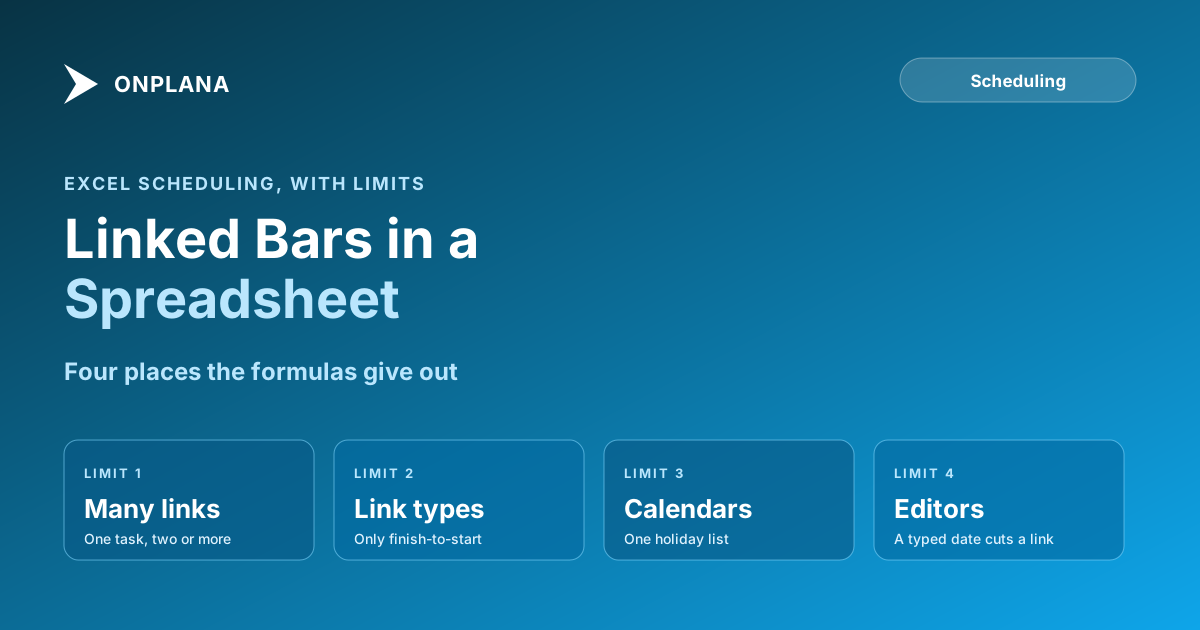
Four things break it, and each one is a limit of the sheet rather than of your formulas.
| Limit | What happens in Excel | What a scheduler does |
|---|---|---|
| More than one predecessor | The start formula needs a MAX across several lookups, and every extra link makes the formula longer | Takes the latest of all predecessor constraints |
| Link types other than finish-to-start | Start-to-start, finish-to-finish and start-to-finish each need a custom formula for that row | Four link types with lag, per Gantt chart dependencies |
| Working calendars | WORKDAY takes one holiday list, so a task on a different calendar needs its own formulas | Handled by the scheduling engine, not per-row formulas |
| Anyone else editing | A typed date replaces a formula silently | The link holds and the engine recalculates |
The first two are the ones people hit early. A task that waits on two others needs MAX over two lookups, and a start-to-start link means rewriting that row's start by hand, so the sheet slowly becomes a set of exceptions only its author understands. The four dependency types are the vocabulary to use when you document them.
The third and fourth show up late. Once a colleague overwrites a date to "just fix it", the chart still draws, so the broken link is invisible until a milestone moves and a dependent task does not.
When is Excel enough for dependencies?
Excel is enough when all of these hold: one person edits the file, every link is finish-to-start, the plan has a few dozen tasks, and you do not need a critical path or a baseline. In that case the formula method above is quick and costs nothing. Stop when any one stops being true, because the fix gets more expensive with every row you add.
How do you move an Excel Gantt chart into a real scheduler?
Import the sheet instead of retyping it. Onplana accepts Excel and CSV files through the same import pipeline as .mpp files, rebuilds the task hierarchy from an outline-level column, a WBS code, a parent column or indentation, and reads a Predecessor column as finish-to-start links. Details are in importing a project schedule from Excel or CSV.
A short checklist for the move:
- Replace the formula cells in Start and Finish with their values, so the import reads dates, not formulas.
- Keep the ID and Predecessor columns, and add an outline level if the plan has a hierarchy.
- Import the file, then check the dependency count against your sheet.
- Set any start-to-start, finish-to-finish or lag links in the Gantt, where they are enforced rather than typed.
The Gantt, the critical path, baselines and all four link types are available on every Onplana plan, including Free, so the move does not require a paid tier. See Gantt charts with critical path and import and export for what carries across, and task dependencies for the commercial overview.
Check the plan you already have with the free Schedule Health Check Upload a schedule file and see dangling tasks, broken logic and missing links before you commit to it. No signup required. → Open the Schedule Health Check
Frequently asked questions
Can Excel make a Gantt chart with dependencies?
Yes, but only by formula. Excel has no scheduling engine, so a start-date formula that reads the predecessor's finish date and adds the lag does the work a dependency link does in a scheduler.
Which formula links a task to its predecessor in Excel?
For a finish-to-start link, set the start to WORKDAY of the predecessor's finish plus one day plus the lag. Use INDEX and MATCH to look the finish up by task ID so the formula survives row inserts.
Does an Excel Gantt chart support start-to-start or finish-to-finish links?
Not natively. You can rewrite the start formula by hand for one task, but nothing in Excel understands the link type, so each exception is a custom formula that the next editor has to decode.
What happens when someone else edits the file?
The formulas keep working until someone types a date over one. A typed date silently cuts the link, and the chart looks fine because nothing marks the cell as overridden.
Can I move my Excel Gantt chart into a project management tool?
Yes. Onplana imports Excel and CSV schedules through the same import pipeline as .mpp files and reads a predecessor column as finish-to-start links. Check the import result and set other link types in the Gantt afterward.
Is it worth building dependencies in Excel at all?
For a short plan with one owner and finish-to-start links only, yes. Past a few dozen tasks, or once a second person edits the file, a scheduler pays for itself.
Ready to make the switch?
Start your free Onplana account and import your existing projects in minutes.