GitHub Project Management Integration: What to Sync
GitHub project management integration works as a one-way sync per data type: commits and issues flow to the PM tool, planning flows back to milestones.
Engineering work happens in GitHub: commits, pull requests, issues, code review. Portfolio visibility has to happen somewhere else, because a sponsor asking "when does this ship" isn't going to read a diff. GitHub project management integration exists to close that gap, and most attempts fail by trying to sync everything both ways, which just means the same status now disagrees in two places instead of one.
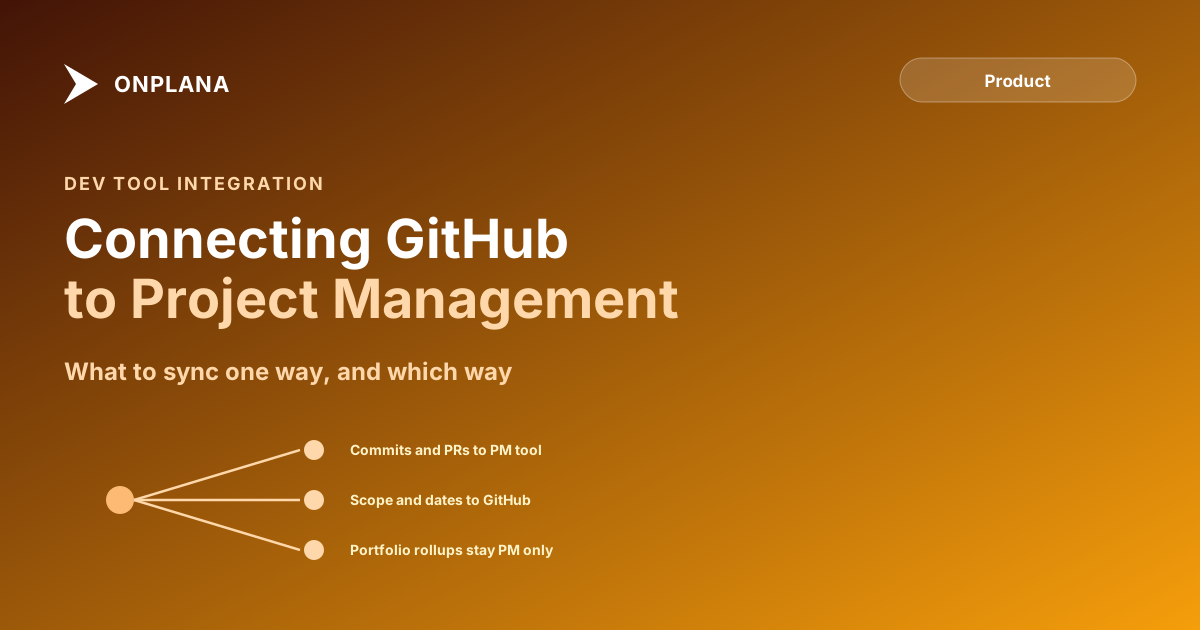
The integration that works picks a direction per data type instead. Commits, PRs, and issue status sync one-way into the PM tool as evidence of progress. Planning decisions, scope, sequencing, and target dates, sync one-way the other direction, from the PM tool into GitHub milestones. Nothing genuinely needs two-way sync, and treating everything as if it does is the mistake most integrations make.
The short version GitHub project management integration works best as a one-way sync per data type, not a universal two-way sync. Commits, PRs, and issue status flow one-way into the PM tool as evidence of progress; planning decisions flow one-way the other direction, into GitHub milestones. Two-way sync mostly recreates the double-entry problem it was supposed to fix, because both systems can now be edited and both can now disagree.
GitHub Project Management Integration: What Should Sync One Way?
| Data type | Direction | Why |
|---|---|---|
| Commits and PR status | GitHub to PM tool | Evidence of progress; engineers shouldn't have to re-report what git already recorded |
| Issue open/closed state | GitHub to PM tool | The repo is the ground truth for whether the code is actually done |
| Scope, sequencing, target dates | PM tool to GitHub milestones | Planning is a PMO decision; the repo shouldn't be where scope gets decided |
| Portfolio rollups, sponsor status | PM tool only | GitHub has no concept of a portfolio spanning multiple repos or projects |
The pattern in that table: whichever system is the ground truth for a given fact is the one that should originate it. Git is the ground truth for whether code shipped. The PM tool is the ground truth for what was planned and when. Neither should have write access to the other's ground truth, only read access to publish it.
The diagram below walks a data type through the same decision: does it originate in the repo, and if not, does it need to be visible to engineers without leaving GitHub.
Why Two-Way Sync Usually Backfires
Two-way sync sounds like the more complete solution, so it's the one most integration pitches lead with. In practice it recreates the exact double-entry problem it claims to solve: if a task's status can be edited in both GitHub and the PM tool, eventually someone edits it in one place while someone else edits it in the other, and now the two systems disagree about which value is current. Resolving that disagreement (which edit wins, and when) is harder than picking a direction up front and never having the conflict exist.
The one-way pattern also matches how the two tools actually earn trust. GitHub is trusted for code state because it's where the code lives; nobody argues with what git log says happened. A PM tool is trusted for planning because that's where the PMO does the planning. Each tool should publish the facts it owns and consume nothing it doesn't, which is exactly what a one-way sync per data type gives you.
How Do You Give Leadership a Portfolio View Without Doubling Developer Work?
Automate the ingestion, not the reporting. GitHub webhooks push an HTTP request the moment a subscribed repo event fires, so a PR merge or issue close can move a linked task to "done" in the PM tool without a developer touching the tool at all, the same push-based pattern Onplana's own webhook system uses to stay accurate without polling. The portfolio rollup itself, RAG status across a dozen repos, resource load across teams, milestone slippage by project, belongs entirely in the PM tool, because GitHub has no native concept of a cross-repo portfolio for it to compute in the first place.
For teams wiring this up themselves, a personal access token scoped narrowly to the linked project is the right credential for the automation to write back with, not a shared service account. And if the integration eventually needs an AI agent to read and act on both the repo and the plan rather than a fixed webhook, MCP versus REST APIs covers how that discovery model differs from wiring up a static integration by hand.
What This Doesn't Replace
GitHub Projects and similar in-repo boards are genuinely useful for a single engineering team tracking its own backlog. They stop being useful the moment a sponsor, a resource manager, or a PMO director needs a view spanning repos, teams, or non-engineering work, because none of that structure exists in a single repo's issue tracker. Treat GitHub as the source of truth for code state and the PM tool as the source of truth for the plan, and the integration between them stays simple enough that nobody has to remember to update it by hand.
Frequently asked questions
Should GitHub issues sync two-way with a PM tool?
No, in most cases. Issue and PR status should flow one-way from GitHub into the PM tool, since the repo is the ground truth for whether code is actually done. Letting both systems edit the same status field creates conflicts about which one is correct.
How do I give leadership a portfolio view without making engineers do double entry?
Sync commit, PR, and issue status automatically through GitHub webhooks so task status updates without a developer touching the PM tool, then build the portfolio rollup in the PM tool, which understands cross-repo, cross-project structure that GitHub doesn't have a concept of.
What should flow from a PM tool into GitHub, if anything?
Planning decisions: scope, sequencing, and target dates, published as GitHub milestones. This keeps engineers oriented on priority without requiring them to leave the repo, while the decision itself still lives where the PMO makes it.
Can GitHub replace a project management tool for a mixed engineering and business team?
Only for the engineering slice. GitHub has no native concept of a cross-repo portfolio, no resource capacity view, and no way to show a non-technical sponsor status without translating repo state into plain language first.
Ready to make the switch?
Start your free Onplana account and import your existing projects in minutes.